RSS
 

Posts Tagged ‘Shutter’

Nikon launches D610 full-frame DSLR with updated shutter mechanism

08 Oct

D610_24_85_front34r.png

Nikon has announced the much-rumored D610 24MP full-frame DSLR. Coming just a year after the D600, the D610 appears to be a very minor refresh, with a quiet continuous shooting mode, improved white balance and faster continuous shooting touted as its major changes. Beyond this, the D610 is essentially the same camera as the D600 and, given its launch at the same $ 2000 SRP, it’s extremely likely that the D610 replaces the older camera. Click through for more details.

News: Digital Photography Review (dpreview.com)

 
Comments Off on Nikon launches D610 full-frame DSLR with updated shutter mechanism

Posted in Uncategorized


Leaf Shutter + ND + Flash: A Fuji X100s Daylight Primer

01 May

Right about now I feel like Alice in Wonderland, holding the "drink me" cup. Having a leaf shutter, a built-in 3-stop neutral density filter and a real chip in a compact camera is opening up a whole new world of possibilities.

But with these possibilities come some quirks, some compromises and a few technical things to be mindful of. What you need to know about leaf-shutter compacts and daylight flash, below.

Read more »
Strobist

 
Comments Off on Leaf Shutter + ND + Flash: A Fuji X100s Daylight Primer

Posted in Photography


Blackmagic Design announces Super-35 4K camera with global shutter

09 Apr

Blackmagic4K.png

Blackmagic Design has announced the Production Camera 4K, a Super-35 format, 4K-capable camera with global shutter for smooth panning and image motion. The company says it will cost $ 3995. It can capture footage in Apple ProRes 422 HQ or losslessly compressed CinemaDNG Raw – promising 12-stops of dynamic range. The camera is built around a Canon EF mount and an internal SSD recorder to cope with the data rates. Blackmagic says it will be available from July 2013.

News: Digital Photography Review (dpreview.com)

 
Comments Off on Blackmagic Design announces Super-35 4K camera with global shutter

Posted in Uncategorized


Getting off Auto – Manual, Aperture and Shutter Priority modes explained

04 Apr

Macro image of a digital camera's controls set on autoYou may have heard that once you get a DSLR you need to learn to shoot in manual and only ever use that mode. That if you are using the Aperture or Shutter Priority you’re cheating and if you want to be more like a pro you have to shoot in Manual only, all the time. To that I say “horse pucky”! (if you’re old enough to remember M.A.S.H. you’ll get that reference).

What you’ll learn from this article:

  • what each of the A (Av), S (Tv) and M modes are, a definition of each
  • what types of situations I would choose each of them and why
  • some advantages of A (Av) and S (Tv) over manual
  • some advantages of Manual and when it’s the only choice
  • some things to look out for

The three manual shooting modes what are they?

  1. Manual mode: this mode puts you in full control of the three settings on your camera that control the exposure (commonly known as the exposure triangle).  ISO, aperture and shutter speed. In manual you will be making all of those choices.
  2. Aperture priority:  (A on Nikon, Av on Canon) this mode has you in control of two of the three exposure controls:  ISO and aperture.  The camera will select an appropriate shutter speed to give you a correct exposure.
  3. Shutter priority: (S on Nikon, Tv on Canon) this mode once again puts you in control of two of the three exposure settings, this time it is ISO and shutter speed.  The camera will select the aperture for a correct exposure.

There are of course other factors involved that will affect the exposure such as what Metering Mode you’re using and Exposure Compensation. More on the latter later.
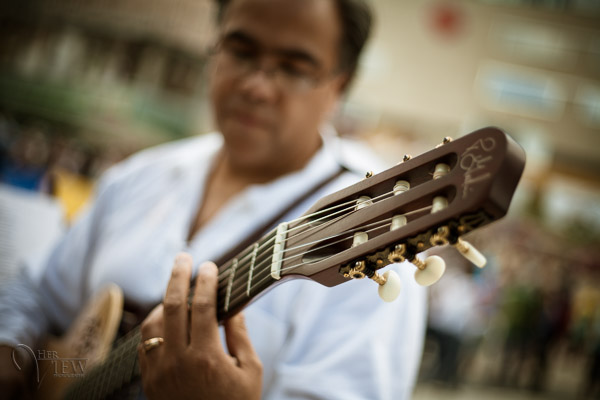
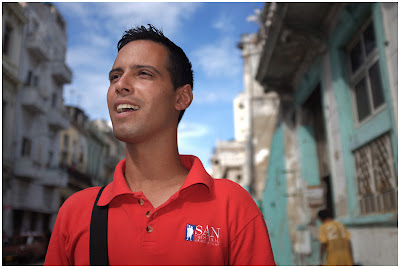
Shot in Aperture mode to control Depth of Field

Shot in Aperture mode to control Depth of Field

How do you decide which mode to use?

I actually use the Aperture and Shutter priority modes more often than I use Manual. How I decide which mode to use is based on my subject matter and what is my goal of the image as follows:

  • I choose Aperture Mode when I want to control depth of field (DoF) as my top priority.  Such as to create shallow DoF for a portrait, people photos, or any time I want a blurred background (choose a large aperture like f2.8 or f1.8). That also applies if I want a larger DoF as well such as for a landscape photo, group portraits, or shots where I want maximum detail and sharpness (choose a smaller aperture like f11 or smaller)
  • I choose Shutter Mode when my top priority is controlling motion, either freezing or blurry it. So freezing for subjects like sports or action and I will choose a faster shutter speed such as 1/500th or faster depending on the subject. Subjects like flowing water, waterfalls, or panning a moving subject I will select a slower shutter speed like 1/15th for panning and 2-5 seconds for flowing water. (for more on this topic read my article Using Shutter Speed to Freeze or Blur Motion)
  • I switch to Manual Mode in a few specific instances: doing a portrait where the subject is not moving; night photography; pretty much any time I’m using a tripod; doing HDR bracketed exposures (even though my camera does 7 on AEB I still use Manual when on tripod); when using studio lighting; certain times when using a speedlight (such as working in a dark room and I want to maintain some ambient light levels)

Here’s some example images taken with each of the modes as explained above.

Shot in Aperture mode to control Depth of Field

Shot in Aperture mode to control Depth of Field

Shot using Shutter Priority to use a panning technique and slow shutter speed
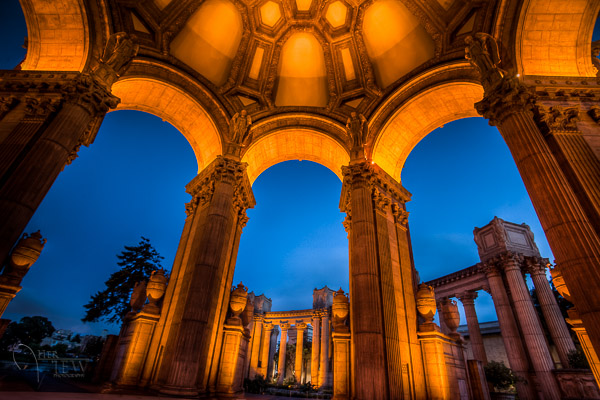
Shot using Shutter Priority to use a panning technique and slow shutter speed

Shot in manual mode for night photography challenges

Shot in manual mode for night photography challenges

Things to watch out for and keep in mind

ISO: remember that when you select either A or S mode you are still choosing the ISO
I usually select my ISO first, based on the lighting conditions I’m shooting in.  If it’s bright sunlight I go to 100 or 200.  If it’s subdued light, shade or overcast I might bump it up to 400. For indoors or dimly lit rooms I may go to 800 or higher up to 3200 if necessary (you need to test to know the upper limits of your ISO and where you’re comfortable shooting with your camera, mine will yield pretty decent results even at 6400 and beyond).How I know I’ve gone high enough with the ISO, is if I have a fast enough shutter speed to eliminate camera shake when hand holding.  If I’m on a tripod, I’m usually shooting a ISO 100 or 200 because I can use any shutter speed safely.

Check your shutter speed when in A mode
Just because the camera is picking the shutter speed does not mean it will give you a nice sharp image. Yes it will choose a shutter speed to give you the correct exposure, but if you set up your camera for ISO 100 at f16 in dark room you’ll wind up with a pretty slow shutter speed like 1/2 of a second perhaps, and without a tripod you’ll get blur from camera shake.So keep your eye on the shutter speed the camera is picking and if it is too slow (I suggest you follow the 1/focal length rule for minimum shutter speed – for more on getting sharp images read my article 5 tips for Getting Sharper Images) readjust the ISO, the aperture or both – picking a higher ISO will help, so will choosing a larger aperture like f4 as that will let the camera pick a faster corresponding shutter speed.
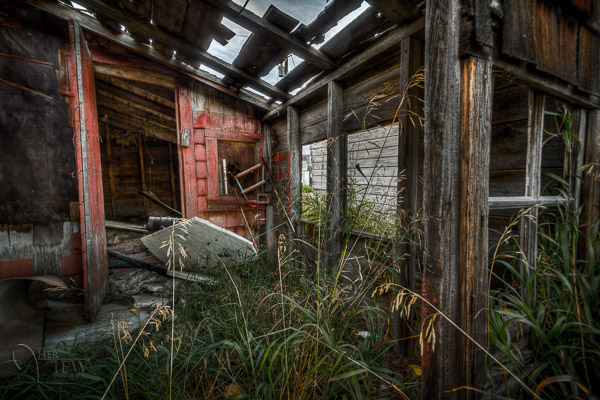
Multiple bracketed exposures using Manual for HDR processing

Multiple bracketed exposures using Manual for HDR processing taken during my Drumheller Workshop

Watch for exposure warning notices in A or S modes
Your camera is pretty smart but it can only work within its own limitations. So it will tell you if you’ve gone outside that boundaries of what it can adjust for you.  This will show up as a flashing warning in your viewfinder. I’ll give you an example for both Aperture and Shutter modes.

Scenario #1 in Aperture mode if you choose say ISO 800, F1.8 on a bright sunny day the camera will tell you there is simply too much light and give you a flashing shutter speed (your fastest) like 1/4000th of a second.  If you take the photo it will be overexposed which is what the camera is warning you above.  Choose a lower ISO or smaller aperture and try again until the warning is gone.

Scenario #2 in shutter mode in a darkened room with settings of ISO 400 and 1/1000th of a second you will likely get a flashing aperture shown in your viewfinder (the largest your lens goes to such as f3.5 or f5.6).  To correct this you need to choose a slower shutter speed and likely a larger ISO as well until that warning disappears.Side note: this is why kit lenses with a maximum aperture zoomed in of f5.6 become somewhat limiting. Grab yourself a simple 50mm f1.8 for low light conditions, it’s an inexpensive great lens to have in your bag
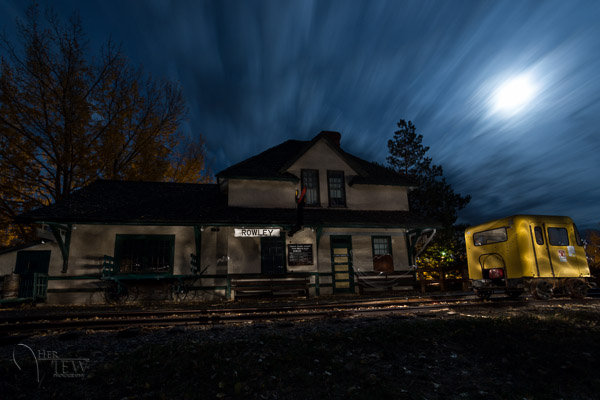
Painting with Light during night photography on my Drumheller workshop

Painting with Light during night photography on my Drumheller workshop

Exposure compensation in Manual
There is often confusion among students about using Exposure Compensation when in Manual mode.  This behaves differently depending in the camera you have, in Canons for example it just doesn’t apply, as it is has no affect. When using a Nikon if you shift the Exposure Compensation to say +2 what it does it adjusts the scale you see in your viewfinder to reflect that so if you then set the exposure to match the “0″ mark it will give you a +2 exposure. I’d personally find that even more confusing, so if you want +2 just set your exposure in Manual so that it shows +2 on the scale.

Summary

Steps I use are these:  

  1. choose ISO first
  2. decide whether motion or depth of field are most important and choose my shooting mode
  3. set my shutter speed or aperture for the results I want
  4. check for warnings and slow shutter speeds
  5. review image and correct as necessary

Tell me what you do and if you find this information helpful.

Post originally from: Digital Photography Tips.

Check out our more Photography Tips at Photography Tips for Beginners, Portrait Photography Tips and Wedding Photography Tips.

Getting off Auto – Manual, Aperture and Shutter Priority modes explained


Digital Photography School

 
Comments Off on Getting off Auto – Manual, Aperture and Shutter Priority modes explained

Posted in Photography


Satechi introduces BT Smart Trigger wireless shutter release for Canon

01 Mar

satechi_1.png

Accessory maker Satechi has announced the BT Smart Trigger, an iOS-controlled Bluetooth 4.0 shutter release for Canon DSLRs. It features multiple shooting modes including timelapse and long exposures, via the free Smart Trigger app. The trigger has a claimed battery life of up to 10 years and range of 50 feet. It is currently available for an introductory price of $ 44.99. An Android-compatible version will be available from March 2013.

News: Digital Photography Review (dpreview.com)

 
Comments Off on Satechi introduces BT Smart Trigger wireless shutter release for Canon

Posted in Uncategorized


Dragging The Shutter: Balancing Fill Flash With Ambient Light

17 Feb
Wedding receptions are notoriously dimly lit places that make use of a flash a must. In this shot, I wanted to balance the ambient light from the stage with my flash to create more depth to the image. EOS-1D X, EF 24-70 f/2.8L II. 600EX-RT Speedlite. 1/60, f/2.8, ISO 800.

Wedding receptions are notoriously dimly lit places that make use of a flash a must. In this shot, I wanted to balance the ambient light from the stage with my flash to create more depth to the image. EOS-1D X, EF 24-70 f/2.8L II. 600EX-RT Speedlite. 1/60, f/2.8, ISO 800. Photo by Rick Berk/kNot Photography

Shooting indoors with a flash can challenge the best of photographers. Many times, the goal is simply to create enough light to illuminate your subject, and background be damned.  The results, however, tend to be less than pleasing when we allow the flash to be the only light source.  Assuming there is some ambient light in the room, adjusting the settings in your camera can help allow that ambient light into your exposure and create more depth in your image.

Most cameras typically sync with a flash at around 1/200 or 1/250 of a second.  While this speed is fine for the flash alone, it is generally too fast a shutter speed to allow ambient light to factor into the exposure. This creates images with a brightly lit subject and a very dark background.  To allow more ambient light in, you’ll want to slow your shutter down.  Putting the camera into Manual mode will allow you to adjust your shutter speed to do this.  You can then also open your aperture as wide as it can go to allow as much light as possible into the scene.  This technique is typically known as “dragging the shutter”.

The problem with dragging the shutter is that if the shutter speed is too slow, any movement can cause a ghost image, ruining the shot.  So you’ll need to keep the shutter speed fast enough to avoid that.  This may not allow enough ambient light in, so you have one last option to allow more light in.  Adjusting the ISO.  By raising the ISO speed, you make the camera’s imaging sensor more sensitive to light, allowing that ambient light to show in the image.

For the image above, the stage lighting for the band created a nice background light, but my flash was too powerful and my shutter speed too fast at the maximum sync speed of 1/250. By slowing down the shutter speed to 1/60, I gained two stops of light sensitivity.  I also raised the ISO to 800 to allow the sensor to be even more sensitive.  This allowed the flash to illuminate the bride and groom, and the stage lighting to show brightly in the background.

Another way to do this is to change the shooting mode on your camera. For most cameras, shooting in Program or Automatic means the camera will treat the flash as the only light source, and disregard the ambient light for exposure. However, if you change the mode on your camera to Aperture Priority, the camera then sets the exposure based on the ambient lighting, and flash is simply treated as fill.  The one caveat with this is that the camera could choose a shutter speed that is too slow to safely hand-hold, creating ghosting or blur in your image.  You’ll want to keep an eye on the shutter speed, and if necessary, raise the ISO to give you a faster shutter speed.  Many cameras also have a setting, allowing you set a minimum shutter speed when using flash in Aperture Priority mode to help avoid ghosting.

Post originally from: Digital Photography Tips.

Check out our more Photography Tips at Photography Tips for Beginners, Portrait Photography Tips and Wedding Photography Tips.

Dragging The Shutter: Balancing Fill Flash With Ambient Light


Digital Photography School

 
Comments Off on Dragging The Shutter: Balancing Fill Flash With Ambient Light

Posted in Photography


10fps Shutter sound of Canon 1D MK3

14 Feb

10fps Shutter sound of Canon 1D MK3
Video Rating: 4 / 5


Different Shutter Times

12 Feb

Taken with a kodak easyshare DX7630 there is a shutter mode and i went from 1/1000, to 64″
Video Rating: 1 / 5

Guys this is a Dry Ice Bubble Blast in Slow motion (1000 fps) and this blast has occurred alot but barely any people filmed this blast in slow motion!! So yeh.. Enjoy ;D Slow motion is when the playback of a video clip appears to be slower than the natural speed of the events. This illusion can be done in several ways. Slo-mo use can be incredibly dramatic and add emphasis where needed in a story. Let’s take a look at what slow motion is and discuss some common uses for slow motion. Slow motion is when the playback of a video clip appears to be slower than the natural speed of the events. This illusion can be done in several ways. In the early days of filmmaking, the technique for doing slow motion effects was to overcrank the camera speed. This meant that the camera operator would increase the frame rate (frames per second or fps) by cranking faster to acquire more frames in the same amount of time. Then, the footage would be played back at the normal playback speed, producing the illusion that events are happening at a slower speed than what is natural. (We’ll explore this technique a little further in a second.) Later, along came digital video editing, which allowed an editor to slow the playback of a clip down with a click of the button, regardless of the frame rate. How amazing! Rather than acquire additional frames, you could simply tell your editing software what percent of the normal playback speed you’d like and voilà! – instant slow motion. The editing software
Video Rating: 5 / 5


Nikon D2X selfmade shutter repair manual PART 2/3

11 Feb

How I dissasembled a Nikon D2X and got a broken shutter and the whole camera back to life
Video Rating: 4 / 5


Canon 60D Open Shutter / Long Exposure

08 Feb

Here, I take different shots using my Canon 60D with the open shutter/ long exposure techique. I try different aperture settings at this time of night (21:00 – 21:30). My first shoot is at a place called Arthers Seat on the Mornington Peninsula. My second shoot was from a overpass walkway looking down on a freeway a few clicks from my first shoot. I hope this video helps some Canon 60D owners.
Video Rating: 4 / 5