RSS
 

Posts Tagged ‘Images’

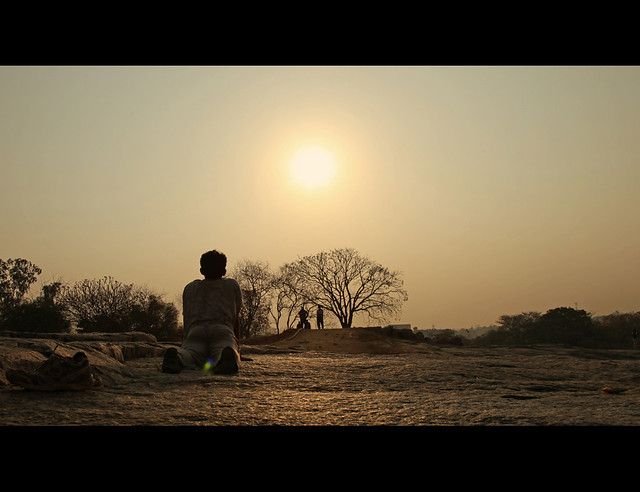
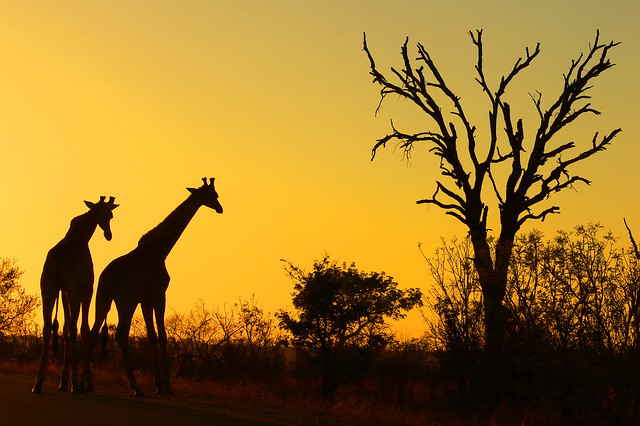
25 Shadow Images to Inspire You

19 Oct

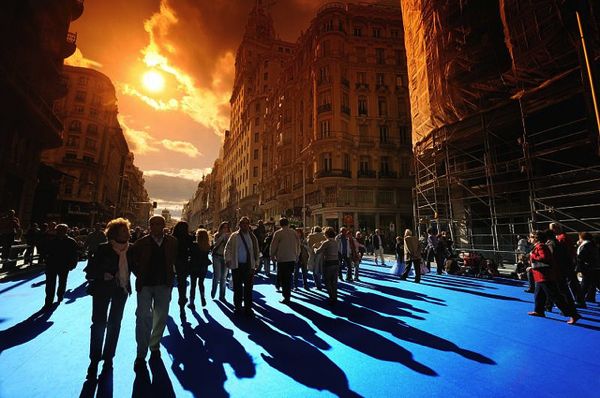
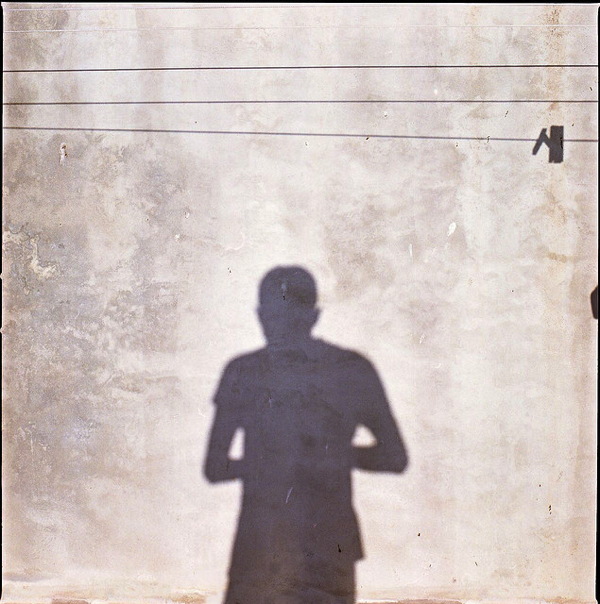
Image by padawan *(xava du)

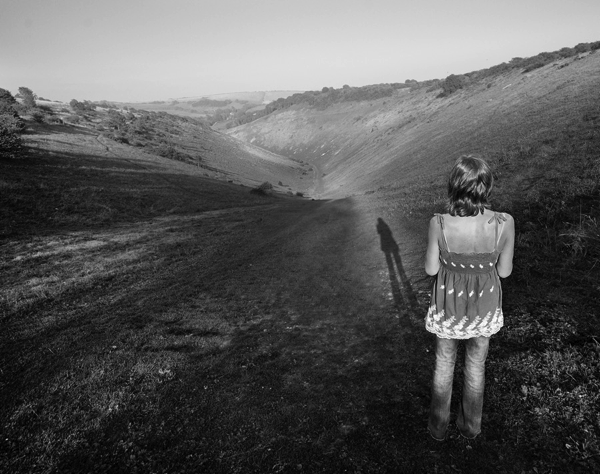
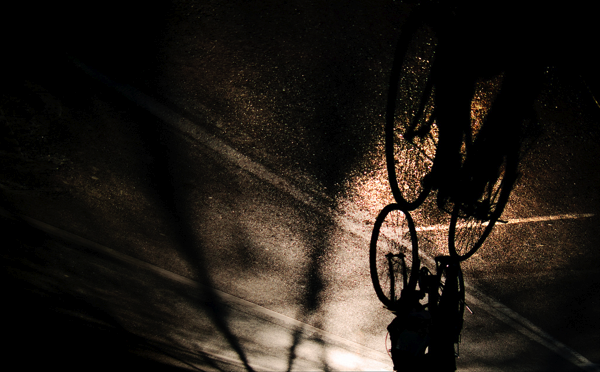
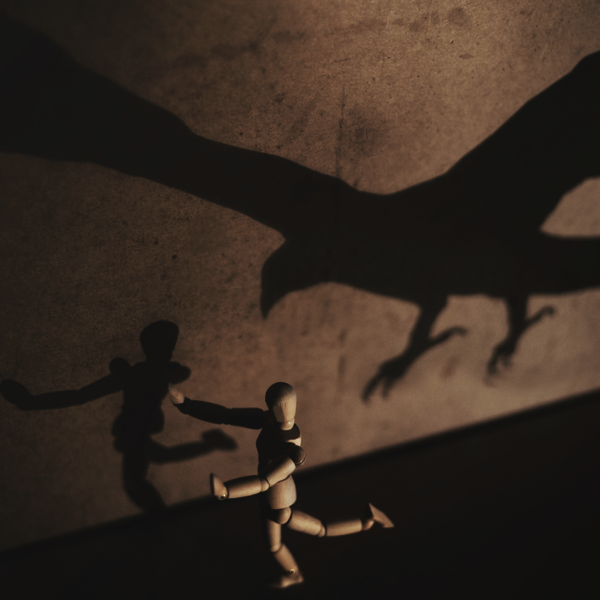
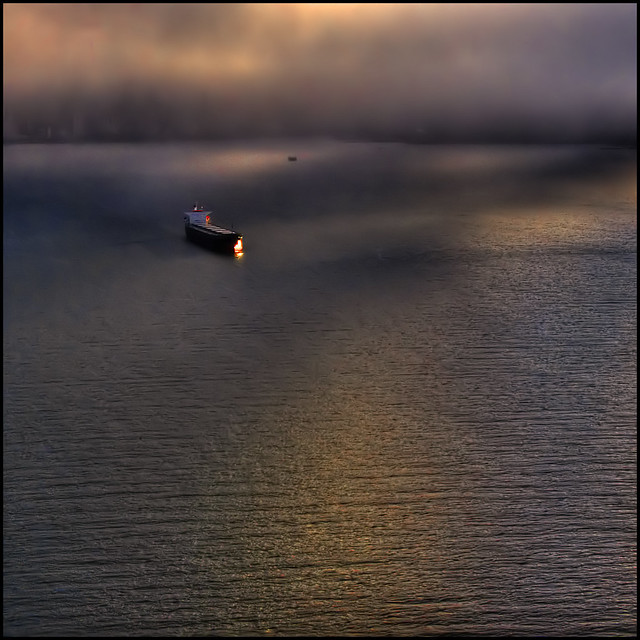
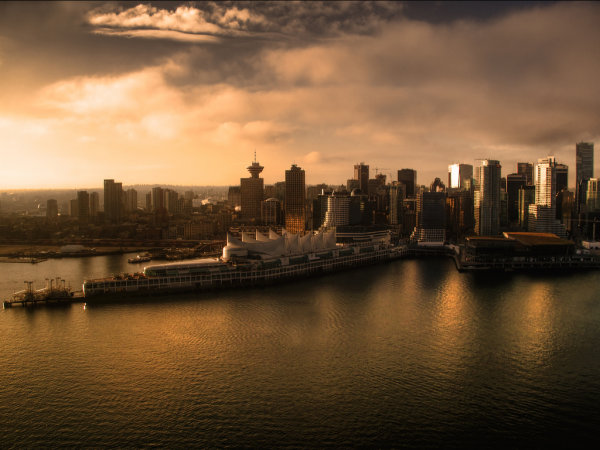
Today as I was pulling together some images for this weekend’s photo challenge (on the them of ‘Shadows’ – I’ll officially launch it later today) I found so many cool images that touched on the theme that I thought I’d pull them together into an image collection. I hope they give a little inspiration and a few ideas on how to tackle the challenge this weekend.

Image by seanmcgrath

Image by Raúl A.

NewImage

Image by Jose Maria Cuellar

NewImage

Image by Rob

NewImage

Image by Jonathan Kos-Read

NewImage

Image by Zev

Image by ElMarto

Image by thejbird

Image by d?nito

Image by icedsoul photography .:teymur madjderey

Image by Rufus Gefangenen

Image by NuageDeNuit

Image by Martino’s doodles

Image by Alexbip

Image by mugley

Image by Whatknot

Image by fabbriciuse

Image by Ric e Ette

Image by Greekadman

Image by ms4jah

Image by Rickydavid

Image by kevindooley

Image by Paulo Brandão

NewImage

Image by Davide Cassanello

Post originally from: Digital Photography Tips.

Check out our more Photography Tips at Photography Tips for Beginners, Portrait Photography Tips and Wedding Photography Tips.

25 Shadow Images to Inspire You

The post 25 Shadow Images to Inspire You by Darren Rowse appeared first on Digital Photography School.


Digital Photography School

 
Comments Off on 25 Shadow Images to Inspire You

Posted in Photography


3 Tips for Creating Dramatic Images using Motion

18 Oct

motion-dps-09

There is a common misconception that if your image isn’t tack sharp and free of motion blur then it isn’t a good image. I’d like to show you three ways you can use motion blur to add drama and interest to your photography.

Misconception: motion blur in photography = a bad image

I would disagree and say, not necessarily so! It really depends on the subject you are shooting and your intention as the photographer and artist. Using blur can add interest and show implied movement in the image. It can help add a feeling of speed. If your are shooting a subject like sports, for example, you have use a fast lens and fast shutter speed to freeze motion at the peak of the action. OR you can introduce intentional motion blur by using a slower shutter speed to add a sense of speed. Neither is right or wrong, they’re just different. You get to choose and if you aren’t sure, do both!

Three tips for adding motion to your images

  • panning a moving subject
  • long exposures for affect
  • zooming or moving the camera during the exposure

Let’s look at each in more detail.

PANNING

DandC-Feb2013-0011-PPT

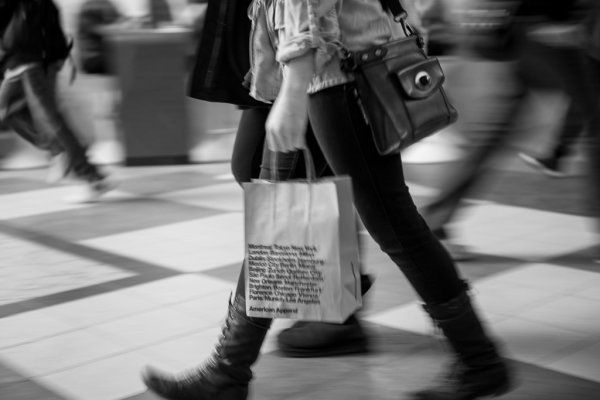
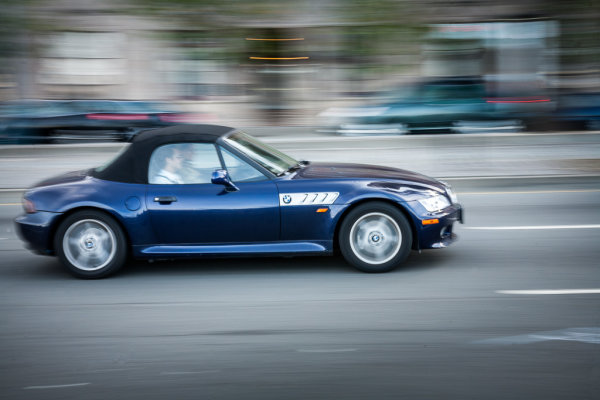
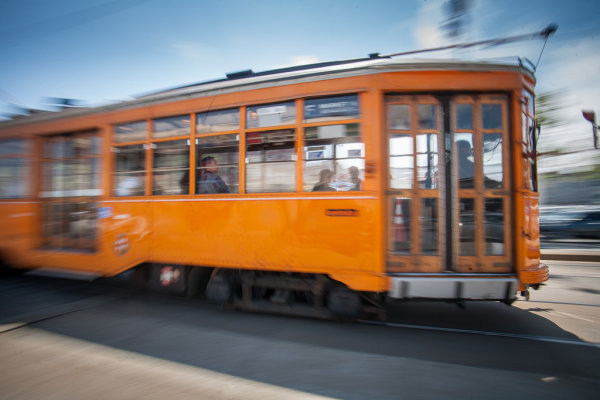
Panning is a technique for photographing moving subjects which allows you to get the subject relatively sharp, and blur the background. This adds a sense of speed and works particularly well when you have a background that is unattractive or distracting. The basics behind panning is you choose a slow shutter speed, and move your camera to follow the subject. Here are some tips on setting your camera for panning and giving it a try.

  • use high speed or “burst” shooting mode to take multiple images while holding down the shutter button
  • select Shutter Priority on your mode dial
  • start with 1/30th of a second and adjust slower and faster as necessary
  • practice following the moving object after it passes by
  • just like in golf, follow through is the key. Point your camera towards the approaching subject, shoot and follow them as they move through your field of view, and keep following their motion even after you stop shooting.

It takes a little bit of practice and a lot of trial and error but can result in some really stunning and creative images. Try shooting the same subject using a fast shutter speed and freezing the motion, then try panning and compare. It’s not something you will use for every subject, but it’s a good technique to have in your bag of tricks!

Here are a few examples of panning.

SanFran-2012-1090-PPT

1/25th of a second panned

DandC-June13-0092-PPT

1/30th of a second, panned

SanFran-2012-0893-PPT

1/25th of a second, panned

LONG EXPOSURES

By long exposures I’m taking about a shutter speed slower than you would usually be able to hand hold the camera. There are many reasons to use long exposures including: moving water, capturing star trails at night, car headlights moving through your scene, and night photography in general. You will need a sturdy tripod, a remote trigger to fire your camera and time. I say time for two reasons: one you will have to wait for some really long exposures sometimes, especially star trails; and two because you will need time to shoot, adjust and correct. A lot of photography is trial and error and in this age of digital photography we have the huge benefit of being able to have instant feedback so we can correct or adjust in the field and continue shooting.

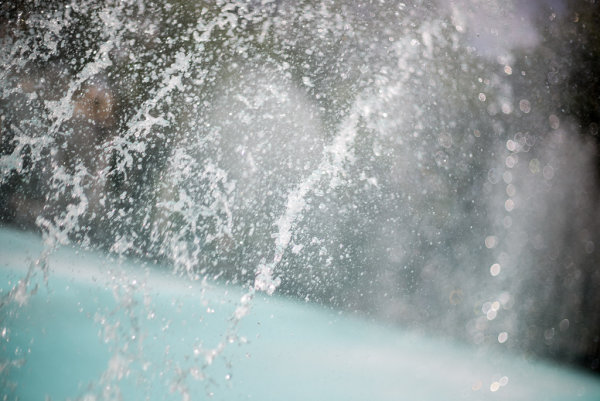
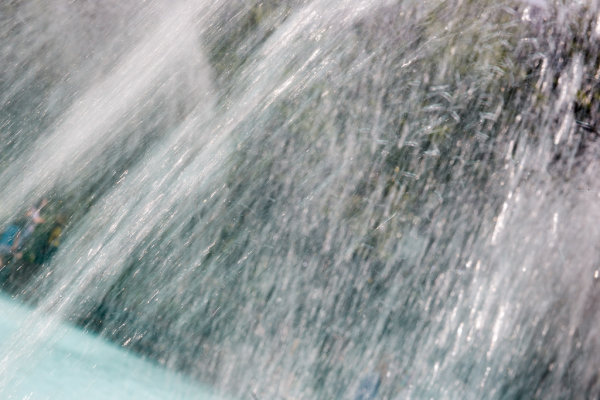
Here’s an example of the same subject photographed at different shutter speeds. Which do you prefer?

1/5000th of a second

1/5000th of a second

1/40th of a second

1/40th of a second

Besides night photography another common reason to use long exposures during the day is to photograph waterfalls and moving water. Keep in mind neither approach is right or wrong, you just yield different results based on the choice you make. A faster shutter speed will freeze the water in mid air (like the first image above). A long exposure will blur the water, and if you use a long enough exposure it can even disappear or become misty looking. Here’s a comparison:

1/100th of a second

1/100th of a second

2.5 seconds

2.5 seconds

With moving water, there also comes a point where doing a longer exposure doesn’t look any different. Compare the image below a 5 seconds, to the one above at 2.5 seconds. The water looks pretty similar, but what did happen was the tree above was blurrier in the 5 second one, so I chose to use the 2.5 exposure.

5 seconds

5 seconds

Here are a few more examples of long exposures.

Do you see the motion in the images below? What is moving in each?

motion-dps-01 motion-dps-02 motion-dps-03 motion-dps-04 motion-dps-05

For more information on how to shoot these types of scenes read:

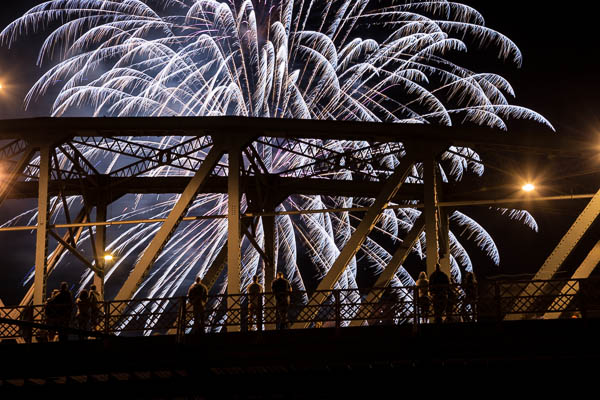
  • 15 Tips for Successful Fireworks Photography
  • Three Special Effects for Night Photography

ZOOMING

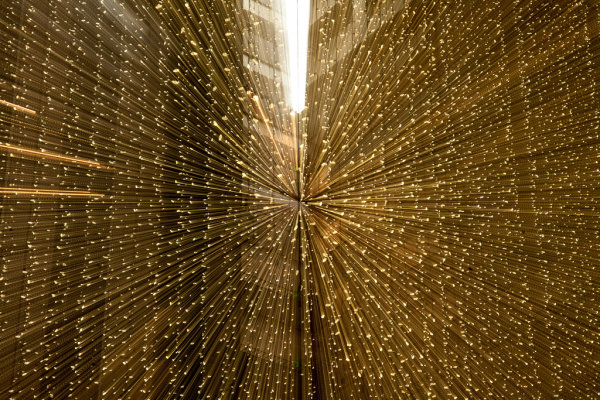
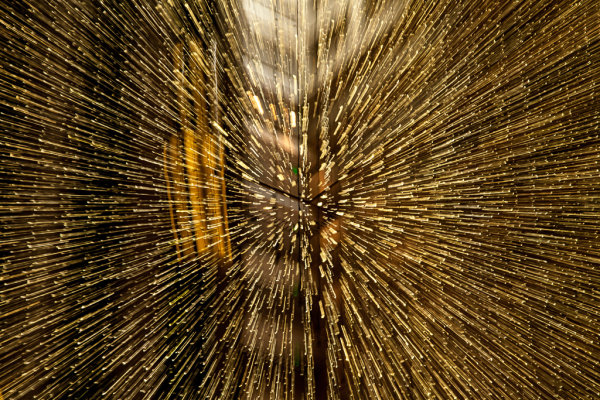
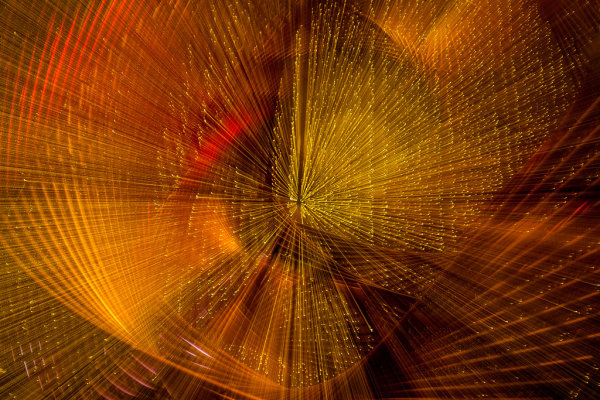
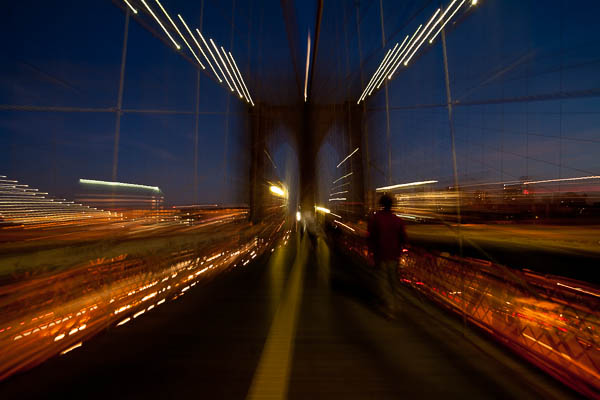
Last but not least, you can add motion by zooming your lens during the exposure. Basically what you do is physically rotate your zoom lens to change the focal length during a long exposure. This works really well and gives some really neat affects on night scenes with lights, neon signs, and even fireworks. But try it during the day too and see what you can create. It often results in a rather abstract image, sometimes completely obscuring the subject to make it unidentifiable. But that’s okay! Experiment and play with this idea. Have fun with it and get creative.

Some tips for zooming during your exposure:

  • Zoom in first to focus and lock it there so it doesn’t shift when you press the shutter button. You can use focus lock (a bit cumbersome), use autofocus and then turn it off, or use your camera’s back button focus capability. Whichever you choose just make sure you’ve focused with the lens at the longest focal length where it’s more critical than a wide one
  • Practice rotating the zoom mechanism on your lens. Get comfortable with which way to turn it, and how to turn it smoothly without making a bumpy mess.
  • Use an exposure of one second or longer. It’s pretty hard to do this a a/100th of a second!
  • Experiment with different zoom speeds (how fast you rotate the lens) and timing. The image will look different if you pause at the beginning and then zoom quickly, versus zoom slowly at the beginning and pause at the end of the exposure.

Here are a few examples of zoomed exposures

No zoom

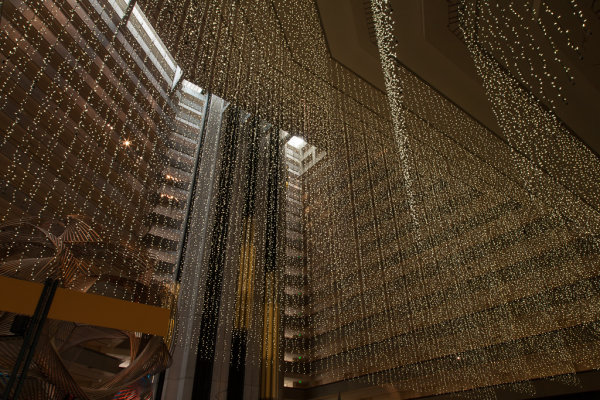
No zoom. Notice all the small lights in this hotel lobby.

2 seconds

2 seconds

Also 2 seconds, notice how different they are? That's the zoom timing.

Also 2 seconds, notice how different they are? That’s the zoom timing.

2.5 seconds. Abstracted image of the sculpture in the first non-zoomed image (bottom left corner)

2.5 seconds. Abstracted image of the sculpture in the first non-zoomed image (bottom left corner)

motion-dps-06

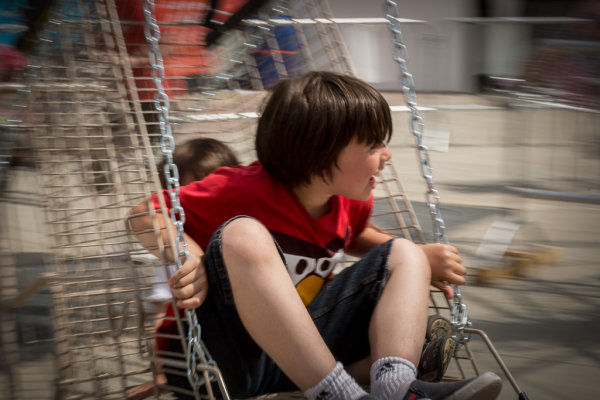
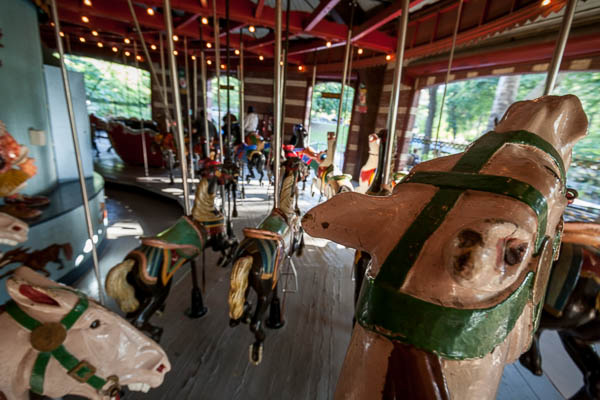
No zoom, I thought it was boring so I played with panning and zooming while on the carousel. Parents were looking at me funny after my 4th time around.

No zoom, I thought it was boring so I played with panning and zooming while on the carousel. Parents were looking at me funny after my 4th time around.

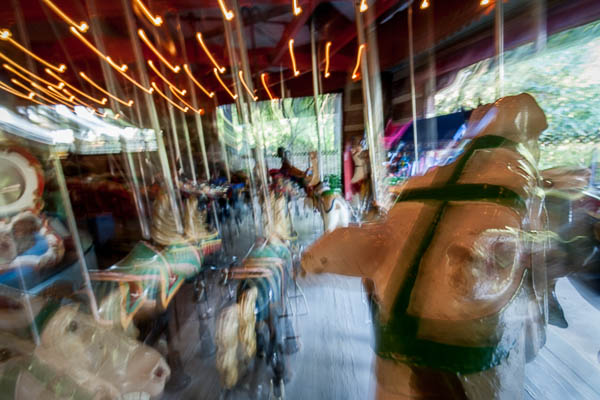
motion-dps-08

Zoomed version. Is it better? Debatable but it’s the process of playing that leads to creating great images. Always continue to play.

ACTION PLAN

If you haven’t really played with long exposures much, I challenge you to try some of these techniques. Find some moving subjects and blur them on purpose. Or find something that will make an interesting abstract and blur it by zooming.

The point is that not every image has to be tack sharp and some have absolutely nothing in focus and they’re still great images. Don’t get stuck on technical things like sharpness and try experimenting with out of focus for a while. Add some motion using these tips, or maybe even shoot completely out of focus on purpose. Come back and share your images and experience with us.

Have you got some great motion blur images? Do share those as well in the comments below.

Got another tip you want to add to the list?  Please do!

Cheers,

Darlene-1-250x130


Post originally from: Digital Photography Tips.

Check out our more Photography Tips at Photography Tips for Beginners, Portrait Photography Tips and Wedding Photography Tips.

3 Tips for Creating Dramatic Images using Motion

The post 3 Tips for Creating Dramatic Images using Motion by Darlene Hildebrandt appeared first on Digital Photography School.


Digital Photography School

 
Comments Off on 3 Tips for Creating Dramatic Images using Motion

Posted in Photography


Across the Country in 12 Images: 6,000 Wild Miles of America

17 Oct

[ By WebUrbanist in Global & Travel & Places. ]

cross country new mexico

It can be hard to explain to someone from Europe or elsewhere just how vast and variegated the United States really is, but this short epic photo series is a great start. It depicts a series of surreal landscapes, carefully chosen to show the amazing range of environments found across the American West.

cross country grand canyon

cross country indiana dunes

cross country devils peak

cross country nevada

Photographer Reuben Wu came originally from the United Kingdom and was awed by what he found traveling cross-country in America. On his latest trip from his home in Chicago, he looped through the northern and southern Midwest on his way to the West Coast and back, taking incredible images along the way, dubbing the series Cross Country.

travel photography map spots

cross country south dakota badlands

cross country badlands

cross country yellowstone

He traveled this route with a plan: capture scenes at night when natural marvels were devoid of human activity and using technology to calculate when peak moonlight would allow for stunning visibility. The result is this set of vivid images that make familiar places seem alien, and speak both to beautiful variety and carefully found settings.

cross country smith mansion

cross country lake michigan

cross country giant prismatic spring

cross country death valley

Subjects of the series span from Illinois and Indiana through North Dakota and Nevada, California, New Mexico and Kansas, and featured sites (or sights) include: Yellowstone, Badlands, Death Valley, the Grand Canyon and the Grand Prismatic Spring, the Devil’s Tower and the Smith Mansion.

Share on Facebook


[ By WebUrbanist in Global & Travel & Places. ]

[ WebUrbanist | Archives | Galleries | Privacy | TOS ]


WebUrbanist

 
Comments Off on Across the Country in 12 Images: 6,000 Wild Miles of America

Posted in Creativity


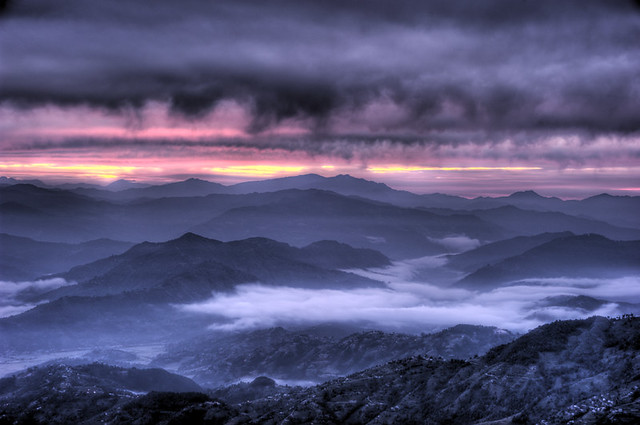
23 Beautiful Dawn Images

09 Oct

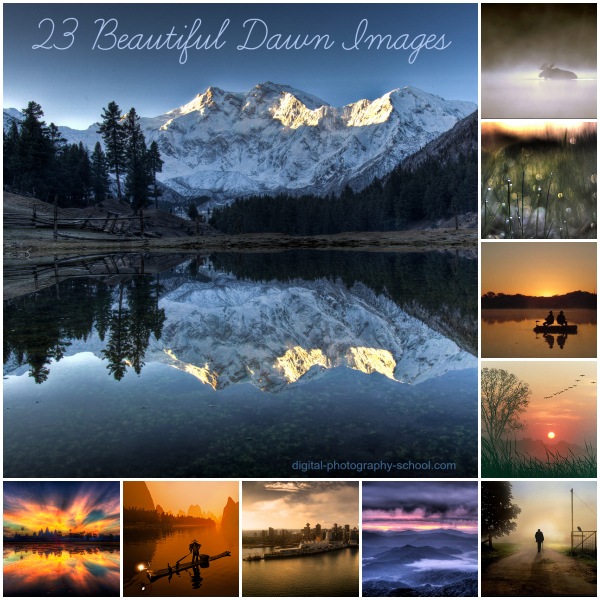
23 Beautiful Dawn Images 6

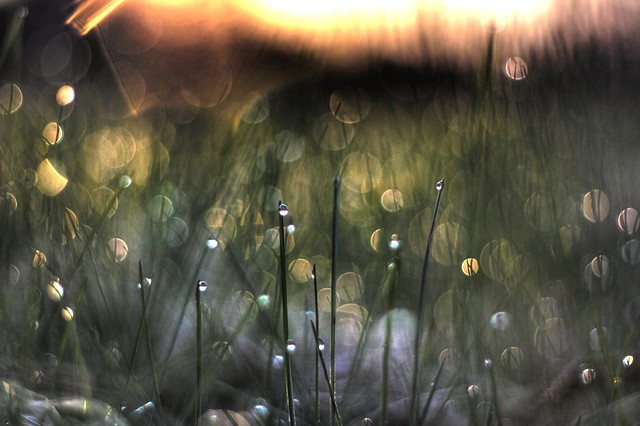
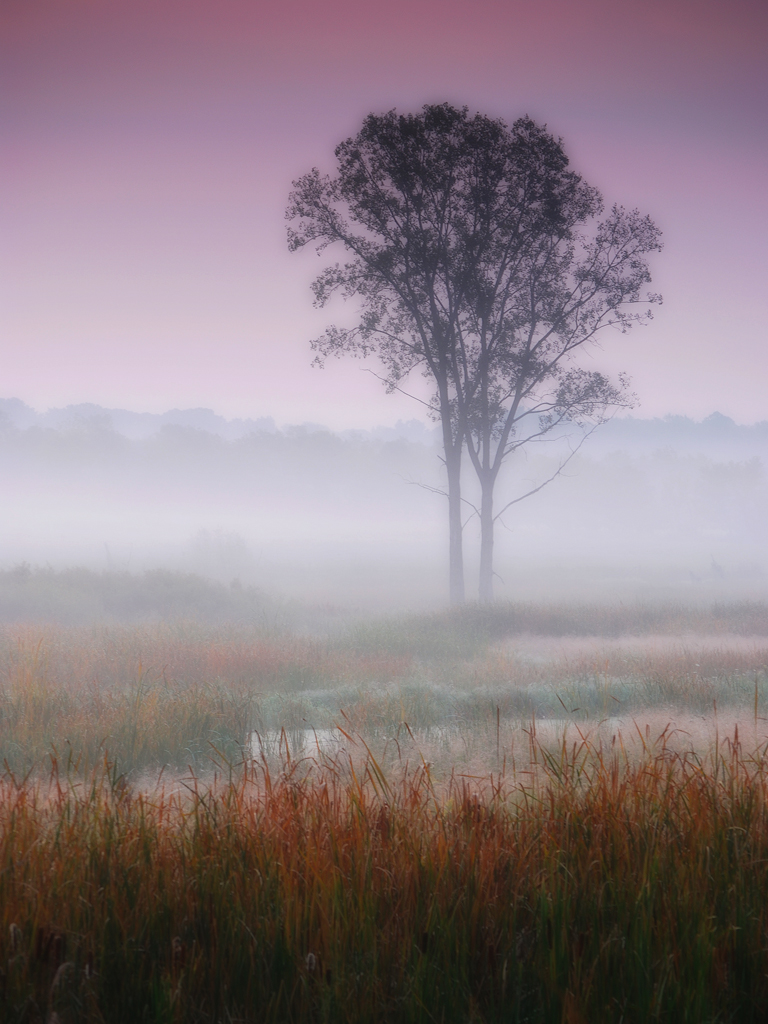
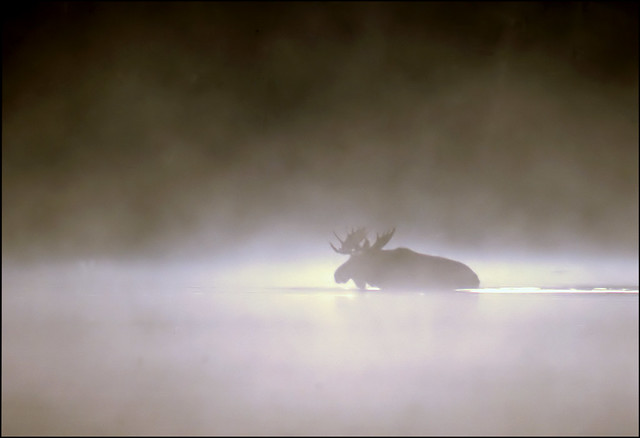
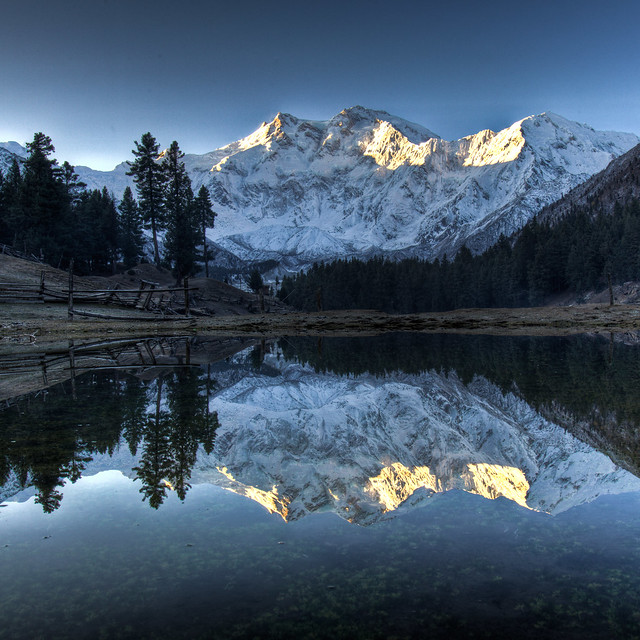
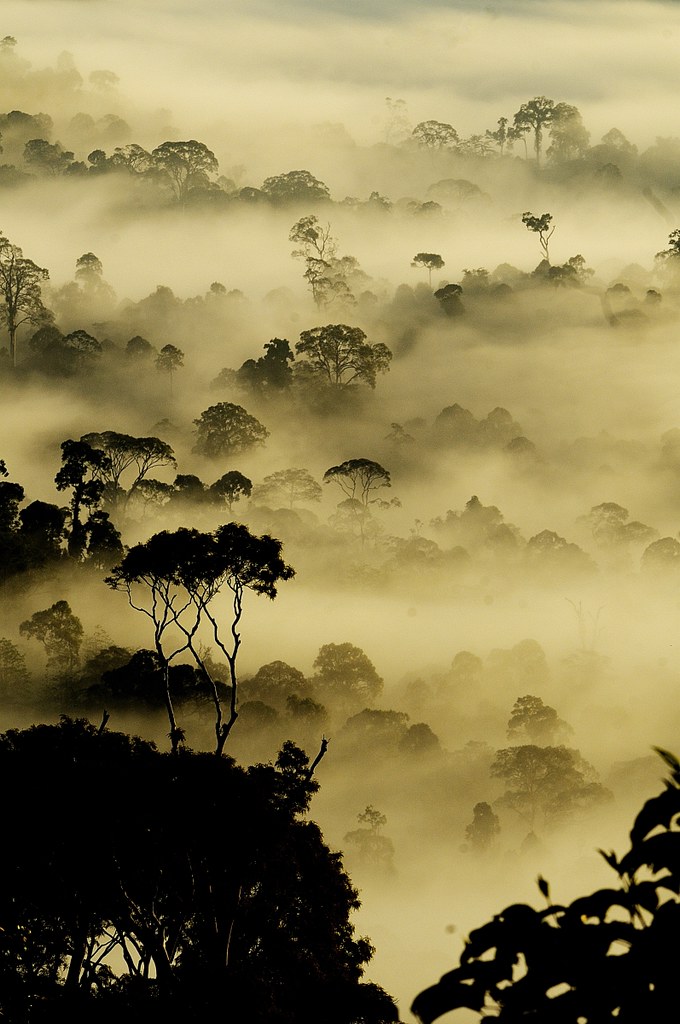
Dawn is such a wonderful time to photograph life. Sun breaking the horizon, dew on grass, mist hovering over landscapes… of course, that’s only if you’re awake to see it.

Here’s some shots taken at dawn to give you a little inspiration to set that alarm clock one day this week and head out with your camera before day break. Looking for some tips on how to do it? Check out our 12 Tips for Photographing Stunning Sunsets and Sunrises.

PS: want to know more about a photo in this series? Click it to be taken to the photographers flickr page to see more of their work.

Say you will

Anticipation

Dawn Images

Autumn dawn

Misty autumn dawn

the gift of the moose

Practice Yoga, Be Healthy! {EXPLORED}

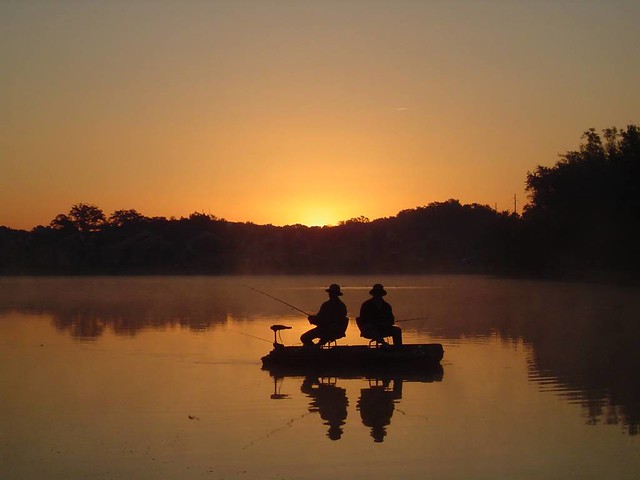
Two men in a boat

Dawn bliss

Sunrise

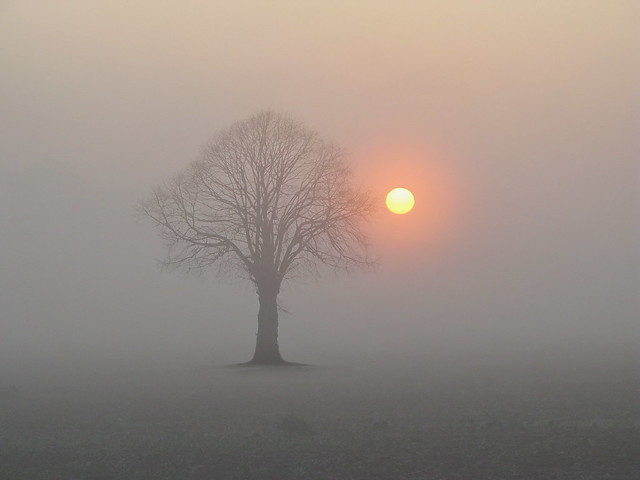
Sunrise with Tree

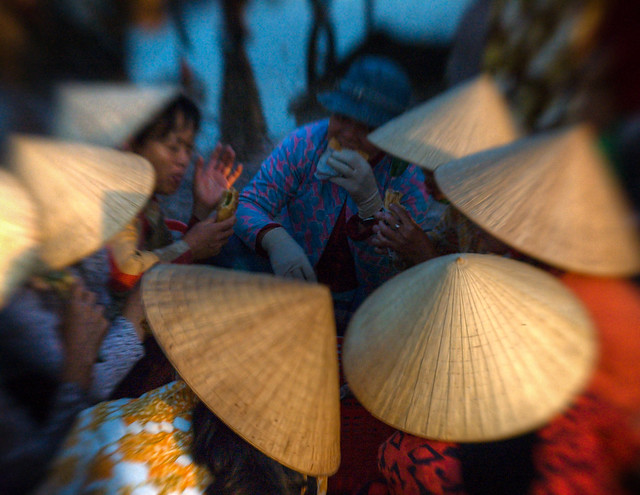
Morning Meeting at the Fish Market in Vietnam

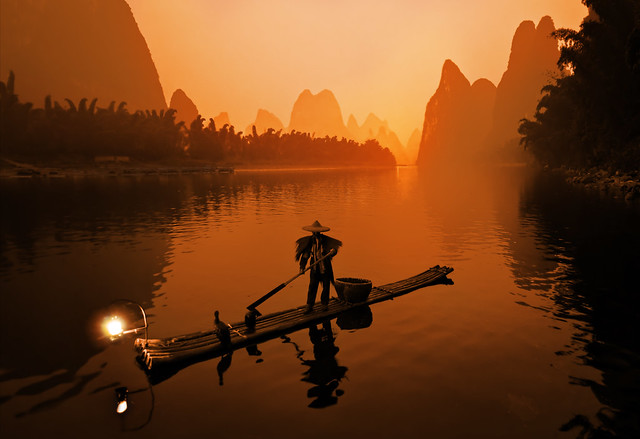
The Li River

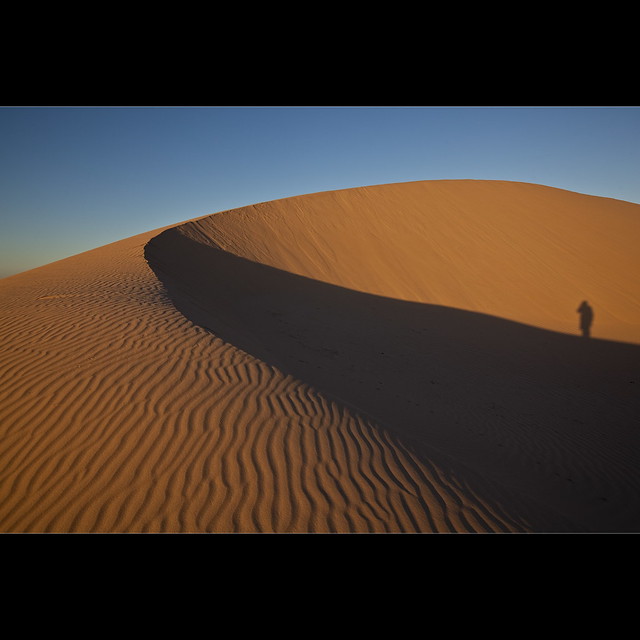
Standing on the Dune - Mungo NP

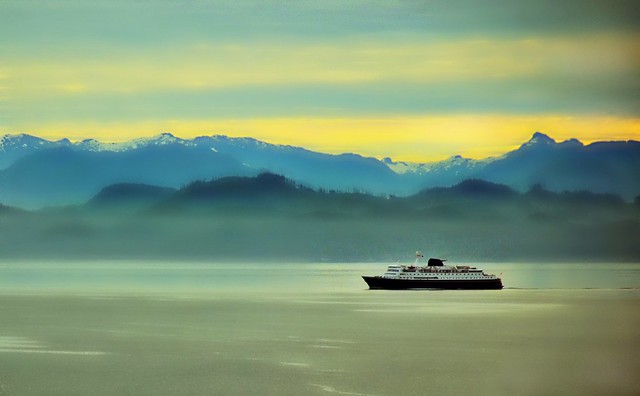
Misty Morning Sunrise - Alaska Landscape

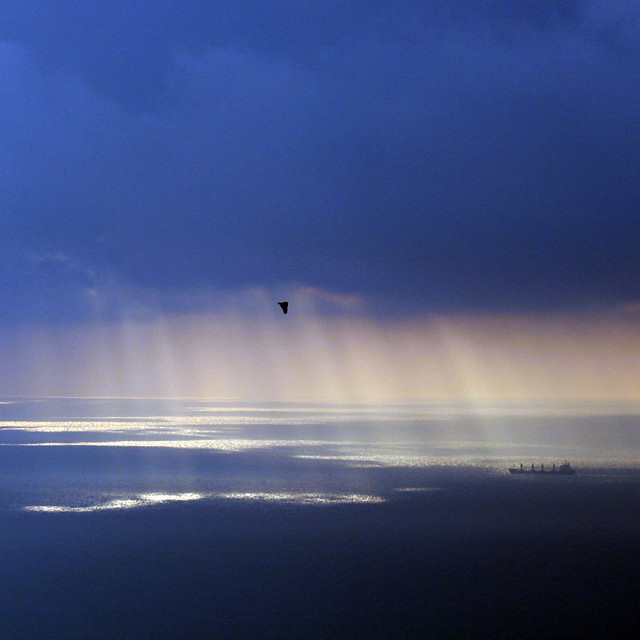
Dawn over the Gibraltar strait

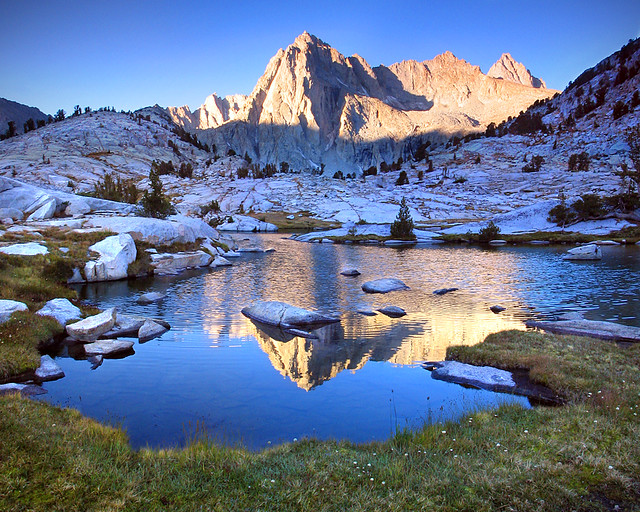
Picture Peak

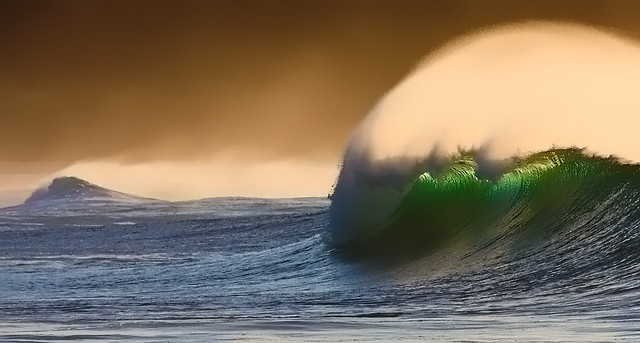
Winter waves

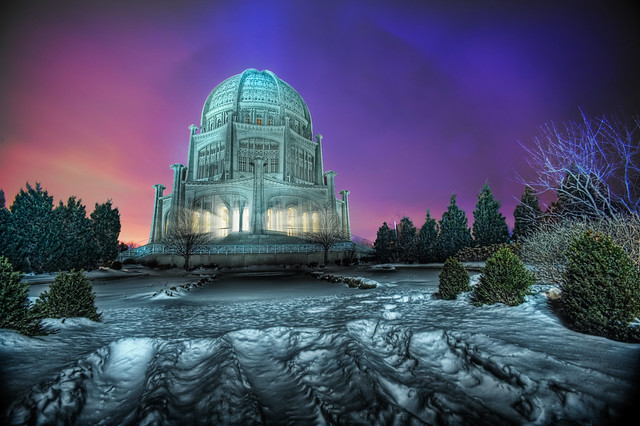
The Baha'i Temple at Blue Hour

Ankor Wat Eyegasm

Awaiting Sunrise

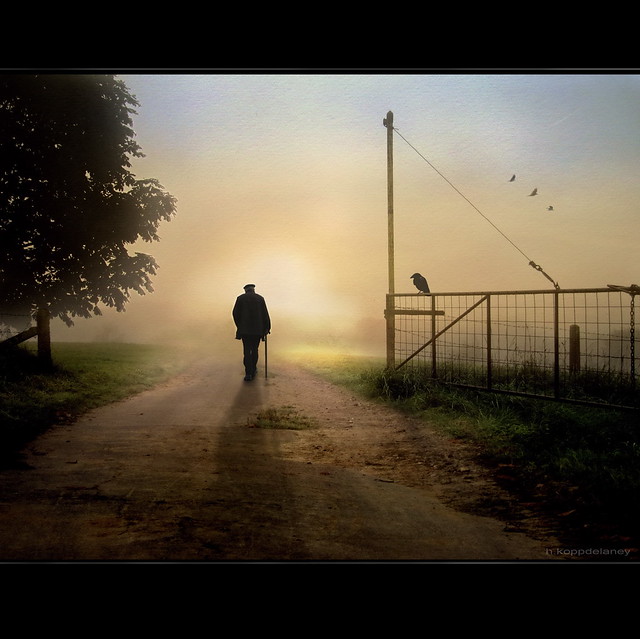
The open Gate

Dawn Images

Post originally from: Digital Photography Tips.

Check out our more Photography Tips at Photography Tips for Beginners, Portrait Photography Tips and Wedding Photography Tips.

23 Beautiful Dawn Images

The post 23 Beautiful Dawn Images by Darren Rowse appeared first on Digital Photography School.


Digital Photography School

 
Comments Off on 23 Beautiful Dawn Images

Posted in Photography


Images from the past: Circular snapshots from the Kodak 1

06 Oct

kodak-1-national-media-museum2.jpg

The first consumer point-and-shoots didn’t have art effect modes or face detection smile-shutters. They looked like the Kodak 1, a leather-encased box with a key to wind the film, a shutter release and not much else. Introduced to the public in 1888, each Kodak 1 contained a roll of film with 100 exposures. The National Media Museum owns a collection of prints from these first consumer ‘compacts.’ Click through to take a look at a set of these early snapshots.

News: Digital Photography Review (dpreview.com)

 
Comments Off on Images from the past: Circular snapshots from the Kodak 1

Posted in Uncategorized


Photo Ninja adds preliminary support for X-Trans Raw images

03 Oct

AppIcon-2-_dragged_-1.png

Another contender has entered the relatively small ring of Raw converters that can work with Fujifilm’s X-Trans sensors: Photo Ninja. The latest version of this already-capable image editor has added ‘preliminary’ support for X-Trans Raw, and early results seem promising. To see how this $ 129 software performs, click through to see side-by-side comparisons.

News: Digital Photography Review (dpreview.com)

 
Comments Off on Photo Ninja adds preliminary support for X-Trans Raw images

Posted in Uncategorized


Stitching Images For Larger Prints

22 Sep
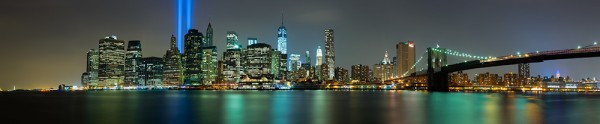
For this image I decided I wanted to cover all of Lower Manhattan from the Statue of Liberty (far left) to the Empire State Building (far right, under the Brooklyn Bride, colored red, white and blue. I was using a Canon EOS 5D Mark III. My EF 24-70 f/2.8L II at 70mm covered the skyline and water with some sky vertically, so I positioned the camera vertically and proceeded to take 9 shots, moving the camera by turning the tripod head on it's rotating base. I overlapped portions of each frame so Photoshop would have a point of reference when stitching. Each of the nine exposures was taken at ISO 200, 90 seconds, at f/16.

For this image I decided I wanted to cover all of Lower Manhattan from the Statue of Liberty (far left) to the Empire State Building (far right, under the Brooklyn Bride, colored red, white and blue. I was using a Canon EOS 5D Mark III. My EF 24-70 f/2.8L II at 70mm covered the skyline and water with some sky vertically, so I positioned the camera vertically and proceeded to take 9 shots, moving the camera by turning the tripod head on it’s rotating base. I overlapped portions of each frame so Photoshop would have a point of reference when stitching. Each of the nine exposures was taken at ISO 200, 90 seconds, at f/16.  If printed at it’s native resolution at 300 dpi, it would measure 18.39 inches by 88.25 inches.  My photo lab maxes out at 108″, which it says it can print this image to.

Several months ago I was asked by a potential client if I had any images that were capable of being printed very large- up to 20 feet across! It pained me to explain that, no, based on my camera’s resolution, I did not have any images capable of being printed that large.  I had never gotten into doing many stitched panoramas or other prints, and couldn’t afford a Gigapan or other panorama photography tool.  For the most part, I’d had no call for it in my daily business. Generally, when shooting landscapes, I think in terms of one frame, and fill it with my composition. This has worked well for the most part, as long as I didn’t want to print much larger than around 48″ inches across.  Suddenly, however, I had a desire to go much larger.

This past week in the United States, we commemorated the 12th anniversary of the September 11th terrorist attacks. Every year New York City remembers the victims with a tribute in light- two columns of light representing the fallen towers of the World Trade Center.  It seemed a perfect opportunity to start playing with panoramics, especially since one of the images the aforementioned client wanted was a skyline shot of New York City.

The general rule of thumb for printing on standard inkjet printers is to print at 300 dpi.  To find out how large you can print an image, simply take the pixel dimensions and divide by 300. From a camera such as the EOS 5D Mark III, that means an image of 5760 x 3840 pixels can be printed at about 12.8 inches by 19.2 inches.  It is true, using various resizing techniques you can print larger.  I have on many occasions. But to get to the extreme sizes beyond approximately 48″, you’ll need to start combining images by stitching them together.

There are currently a few automated panoramic photo options on the market, including Gigapan’s and Panogear’s. Both can be somewhat pricey.  But just because you don’t have these nice accessories does not mean you can’t make stunning panoramic images.  A tripod is helpful, but not completely necessary if you can handhold the shutter speed your camera is set to.  A tripod is helpful for locking your camera in place from shot to shot. The reason a tripod is helpful is that if your tripod head has markings for panoramics on the base, you can use these for reference when repositioning the camera for each shot. More on that in a bit.  Another helpful tool is an L bracket. This will help you position your camera vertically if desired to shoot verticals to stitch the final piece.  L brackets can be purchased from several manufacturers and are usually camera-specific.  Acratech makes a universal L bracket with a quick release that any camera can attach to using an Arca-Swiss style plate.

You’ll want to start by defining your image in your mind. Where does it start, where does it end? Then, how far up does the image go, and how far down?  can you cover the up and down with one vertical?  Or would you be better off shooting two rows of images. Or more? Keep in mind when planning that you’ll want to shoot with some extra area around the image to leave room for cropping if needed.  You’ll also want to make sure you leave some overlap in each shot so the stitching software can find a point of reference to see where the next shot goes. I used Photoshop for these, but there are other programs out there. Feel free to suggest your favorite in the comments below.

For the first image in this article, I wanted to shoot the Lower Manhattan skyline, from the Statue of Liberty to the Empire State Building.  I had a 24-70mm lens, and at 70mm I covered exactly what I wanted, from top to bottom, with a vertical shot.  I took 9 shots in that orientation, while rotating the tripod head incrementally until I got my last shot.

For the second shot in this article, there was a more prominent foreground element, the pilings from the old pier.  I decided to do this one in a horizontal orientation, using two rows of three shots.  This was again taken using the 24-70mm lens, at 70mm.  I shot this one starting at the far right, shooting in columns- upper right, lower right, lower center, upper center, upper left, lower left.  I used the playback feature on the camera to check my reference points. Again I stitched it using Photoshop’s Photomerge feature.
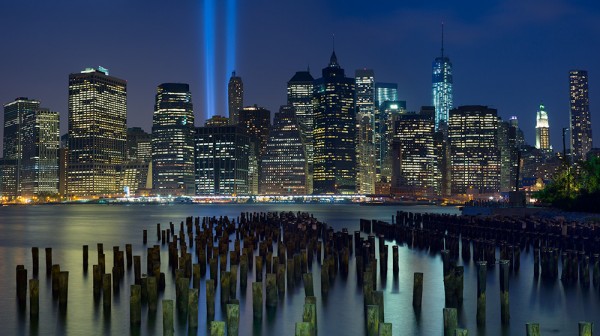
This shot was six horizontal shots stitched together. Because of the overlap, the 3 shots across and 2 up and down will not add up to the full resolution of the individual images simply put together. This image came together at  10,531 pixels by 5904 pixels. At 300 DPI the file can be printed at 19.68 inches by 35.1 inches. My lab, however, tells me they can print this image up to 8 feet wide.

This shot was six horizontal shots stitched together. Because of the overlap, the 3 shots across and 2 up and down will not add up to the full resolution of the individual images simply put together. This image came together at 10,531 pixels by 5904 pixels. At 300 DPI the file can be printed at 19.68 inches by 35.1 inches. My lab, however, tells me they can print this image up to 8 feet wide. They are not using inkjet printers and thus are not subject to the same parameters.  The same still holds true however.  The larger the file, the larger it can be printed.

I have not yet heard anyone say that any photo stitching program is perfect.  There will be errors in stitching.  A misplaced post, a skewed building. To correct these, I simply opened the source file and added it to the stitched file on a new layer.  Then I created a layer mask to show only the area I wanted shown, which would correct the issue.

For your exposure, you’ll need to be in manual mode. You need the exposure to be uniform across the image.  If you leave your camera in any auto mode where the camera helps set the exposure, you run the risk of your exposures varying.  For the first image in this article, my exposure was 90 seconds at f/16, ISO 200 for each image.  This is important, particularly when photographing the area around the statue of liberty which had huge dark areas.  In auto mode, the camera will try to brighten these areas, which will cause problems when the stitching if the skies or water don’t match from shot to shot. In the interest of full disclosure, I made this mistake myself with the second image, the six-shot stitch.  I shot in aperture priority and there was a variation of plus or minus 2/3 of a stop from shot to shot.  This caused all kinds of headaches in my first attempt at stitching.  I was able to correct this by reproccessing the RAW files with an exposure adjustment to match the exposures.  In addition, if your camera has a feature for vignette correction, such as Canon’s Peripheral Illumination Correction, turn it on.  This will even out the exposure so there are no dark areas in the corners, which can be difficult to correct later on.

I’ve toyed with stitching panoramics before, but never seriously.  This is one of my first attempts at a serious pano.  It’s well worth exploring more in the future.  I might even start saving for a new piece of equipment just for that purpose!


Post originally from: Digital Photography Tips.

Check out our more Photography Tips at Photography Tips for Beginners, Portrait Photography Tips and Wedding Photography Tips.

Stitching Images For Larger Prints


Digital Photography School

 
Comments Off on Stitching Images For Larger Prints

Posted in Photography


Ignore The Naysayers. Go Create Stunning Images

10 Sep

There has been a spat of posts and articles recently extolling the storyline that “Photography Is Dead!” or “Creativity Is Dead!” or both. And then some. The articles I have read rightly point out that more people have cameras and are sharing images on the likes of Instagram, Twitter and Facebook. And that most of those images are not some form of art (the food you ate, a self-portrait (or ‘selfie’ as they are colloquially know) or yet another sunset, etc…).

They also point to this deluge of images as something that is dragging down photography as a whole and beating the creativity out of the art form. They point to the overall averageness that this mass use of the medium has created.

But I think they are missing a point.

While there are exponentially more people taking photos these days thanks to phone cameras and cheaper, instant digital cameras in general, this is in no way killing creativity. If you’re reading this on DPS then you are someone who wants to learn and improve your photography skills. And that’s my point;

Even though the masses might be churning out average images that don’t inspire, and far more of them today than just 20 years ago, this in no way stops someone who sees photography as an art form from creating beautiful, inspiring art.

What this mass use of the medium has done is only highlight what was already there; That the masses, on average, are average at any given art form.

This is nothing new, but it is made far more obvious because of the ability to share any image with the online world as a whole at any point in time. For instance, most of us are average, or below average in my case, drawers or sketch artists. It’s only because drawings are not as easy to be shared over the internet as a photograph that this fact is not brought to our attention. If every pencil had built-in wifi and out sketches were posted online in real-time, we’d have sketch artists complaining about the “deluge of average” instead of photographers.

To use an analogy, it would be like saying that because cars are mass-produced and, to a certain degree, look the same, that there are no more extraordinary cars. No more creativity in the automobile industry. But that is blatantly false when a look is given to manufacturers like Ferrari, Bugotti, Tesla, Lambroghini and others. Not only that, right now, some place on this planet, there is a man or woman in their home garage who is crafting a custom car unlike any you have seen.

Or better yet, look at motorcycles. Not only can I not really tell one street rocket from another, or one Harley Davidson from another, there are major production TV shows dedicated to the art of building beautiful, creative street machines.

I see a lot of cars and motorcycles while driving the highways around LA. A lot. And I can’t tell you how many Toyota Camrys or Chevy Cruzes I have seen. But any time a custom motorcycle goes by or any time I spot a barely-legal, wedge shaped ‘super car’…those moments turn my head and drop my jaw.

And for you, the learning photographer (a group that will always include me as well), that is your lofty goal. Not to be mired in the hoopla that prices paid for images are dropping through the floor and creativity is therefor dead (the business side of photography in the digital age is another discussion altogether). Your goal is to create head turning art.

If you want to rise above the sheer volume of average photos and get your photography noticed (either for profit or vanity or just to show the world how beautiful or scary it is) you need to be creative and create something worth noticing.

In the end, realize those people telling you creativity is dead and that photography is dead are spending time, like me right now, at a keyboard NOT creating beautiful images that inspire and rise above the din of mediocrity. They are only extolling their opinion about their single-person viewpoint of a huge art form and that things aren’t the way they use to be or how the author wants them to be.

You need no one’s permission to be creative or to produce stunning art. Ignore opinions that tell you creativity in any art form is dead. They are just opinions.

Need some inspiration? Click here and here and here and here and here and here.

Grab your camera, any camera, and go create.

Post originally from: Digital Photography Tips.

Check out our more Photography Tips at Photography Tips for Beginners, Portrait Photography Tips and Wedding Photography Tips.

Ignore The Naysayers. Go Create Stunning Images


Digital Photography School

 
Comments Off on Ignore The Naysayers. Go Create Stunning Images

Posted in Photography


Black-and-white images capture the power of summer storms

02 Sep

Mitch-Dobrowner_Arm-of-God.jpg

Summer in North America means severe weather for much of the continent. Powerful storms are accompanied by unusual cloud formations, signs of the violent atmospheric conditions that spawn turbulent weather. Photographer Mitch Dobrowner and guide Roger Hill have spent the past few summers traveling the US chasing storms, and creating stunning black-and-white images in the process. Click through to see some of these gorgeous photos of some ugly weather.
News: Digital Photography Review (dpreview.com)

 
Comments Off on Black-and-white images capture the power of summer storms

Posted in Uncategorized


Bleak and surreal: Photographer turns satellite images into open-source art

28 Aug

Tascosa_Feed_Yard-_Bushland-_Texas-DETAIL_900.jpg

From the air, the landscape of Texas’ vast feedlots and oil fields is by turns bleak and surreal. Photographer Mishka Henner aimed to capture the contrasts and intense colors of these landscapes in a collection of work titled ‘Feedlots.’ By stitching together hundreds of satellite images, he created large, detailed prints documenting the dynamism of these locations – earth tones clashing with the violent greens and reds of feedlot waste. Click through to see more of his stirring work.

News: Digital Photography Review (dpreview.com)

 
Comments Off on Bleak and surreal: Photographer turns satellite images into open-source art

Posted in Uncategorized