RSS
 

Archive for March, 2016

Adobe announces Technology Previews for Lightroom on the Web with subject-identifying Search feature

19 Mar

Adobe has launched Technology Previews for Lightroom on the Web, allowing Lightroom users to test new features before they are officially rolled out. To get things started, Adobe has released a Technology Preview that introduces ‘Search,’ a feature that uses new image analysis technology to identify photos based on subjects. 

According to Adobe, the search function lets users search for any photograph that has been synced online using Lightroom on the Web, Lightroom for mobile, or one of the Lightroom desktop applications. Search terms like ‘food’ or ‘flowers’ will reportedly be indexed whether or not the photos contain any keywords. Users can access the feature by first logging into Lightroom on the Web, then clicking the ‘Lr’ menu in the top left corner and selecting ‘Technology Preview’ from the menu. Search will then index synced photos.

The new search function is only available in English, though Adobe says it will be provided for other languages once the final version is officially rolled out. Before that happens, though, Adobe plans to expand Search’s functionality, adding support for metadata searches and more. 

Via: Adobe

Articles: Digital Photography Review (dpreview.com)

 
Comments Off on Adobe announces Technology Previews for Lightroom on the Web with subject-identifying Search feature

Posted in Uncategorized


Beyond the Glass Ceiling: 14 Houses & Hotels Made for Stargazing

19 Mar

[ By Steph in Boutique & Art Hotels & Travel. ]

iceland igloo hotels 4

Watch for shooting stars and identify constellations from the comfort of a warm and cozy bed in rooms designed to provide nearly unfettered access to the sky, with transparent roofs blurring the lines between indoors and out. From hotels in some of the world’s prime stargazing locations like Finland and Chile to homes equipped with observatories to a tree house that literally lifts its lid, these see-through structures flood the interiors with sunlight during the day and offer amazing views at night.

Starlight Room

starlight room

starlight room 2

starlight room 3

starlight room 4

starlight room 5

Set on faux skis, with a glass ceiling and walls, the Starlight Room looks out onto the Dolomites in the northern Italian town of Cortina d’Ampezzo for high-altitude views far from light pollution and noise. The tiny hotel room accommodates singles and couples, and contains little more than a double bed and television. Guests arrive via snowmobile or snow shoes, and room service is delivered, though it looks like exiting the cabin to go to the bathroom in the snow might not be the most pleasant experience in the middle of the night.

The Sky Den Literally Lifts its Lid

sky den 2

sky den 4

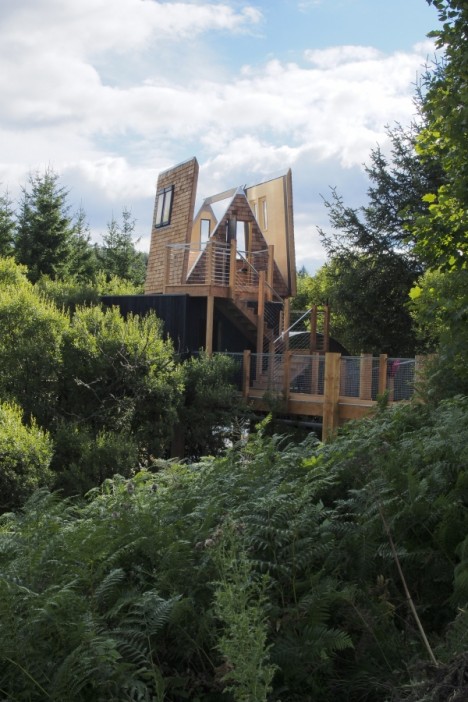
The roof of this tree house by architect George Clark opens to the sky, enlarging the space so it can be used as a protected indoor shelter or an open-air observatory. Located in England’s Kielder Water & Forest Park, the Sky Den has flat-pack furniture built right into its movable walls, so guests can pull down and set up whatever they need to be comfortable, from beds to stools and benches.

Camouflage House
camouflage house 1

camouflage house 2

camouflage house

A habitable greenhouse, Hiroshi Iguchi’s Camouflage House blends into the landscape, with an inner core of private spaces surrounded by a glass enclosure. Almost completely transparent, the house in Nagano, Japan incorporates an interior garden via openings that allow trees to grow straight up the angled roof from the courtyard.

Transparent Ceilings and Floors

glass ceiling house

glass ceiling house 2

glass ceiling house 3

glass ceiling house 4

This four-story house in Shanghai by architect Yung Ho Chang of Atelier FCJZ features a glass roof as well as transparent floors on three levels, so you can see the interior of each floor in addition to the sky. Designed as a concrete box with no windows, the home gets all of its daylight from the ceiling. Talk about radical transparency – the toilet is even visible from just below the dining room.

Bob Hope’s UFO House
bob hope ufo house

bob hope ufo house 2

bob hope ufo house 3

bob hope ufo house 4

bob hope ufo house 5

Designed by John Lautner in 1973, the house Bob Hope lived in for decades with his wife Dolores features a dramatic oculus for daylight and stargazing. The bizarre-looking structure was nicknamed ‘UFO House’ and ‘Volcano Home’ for its unusual shape when viewed from afar. Lautner refused to claim the project as his own work, reportedly because Dolores Hope demanded changes to the interior that didn’t fit his artistic vision.

Next Page – Click Below to Read More:
Beyond The Glass Ceiling 14 Houses Made For Stargazing

Share on Facebook


[ By Steph in Boutique & Art Hotels & Travel. ]

[ WebUrbanist | Archives | Galleries | Privacy | TOS ]


WebUrbanist

 
Comments Off on Beyond the Glass Ceiling: 14 Houses & Hotels Made for Stargazing

Posted in Creativity


Samsung Galaxy S7 edge takes top spot in DxO Mobile rankings

19 Mar

DxOMark has put the Samsung Galaxy S7 edge through its testing, and with a score of 88 the device moves into the top spot in DxO’s mobile rankings. The S7 edge and slightly smaller S7 use a 12MP sensor with on-chip phase detection and an F1.7 lens with optical image stabilization. By taking the top position in the mobile rankings, the S7 edge relegates its Galaxy S6 edge plus and the Sony Xperia Z5 to a joint number two spot.

Articles: Digital Photography Review (dpreview.com)

 
Comments Off on Samsung Galaxy S7 edge takes top spot in DxO Mobile rankings

Posted in Uncategorized


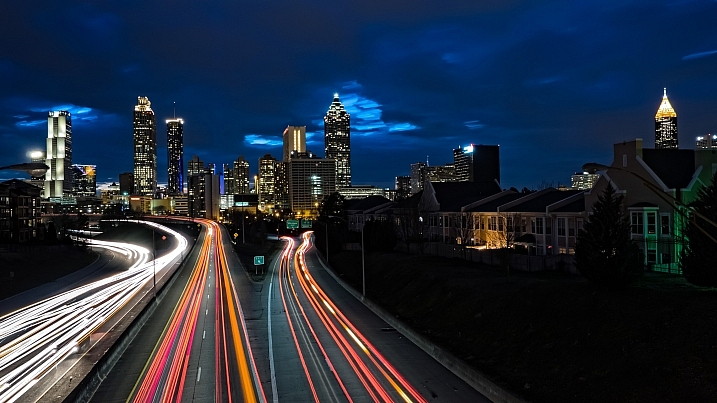
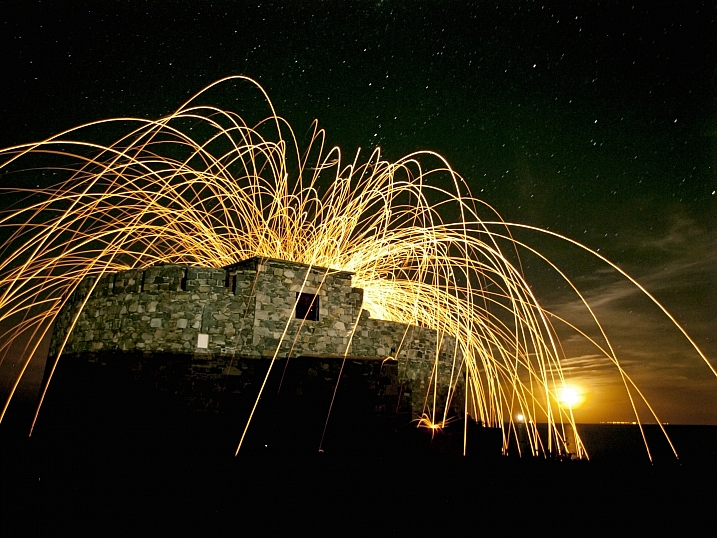
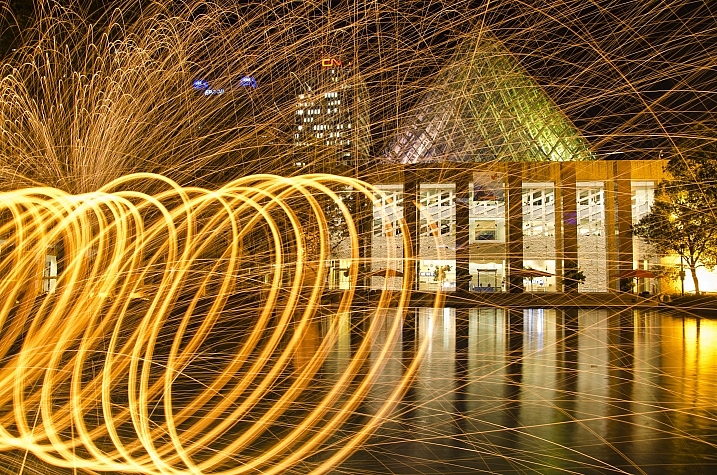
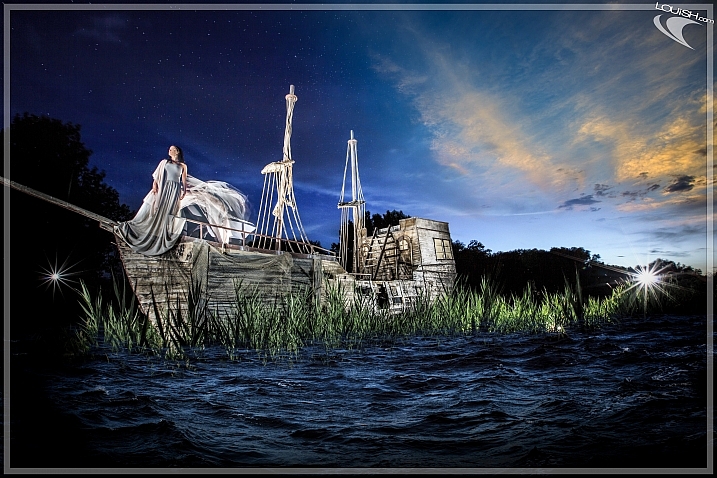
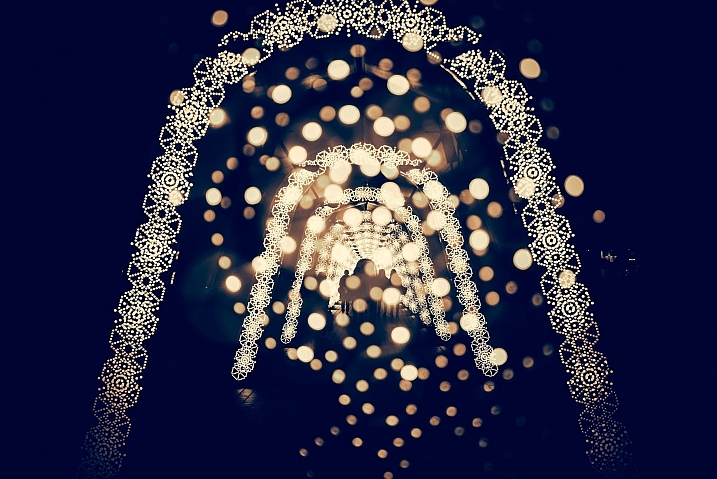
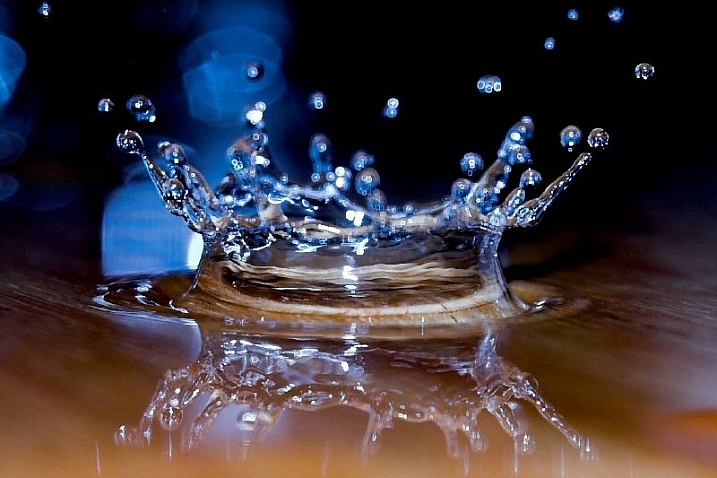
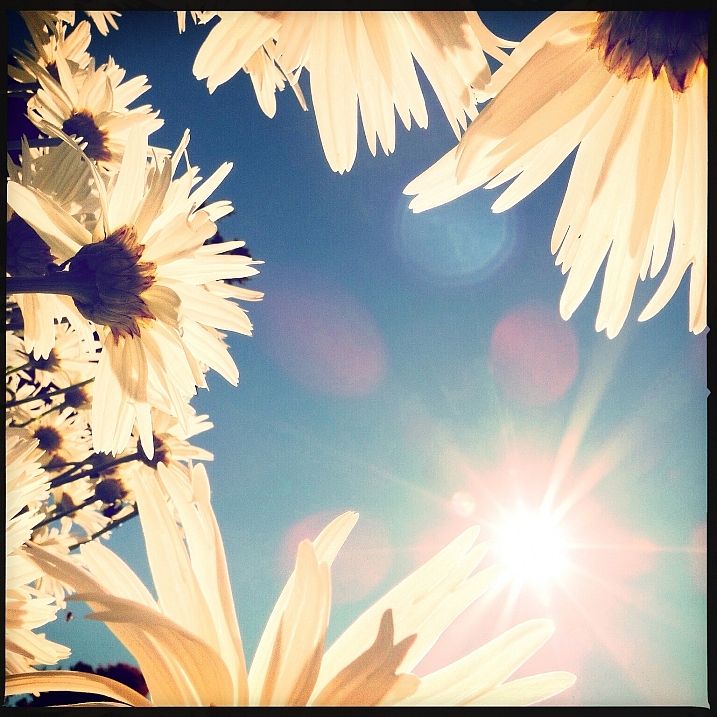
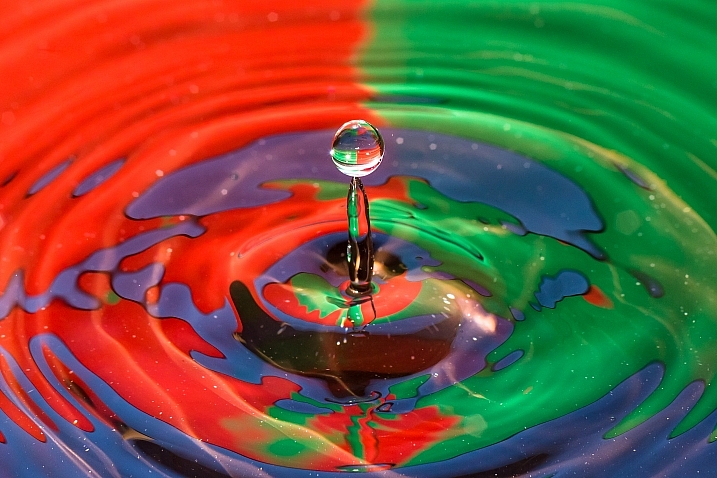
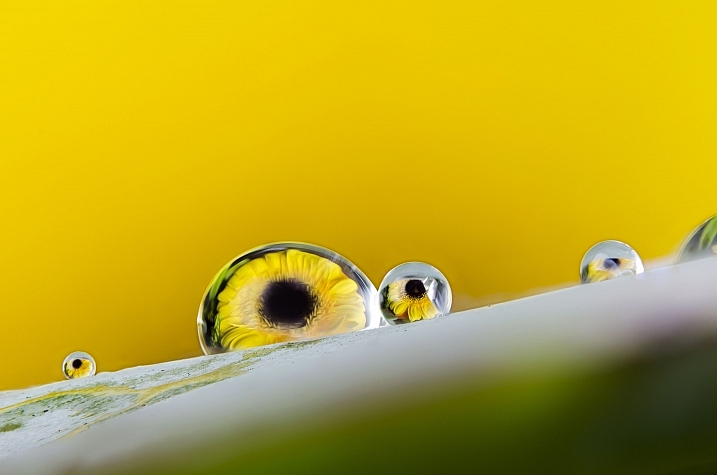
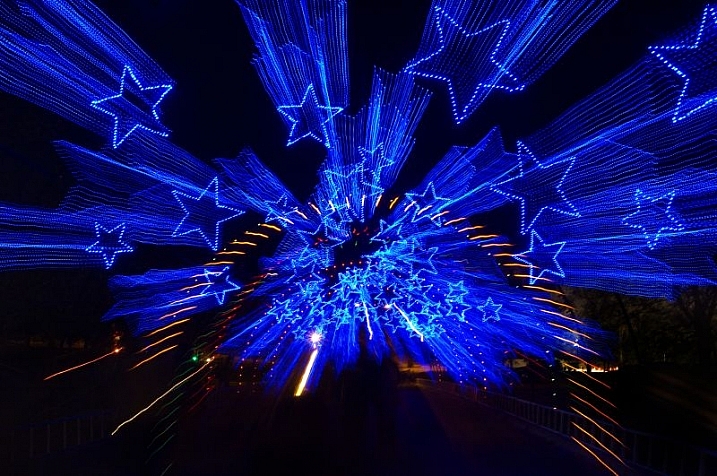
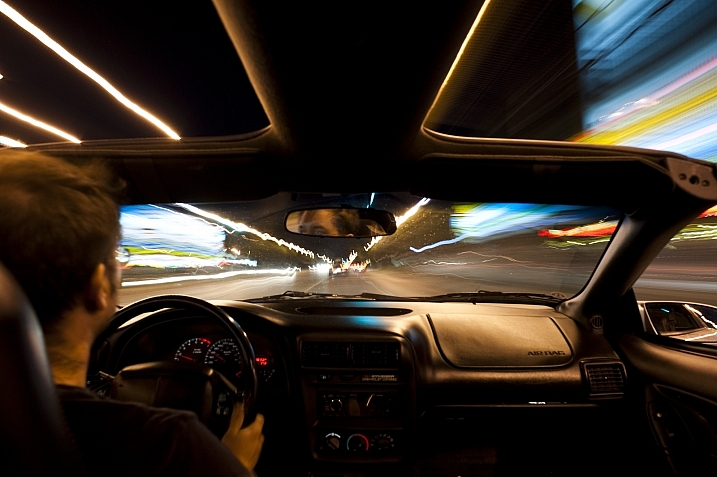
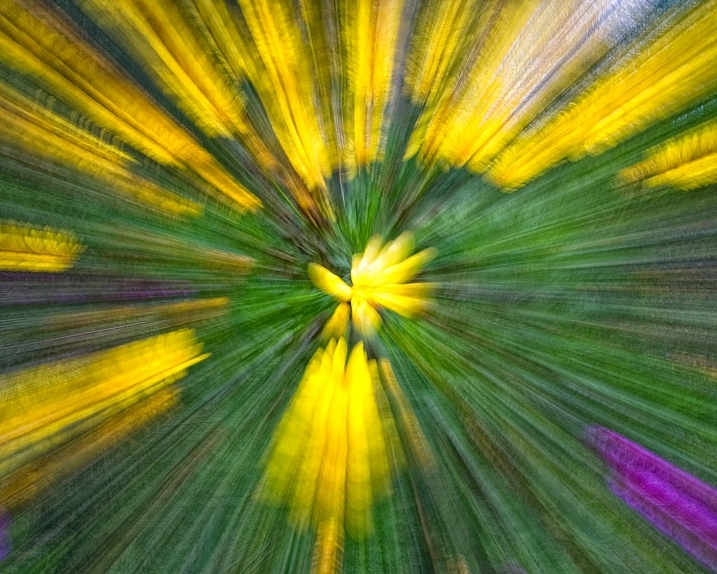
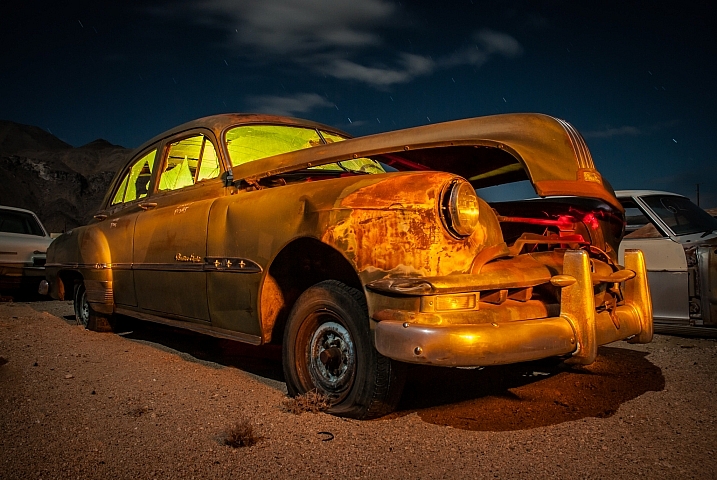
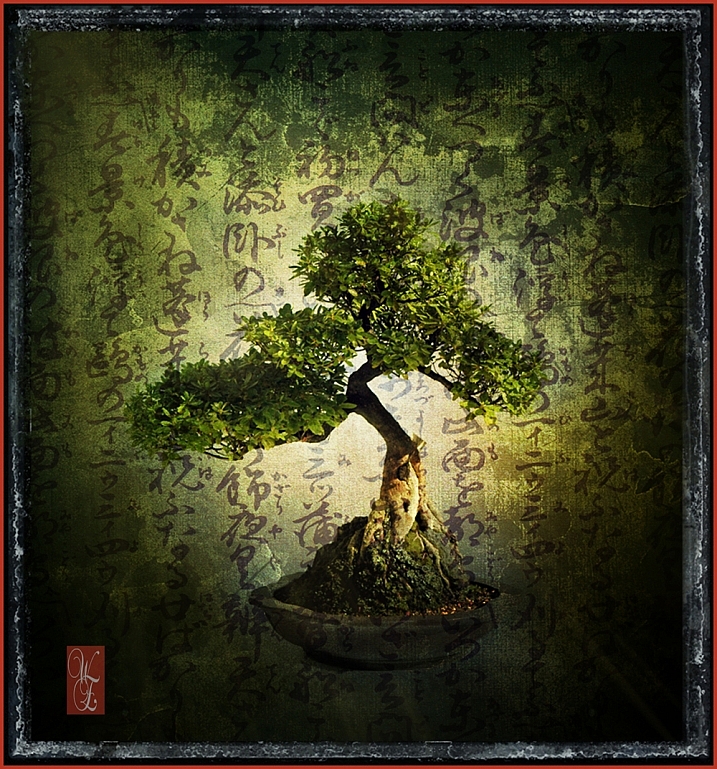
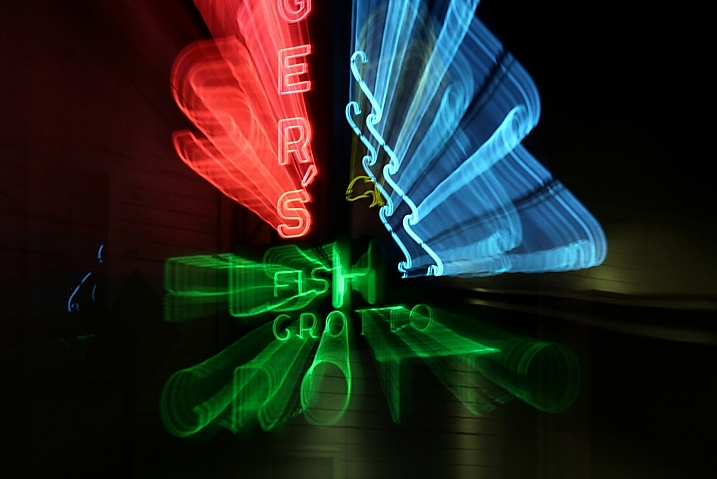
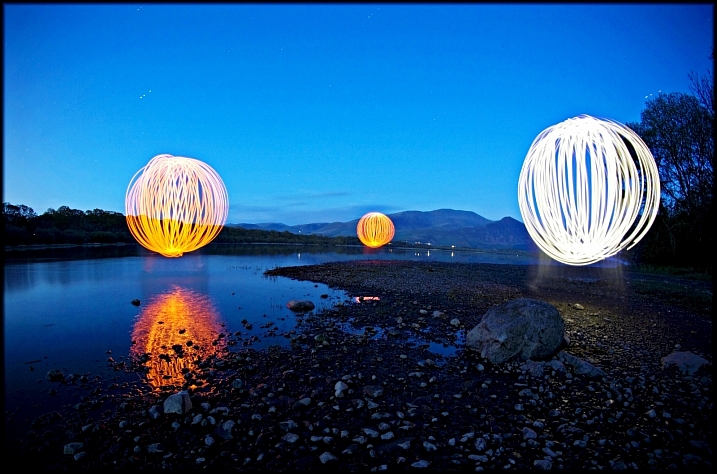
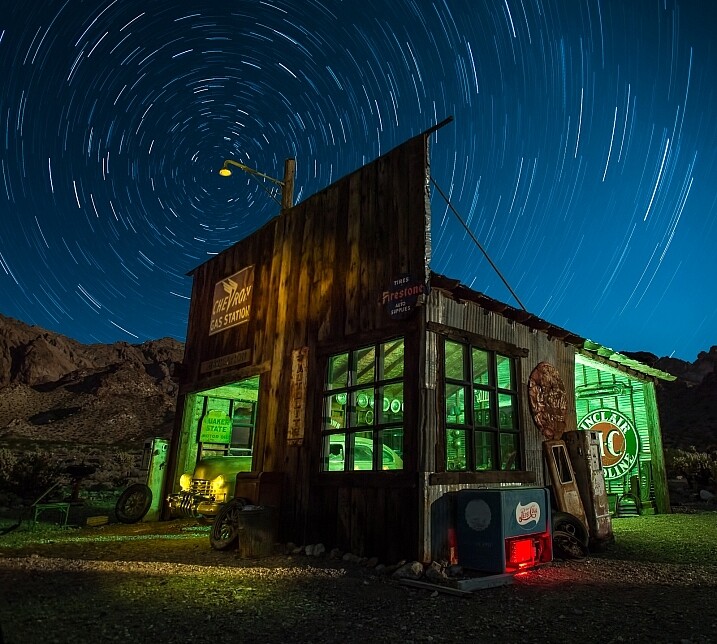
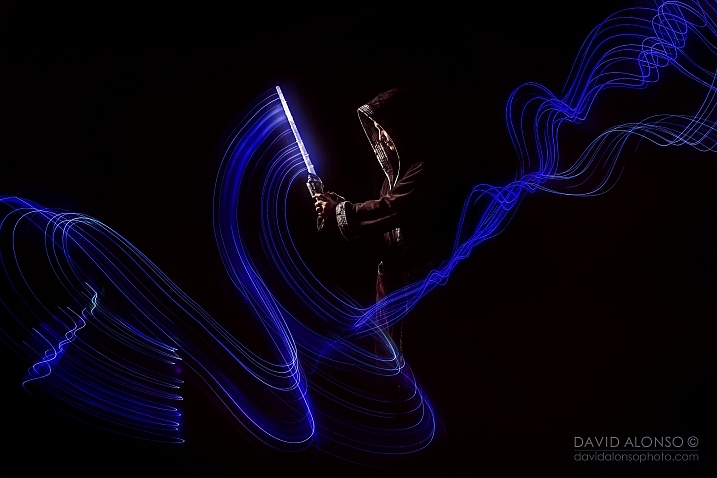
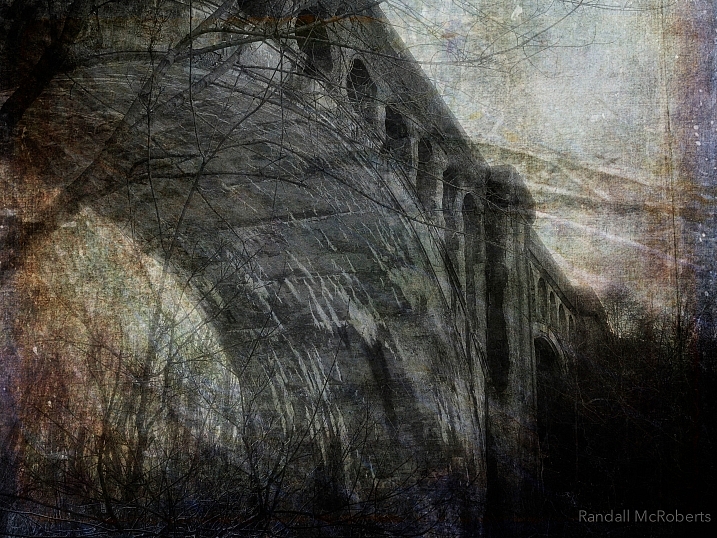
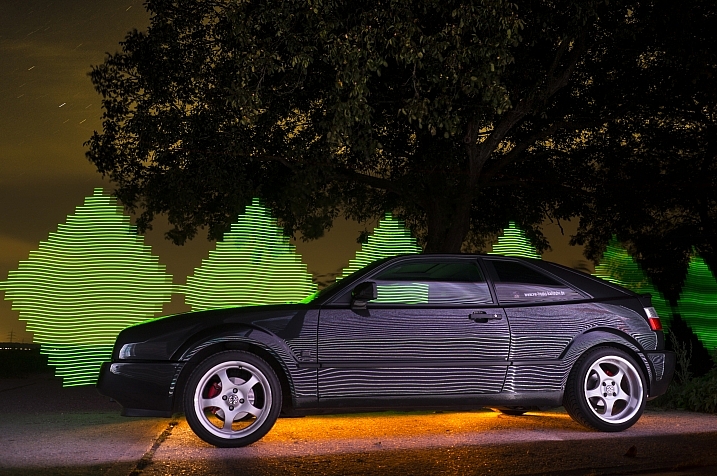
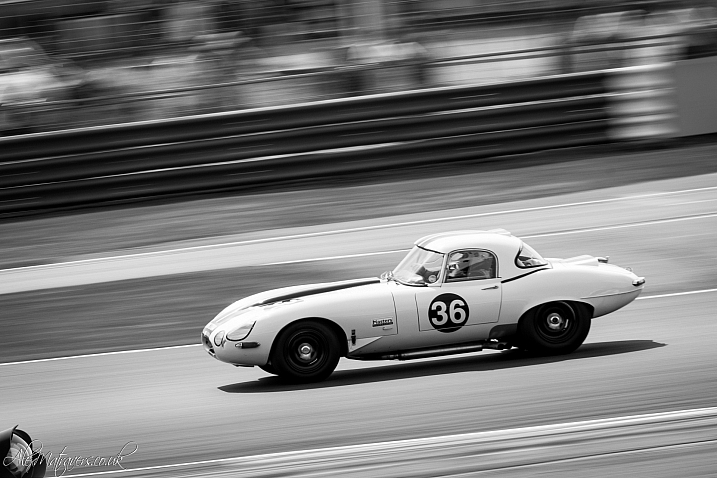
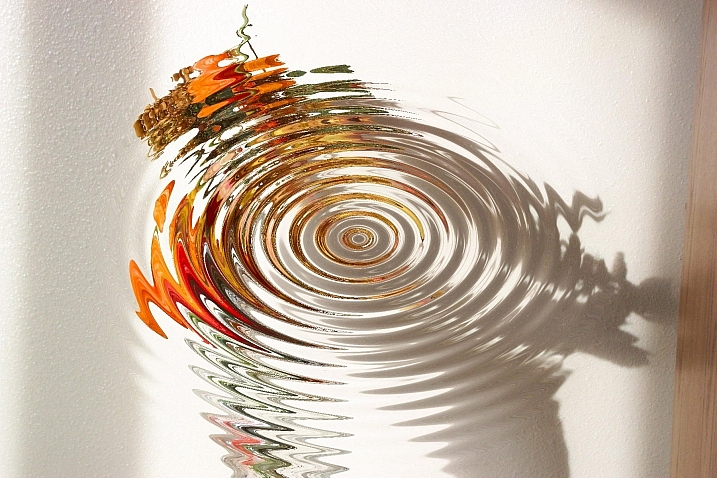
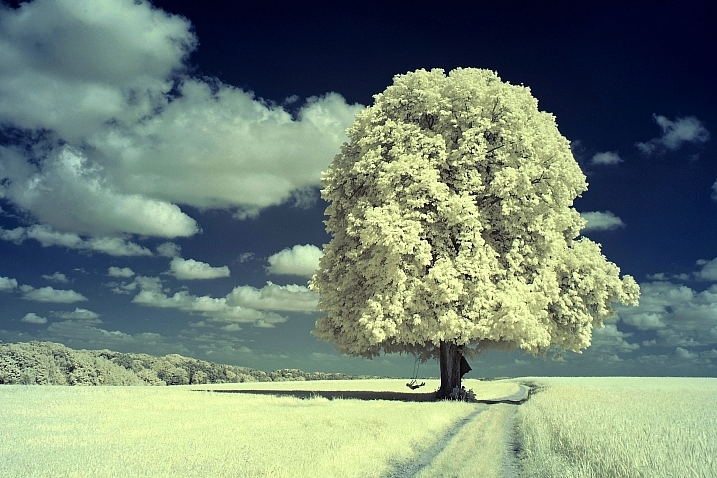
26 Unique Special Effects Photos to Spark Your Creativity

19 Mar

This week on dPS we are all about special effects. Check out the others that have already been published here:

  • How to Photograph the Full Band of the Milky Way
  • Fire Spinning with Steel Wool – A Special Effects Tutorial
  • Special Effect – How to Create Multiple Flash Exposures in a Single Frame
  • Stacking Light Trails for Night Photography Special Effects

Now it’s time to look at some special effects images:

I Am Dabe

By i am dabe

Redfishingboat (Mick O)

By Redfishingboat (Mick O)

Mike Boening Photography

By Mike Boening Photography

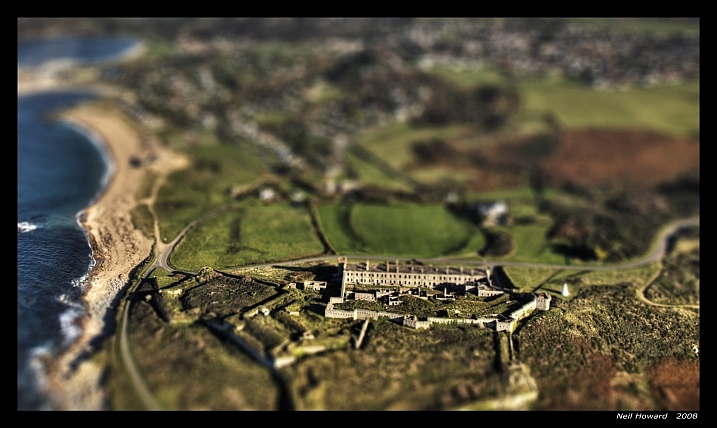
Neil Howard

By Neil Howard

Terry Lawson

By Terry Lawson

Louish Pixel

By Louish Pixel

Taichiro Ueki

By Taichiro Ueki

Thierry Marysael

By Thierry Marysael

John Watson

By John Watson

Nick Kenrick

By Nick Kenrick

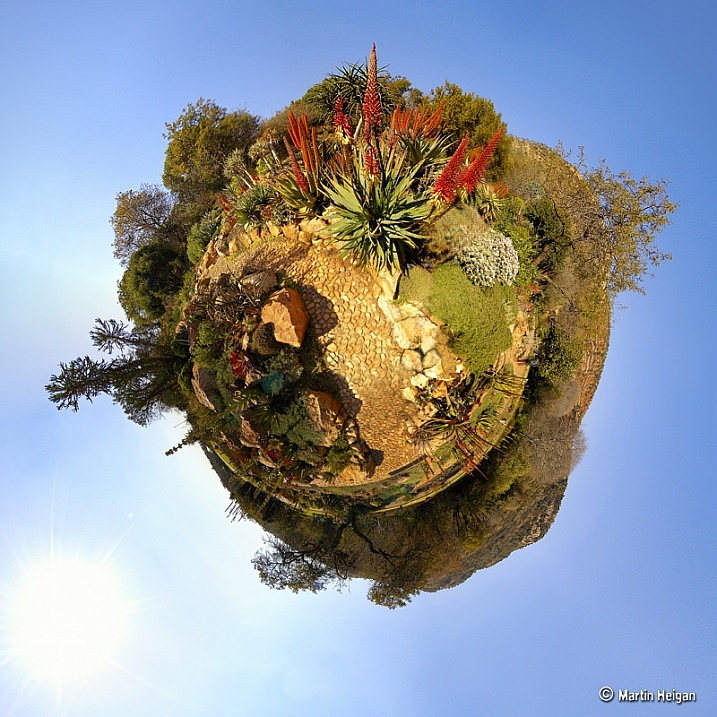
Martin Heigan

By Martin Heigan

Mibby23

By Mibby23

Mickaël

By Mickaël

Inefekt69

By inefekt69

Knowsphotos

By Knowsphotos

Disco's Place

By Disco’s Place

Dennis Crabtree

By Dennis Crabtree

Wayne Stadler

By Wayne Stadler

Liz West

By liz west

TJ Gehling

By TJ Gehling

Alex Matravers

By Alex Matravers

Howard Ignatius

By Howard Ignatius

David Bokeh

By David Bokeh

Randy McRoberts

By Randy McRoberts

Manuel Paul

By Manuel Paul

Alex Matravers

By Alex Matravers

googletag.cmd.push(function() {
tablet_slots.push( googletag.defineSlot( “/1005424/_dPSv4_tab-all-article-bottom_(300×250)”, [300, 250], “pb-ad-78623” ).addService( googletag.pubads() ) ); } );

googletag.cmd.push(function() {
mobile_slots.push( googletag.defineSlot( “/1005424/_dPSv4_mob-all-article-bottom_(300×250)”, [300, 250], “pb-ad-78158” ).addService( googletag.pubads() ) ); } );

The post 26 Unique Special Effects Photos to Spark Your Creativity by Darlene Hildebrandt appeared first on Digital Photography School.


Digital Photography School

 
Comments Off on 26 Unique Special Effects Photos to Spark Your Creativity

Posted in Photography


Tamrac introduces colorful, water-resistant Hoodoo backpacks

19 Mar

$ (document).ready(function() { SampleGalleryV2({“containerId”:”embeddedSampleGallery_5729733577″,”galleryId”:”5729733577″,”isEmbeddedWidget”:true,”standalone”:false,”selectedImageIndex”:0,”startInCommentsView”:false,”isMobile”:false}) });

Bag manufacturer Tamrac has introduced a pair of water resistant backpacks designed for ‘hiking and outdoor’ photographers. The two Hoodoo bags are made with waxed canvas and PU-coated nylon that’s intended to keep out the rain, and they come in a choice of Kiwi green, pumpkin orange and ocean blue.

There are two versions; the Hoodoo 18 and the Hoodoo 20. The 20 is the larger and comprises two separate compartments and a removable camera module that has its own strap for carrying over a shoulder. The camera module has room for a small DSLR with a few extra lenses, while the upper part of the bag can be used for clothes and features a slot for a 15in laptop.

The Hoodoo 18 is suitable for a DSLR and a pair of lenses, and again the camera module is removable. The camera’s Goblin pouch fits into the upper compartment, while the front of the bag is for other items and a 13in laptop.

The Hoodoo 18 costs $ 79.95/£89.99 and the Hoodoo 20 $ 129.95/£130. For more information see the Tamrac website.


Press release:

New Tamrac Hoodoo Backpacks

Designed for adventure, the new series of backpacks take you and your camera anywhere you want to go.

Made from water resistant waxed canvas and PU coated, lightweight ripstop nylon, Tamrac Hoodoo packs feature comfortable harnesses and high-grade components. Available in 2 sizes and three vibrant colours, the Hoodoo series is destined to be your go to camera bag for hiking and outdoor use.

The Hoodoo18 is designed for carrying compact DSLR cameras or mirrorless systems plus a lens or two. Tuck your camera and extra lens into a Tamrac Goblin pouch and then pop them in the Hoodoo 18’s upper padded compartment, your personal gear in the main compartment and up to a 13” laptop in the laptop sleeve and you are ready for the day’s adventure.

Larger than the 18 model, the Hoodoo 20 is actually 3 packs in one: a fully protective camera backpack, stand alone camera shoulder bag or stylish day pack.

As a camera backpack, the Hoodoo 20 has easy access through the front of the pack to grab your camera. The fully protective camera module carries compact DSLRs and mirror-less camera systems with extra lenses. The top portion of the bag carries personal items as well as most 15″ laptops in it’s own protective sleeve. Or take out the protective camera module and use as a shoulder bag with included shoulder strap. The included dividers are fully customizable to adapt to your camera gear.

Both models are available in 3 colours: Kiwi green, Pumpkin orange and Ocean blue.
Suggested retail prices as follows:

Tamrac Hoodoo 18 £89.99 inc VAT
Tamrac Hoodoo 20 £130.00 inc VAT

Both bags are available immediately.

www.tamrac.co.uk

Articles: Digital Photography Review (dpreview.com)

 
Comments Off on Tamrac introduces colorful, water-resistant Hoodoo backpacks

Posted in Uncategorized


Weekly Photography Challenge – Special Effects

19 Mar

This week on dPS we are all about special effects. Check out the others that have already been published here:

  • How to Photograph the Full Band of the Milky Way
  • Fire Spinning with Steel Wool – A Special Effects Tutorial
  • Special Effect – How to Create Multiple Flash Exposures in a Single Frame
  • Stacking Light Trails for Night Photography Special Effects
  • 26 Unique Special Effects Photos to Spark Your Creativity

how-to-multiple-flash-exposures-2781

Weekly Photography Challenge – Special Effects

As you can see from the list of articles above, there are many ways to make special effects, and have some fun with photography. We have more great ones coming your way this week, so keep reading!

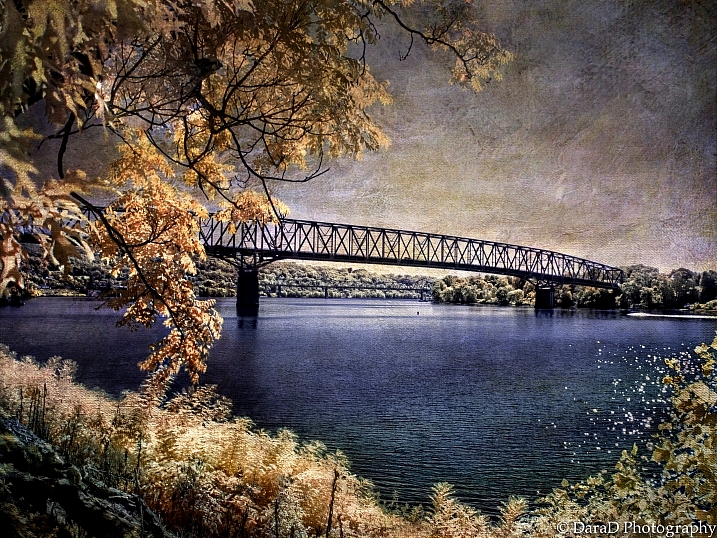
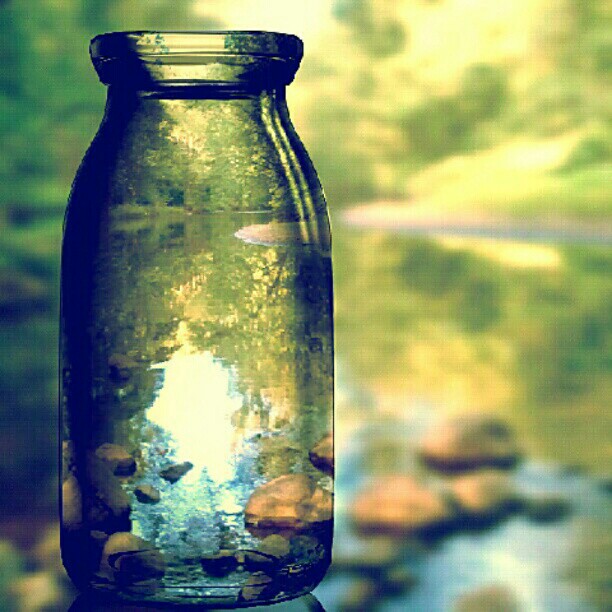
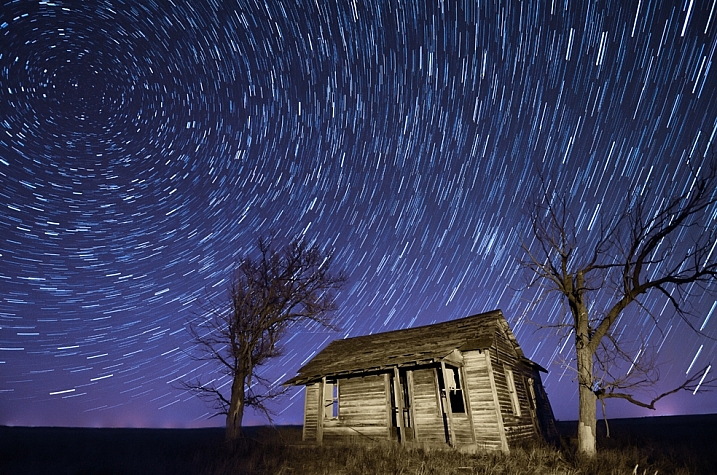
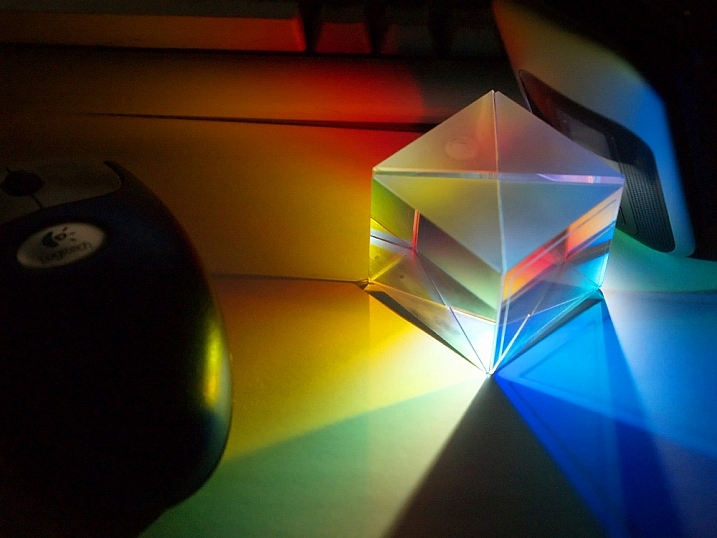
This week try something different, a idea you’ve not tried before, or a post-processing technique. No idea is too crazy (just be safe!), and you never know what you get until you try – so this is a great time to experiment.

Joy_n_the_jungle

By joy_n_the_jungle

Enzio Harpaintner

By Enzio Harpaintner

Dara

By Dara

Share your images below:

Simply upload your shot into the comment field (look for the little camera icon in the Disqus comments section) and they’ll get embedded for us all to see or if you’d prefer upload them to your favourite photo sharing site and leave the link to them. Show me your best images in this week’s challenge. Sometimes it takes a while for an image to appear so be patient and try not to post the same image twice.

SurFeRGiRL30

By SurFeRGiRL30

Shannon Dizmang

By Shannon Dizmang

Refeia

By refeia

Neil Howard

By Neil Howard

If you need more ideas watch this video from the Cooph team (Cooperative of Photography) on how to shoot the elements:

googletag.cmd.push(function() {
tablet_slots.push( googletag.defineSlot( “/1005424/_dPSv4_tab-all-article-bottom_(300×250)”, [300, 250], “pb-ad-78623” ).addService( googletag.pubads() ) ); } );

googletag.cmd.push(function() {
mobile_slots.push( googletag.defineSlot( “/1005424/_dPSv4_mob-all-article-bottom_(300×250)”, [300, 250], “pb-ad-78158” ).addService( googletag.pubads() ) ); } );

The post Weekly Photography Challenge – Special Effects by Darlene Hildebrandt appeared first on Digital Photography School.


Digital Photography School

 
Comments Off on Weekly Photography Challenge – Special Effects

Posted in Photography


Sony a6300 gallery updated with Raw conversions

18 Mar

With access to Adobe Camera Raw support for the Sony a6300’s .ARW files, we re-visited our real-world sample-gallery and have added a number of Raw conversions to the existing out-of-camera JPEG files. You can check out our conversions in the updated gallery, or you can download the Raw files and see what you can do with them yourself – you just need to download the latest ACR update.

Articles: Digital Photography Review (dpreview.com)

 
Comments Off on Sony a6300 gallery updated with Raw conversions

Posted in Uncategorized


Tip of the iceberg: Learning photography in Antarctica

18 Mar

$ (document).ready(function() { SampleGalleryV2({“containerId”:”embeddedSampleGallery_3701426939″,”galleryId”:”3701426939″,”isEmbeddedWidget”:true,”standalone”:false,”selectedImageIndex”:0,”startInCommentsView”:false,”isMobile”:false}) });

People become interested in photography in many different ways, and at different stages of life. Some are hooked early on, and others discover the joy of making photos much later. For Kira Morris, it was the isolation and natural beauty of life in Antarctica that inspired her to take up photography. With a Nikon D7000, 18-105mm F3.5-5.6 lens and a tripod, Morris experienced the highs and lows of learning to take photographs just like the rest of us, but unlike the rest of us, her subject was both breathtaking and potentially dangerous.

Morris shared her early experiences with photography to Resource Travel, which happened to be in the coldest place in the world. She describes a place where removing thick gloves to operate dials poses a real danger, where it’s business as usual even as Auroras fill the sky, and laying down in the snow with your camera can be rewarded with a close-up portrait of one of the feathered native residents. See a few of her images here and head over to Resource for the full story.

Articles: Digital Photography Review (dpreview.com)

 
Comments Off on Tip of the iceberg: Learning photography in Antarctica

Posted in Uncategorized


Photographic Education, Specialties, and Business: Interview with Photographer Melanie Weij

18 Mar

In one of our recent newsletters, I asked our subscribers to share their stories with me. The newsletter celebrated the beginning of spring and was dedicated to inspiration and aspiration in the contemporary photographic world. I always encourage readers to hit the reply button and get involved in the conversation. And often, you do (high five!). So did our subscriber, Continue Reading

The post Photographic Education, Specialties, and Business: Interview with Photographer Melanie Weij appeared first on Photodoto.


Photodoto

 
Comments Off on Photographic Education, Specialties, and Business: Interview with Photographer Melanie Weij

Posted in Photography


Special Effect – How to Create Multiple Flash Exposures in a Single Frame

18 Mar

Many photographic techniques, rightfully, tend to focus on polished images. They vary anywhere on the spectrum from getting sharper images to capturing accurate skin tones. These techniques are important. However, sometimes they’re not very much fun. Sometimes, that’s precisely what you need to have, and exactly what photography should be – fun.

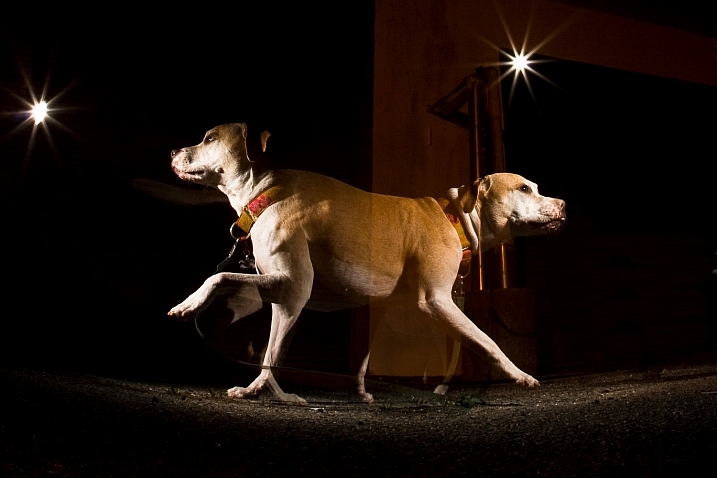
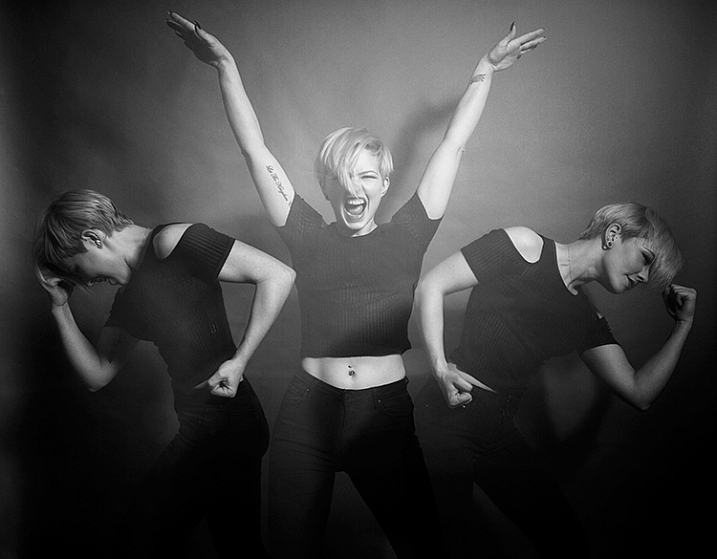
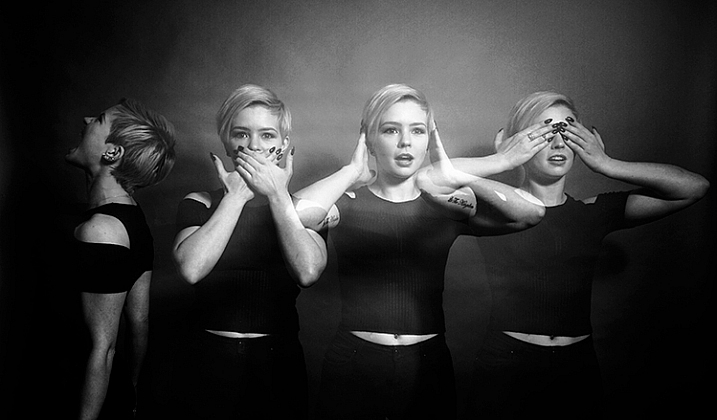
This article will guide you through a fun special effect technique that will allow you to capture multiple exposures in a single frame, using the test button on your strobes or flashguns. Using this method, you will gain a new tool to add movement, and a sense of action in your studio photography.
how-to-multiple-flash-exposures-2793

What you need

  • A dSLR on manual settings (set from 2-10″ or bulb exposure)
  • A very dark room (or nighttime outdoors)
  • A tripod
  • A human subject
  • A strobe or flashgun (speedlight) with a test button (to manually fire the flash)
  • Someone to serve as an extra pair of hands (not required but it helps a lot)

Setting it up
how-to-multiple-flash-exposures-2795

Aperture

Because you’re using flash, the aperture setting is the most important in this technique. As long as your shutter speed is slower than your camera’s flash sync-speed, aperture is what controls how the flash exposure is recorded, and it also dictates what power output to set on your flash. I suggest using an aperture somewhere between f/8 and f/16, to get the best results. A smaller aperture will also help to minimize the effect of any ambient light in your images.

Camera settings

With your camera on a tripod, set the dial to manual mode, the ISO to 100, and your shutter speed to between two and six seconds. To test if your shutter speed is suitable, take a test shot without any flash. As long as the image is completely black at the end of the exposure, it will work for this technique.

This time can be changed and extended later, depending on how many movements you want to capture.

Lighting

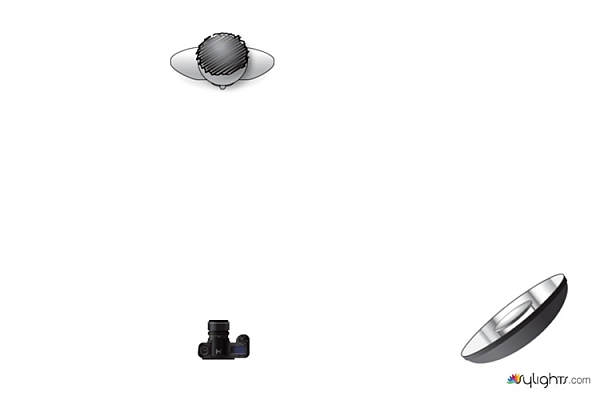
To start with, try to keep your lighting simple. A single light source will give you unlimited potential. This technique will work with multiple lights, but it is best to build up to that over time, as you get used to how the technique works.

As for lighting placement, the choice is yours. The lighting will, and should, depend on the final intent of the image you are trying to create. However, if you’re unsure, try starting with your light high above, and in front of, your subject. That will provide a good starting point to make adjustments from there.

Use a light meter, or manually calculate the exposure, to set your flash output, so it matches your chosen aperture.
how-to-multiple-flash-exposures-diagram

Simple lighting set-ups, like this one used in these images, can be the most effective.

Direction

With everything set up, you need to explain to your subject how to move. The easiest way to explain this is, “Pose, wait for the flash, pose, wait for the flash, and pose again”.

In more detail – you want to wait for your subject to adopt the first pose, set the focal point, and start the exposure. Press the test button on your strobe to fire the flash. After this first flash, your subject should move to their second position as quickly as possible, where you will press the test button again. Repeat as many times as required.

Keep trying

The hardest part of this technique is that it is incredibly hit and miss. Getting your subject to move into positions that create pleasing compositions, without be able to evaluate while it’s happening, is tricky. It takes time and patience. You will need to shoot a lot of frames, and most of them will be unsuitable. Just keeping making as many attempts as you can, until you think you have something, then take some more.
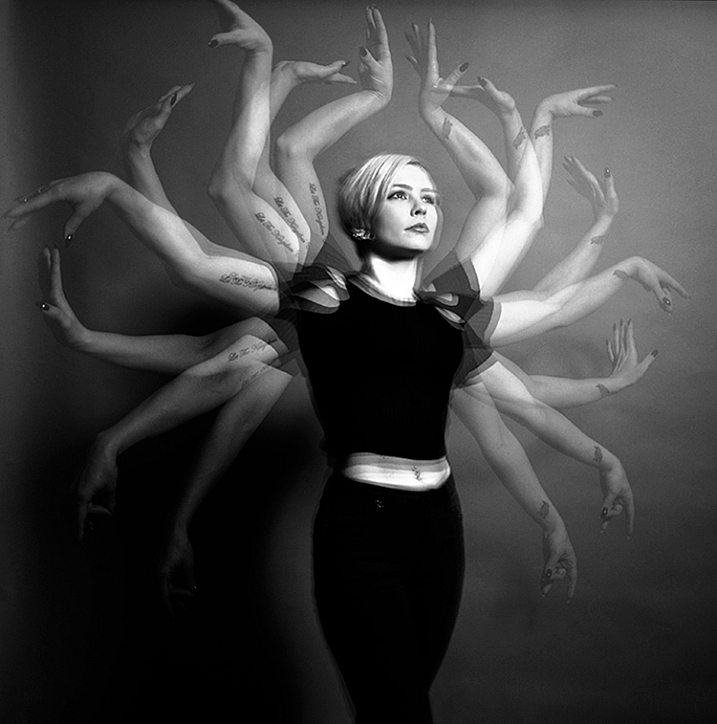
how-to-multiple-flash-exposures-2781

Tips

Here are a few things to keep in mind that will make your attempts easier.

Start small

Sometimes it’s hard judge how movements will appear in the final image. By trying to squeeze too much in, you might end up with a cluttered mess in your images. Start with two or three movements to gauge where things are and build it up from there.
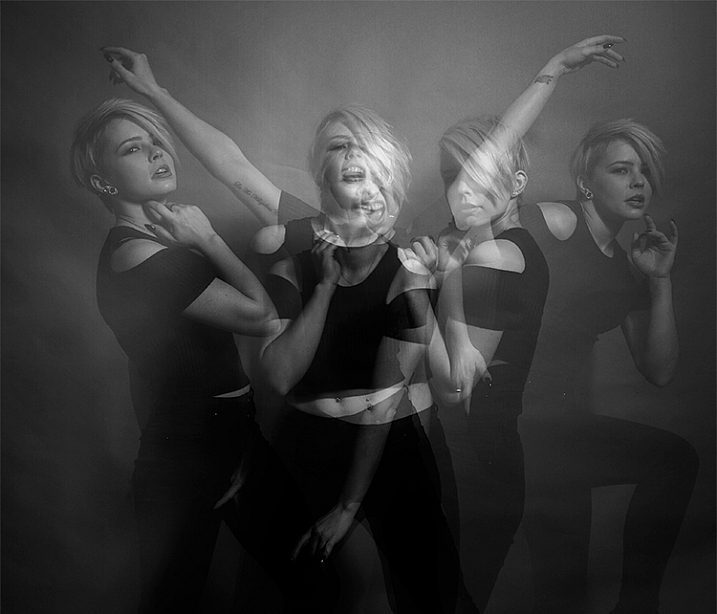
how-to-multiple-flash-exposures-2787

Trying to include too many movements may result in a cluttered mess like this image.

Remote triggers

If you have a remote trigger for your strobes with a manual button on it, you can hold it in your hand and fire the flash. This is much more preferable than having to move between the camera and your light source during each frame.

Recycle rate

If you want to squeeze more than two or three movements into a six second exposure, try to ensure that your flash isn’t set to full power. By reducing the power output, you’re also decreasing the amount of time it takes your flash to refresh. This will allow you to fire the strobe more times in the short timeframe.

Clarity

There is no one way to process images from this technique, and all of that is up to you. However, if you want crisper, more pronounced outlines of your subject, the clarity slider in Lightroom or Adobe Camera RAW will help a lot.

Neutral backdrops
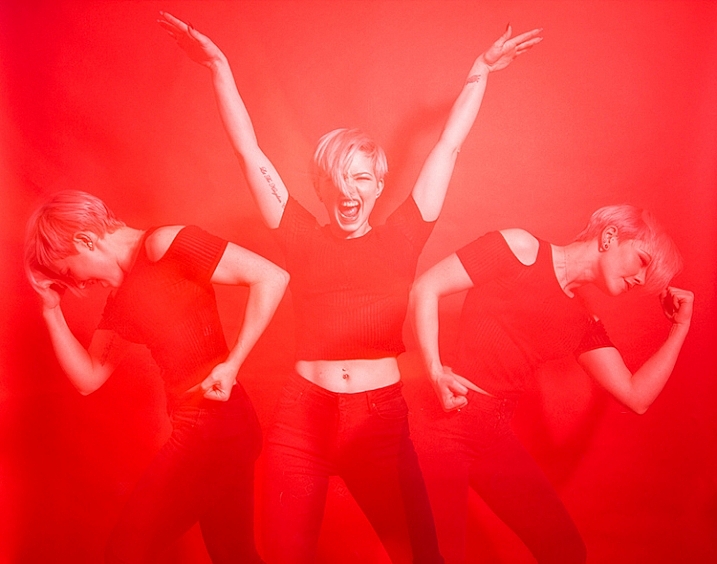
how-to-multiple-flash-exposures-2793-2

Colored backdrops will overpower images using this technique.

For color images, try and stick to a black or grey background. Because your subject is moving to different positions, the background continues to expose once your subject has moved. If you use a colored background, as I did with these images, that color will dominate your exposures. Of course, this can be used judiciously as a feature of the image should you choose.

Two second timer

If you can’t rope someone into being your assistant for the day, set your camera to use the two second timer, to give you time to move between the camera and the strobe.

Keep going

Once you’ve had a go at this technique with people, feel free to try and think of ways to use it with other subjects. For example you could use it to capture a hammer at different points in its swing, or perhaps a basketball at different parts of its arc. The choices are endless. Be creative with it, have fun, and if you give it a go please share your images below, as well as any questions you may have.

This is the third of a series of articles we will be featuring this week on dPS all about special effects. Check out the others here:

  • How to Photograph the Full Band of the Milky Way
  • Fire Spinning with Steel Wool – A Special Effects Tutorial

googletag.cmd.push(function() {
tablet_slots.push( googletag.defineSlot( “/1005424/_dPSv4_tab-all-article-bottom_(300×250)”, [300, 250], “pb-ad-78623” ).addService( googletag.pubads() ) ); } );

googletag.cmd.push(function() {
mobile_slots.push( googletag.defineSlot( “/1005424/_dPSv4_mob-all-article-bottom_(300×250)”, [300, 250], “pb-ad-78158” ).addService( googletag.pubads() ) ); } );

The post Special Effect – How to Create Multiple Flash Exposures in a Single Frame by John McIntire appeared first on Digital Photography School.


Digital Photography School

 
Comments Off on Special Effect – How to Create Multiple Flash Exposures in a Single Frame
Posted in Photography