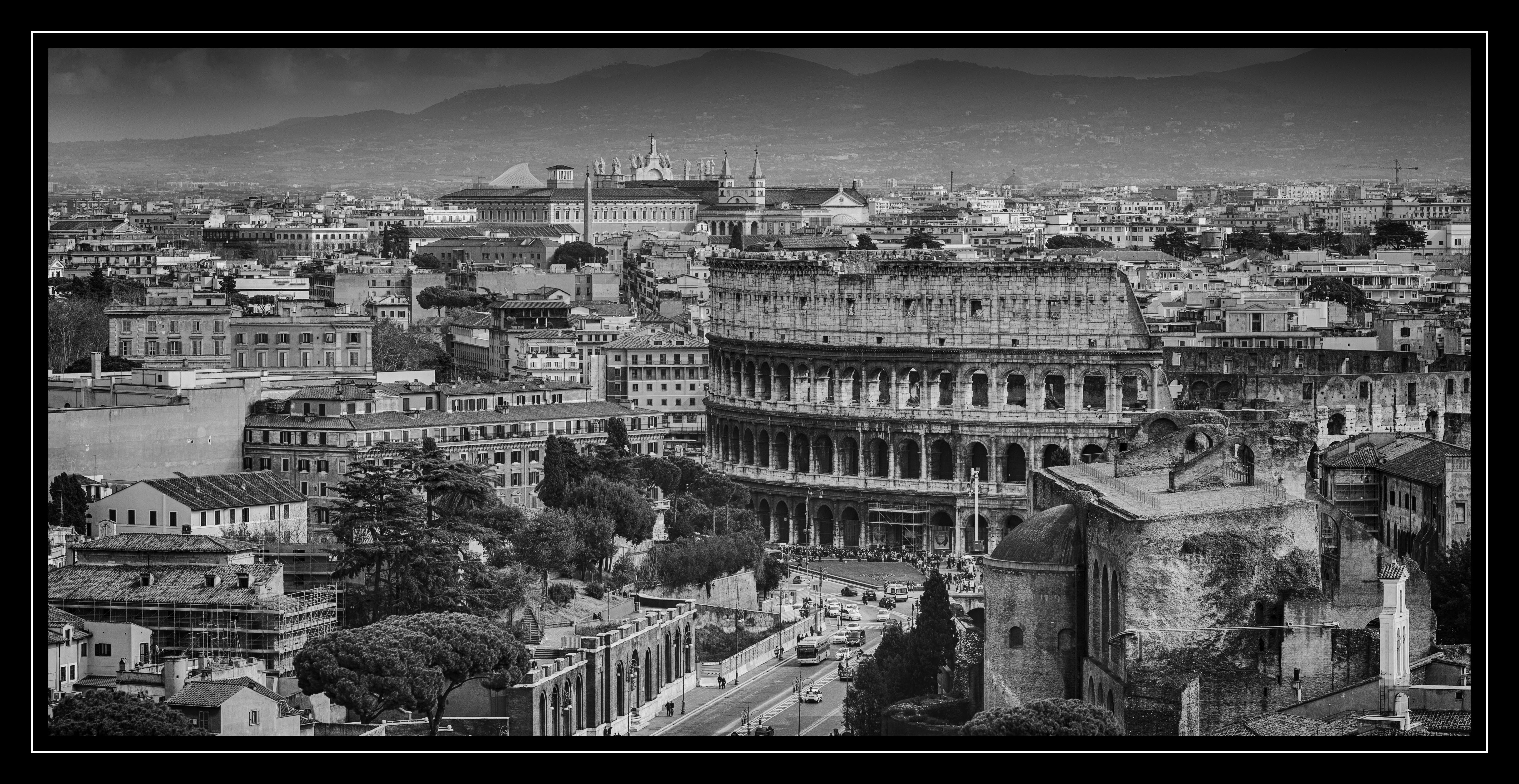
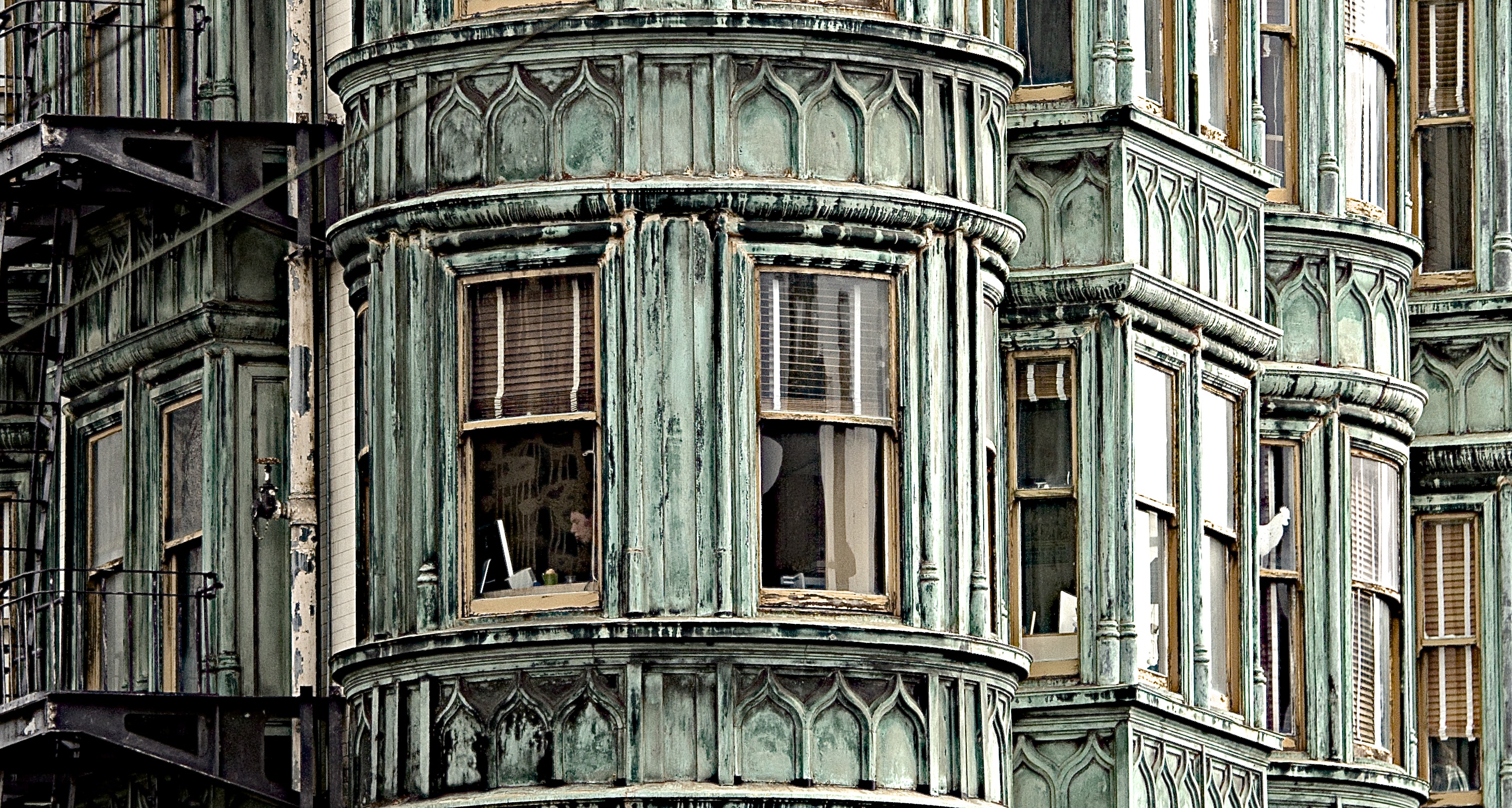
RSS
 

Archive for the ‘Photography’ Category

How to Use Neutral Density Filters to Make Better Landscape Photos

20 Feb

In an earlier article, I wrote that neutral density filters are the secret weapon of the landscape photographer. I couldn’t work without mine and I suspect most landscape photographers would say the same.

But why are they so useful? There are two reasons. One is that neutral density filters give you control over exposure, and the other is that they give you creative control over shutter speed.

Neutral density filters

Let’s take a closer look at these concepts.

What is a neutral density filter?

First, some definitions. A neutral density filter is one that blocks light. The result is that less light passes through the lens and reaches the camera’s sensor (or film).

There are several ways of measuring the strength of neutral density filters, but they are basically all different ways of stating how many stops of light the filter blocks. Typical strengths are one stop (0.3 or ND2), two stops (0.6 or ND4), three stops (0.9 or ND8), six stops (1.8 or ND64 )and ten stops (3.0 or ND1024). Some manufacturers even make neutral density filters that block 16 stops or more light, although these are more of a specialty item.

This photo shows a ten stop neutral density filter mounted on a lens. As you can see the filter is nearly opaque and you can’t see through it well.

Neutral density filters

Different kinds of ND filters

Neutral density filters block light evenly across the frame. Graduated neutral density filters, on the other hand, block light across just part of the frame. Half the filter is clear, and half is opaque, with a graduated area in-between (hence the name).

This photo shows a two stop Lee graduated neutral density filter in a square filter holder. The top half of the filter is dark (to block light) and the bottom is clear.

Neutral density filters

Graduated neutral density filters and the landscape

Graduated neutral density filters (often just called grads or GND filters) are used by landscape photographers to control exposure.

Imagine you are taking a landscape photo that includes the sky and the setting sun. In this scenario, the sky is much brighter than the foreground. If you expose correctly for the sky, the foreground goes dark. If expose correctly for the foreground, the sky is burnt out.

A graduated neutral density filter blocks light from the sky without affecting the foreground. If for example, the sky is three stops darker than the foreground then a three-stop graduated neutral density filter will help even out the difference between the two, allowing you to capture the scene in a single frame.

Here’s an example

For this first photo below I set the exposure by exposing to the right (on the histogram) so that there were no clipped highlights. The problem is that the bottom half of the photo is too dark. You can make it lighter  in Lightroom, but not without introducing noise.

Neutral density filters

I made another photo (below) and increased the exposure by two stops. The foreground is exposed properly but now the sky is burnt out. There is no way to bring back the lost highlight detail in Lightroom.

Neutral density filters

I made this last photo using a three-stop soft graduated neutral density filter. The filter allowed me to capture detail in both foreground and sky.

Neutral density filters

The advantage of using the filter is that it let me continue working as the light faded, taking longer exposures without having to bracket. The last photo of the evening had an exposure time of six minutes.

It also saves time in post-processing compared to using techniques like exposure blending or HDR in Lightroom. Before digital cameras (and processing), graduated neutral density filters were the only way that photographers had to balance out exposure between foreground and sky.

Disadvantages of graduated neutral density filters

Graduated neutral density filters do have some disadvantages.

The first is that they don’t work well with scenes broken by something that sticks up above the horizon (like a tree or mountain).

The photo below is a good example. The sky is a small part of the frame and it’s impossible to cover it with a graduated neutral density filter without making the rocks darker as well. The only solution was to take two different exposures, one for the foreground, the other for the sky, and blend them in post-processing.

Neutral density filters

Another disadvantage is that good quality graduated filters are expensive.

Despite this, some landscape photographers like to use them as it gives them choice. With graduated neutral density filters you can decide which technique is best suited for the scene you are photographing.

Neutral density filters and the landscape

Landscape photographers use neutral density filters for creative control over shutter speed.

Think about the exposure settings landscape photographers tend to use. You normally set ISO to the lowest setting and aperture to f/11 or f/16. This gives you maximum image quality (low ISO) and good depth-of-field (narrow aperture).

The shutter speed required to give the correct exposure will depend on the ambient light leves. In bright light, it might be around 1/125th of a second. In the fading light at the end of the day, it might be around 1/2 second.

But what if you want a longer shutter speed? This is where neutral density filters come in. They block light so that you can get longer shutter speeds. Longer exposures allow moving parts of the landscape (like clouds or water) to blur, which in turn creates mood and atmosphere.

The ultimate example of this is long exposure photography, where exposures of several minutes are used to blur the motion of the sea and clouds. Here’s an example. This photo was taken at ISO 200, at f/11 for 1/125th of a second.

Neutral density filters

With a neutral density filter, I was able to turn that into a shutter speed (exposure time) of 210 seconds. The photo is transformed.

Neutral density filters

The neutral density filters I use

One of the problems with neutral density filters is that there are so many to choose from. How do you know which ones to buy? Ultimately you have to decide how much you want to spend and then look at the options. But I can start by telling you which filters I own, why I bought them, and give you some tips for choosing filters.

Take note – filter size is a factor

But before I do that, I’d like to make the point that filters are very closely related to lens size. The bigger your lens, the bigger the filter required to cover the front element, and the more expensive it will be to buy. The difference can soon add up to hundreds of dollars. You have to bear in mind the filters you may want to buy later when you buy the lens itself.

My Neutral Density Filter Kit

My neutral density filter kit is the circular Formatt Hitech 72mm Firecrest Joel Tjintjelaar Signature Edition Long Exposure Kit #1. It contains three neutral density filters with strengths of three, six and ten stops respectively. You can also use two filters together to block nine, 13 or 16 stops of light. I bought the circular filters because they are less expensive than the square ones. (NOTE: if you plan to use your filters on multiple lenses, buy the size you need for the largest one, and get step-down rings to adapt the filters to fit the smaller ones – OR get the square drop-in kind instead.)

My Graduated Neutral Density Filter Kit

My graduated neutral density filter kit is the Lee Seven5 system, which I bought in a set that includes the filter holder, an adapter ring, and four graduated neutral density filters. The Lee Seven5 system is smaller (and less expensive) than Lee’s full size filters and is designed for mirrorless camera systems. This comes back to the point I made earlier about lens size.

I love these filters because they help me take photos like this.

Neutral density filters

I would love to hear from you what neutral density filters you use. Which ones did you choose and why did you buy them? What brands would you recommend to other photographers? Please let us know in the comments below.


If you enjoyed this article and would like to learn more about landscape photography then please check out my ebook The Black & White Landscape.

googletag.cmd.push(function() {
tablet_slots.push( googletag.defineSlot( “/1005424/_dPSv4_tab-all-article-bottom_(300×250)”, [300, 250], “pb-ad-78623” ).addService( googletag.pubads() ) ); } );

googletag.cmd.push(function() {
mobile_slots.push( googletag.defineSlot( “/1005424/_dPSv4_mob-all-article-bottom_(300×250)”, [300, 250], “pb-ad-78158” ).addService( googletag.pubads() ) ); } );

The post How to Use Neutral Density Filters to Make Better Landscape Photos by Andrew S. Gibson appeared first on Digital Photography School.

Digital Photography School

 
Comments Off on How to Use Neutral Density Filters to Make Better Landscape Photos

Posted in Photography


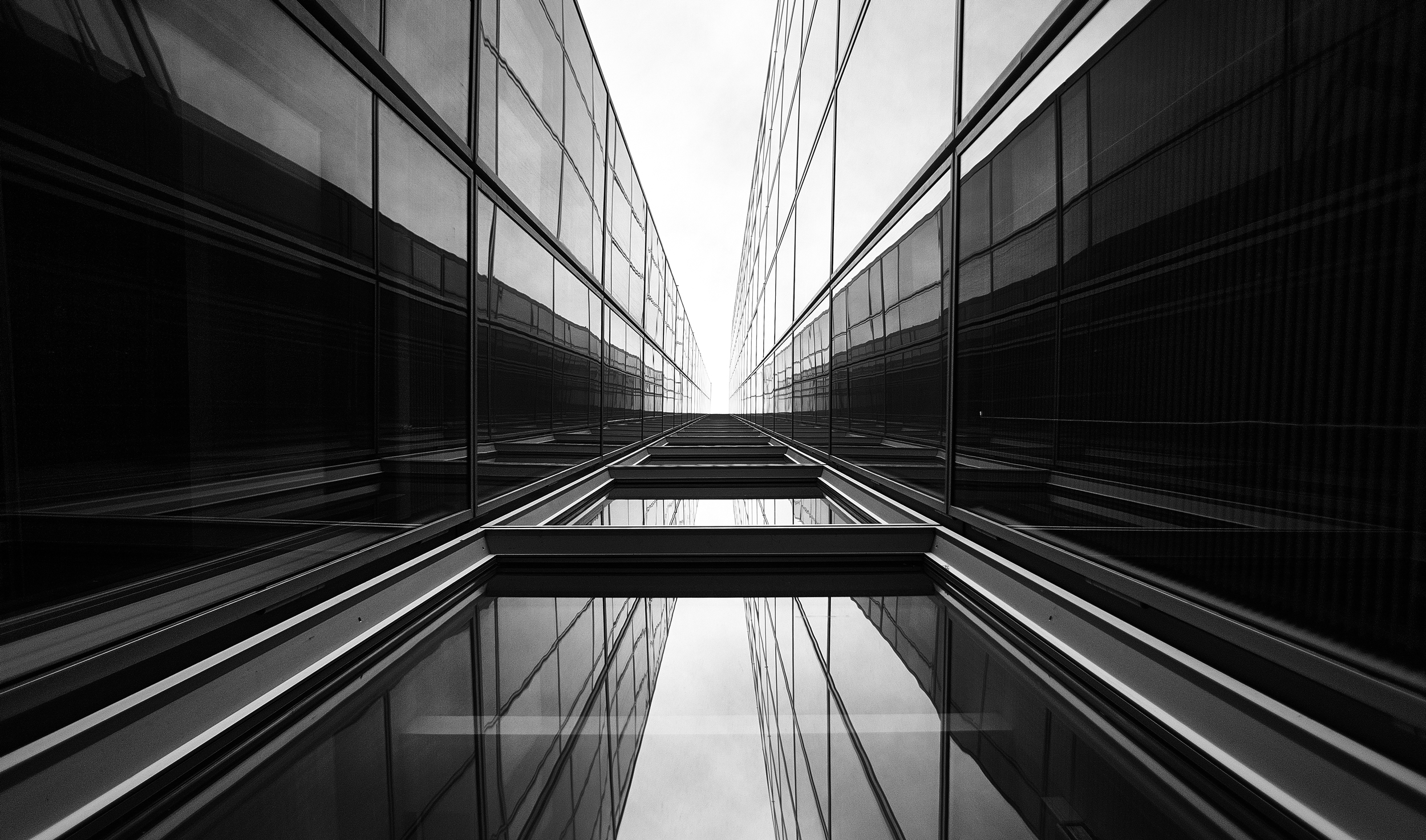
23 Moody Black and White Architectural Images

18 Feb

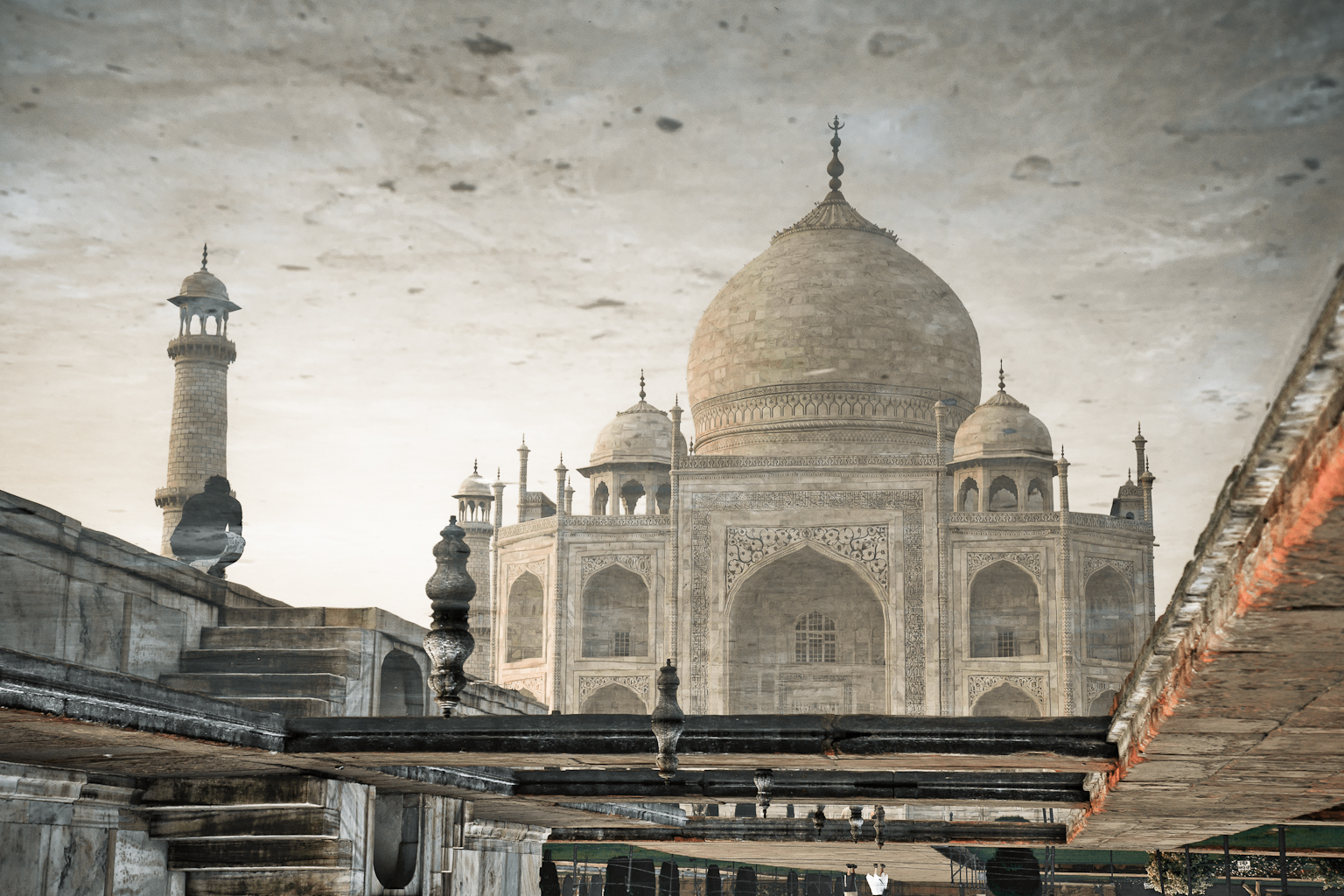
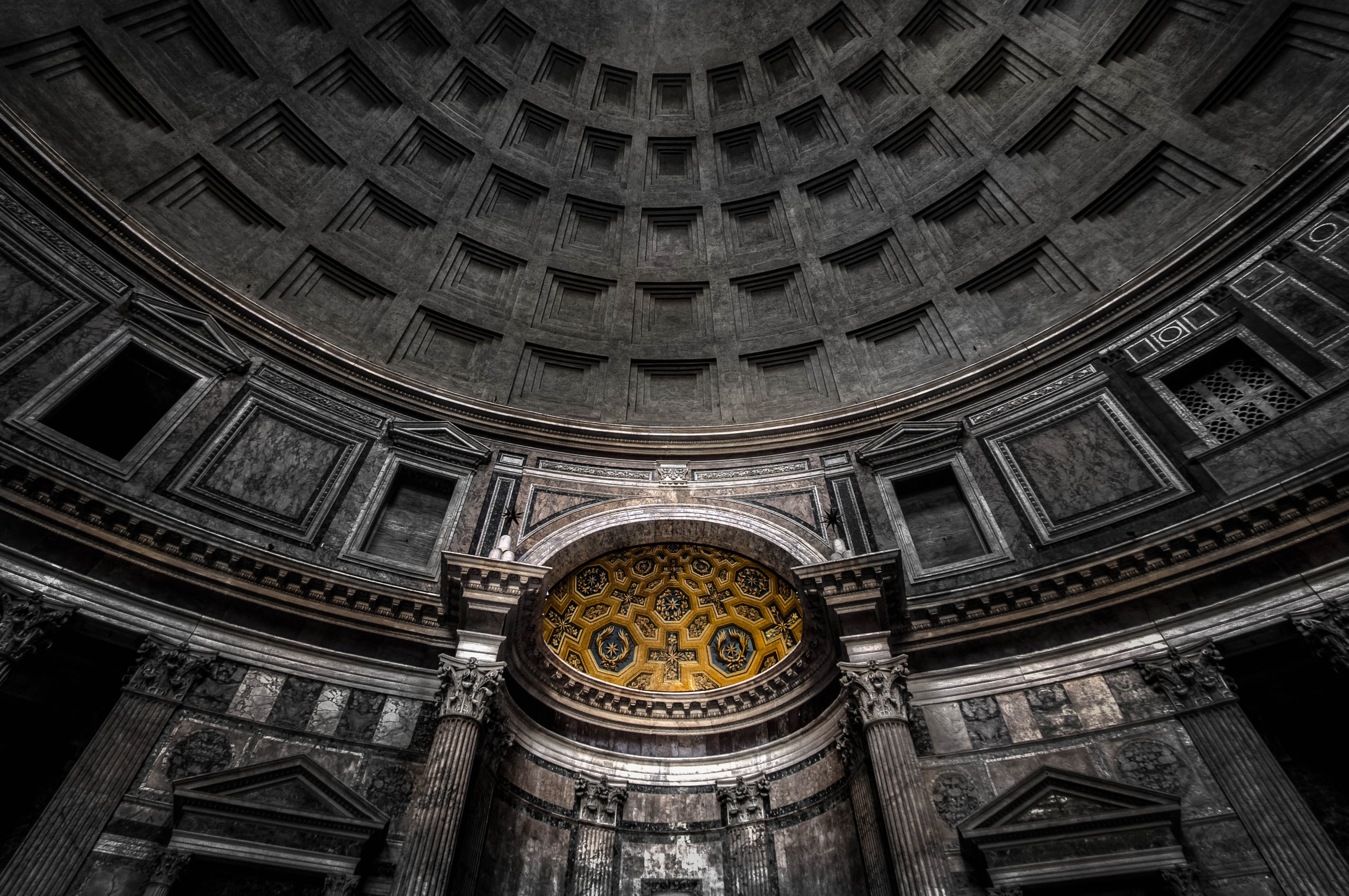
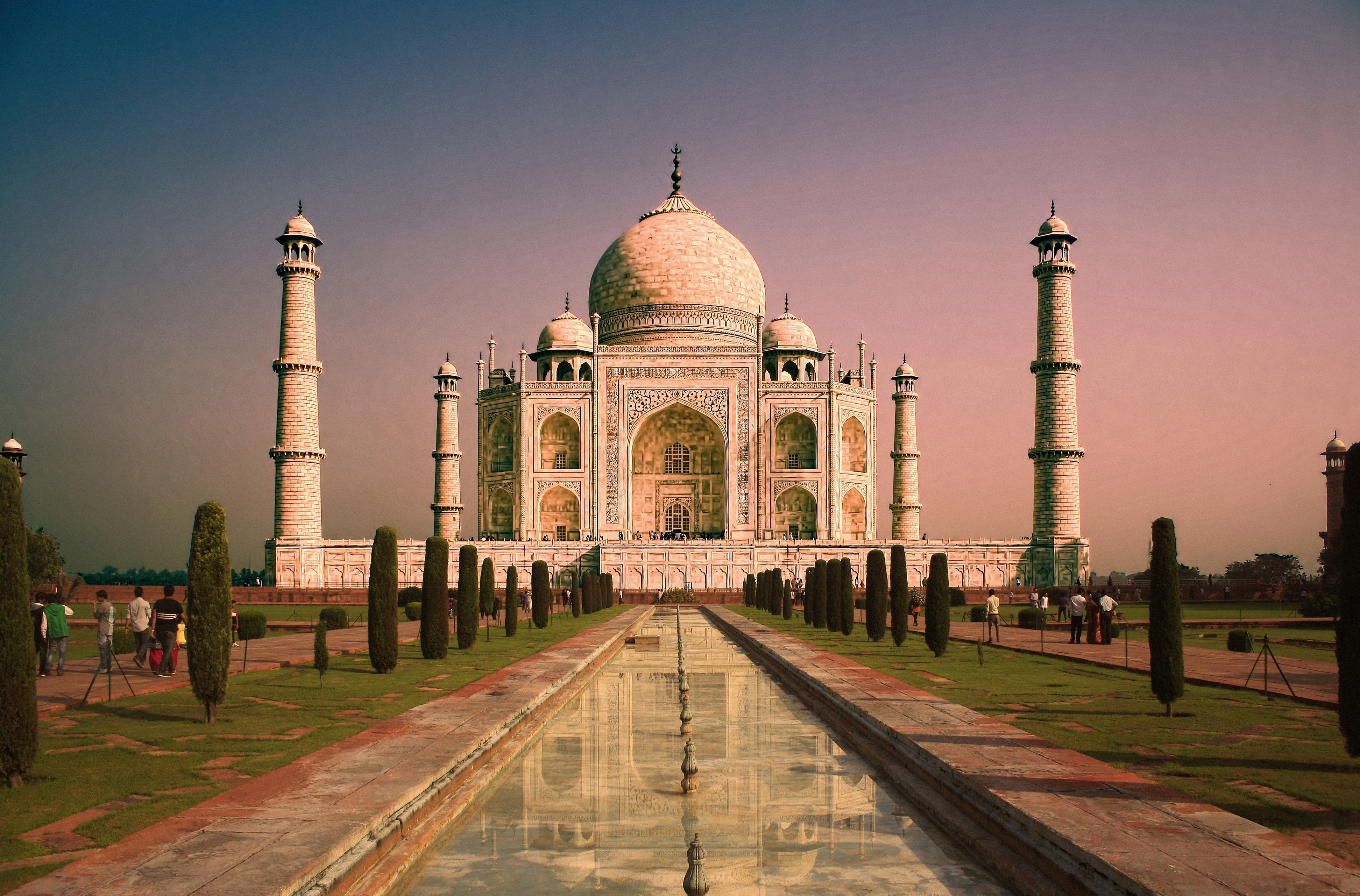
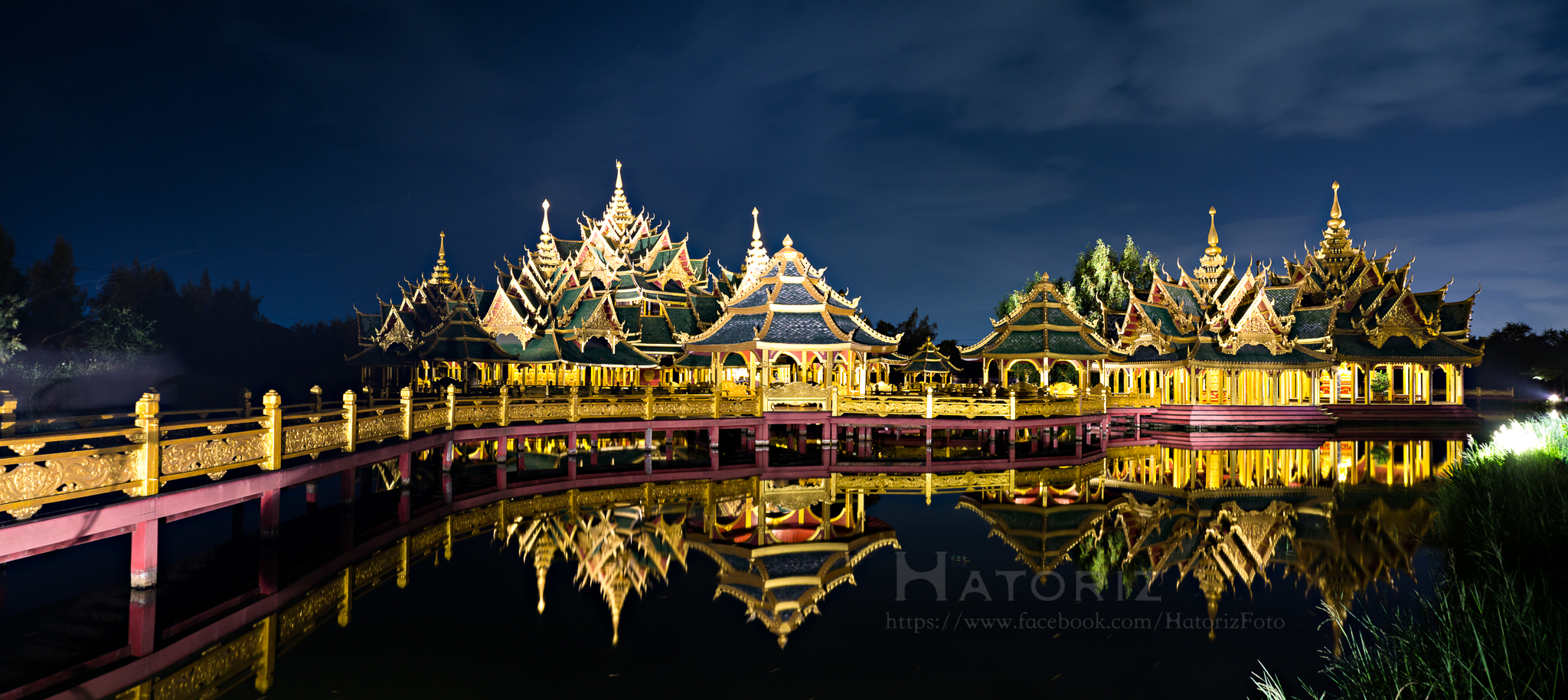
Architecture provides a few things that photographers love; texture, shape, contours, dramatic lighting.

Let’s see how these 23 photographers found and photographed different buildings and kinds of architecture in black and white.

By Marco Crupi

By Paul Waldo

By Andrew Howson

By jesuscm

By Thomas8047

By Justin Vidamo

By Brad Hammonds

By Brad Hammonds

By Thomas Hawk

By ?Jin Mikami?

By perceptions (creative pause)

By Peter Tandlund

By ?Jin Mikami?

By ?Jin Mikami?

By Jacques Caffin

By Paulo Valdivieso

By Franck Vervial

By Chris Chabot

By Wasif Malik

By Davidlohr Bueso

By gato-gato-gato

By Brad Hammonds

By Premnath Thirumalaisamy

googletag.cmd.push(function() {
tablet_slots.push( googletag.defineSlot( “/1005424/_dPSv4_tab-all-article-bottom_(300×250)”, [300, 250], “pb-ad-78623” ).addService( googletag.pubads() ) ); } );

googletag.cmd.push(function() {
mobile_slots.push( googletag.defineSlot( “/1005424/_dPSv4_mob-all-article-bottom_(300×250)”, [300, 250], “pb-ad-78158” ).addService( googletag.pubads() ) ); } );

The post 23 Moody Black and White Architectural Images by Darlene Hildebrandt appeared first on Digital Photography School.

Digital Photography School

 
Comments Off on 23 Moody Black and White Architectural Images

Posted in Photography


Weekly Photography Challenge – Black and White Architecture

18 Feb

Earlier I shared some moody and dramatic images of architecture in black and white. Now it’s your turn!

Weekly Photography Challenge – Black and White Architecture

Even in harsh midday sun, you can often create stunning and dramatic images of architecture. Let’s take a look at a few black and white images of architecture. I’ll start you off with a few of my own from Turkey.

The library at Ephesus

Inside the great Haga Sofia in Istanbul.

Your challenge this week is to photograph some architecture. You can do this no matter where you live. If there are buildings, you can do this. Even a hut or shack is architecture! Use a wide-angle lens or go for details, maybe shoot at night? It’s up to you how you approach it, just get out there shooting.

If you need some tips here are a few articles to help:

  • 4 Beginner Tips for Doing Architecture Photography
  • How to Create Stunning Architecture Photography by Painting with Light
  • Tips for Different Approaches to Architecture Photography
  • 8 Quick Tips to Improve Your Photos of Architectural Details
  • 9 Architectural Photography Tips
  • A Guide to Black and White Conversion in Photoshop
  • A Guide to Black and White Conversion in Lightroom
  • 8 Reasons to Use Silver Efex Pro 2 for Your Black and White Conversions

By Pietromassimo Pasqui

By David

By Hernán Piñera

By darkday

Share your images below:

Simply upload your shot into the comment field (look for the little camera icon in the Disqus comments section) and they’ll get embedded for us all to see or if you’d prefer, upload them to your favorite photo-sharing site and leave the link to them. Show me your best images in this week’s challenge. Sometimes it takes a while for an image to appear so be patient and try not to post the same image twice.

Share in the dPS Facebook Group

You can also share your images on the dPS Facebook group as the challenge is posted there each week as well.

googletag.cmd.push(function() {
tablet_slots.push( googletag.defineSlot( “/1005424/_dPSv4_tab-all-article-bottom_(300×250)”, [300, 250], “pb-ad-78623” ).addService( googletag.pubads() ) ); } );

googletag.cmd.push(function() {
mobile_slots.push( googletag.defineSlot( “/1005424/_dPSv4_mob-all-article-bottom_(300×250)”, [300, 250], “pb-ad-78158” ).addService( googletag.pubads() ) ); } );

The post Weekly Photography Challenge – Black and White Architecture by Darlene Hildebrandt appeared first on Digital Photography School.

Digital Photography School

 
Comments Off on Weekly Photography Challenge – Black and White Architecture

Posted in Photography


How to Use a Speedlight at Wedding Receptions and Events

18 Feb

Using a speedlight at weddings and events take me back down memory lane to my very first paid wedding. I had the most basic digital camera, my trusty Nikon D40, the 18-55mm kit lens, a telephoto I bought separately 55-200mm f/4-5.6, and a 50mm 1.8D. What did I know about weddings? Hardly anything technical for sure but I had bags of creativity which got me hired. We have to start somewhere. But before anyone judges me at touting my wedding photography as a professional, well I wasn’t. I was recommended to someone looking for a wedding photographer. I didn’t have a portfolio, so the person who recommended me took some of my family photos to show her friend.

What did I know about weddings? Hardly anything technical for sure, but I had bags of creativity which got me hired. We have to start somewhere. But before anyone judges me at touting my wedding photography as a professional, well I wasn’t. I was recommended to someone looking for a wedding photographer. I didn’t have a portfolio, so the person who recommended me took some of my family photos to show her friend.

How to Use a Speedlight at Wedding Receptions and Events

My first speedlight

Up until then, I had only photographed friends’ weddings because I enjoyed them and they gave me some practice other than photographing my own kids as well as other families. So this was my first paid venture outside family photography. But, even as a super wedding novice, I knew I needed a speedlight (flash gun) and dared not go without one. I also borrowed a backup camera just in case.

I bought the super affordable Nikon SB-400, a nifty little speedlight that fits in your pocket with a head that can be tilted overhead (and only that) for bouncing light. It was better than not having a speedlight at all. I was ready to roll, or so I thought.

How to Use a Speedlight at Wedding Receptions and Events

Research the venue ahead of time

On realizing that the venue had a very high ceiling, totally unreachable for light to be bounced back, and with beams spanning the walls, I was stumped. There was no way I could bounce the light as my little SB-400 didn’t swivel sideways to be bounced off the walls. Fortunately, I found this out when researching the venue, not during the wedding day. I McGyvered my speedlight by strapping a white foam card behind it so it bounced the light somewhat in a forward direction. DIY yes, but it did the job, plus I have always hated direct flash anyway so for me, bouncing was the only way ahead at that time.

I McGyvered my speedlight by strapping a white foam card behind it so that it bounced the light in a somewhat forward direction. DIY yes, but it did the job. I have always hated direct flash anyway, so for me, bouncing was the only way ahead at that time.

How to Use a Speedlight at Wedding Receptions and Events

Please the clients

To cut the long story short, I shot the wedding and the newlyweds were happy with the results. There were times when the flash was not strong enough in the dark venue but I was able to improve the photos somewhat through Photoshop. Thankfully, that was many years ago. Looking back at those photos now makes me realize how much I didn’t know and how much I’ve learned. The pictures were creative definitely, but technically they were cringe-worthy! Too heavy Photoshop actions were used, too much styling like desaturation or oversaturation, missed focus, overexposure, underexposure, I could go on and on. I tried to leverage my creativity to hide the fact that I was technically weak.

The newlyweds loved them and even ordered albums and a canvas! Luckily for them, I had no idea how to price my wedding services so I sold the products to them at cost, not even charging for the time it took me to make the albums! I mean, what sane professional would do that?

So I started on a journey that would make me realize just how much technical knowledge and physical work a wedding requires and how we have to learn to price accordingly or live in a perpetual grudge against the business and face an abyss that is the loss of any self-worth.

How to Use a Speedlight at Wedding Receptions and Events

Here are three ways you can use a speedlight at events or wedding receptions

Moving on, this article is all about how I use speedlights at wedding receptions and events now, and some tips for you to do so as well. Thankfully, I now have an arsenal of professional gear that I am confident enough in using and know what to expect from. I have also stopped relying on Photoshop and instead try to get my exposures correct in camera, even with the use of external lighting, the ratio calculations of which I still find super confusing, if I’m being honest!

How to Use a Speedlight at Wedding Receptions and Events

How to Use a Speedlight at Wedding Receptions and Events

#1 – On-camera speedlight

On a wedding day, I prefer not to use a speedlight during the ceremony but at all other times, I pretty much have it sitting on my camera just in case I need a bit of fill light. I now have the Nikon SB-900 / SB-910 speedlights as well, which can be swiveled at all angles, not just upwards, therefore I can bounce the light anywhere needed.

I always use an on-camera speedlight for all my group portraits as they usually happen while there is still natural light outside and I only need a fill light. After the wedding ceremony and portraits, the reception typically starts with welcome drinks and canapes awaiting the newlyweds’ arrival. It’s at this time that I photograph guests as well as details like flowers, the cake, and room decorations.

How to Use a Speedlight at Wedding Receptions and Events

Shooting candids

I always have my speedlight on for this bit as I go around the room photographing guests mingling and chatting. My flash head is always angled slightly sideways at 45 degrees to get a directional bounce. If the area is pretty dark with no light coming from windows, I may bounce the light upwards to create a more even spread of light. There is a caveat to this one, however, in that there is a greater chance of deep shadows under the eyes and chins.

If there is ample light everywhere but I still feel I need a bit of a fill for the face, I would point my flash head backward. The only time I would point my flash head straight at the face/subject is when the scene is completely backlit unless I am after a silhouette. So yes, there’s a lot of swiveling and adjusting to the flash head but it is worth the effort.

How to Use a Speedlight at Wedding Receptions and Events

using-speedlight-wedding-events-photography-flash-tutorial_0000

The only thing you really need to remember is to NOT have the flash pointing downwards. This can be done so easily and unintentionally when you change the orientation of your camera from landscape (shooting horizontal) where the flash is currently pointed at a sideways angle to portrait (vertical) where the flash head would then be pointing to the floor. That is an absolute no-no as you would get “horror lighting” in that case. You know, the suspense-thriller lighting where flashlights are pointed from under peoples’ noses and you get dark heavy shadows pointing upwards (growing by the minute waiting to devour the photographer). We don’t want that kind of lighting in wedding photography!

#2 – Off-camera speedlight

At weddings, I typically carry 3-4 speedlights with me, and 4-6 transceivers. Tranceivers or transmitters/receivers are devices that allow you to remotely trigger your flash without it being attached to your camera. It works using radio waves so that you (and your camera) can be quite far from the flash. You can even have people or a wall directly between your camera and the flash and you can still trigger it. You usually need to have two devices; a transmitter that is attached to your camera, and a receiver that is attached to the flash. Nowadays, transceivers are more popular because they can do both, transmit and receive, so it doesn’t matter which one you put on the flash or camera as these devices will do the job.

How to Use a Speedlight at Wedding Receptions and Events

There are two fantastic things about these transceivers in my opinion. First, you can trigger as many speedlights as you want as long as they each have a transceiver attached to them. The second thing, which has been a game changer for me, is the fact that I can put a transceiver on the hotshoe of my camera and then put a flashgun on top of it. That allows me to shoot with an off-camera flash to the right of my subject and if I need a fill light from the front, the speedlight sitting on my camera on top of the transceiver does the job. It’s totally awesome!

How to Use a Speedlight at Wedding Receptions and Events

Great for detail shots

I do this a lot for details, rings shots, room shots, cakes, flowers, etc. It’s like having an assistant attached to me without having to tell them where to go and what to do. Before these transceivers, what was available was a bracket arm attached to the hot shoe of the camera and your flash sat on the end of the bracket arm. The advantage of this is that you didn’t have direct light hitting your subject, but one that was just slightly off on the side. However, with the amazing bounce capability of the flashes now, you can maneuver the light in more ways than in the past.

How to Use a Speedlight at Wedding Receptions and Events

using-speedlight-wedding-events-photography-flash-tutorial_0000

With an assistant

I lean towards more dramatic photos, so if I have an assistant or a second shooter, I personally prefer that they hold the second off-camera flash at an arm’s length away from me (much like the bracket arm but slightly further away) especially when I’m shooting the first dance.

I always have at least two lights, a kicker light which is bare bulb (no diffusion) pointing at a 90-degree angle at the newlyweds creating a backlight, and another light held by my assistant to the side for some directional fill. Sometimes I do away with this side light though when shooting a silhouette or if I want a dramatic rim light. I like having light and shadows in my reception pictures especially when the shadows fall in the right places.

How to Use a Speedlight at Wedding Receptions and Events

How to Use a Speedlight at Wedding Receptions and Events

How to Use a Speedlight at Wedding Receptions and Events

How to Use a Speedlight at Wedding Receptions and Events

How to Use a Speedlight at Wedding Receptions and Events

How to Use a Speedlight at Wedding Receptions and Events

Speeches

During speeches, I tend to have one off-camera light positioned on a stand somewhere at a distance, either with an umbrella or bounced, to provide directional light. I also have a speedlight on my camera for fill but only use it when I feel it’s needed, and not for all shots. However, if I have three or four speedlights at various parts of the room for off-camera lighting, I don’t usually bother with any fill light from my camera. I would just position myself in relation to the off-camera lights to get the best directional light for my subject.

The examples directly below show where I placed two speedlights on opposite sides of the room. This was because the venue had decided to put the couple at the back next to the cake where there was no light at all. You can see on the photo of the beams where the lights have been placed, one to camera-left directly in line with where the couple was sitting, and one on camera-right angled slightly at about 45 degrees towards me to light the cake and provide fill light for the couple.

How to Use a Speedlight at Wedding Receptions and Events

How to Use a Speedlight at Wedding Receptions and Events

Sparklers

Sparkler shots are tricky as it depends on the location, space, season, and so on. I have done sparkler shots in all manners; with just a speedlight on-camera both bounced up and angled forwards, an assistant holding a light from the side, a diffused speedlight positioned at 90-degrees, a kicker light behind with a speedlight on my camera for fill, and a shot with no light at all because the flash didn’t recycle in time but it was the best photo of the couple where both looked lovely (no blinkers or funny expressions).

No matter how prepared you are, in wedding photography, you have to be ready for the unexpected. The main thing to remember, which in the speed and flurry of events I admit that I sometimes forget myself, is to keep the shutter speed at a fairly low setting to let in more ambient light. The sparks and smokey ambiance from the sparklers bring in that subtle and dreamy lighting look.

How to Use a Speedlight at Wedding Receptions and Events

How to Use a Speedlight at Wedding Receptions and Events

How to Use a Speedlight at Wedding Receptions and Events

#3  – Dragging the shutter

Dragging the shutter is a technique where you shoot at a very low shutter speed, say 1/10th of a second, to capture the ambient light but have your flash pointing directly at the subject to freeze their motion. While the shutter is open, you also must make exaggerated movements with the camera to get the funky motion of the lights in the background. This is especially necessary if the lights in the background aren’t moving so you have to compensate by making the motion yourself as opposed to shooting car light trails in the background where the cars are traveling at high speed and therefore the head lights trails are captured in motion.

The flash firing at a single point will keep the subject sharp so you don’t need to worry about blurry faces. This works well in a very dark room or space with dramatic background lighting like fairy lights, illuminated architecture such as the Tower Bridge in London, funky DJ lighting, or disco ball reflections and suchlike.

How to Use a Speedlight at Wedding Receptions and Events

How to Use a Speedlight at Wedding Receptions and Events

Conclusion

I have shown quite a few examples above of various instances I have used on and off-camera lighting using speedlights. If you look closely, I think you would be able to tell easily what type of lighting combination I have used on each of the photos, whether that included off-camera lighting or a combination of everything, as well as the number of speedlights used.

I have also referred to my learning journey as a photographer and I know there is still so much to learn; I am only touching the tip of the iceberg. If you have more tips and examples, do share them in the comments below.

How to Use a Speedlight at Wedding Receptions and Events

googletag.cmd.push(function() {
tablet_slots.push( googletag.defineSlot( “/1005424/_dPSv4_tab-all-article-bottom_(300×250)”, [300, 250], “pb-ad-78623” ).addService( googletag.pubads() ) ); } );

googletag.cmd.push(function() {
mobile_slots.push( googletag.defineSlot( “/1005424/_dPSv4_mob-all-article-bottom_(300×250)”, [300, 250], “pb-ad-78158” ).addService( googletag.pubads() ) ); } );

The post How to Use a Speedlight at Wedding Receptions and Events by Lily Sawyer appeared first on Digital Photography School.

Digital Photography School

 
Comments Off on How to Use a Speedlight at Wedding Receptions and Events

Posted in Photography


Announcing Two Tamron Competition Winners

18 Feb

The Winners of our recent Tamron Holiday Competition for a Tamron SP 45mm F/1.8 Di VC USD and a Tamron SP 70-300mm Di VC USD lens are…

Thanks!

A HUGE thank you to everyone who entered our recent competition to win an SP 45mm F/1.8 Di VC USD and an SP 70-300mm Di VC USD lens from our friends at Tamron. Yet again, the response was absolutely AMAZING with over 400 entries! But now…onto the winners!

Drum roll. And the winners are:

First Prize

Winner of the Tamron SP 45mm F/1.8 Di VC USD lens is – Sandeep

  • Tamron SP 45mm F/1.8 Di VC USD – Value $ 599
  • Canon, Nikon or Sony-A mount.
  • No substitutions.
  • For canon, Nikon or Sony cameras.

Burk Uzzle has said “Photography is a love affair with life”. My journey with photography has been long, filled with love and labour.

I fumble-started with a twin lens camera borrowed from my uncle about 30 years back, then with a prized EXA (GERMAN film based camera), Olympus C-8080 and since last 4 years a Nikon D5200 (18-105mm VR f3.5). I also own a Yongnuo MK-IV flash, a Sony tripod, a Nikkor 35mm f1.8 prime lens, Hoya ND & CPL filters and a ML-2 remote release given my burgeoning interest to make better photos.

Many years back, I scanned all my family owned b/w photos, to create a treasure trove of memories… I love the life stories that these photos convey – my son’s dimpled smile over gentle glazed skin next to my mother’s weary eyes filled with compassion… my wife’s lingering gracious beauty over the years as she grows older… the children’s audacious poses giving way to awkward conscious stares at the camera… I get mesmerized often, lose myself for hours in these frozen golden moments.

My love for my family takes refuge in the photos I take. I am the de facto family photographer responsible for bringing alive visual expressions of many events. I think, prepare, experiment, analyze and post produce thoughtfully to make them worthy of being seen and relived many times over. “Photography takes an instant out of time, altering life by holding it still.” – famous words from the great Dorothea Lange that are, for me, a constant source of inspiration.

Of late, I have started getting deeper into photography, studied via online training courses, read about great photographers, pored over user manuals and most importantly made a conscious effort to practice long and hard, to make more photos.

Now if I had the choice to pick from the lenses on offer, I would unhesitatingly pick Tamron 45mm (about 68mm with my D5200’s cropped sensor) which suits the family portraiture I so love to indulge in. The various reviews I went through clearly suggests that Tamron 45mm lens is a winner. The Prime lens I own is good but a poor cousin to Tamron by er, a long way. Going by its looks, build quality, the tack sharp photos demonstrated some at low-light (wow!), its colour reproducibility, sharp corners, flexibility of purpose across landscape to macro — I will really look forward and love to have this one in my bag. I suffer from shaky hands so its 3-stop VC should help which my prime lens visibly lacks.

Not sure 2017 will serve surprises for me but I surely will pray. Hope is eternal.”

Congratulations Sandeep! You will also receive a copy of the new Night Photography Course by dPS.

Second Prize

Winner of the Tamron  SP 70-300mm Di VC USD lens is – Br Fla

  • Tamron SP 70-300mm Di VC USD – Value $ 449
  • Canon, Nikon or Sony-A mount.
  • No substitutions.

“As a veteran who has seen my fair share of ugliness in the world, Photography takes me to another place where I can cope with PTSD symptoms by exploring the beautiful world surrounding me.

For my first prime I was looking for a fast lens at the same focal length as human vision for street scenes, portraits, landscapes, and close photography. I wanted a fast, solid built, durable lens with high-end contrast and resolution. The Tamron SP 45mm F/1.8 Di VC USD fits my current needs and allows me to grow as a photographer finding even more beauty in the world.

When shooting with my full frame Nikon D800, a prime 45 mm lens is the just right (Goldilocks) focal length. Any wider you can have distortion, which can be really unflattering for people’s faces or create curved lines that should be strait. Any narrower you will have to stand farther back when you may not have the space and will lose some connection with the subject. You can confidently walk around with this 45mm, because with the human field of vision focal length, the beauty you see is the beauty you get.

The wide open aperture of F1.8 is very fast which will allow for shooting in low light and the circular diaphragm will create beautifully smooth bokeh that no other lens can match.

More importantly, when I can’t sleep I like to go out and shoot in the predawn hours. I would love not only the wide aperture to bring in lots of light but also 3.5 stop vibration compensation so I can capture beauty that exists in low light conditions.

Beauty also exists up close. With such a minimal distance to get sharp focus (only 11.4 inches) I can get closer into a subject without having to purchase expensive macro lenses. With the Vibration Compensation the beautiful details will remain sharp and beautiful.

Beauty can be seen in the contrasts of light. This lens maintains high contrast throughout the frame so you can get more usable images right out of the camera and not have to shoot large just to crop out the edges.

When shooting in some of the harshest conditions (as much as I enjoy the beach and salt air, it is incredibly harsh on photographic equipment) weather sealing is vital to not only durability but also keeping dust/debris out of your camera body and showing up as annoying spots in your images. The fluorine coating will also help keep spots off the front of the lens.

However, despite all the impressive specifications of this lens the true beauty is in the details. In this case the details are tack sharp. I have seen that DXOMark tested this lens to have superior sharpness to all other lenses in the class, even ones that cost significantly more. So when asked how I would use this lens it is simple – I would find beauty in this world and capture it in as sharp detail as the true-life experience provides.

The Tamron SP 70-300mm Di VC USD would be useful zoom lens allowing me to photograph the beautiful wildlife where I live and the Vibration Compensation would greatly help with such long focal lengths.”

Congratulations Br Fla, you will also receive a copy of the new Night Photography Course by dPS.

We were all thrilled with the entries. You tugged at our heartstrings, made us laugh, made us smile, but most importantly, you made us keep wanting to do more of what we are doing; providing you quality information and guidance to become a better photographer. We were so pleased to see that you came from every part of the world, young adults to grandparents, and everyone in between. Thank you all for your entries!

Now, for those of you that didn’t win, Tamron has invited ALL dPS readers download their 2015-2016 eBook Series! You can find those HERE!

The Winners will be emailed with details of how to collect their prize. Please make sure to look for our email. Thanks you again for all the wonderful submissions and to Tamron for sponsoring this competition.

For winners outside the USA, please allow 6-8 weeks for delivery.
Winner responsible for any taxes or tariffs.

Tamron Rebates!

For all of you residing in the USA, when you do purchase your next Tamron Lens, make sure to take advantage of the rebates* up to $ 200 through March 4, 2017. Find additional information HERE!

*Current rebate offers end March 4, 2017. US RESIDENTS ONLY.

About Tamron

Disclaimer: Tamron is a paid partner of dPS.

googletag.cmd.push(function() {
tablet_slots.push( googletag.defineSlot( “/1005424/_dPSv4_tab-all-article-bottom_(300×250)”, [300, 250], “pb-ad-78623” ).addService( googletag.pubads() ) ); } );

googletag.cmd.push(function() {
mobile_slots.push( googletag.defineSlot( “/1005424/_dPSv4_mob-all-article-bottom_(300×250)”, [300, 250], “pb-ad-78158” ).addService( googletag.pubads() ) ); } );

The post Announcing Two Tamron Competition Winners by Darlene Hildebrandt appeared first on Digital Photography School.

Digital Photography School

 
Comments Off on Announcing Two Tamron Competition Winners

Posted in Photography


How to Develop a Unique Style for Your Photography

17 Feb

In today’s world, everyone has a camera. It may be as simple as the camera on their phones, but they still have one. This means that millions, maybe billions of people are taking photos every day. What does that mean for you? It means you have to compete with all those to make your images stand out. You have to find a way to be different, but how? The best way is to develop a style that is uniquely yours.

When people look at your work they instantly know it is yours, or someone trying to copy it. Your style is how you become known and how you make yourself stand apart.

How to Develop a Unique Style for Your Photography

Looking north along the Harbour Esplanade.

What does having a photographic style mean?

Basically, that you do something to your images that make them different, whether it is done when the shot is taken or in post-processing, or maybe both. Whatever it is that you do, you want people to know straight away that the image is yours before they see the name. There should be a similarity between all your images and they look like they belong together.

It almost goes against the grain of what humans are like and our need to conform. If you want your images to stand out you have to find a way to make them different to what everyone else is doing. Think about how you can work that is not the same. It can be about photographing the same thing, but you do it your way.

When I was in art school we were told over and over again that nothing was original anymore. Anything that you wanted to do had already been done. It is true in most cases, but that doesn’t mean you shouldn’t try to find a way to work that could be different.

How do you develop a style?

Ask any artist or photographer that has their own distinct style and they will give you a different answer. For most, there will be something that drives them to create work in a particular way.

There are four main things to consider when developing your own unique style; why you are doing the work, the subject matter, the technical process, and post-processing. Let’s look at these individually and see some artists who work that way.

How to Develop a Unique Style for Your Photography

A long exposure of a building in the Docklands.

Why are you doing it

This is a bit like an artist’s statement in that you know what you are trying to do with your images. Many artists work this way. They understand what they are trying to achieve and have a look or story they are trying to get.

Australian artist/photographer Tracey Moffat looks at indigenous people and culture, and how they are understood culturally and socially. She says she is more interested in creating her own realities than dealing with reality. From the start, Moffat has an idea of what it is she is striving for.

My own work starts with the idea of what would the world be like without humans. I find places like Pripyat, the worker’s town that was evacuated after the Chernobyl nuclear disaster in 1986, fascinating. It has not been lived in since, and there is a quietness in the images that I find quite appealing. I try to photograph places with no people in them to see if I can imitate that silence. At the same time, I like to create a world in my images that doesn’t seem quite real.

How to Develop a Unique Style for Your Photography

Off the street at the entrance of a building.

The subject matter

Usually, someone who is developing a style, or has one, will have a certain subject matter that they stick to – it might be mountains, the night sky, or waterfalls. It will be what they want to photograph and they tend to only do that thing. While some can be that strict with themselves, most photographers have a few things they like to photograph. However, that doesn’t mean that all the images will fit within that same style.

One of my favorite painters, Rick Amor, does a lot of architectural paintings. He creates his own realities in fictional cities, but he also likes to paint scenes from the beach and he does a lot of self-portraits. There is variety in his work, and each has its own style.

It could be said that I like architecture the most, but really, what interests me is the hand of man. I find anything that man has built or destroyed interesting. I tend to concentrate on cities, perhaps because I live in one, and it is easy to get there to take photos. However, if you were to look at my Instagram page you would see that I also like to photograph anything with water in it. Many images do not fit my subject, but you can’t always do art images and I do like photographing other things from time to time.

How to Develop a Unique Style for Your Photography

Etihad Stadium closed.

The technical process of taking images

The best way to get your images is knowing how to use your camera and getting the best out of it. There are photographers that rely on their cameras to give them what they want and the technical details become very important. The art of photography comes from the technical aspects.

If you are a technical photographer then you would be looking for a specific technique that you can use that will help give all your images the same feel. What that technical aspect will be is completely up to you. There are a lot of photographers that are striving for an image that is very technical, and the creative part isn’t necessarily that important.

You will find that many landscape and nature photographers are more technically driven. Matty Smith, an Australian underwater photographer, does his best to get everything in camera. He likes to reduce how much post-processing he has to do, therefore it is very important to him that he gets what he wants while out in the field, or under the water.

I am not a technical photographer. I don’t let the technical aspects of photography dictate my image. That doesn’t mean I don’t know them, they just don’t mean as much to me.

Using Post-processing

You will find that technical photographers don’t do a lot of post-processing, while others will use it a lot. There are no rules about what you should use, but you will find that many photographers that have really distinctive styles get their look through photo editing.

Brooke Shaden is primarily an artist who uses photography to create her own look. She does portraits in different settings and often uses costumes for them. The thing that sets her apart is her post-processing. She has a distinctive style that is hers. You will see lots of images that are similar, but they are usually people who are trying to imitate what she does.

My work is mostly created with post-processing. I have things I like to do to images, and playing in Adobe Photoshop is as much fun to me as taking the photos. I spend far more time processing than I do taking the images. I like to play with the light to see what I can do with it and for me, an image is complete when it looks almost like a movie still, not quite real.

How to Develop a Unique Style for Your Photography

La Trobe Street looking to the Bolte Bridge.

Artists who have their own style

There are so many photographers that have very distinctive styles and if you want to develop your own style you should look at their work to see what they do. See if you can find inspiration.

Here is a list of photographers that have, at some stage, influenced my photography and helped me to develop my own style.

  • Joel Grimes
  • Peter Eastway – see also: The Magic of Antarctica with Special Guest Peter Eastway
  • Kristy Mitchell
  • Joel Tjintjelaar
  • Julia Anna Gospodarou
  • Art Wolfe

There are a few for you to start with.

How to Develop a Unique Style for Your Photography

The Harbour Esplanade looking down the tram tracks.

Should you copy

It is so easy to copy what another photographer does, especially if they teach somewhere, but should you really copy what they do? There have been photographers who have done that and everyone just says, “Oh they are copying so and so.”

It is okay to copy what a photographer does to learn some new skills, but ultimately if you want your own style, one that is uniquely yours, then you need to work out what to do with your own images.

I learned a lot about developing a style and working as an artist through my fine arts degree. I also watched a lot of videos on how other photographers created their work. I would pick up tips and then see if I could apply them to my own work. I experimented with what they did so I could use it, but also so it would look different.

How to Develop a Unique Style for Your Photography

Near the end of Collins Street.

How to develop your own style

Go through all the steps here and see which apply to you. Work out what you want your work to be about and how you can get a look that is you, or so others know it is yours without having to look for a name.

Remember, that for your style to be uniquely yours, it needs to be different to what others are doing. It can be something simple, or perhaps more complicated. It won’t happen straight away and may take you quite a while to develop your own look.

You might find that you start one thing, and then change. It is normal, and in the beginning, it will change quite a bit. It will also evolve over time. What I am doing now is quite different to what I was doing 20 years ago, or even 10 years ago. Some might say that it is has changed a lot in the last two to three years.

As you start thinking about it, you may also find that you already have a style and are not even be aware of it, which is what happened to me. It took me a while to see what my style was, though many others could see it before I did. However, I know it now and understand it better.

To see how you progress places like Instagram can be perfect. You see all the work there and it is easy to look at the images together and over time.

Finally

Just experiment and try things. You never know where it will end up. Also, don’t always listen to others, especially for approval, do your own thing and eventually others will come around to it.

Have you developed a unique style for your photography? How did you do it? Please share your comments and thoughts below.

leannecole-developing-your-style-44

A long exposure over the water at Docklands.

googletag.cmd.push(function() {
tablet_slots.push( googletag.defineSlot( “/1005424/_dPSv4_tab-all-article-bottom_(300×250)”, [300, 250], “pb-ad-78623” ).addService( googletag.pubads() ) ); } );

googletag.cmd.push(function() {
mobile_slots.push( googletag.defineSlot( “/1005424/_dPSv4_mob-all-article-bottom_(300×250)”, [300, 250], “pb-ad-78158” ).addService( googletag.pubads() ) ); } );

The post How to Develop a Unique Style for Your Photography by Leanne Cole appeared first on Digital Photography School.

Digital Photography School

 
Comments Off on How to Develop a Unique Style for Your Photography

Posted in Photography


An Apple a Day Keeps Creativity Awake

17 Feb

Do you find yourself lacking inspiration? Without new ideas? Or just unsatisfied with your average looking images? Pablo Picasso – the famous and talented artist – once said, “Inspiration exists, but it has to find you working.” This exercise is designed to help you achieve exactly that, and awaken your creativity.

An old English proverb says, “An apple a day keeps the doctor away”. So following this principle I came up with a routine for your photographic health. Something to keep you busy so that inspiration can find you working, as Picasso suggested.

Step 1: Photograph an apple

An Apple a Day Keeps Creativity Awake

Why an apple? Well, because I found that many times the excuses that we use are linked to the idea that we don’t have an interesting subject, or a nice-looking one, or an expensive one, in other words something worthy of photographing. So don’t procrastinate at the market looking for the perfect red shiny apple that looks like one from a fairy tale, just get an apple. An apple is something we all have access to. It’s not particularly expensive, and as you will see, also very versatile.

The first part of the exercise is to photograph your subject, in this case the apple without altering it. In other words, you are the one who is going to adapt in order to get the most out of it. For now you don’t have to worry about the technical part, so you can just leave your camera on automatic mode and shoot away. Photograph your apple from the top and from the bottom; from afar and in macro; with a wide-angle lens and a telephoto – anything you can think of.

Once you have done this and you can’t think of any other ways to photograph the apple, push yourself to do at least two more. Yes, it may take some time to come up with them, but trust me, those will be the best ones! Why? Because photograph has been around for almost two centuries, and lately thousands of images are done everyday, so most likely the first images you can come up with, are also the same ones everybody thinks about. That is why you need to come out of your comfort zone and exercise your photographic mind and eye.

An Apple a Day Keeps Creativity Awake

An Apple a Day Keeps Creativity Awake

An Apple a Day Keeps Creativity Awake

As you can see, the color and exposure on each one is different. This is because the camera was set on automatic mode. This way the settings adjust to the information it’s receiving. If most of the frame is covered by the warm colors of the apple it sends different information than a frame mostly covered by the white background. This is why the next step is very important.

Step 2: Put your technique to good use

Now that you have found the best angle for photographing your apple, you can move on to the next level – make it professional!

When you had your camera on auto mode it made the decisions by itself. Let’s be honest, with the cameras that exist on the market today, it’s very easy to get a well-exposed photo. However, what I always say to my students is, “We learn photography not to make it good, but to make it our own.”

If you use the automatic mode of your camera, it might come out a good photo, but it won’t be your photo, because you didn’t make any of the decisions. In this part of the exercise you need to put your photographic knowledge – no matter how much that is – to good use.

If you know about bracketing (the process of making the same photo with different exposures) then do that.

An Apple a Day Keeps Creativity Awake

Underexposed

An Apple a Day Keeps Creativity Awake

Correctly exposed

An Apple a Day Keeps Creativity Awake

Overexposed

If you know about lighting, then play with your lights. Use a direct flash to create a hard shadow for one image, then use a flash and a reflector to soften the shadow, and so on. Even if you don’t have a professional set of lighting gear you can always play with artificial light from lamps and natural light from windows. The point is to use your tools and techniques to make your photo the way you want it to be and not just another snapshot.

An Apple a Day Keeps Creativity Awake An Apple a Day Keeps Creativity Awake

Step 3: Get creative

Now it’s all about the finishing touches. It’s always important that you are able to produce a technically good and unique photo of an object/subject. But how about getting a bit more creative? Try to tell a story, to set a mood, or to use the apple as a metaphor, anything goes! (Image basket.jpg)

An Apple a Day Keeps Creativity Awake

Once you have your best angle and your light and settings selected, it’s time to decide what you want to say with your photo. Do you want your photo to be yummy and inviting? Maybe cut the apple and plate it on a beautiful table. Do you want it to be about health and nutrition? Maybe add some other fruits to the set.

If you want to push yourself a little bit more then try to tell a story, maybe make a photographic series. Think about Snow White or Adam and Eve, in both cases the apple plays an important role. Do you want it to be conceptual? Think about life and death for example using a fresh and a rotten apple. You can do anything you want just by adding some elements, add some context, and get creative!

Today for me it was a healthy, ready-to-eat snack!

An Apple a Day Keeps Creativity Awake

Conclusion and what’s next

Great work! I hope you enjoyed your apple for today. Tomorrow maybe go with an orange, or a dog, or a self-portrait. You can apply this three steps to everything, or stay with the apples and see how far you can get, the important thing is to exercise every day.

googletag.cmd.push(function() {
tablet_slots.push( googletag.defineSlot( “/1005424/_dPSv4_tab-all-article-bottom_(300×250)”, [300, 250], “pb-ad-78623” ).addService( googletag.pubads() ) ); } );

googletag.cmd.push(function() {
mobile_slots.push( googletag.defineSlot( “/1005424/_dPSv4_mob-all-article-bottom_(300×250)”, [300, 250], “pb-ad-78158” ).addService( googletag.pubads() ) ); } );

The post An Apple a Day Keeps Creativity Awake by Ana Mireles appeared first on Digital Photography School.

Digital Photography School

 
Comments Off on An Apple a Day Keeps Creativity Awake

Posted in Photography


7 Tips for Overcoming Nerves When Doing Street Photography

17 Feb

Good street photography can sometimes look deceptively easy to do yourself. All you have to do is be in the right place at the right time, get a little lucky, and bam – you have an incredible, one-of-a-kind photograph.

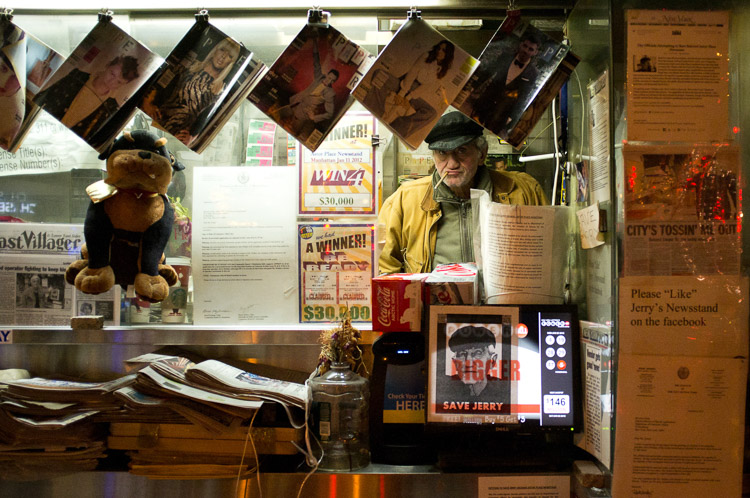
Astor Place Newsman, New York Street Photography

However, the reality is much more difficult than that, and it’s something that can surprise photographers when they try it. Suddenly, everything is moving so fast. You look around, but you don’t actually see any amazing moments. Then when you do capture something that you thought looked good, it didn’t turn out anything like you imagined.

These are all things that take time and practice to improve at, but the hardest obstacle for people to overcome with street photography is fear. Suddenly, you’re in the middle of it all. People are looking at you. Even the people who you aren’t photographing are watching from the side. You freeze, you have trouble putting the camera to your eye, and it doesn’t feel as fun as it should because you are so nervous! Fear stops too many people before they start, and this is a shame because it’s a very enjoyable type of photography.

Here are some tips to help you get over those street photography fears so you can enjoy yourself out there.

1. Think about what you will say if someone stops you

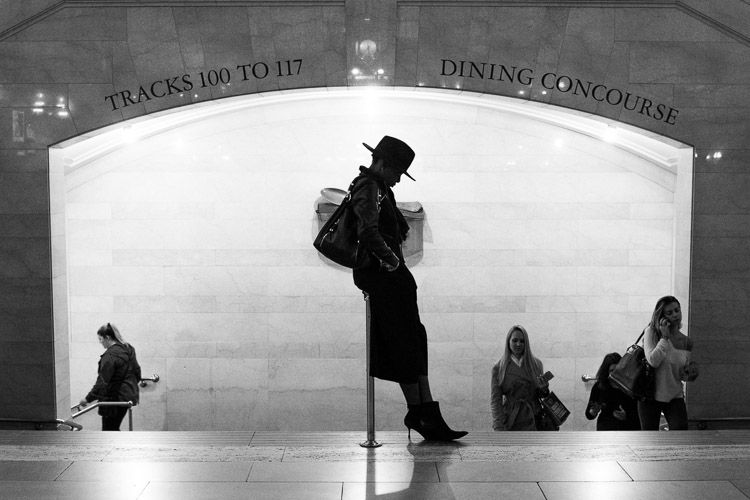
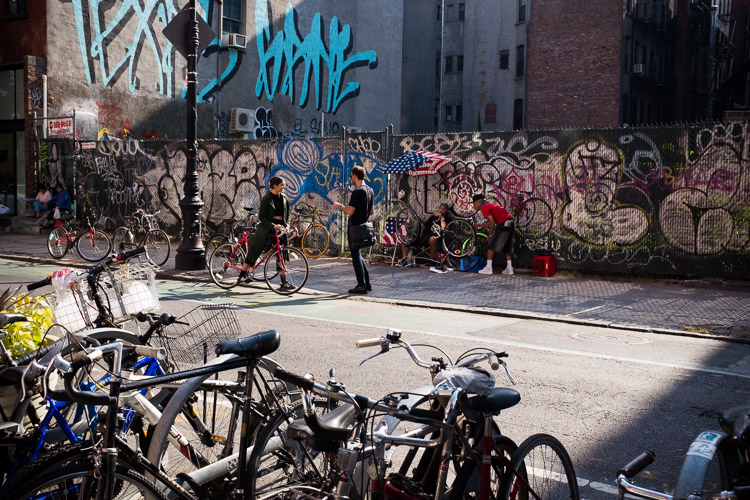
SoHo, New York Street Photography

The thing that will make you the most comfortable out there is knowing that you have a plan if someone stops you after you have taken their photograph. This rarely ever happens to me, but when it does, I feel confident in how I can handle myself.

First of all, if someone notices me, I always smile. Acting confident and like you’re not doing anything wrong will make the subject more comfortable. If you’re sneaky and look sheepish, they will see that you look guilty and be much more inquisitive.

Then if someone asks you why you took their photograph, tell them the truth. I say that I am a photographer doing a cultural project on the people and streets of New York, and I thought they looked fabulous. Flattery will help you get out of most situations. Or tell them you are a student. Offer to email them the photograph. Explain that you find people and fashion and things of that nature just as interesting as the buildings. If the person then continues to seem uncomfortable or angry, apologize and say that you didn’t mean to make them uncomfortable and you are happy to delete the photograph. That will diffuse most situations.

2. Choose your subjects wisely

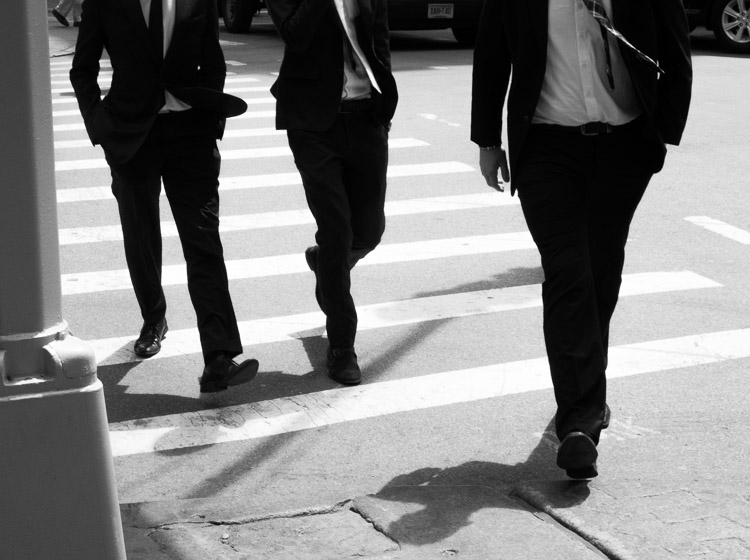
SoHo, New York Street Photography

If someone looks angry, stressed, scary, or in any way that makes you uncomfortable, you are NOT to photograph them. More subjects will come soon after. By picking the right people, you will make things much easier for yourself, and that will also make you feel more comfortable.

3. Go to a busy place and let people come to you

Canal Street, New York Street Photography

This is one of my favorite tips. While street photography can and should be done in areas without many people, one of the best things you can do is to photograph where a lot is going on. Go to busy street corners, markets, or festivals. Go at times when things are happening. Follow the action.

This will immediately ease your fears somewhat. In those areas, people will be too busy to notice you and will be used to people with cameras. It will give you time to practice and to get comfortable with the act of shooting street photography.

Take this a step further, by picking a spot and letting things happen around you. You do not always have to walk around to search for a photograph. By staying in the same location, you will be quicker to notice moments as they occur, you will already be in position, and people will be entering your personal space instead of you entering theirs. This will help to make you feel a lot more comfortable.

4. Try some street portraiture

Skater, Street Portrait, New York Street Photography

Start out the day with some street portraits. Stop someone, tell them they look great and that you’re doing a project on people in the area, and ask if you can take a few quick photographs. Some photographers will then just capture a couple quick photographs, mumble a thank you, and run off, but I want you to interact with them.

Make conversation as you photograph and capture them from a couple angles. Compliment them and make their day. Doing this will make both you and the subject happier, and it will help remove the creepy feeling that can happen when shooting street photography.

5. Learn to be candid

No matter how comfortable you become shooting in these environments, it is important to learn to act candidly. If everyone stops you to ask if you took their photograph or if everyone notices you right away to ruin the moment, you will not get anywhere. Learning to act candidly will make you feel much more comfortable.

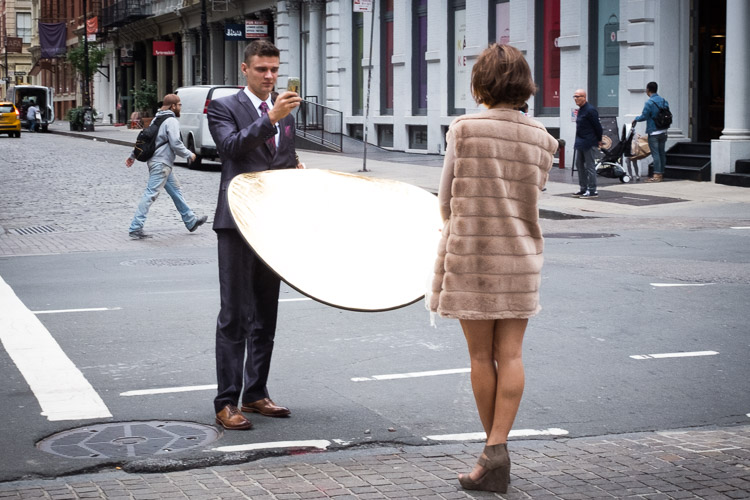
SoHo, New York Street Photography

The camera snap

The most important tip, probably in this whole article, is what I call the camera snap. As photographers, one of our instincts is to slightly take the camera away from our eye right after we take a picture. Everyone does this, and this is how people notice that you have taken their photograph – it’s the main thing that tips them off. So instead, take the photograph and keep the camera to your eye as they pass completely by. This will make them think that you are just photographing the background and that they got in your way.

This way of shooting works fantastically well in busy areas, but in areas with fewer people, it can help to change it up a bit. Instead of aiming the camera at a subject right away, this time, aim the camera at a building above or a scene to the side of them. Then at the last second, act like you took the photograph and are moving your camera down, take the picture of them, and move on.

It cannot hurt to play a role as well. Some of the best street photographers are fantastic actors; they have a way of looking the dumbest with their cameras. They furrow their brow and act like they don’t know how to use the camera at all, are testing it out, and don’t even notice that the person is right where they are photographing. Some even act like tourists. It’s hilarious and it works.

6. Don’t shoot from the hip

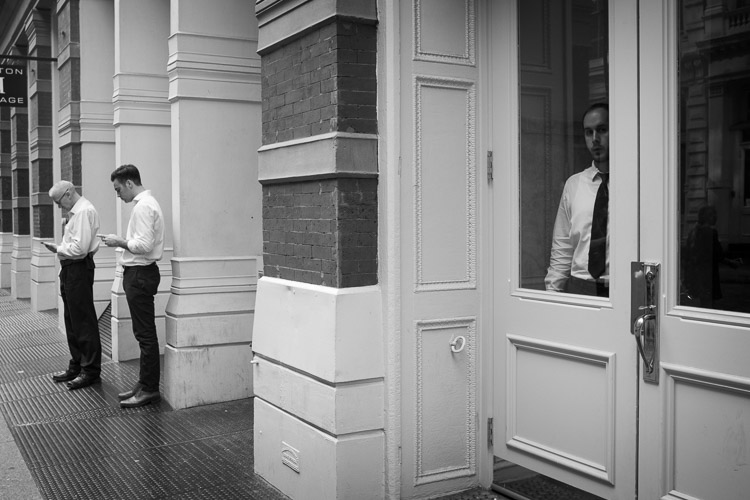
SoHo, New York Street Photography

Shooting from the hip is an important practice in street photography. I do it about 30-40% of the time, but I do it with my camera right below my eyes, looking like I’m standing there waiting for something to happen instead of putting the camera very low down. If you are just starting out with street photography, particularly with a large DSLR and zoom lens, this will be your first instinct.

It can be important to learn to shoot from the hip, particularly for the moments that you really want to keep candid, but I suggest staying away from it at first. It can become too much of a crutch and it can make you more uncomfortable in the long-run as you will always feel like you are sneaking around. You need to learn to put the camera to your eye at first to both get good photographs and to improve your confidence. Force yourself to shoot with your camera to your eye as much as possible, and as you get more experienced, then you can experiment with shooting from the hip some of the time.

7. Repetition

5th Avenue, New York Street Photography

Nothing will get you more comfortable out there than shooting frequently. Even if it is only ten minutes here or there, try to not go too long without photographing. These skills are like any other in that you will quickly get rusty, and this will make you feel more self-conscious. Turn your photography into a routine, even if it is only once every two weeks, and you will become much better.

Now that you’ve read all of this, just get out there and go for it. Put a smile on your face, enjoy the walk, and have fun with it!

googletag.cmd.push(function() {
tablet_slots.push( googletag.defineSlot( “/1005424/_dPSv4_tab-all-article-bottom_(300×250)”, [300, 250], “pb-ad-78623” ).addService( googletag.pubads() ) ); } );

googletag.cmd.push(function() {
mobile_slots.push( googletag.defineSlot( “/1005424/_dPSv4_mob-all-article-bottom_(300×250)”, [300, 250], “pb-ad-78158” ).addService( googletag.pubads() ) ); } );

The post 7 Tips for Overcoming Nerves When Doing Street Photography by James Maher appeared first on Digital Photography School.

Digital Photography School

 
Comments Off on 7 Tips for Overcoming Nerves When Doing Street Photography

Posted in Photography


Overview of the Vanguard VEO 235AB Aluminum Travel Tripod

16 Feb

If you’re constantly on the go like me, carrying a tripod is always an exercise in endurance and determination. As primarily a wilderness and adventure shooter, I’m constantly working from a backpack where space and weight come at a premium. Lately, I’ve been looking for ways to carry less weight but certainly not at the cost of sacrificing the quality of my gear, and not spending a small fortune in the process.

When it came time to downsize my tripod, my research pointed me to this – the Vanguard VEO 235AB Aluminum Travel Tripod with TBH-50 Ball Head. It looked great on paper, small, light, and more than capable of supporting my mirrorless (Sony A7R) camera setup. Being a long-time user of more robust tripods, I was skeptical when the Vanguard arrived due to its conspicuously small size.

Vanguard VEO 235AB tripod

Here are the specifics of the Vanguard 235AB Tripod:

Vanguard VEO 235AB tripod specs

First Impressions

Right out of the box the tripod was delightfully attractive. The look of the entire contraption was clean and professional. The color is a nice matte black with blaze orange accents. Simply put, the tripod has great visual appeal if that is important to you. Also included was a fairly nice storage and travel bag, which was of surprisingly good quality as well.

Vanguard VEO 235AB wide

Load capacity and sturdiness

The Vanguard is capable of supporting just over 13 pounds (13.3 or 6kg). All the flip locks clamp smoothly, and lock firmly into place to secure the leg sections.

Vanguard VEO 235AB folded

Vanguard VEO 235AB clamps

Ball head

The ball head included with the tripod looks small but locks in place extremely securely. The base plate incorporates a safety pin so that even if the clamp loosens the camera will not slide off the tripod laterally.

Vanguard VEO 235AB ballhead

Vanguard VEO 235AB ballhead 2

Maximum and minimum height

The overall height with the center column extended is nearly 57 inches (145 cm), which works great for the majority of scenes with minimal stooping over, even at my 6’4” height. Also, the ball head features a bullseye-style bubble level for aid with levelling the camera.

The folks at Vanguard have even included an additional “low angle” angle adapter which allows you to achieve very low perspective shots close to the ground. It should also be noted that the included ball head can be replaced with another of your own choosing if you see fit.

Vanguard VEO 235AB 2

The tripod folds down small enough to fit into carry-on luggage and the weight makes it feel extremely portable. Even without practice the set up time for the Vanguard VEO 235AB is lightning fast. The center column swings up into position and is variable in height. This is an interesting design concept which helps make the entire package very compact while maintaining ease of set up.

Vanguard VEO 235AB base

The legs

The legs of the tripod itself are able to be positioned at independent angles depending on the situation by depressing the lock buttons for each leg.

Vanguard VEo 235AB 3

When locked, the legs feel extremely sturdy. One of the three legs is equipped with a rubber wrap to aid gripping during wet or exceedingly cold conditions. To top it off, the rubber feet of the tripod retract to reveal traction spikes should you really find yourself shooting in difficult terrain.

Vanguard VEO 235AB feet

Some final thoughts

So far I haven’t found any situation where the tripod would not suffice for a multitude of uses. Outdoor photographers will love its compact size for hiking, and photographers on the go will dig its stashability.

The 235AB appears to be a fantastic little workhorse that strikes a keen balance between strength, style, and portability. I’m excited to put it to work out in the field and judging by the first impressions it shouldn’t disappoint.

At under $ 150 USD the Vanguard VEO 235AB is one of the better bargains to be had in the lightweight tripod market. Users of smaller DSLRs or mirrorless camera systems should strongly consider the Vanguard VEO 235AB as an option when searching for a sturdy option for a versatile, lightweight travel tripod.

googletag.cmd.push(function() {
tablet_slots.push( googletag.defineSlot( “/1005424/_dPSv4_tab-all-article-bottom_(300×250)”, [300, 250], “pb-ad-78623” ).addService( googletag.pubads() ) ); } );

googletag.cmd.push(function() {
mobile_slots.push( googletag.defineSlot( “/1005424/_dPSv4_mob-all-article-bottom_(300×250)”, [300, 250], “pb-ad-78158” ).addService( googletag.pubads() ) ); } );

The post Overview of the Vanguard VEO 235AB Aluminum Travel Tripod by Adam Welch appeared first on Digital Photography School.

Digital Photography School

 
Comments Off on Overview of the Vanguard VEO 235AB Aluminum Travel Tripod

Posted in Photography


Overview and Impressions of the new Macphun Luminar Software

16 Feb
Macphun Luminar

An image edited using Macphun Luminar image editing software.

At some point, after you pick up your first digital camera, the question of image editing arises. For years, the leader has been Adobe with their package that includes Lightroom and Photoshop. However, lately, other software companies have been dipping their toes in the waters of image editing applications. One of the latest is MacPhun, makers of the Macphun Creative Kit.  Their entry into image editing, available for Mac OS X based computers only, is called Macphun Luminar.

Luminar is a standalone application for nondestructive RAW processing and image editing, but can also be used as a plugin for Lightroom, Photoshop, Aperture, and Apple Photos. The application window and tools available are identical whether it runs as a standalone or as a plugin.

Overview

When opening Luminar, you’ll be presented with a window that gives you two options; Load Image or Batch Processing.

Luminar opening screen

Macphun Luminar workspace

Luminar’s workspace is clean and easy to navigate.

Selecting Batch Processing allows you to drag and drop images, or load them from folders on your computer. You’ll then be prompted to choose certain settings such as a preset to apply (more on the presets later), as well as where you would like the images saved, what type of file to save as, resizing, and file naming. In addition to the opening dialog, Batch Processing is also available from the File menu within the application.

I’m a little disappointed that I can’t see a preview of the preset I’m applying to the batch, but overall, the process is easy to understand and runs pretty efficiently.  I processed a batch of 24 RAW images in just under three minutes on my late 2013 iMac.

The other option you see when starting up Luminar is “Load Image”. This allows you to open a single file and edit it to your liking, and then export it in any number of ways. I kind of wish Luminar had a file browser to allow me to view thumbnails, rather than just the “Load Image” dialog.

Workspaces

Macphun Luminar Portrait Workspace

You can change the workspace according to your subject matter. For instance, selecting Portrait brings up a different set of tools than does Landscape, or Street.

You can customize the application by using one of the workspaces available, which automatically brings up a set of filters appropriate for the subject matter.  The preset workspaces include Black and White, Landscape, Street, and Portrait. You can also create your own workspace based on the filters you find yourself using the most (see above).

Editing window

Macphun Luminar

When selecting Add Filter, this window listing available filters appears, allowing you to select from dozens of filters to apply to your image.

Once you have a file opened, you’ll be presented with the editing screen. The main window will show your image. Across the bottom, you’ll see the Preset Panel. This shows various presets that can be applied to your image. In addition to the default presets, Macphun has a selection of preset packs available for download on their website (some are free, some are for purchase). The presets are separated into various workspaces, including Outdoors, Portrait, Street, Dramatic, Basic, and Travel.

Luminar sliders

On the right side of the screen, you’re presented with the layers panel which shows the different layers you have in your current image. Similar to Photoshop, layers can use different blending modes, and the opacity of each one can be adjusted to give you exactly the look you want. A Transform tool is also available to work with the layers if needed.

Beneath the Layers palette, you’ll find the sliders to adjust the filters currently in use. Each preset uses various filters that can be adjusted using these sliders. You can also create your own look simply by adding the filter or filters of your choice from over 40 available. In addition, each filter has a separate blend mode that can be changed to adjust the look as well.

Macphun Luminar

A RAW image before processing with Luminar on the left, and after on the right.

Toolbars and palettes

On the right edge of the screen sits a toolbar, which houses various tools including Move, Masking Brush, Gradient Mask, Radial Mask, Transform, Clone Stamp, Eraser, Denoise, and Crop.

Any of the panels and palettes within Luminar can be shown or hidden with a click of the mouse, making it easy to customize the workspace to your liking.

Luminar-Export-Dialog

The Luminar Export Dialog

Once you’re done making your edits, Luminar offers an easy interface to share your images to various photo sharing and social media sites, including Facebook, Twitter, 500px, Smugmug, Flickr, Messages, and Mail.

Luminar sharing options.

Macphun Luminar portrait preset

A portrait edited using the Black and White Fashion Magazine preset under the Portrait presets in Luminar.

Pros of Luminar

Macphun’s Luminar, as a standalone application, offers an excellent option for those who don’t want to get involved in a subscription service. Luminar is currently available from Macphun for $ 69, making it an easy way to get started editing RAW photos with a powerful image editor. For those already using Photoshop or Lightroom for their editing, Luminar works as a plugin that provides all of the powerful editing options of the standalone.

Luminar is easy to use, with a multitude of sliders that are pretty self-explanatory and provide for fine control over image effects. In a very short amount of time, you can be editing your RAW files and exporting finished images in a variety of formats, including TIFF, JPEG, PNG, GIF and PSD. If you’re familiar with MacPhun’s interface in the Creative Kit, Luminar will be easy to figure out.

I found the quality of the images edited in Luminar to be excellent, but as in Creative Kit, I thought some of the presets needed to be dialed back a bit for the best results. The variety of effects and options available really lets you customize the look of your images as well. I found some presets to be excellent starting points, but then by adding another filter or two, I was able to get exactly the style I wanted for my image.

Macphun Luminar

An image edited using MacPhun Luminar.

Before/after

Layered files

As of a recent update to the program, there is now the ability to save images as .lmnr files, which will save the layers and work done on an image, so you can come back to it later. A nice feature similar to saving as a layered PSD file. 

Cons of Luminar

As someone who’s used Photoshop for years, I found that some of the tools, such as the clone stamp, worked differently than I expected. This is easily overcome as familiarity with Luminar grows, but it took a little while before I got results I liked.

One other puzzling question is, why isn’t there native support for Macphun’s Creative Kit? MacPhun indicates in their product FAQ that there will be support for plugins eventually, but it would seem to make sense to have that powerful suite of plugins available from Day 1. Once support for plugins is available, Luminar becomes an even better value, in my opinion.

Macphun Luminar

Landscape image edited using Macphun Luminar.

Luminar, while an excellent photo editor and RAW processor, lacks certain tools available in Photoshop, such as the ability to output to CMYK, have multiple print layout options, or add text to an image. While many will never have a need to do any of that, it is a distinction that should be made, especially for those who like to add a watermark to their images being shared online.

Finally, Luminar lacks an asset management component like Lightroom, so for those who like to create catalogs, collections, and add keywords and descriptions to images, you’ll still need to use Lightroom while using Luminar as a plugin.

Macphun Luminar

Edited and exported using Macphun Luminar.

Final Verdict

Macphun Luminar has a simple to understand interface and a lot of great features that make it an excellent RAW processing application. Its flexibility to work as either a standalone application or a plugin for Photoshop, Lightroom, and other photo applications means that Luminar will be easy to integrate into your current workflow. My first thought, however, is that its primary market is people who want a powerful photo editor that is simpler to use than Photoshop, without paying a subscription fee every month.

Luminar offers some excellent editing tools, and with over 50 presets, it’s easy to get started towards the look you want. The interface is easy to understand, with self-explanatory sliders clearly marked to allow you to adjust the effect to your liking. If you’re just getting started with processing RAW files and photo editing in general, Luminar is a great choice.

Luminar is available from Macphun’s website for $ 69, for Apple computers only (currently, supposedly a PC version is coming in the future tbd). Here are a couple more before and after images of what you can do with Luminar. Have you tried it? What are your thoughts?

googletag.cmd.push(function() {
tablet_slots.push( googletag.defineSlot( “/1005424/_dPSv4_tab-all-article-bottom_(300×250)”, [300, 250], “pb-ad-78623” ).addService( googletag.pubads() ) ); } );

googletag.cmd.push(function() {
mobile_slots.push( googletag.defineSlot( “/1005424/_dPSv4_mob-all-article-bottom_(300×250)”, [300, 250], “pb-ad-78158” ).addService( googletag.pubads() ) ); } );

The post Overview and Impressions of the new Macphun Luminar Software by Rick Berk appeared first on Digital Photography School.

Digital Photography School

 
Comments Off on Overview and Impressions of the new Macphun Luminar Software

Posted in Photography