How would you react if you were told that the aperture and shutter speed you choose make more difference to image noise than the ISO setting? You might be surprised to discover that a lot of the noise in your images doesn’t come from your camera at all: it comes from the light you’re capturing. Our own Richard Butler explains. Read more
Tag: Some
-
Have Shutter, Will Travel: Some Considerations for Travel Photography
Travel and photography could be considered a thing unto itself, kind of like macaroni and cheese or peas and carrots. Travel has a natural allure to photographers, promising unique views of life and existence that can only be experienced — and photographed — by throwing yourself into new worlds and meeting new people. While there’s something to be said for the Continue Reading
The post Have Shutter, Will Travel: Some Considerations for Travel Photography appeared first on Photodoto.
-
Post-processing RAW Files – ACR Compared to Some Free Software Options
What is RAW?
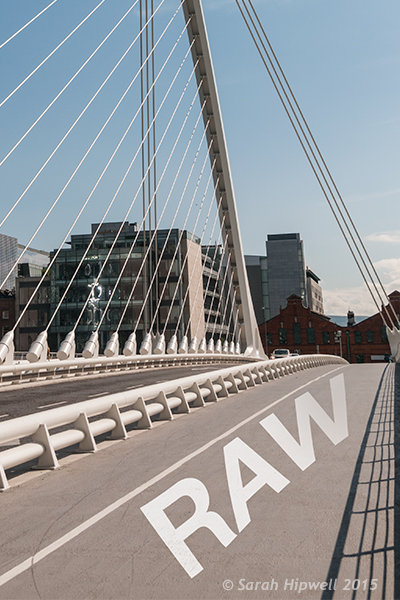 A RAW file is really the digital negative, which means that all the data is stored waiting to be unleashed via a RAW Editor. Unlike a jpeg file which has been edited in-camera (or in post-processing) and is a compressed 8-bit file.
Why shoot RAW?
The main benefit to shooting RAW is simply to have as much information as possible in the file. When you upload a RAW file onto your computer the white balance, and tonal corrections have to be set manually. More detail can be retrieved from the highlights and shadows. It is then saved as a jpeg or some other format. The RAW file always remains in its original state.
Shooting RAW has become more commonplace as cameras have the option, built-in and RAW editing software is more widely available on both Mac and PC. In this article, I will be testing out two RAW editors which are free to download. Yes, no purchase necessary. The main RAW editor that I will go into more detail on is Adobe Camera Raw (ACR), which comes with Photoshop and is my primary go-to RAW editing software.
As a side note, this article is by no means a complete in-depth review of the pros and cons of each of the the three RAW editors. I merely wanted to test Photoshop’s ACR against some of the RAW editors that are available to download for free, such as GIMP and RawTherapee.
A few years back, I was using ViewNX (now ViewNX2), which is Nikon’s RAW free editing software. Canon (DPP) and other major camera manufacturers have their own RAW proprietary software. But I found ACR just got better with each new release. I usually bring my images into Photoshop when I’ve done the initial edits in ACR. It means my workflow is quite efficient as I’m using ACR and Photoshop side-by-side.
The Basics
When you open ACR or any RAW editor, the user interface can be a bit daunting for the uninitiated. The range of adjustments and all the features of ACR would require several articles alone.
So, let’s look at the basic adjustments where I begin the editing process of my RAW files. These adjustments are fundamental to any RAW editor. Similar adjustments can also be found in the Develop module of Lightroom and in Photoshop Elements 12 and 13. Let’s begin with Adobe Camera Raw, otherwise known as ACR.
Adobe Camera Raw (ACR)
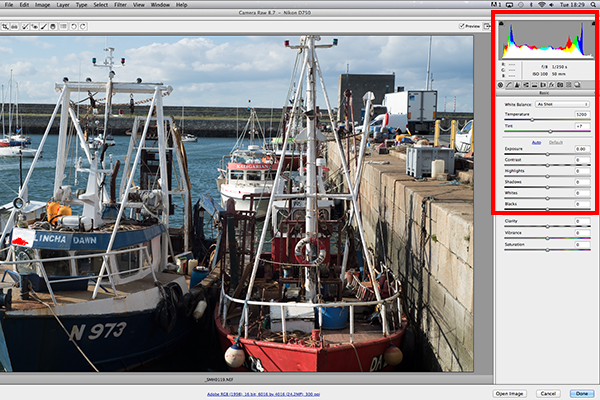
The interface when a RAW file is opened in ACR
When I open a RAW file in ACR, White Balance is my first port of call. This is about the color temperature of the image depending on the light source. If the white balance is incorrect, then a color cast will occur on your image. It may look slightly blue, orange or green.
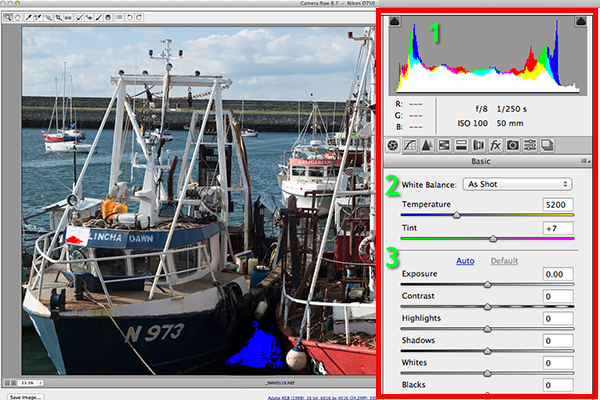
The three important focus points in the Basic panel in ACR
In ACR, there are three ways to adjust White Balance.
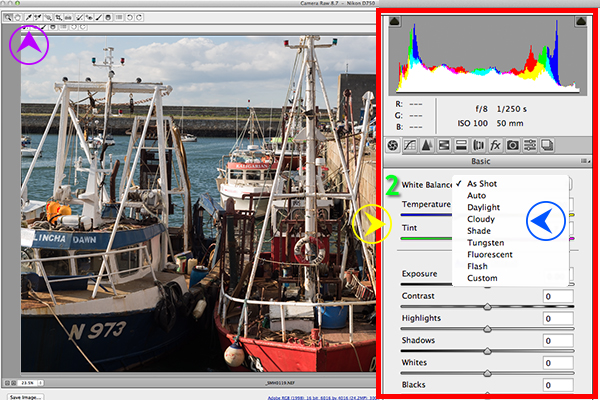
Three ways to edit White Balance in ACR:
1. White Balance Tool
2. Presets
3. Temperature and Tint Sliders- The White Balance Tool is my least favourite. The idea being that you click anywhere on the image that is suppose to be gray. I find this tool hit and miss.
- There are number of presets that are worth experimenting with, if you are new to RAW editing. Try Auto which is a good place to start.
- You can then adjust the Temperature and Tint sliders for finer tweaking and control. I favour these two sliders the most in my workflow.
Just above the Temperature and Tint sliders, you have the histogram panel. Click on the the two black triangles. These indicate the highlight (left) and shadow (right) areas that have been clipped (see photo below). As you can see in this image, the areas highlighted in red indicate where the clipping has taken place in the whites. Similar to the shadows, blue indicates where the shadow areas have been clipped.
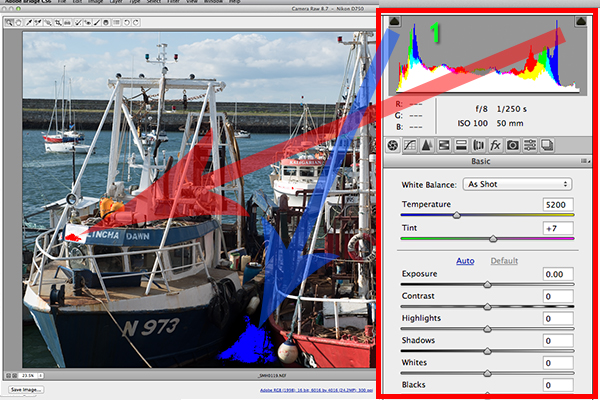
Highlights-shadows-clipping in the Histogram.
When adjusting the White and Black sliders keep an eye on the black triangles in the Histogram chart. These triangles turn green when clipping occurs. Alternatively, you can hold down the Alt key while dragging the Blacks slider across to the left until the darkest area of the image starts to appear. Similar for the Whites slider, hold down the Alt key and drag the slider to the right until the brightest part of the image begins to show.
I tend to leave the Exposure slider until after I have adjusted the Highlights and Shadow sliders.
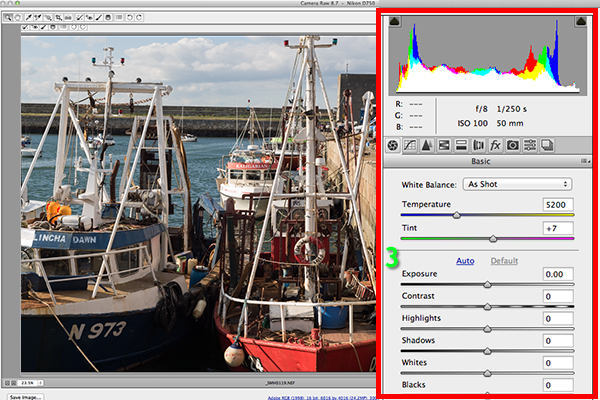
Exposure and Contrast sliders.
The Contrast slider gives your image that final punch but go lightly.
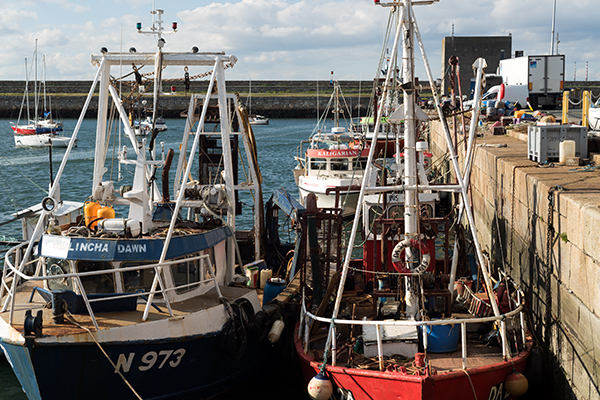
Final edited image from the basic adjustments in ACR
All edits done in ACR are non-destructive. Editing RAW files can be easily done in one pass, especially if you have captured the image that you want in-camera. However, there are no layers in ACR or Lightroom, so if you need further editing where layers are required you will need to use Photoshop or GIMP.
GIMP
So this brings us to the next RAW editor, UFRaw. This comes pre-installed in GIMP, version 2.8. I’ve never used GIMP before now and I was really curious and enthusiastic to try it out. It has the reputation of being as powerful as Photoshop for editing – and the fact that it is free, is a bonus.
I presumed that by opening a RAW file that the UFRaw editor would launch automatically. It didn’t. After a quick research online. I found a solution. I had to go to File>Open>Select file. I then had to Select File Type and scroll down to the bottom of a list and click on ‘raw image’. Once I opened the image in question. It did not resemble anything like the image I had taken on the day. Normally when I launch a RAW file in ACR, it would be similar to the jpeg version.
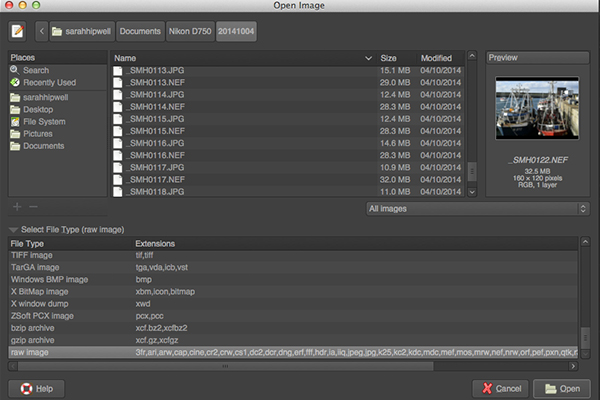
The UFRaw editor does not launch automatically. A few clicks gets you there.
The interface was completely alien to me, and I didn’t find it particularly user friendly. I played around with the sliders for awhile but I couldn’t get the image to look right at all. I tried adjusting the White Balance but I couldn’t get rid of a green/grey color cast on the image. By not having the familiar sliders in ACR, I was a bit lost to be honest. I really wanted to like UFRaw, as it is a free software for Mac and PC. To be fair, this was my first attempt at using the software, so I’ll put the mea culpa (blame) on me as opposed to the software.
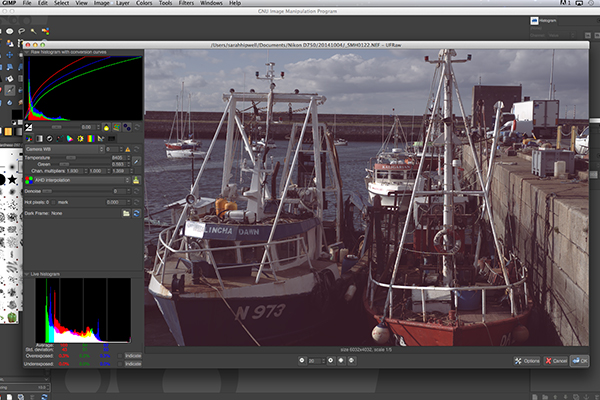
The UFRaw editor UI in GIMP
RawTherapee
Now onto RawTherapee. I love the name. I wasn’t expecting much after trying out GIMP’s UFRaw but I was completely surprised and impressed. RawTherapee is available in 64 and 32 bit forms for Mac OS X and Windows. It also supports a huge range of supported cameras and manufacturer filetypes.
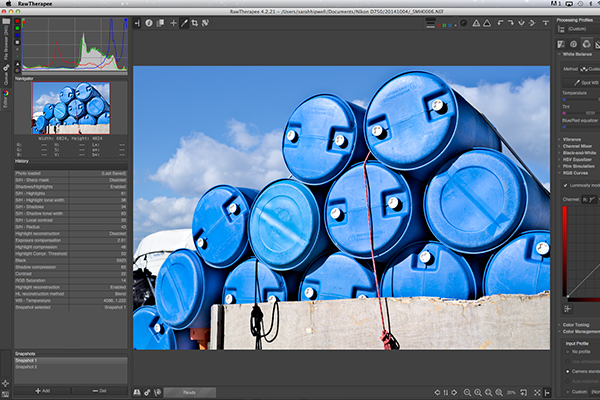
RawTherapee interface
This RAW editor is quite rich in features. Even so I found the user interface very intuitive, and after a few minutes I felt right at home. I quickly adapted to the menu system and found it very easy to navigate around. The editing panels are on the right.
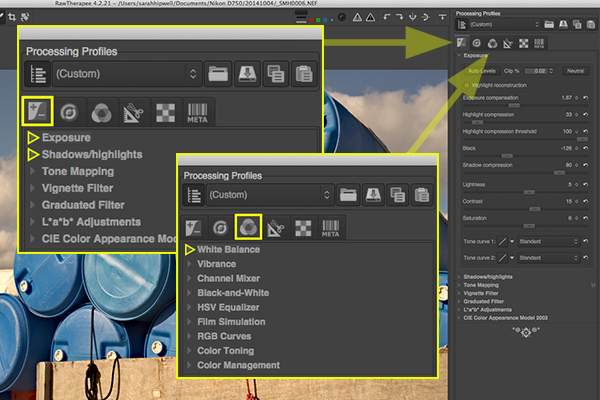
Highlighted adjustment sliders that are similar to the ones in ACR.
Summary
If you haven’t edited a RAW file before, I would highly recommend that you try it out. The options are varied whether you decide to purchase Lightroom, or choose to pick from the many RAW editors that are free to download. The choice is really up to you. Another free RAW editor that has just been launched is Affinity Photo and it looks really promising (currently in beta for Mac only).
googletag.cmd.push(function() {
tablet_slots.push( googletag.defineSlot( “/1005424/_dPSv4_tab-all-article-bottom_(300×250)”, [300, 250], “pb-ad-78623” ).addService( googletag.pubads() ) ); } );googletag.cmd.push(function() {
mobile_slots.push( googletag.defineSlot( “/1005424/_dPSv4_mob-all-article-bottom_(300×250)”, [300, 250], “pb-ad-78158” ).addService( googletag.pubads() ) ); } );The post Post-processing RAW Files – ACR Compared to Some Free Software Options by Sarah Hipwell appeared first on Digital Photography School.
-
Canon announces ‘G3 X’ with 25x zoom, to become available… at some point
Canon has announced plans for a ‘PowerShot G3 X’ enthusiast compact with a 1-inch type sensor and a 24-600mm equivalent lens. The company hasn’t released much more detail at this time, but it’s obvious from appearances that the G3 X is close in spirit to both the PowerShot G7 X and the G1 X Mark II. Read more
-
Nikon acknowledges ‘issue’ with flare in some D750 bodies
Nikon has released a statement to reassure users of the D750 that it is ‘working on measures to address’ an issue some models have with unusual flare patterns that can occur when bright light sources are just outside the frame. Although the effect seems to occur only in certain units, and comes about only when the light source is at a particular angle, it appears as flare at the top of the image with a darker band closer to the top of the frame. Learn more
-
dPS 12 Days of Christmas: Save up to 88% on Some Great Photography Training
It’s that time of year where we at dPS kick off our annual 12 days of Christmas campaign!

This is the fifth time we’ve run this and this year we’ve got our biggest deals yet!
Here’s how it works.
Every day between now and Christmas we have put together a fantastic deal on some photography training products.
In the coming 12 days you’ll see some of our own dPS eBooks at discounts we’ve never offered before as well as some deals from other photography sites that we’ve negotiated on your behalf.
Deals this year are as high as 88% off.
Each deal only lasts for 24 hours so you’ll need to be quick!
Get Notified of Each Deal
To get notified of each deal as soon as it goes live simply subscribe via email here:
Don’t worry we keep your email completely private and you can unsubscribe at any point if you find the deals are too many!We’ll also be updating the deals here on the blog and on our Facebook page.
Our first deal goes out to those who are subscribed in the next 24 hours so keep an eye on your inbox and don’t forget you only get 24 hours to grab each one!
googletag.cmd.push(function() {
tablet_slots.push( googletag.defineSlot( “/1005424/_dPSv4_tab-all-article-bottom_(300×250)”, [300, 250], “pb-ad-78623” ).addService( googletag.pubads() ) );
} );googletag.cmd.push(function() {
mobile_slots.push( googletag.defineSlot( “/1005424/_dPSv4_mob-all-article-bottom_(300×250)”, [300, 250], “pb-ad-78158” ).addService( googletag.pubads() ) );
} );The post dPS 12 Days of Christmas: Save up to 88% on Some Great Photography Training by Darren Rowse appeared first on Digital Photography School.
-
Some Wedding Photography Tips with Two Different Perspectives
Today I wanted to share these two videos with you that offer pretty my completely opposite ways to do wedding photography; candid storytelling and posed shots.
In this first video 19 year wedding veteran photographer, Joe Buissink, talks about his philosophy on shooting weddings in a storytelling style. He says he started in 1995, I actually have him beat on that one – 1990 for me. Unlike Joe however, I started off doing the more traditional posed style which was popular at the time. Eventually I became a bit bored with it and moved towards using 35mm cameras with high speed b/w film and I got the same reaction Joe talks about in the video. Other photographers would gasp and tell me how wrong that was, that the images would be grainy and it wasn’t quote, “professional”. Like Joe, I did it anyway and my clients loved it because I was able to capture more of the storytelling he talks so passionately about.
While you’re telling their story, your story is also in there (your images) as well. – Joe Buissink
See what else Joe has to say and be inspired by his moving images:
In this second video, Moshe Zusman talks about creating poses rather than capturing moments. This is a different approach to wedding photography. Often many photographers use a mix of both candid storytelling images and posed. See if you can grab some tips from Moshe on posing in this video:
I don’t think either style and philosophy is right or wrong, just different. So which style do you relate to more? If you were getting married which would you want your photographer to shoot?
Want more wedding photography tips? Try these dPS articles:
- Are you Ready to be a Wedding Photographer?>
- Wedding Photography – 5 tips for the Speeches
- How Connecting with Vendors Can Help Skyrocket Your Wedding Photography Business
- Wedding Photography 101 (Part 1)
The post Some Wedding Photography Tips with Two Different Perspectives by Darlene Hildebrandt appeared first on Digital Photography School.
-
Some Punchy Black and White Landscape Photos to Oooo and Aaah Over
Recently we released our newest dPS ebook The Essential Guide to Black and White Photography.
So I thought it would be fitting if we had a look as some great black and white images. I don’t know what it is but I’m really attracted to a great black and white image. It’s something about the contrast and the style and makes you really focus on the light and composition in the image – there’s no tricks it’s just an image is the simplest form.
So in this set I’ve found some amazing black and white landscape photos for you to enjoy – please let the oooing and aaaahing commence!

The Last Ride by Rob Dweck on 500px
 Dignity by Martin Mattocks on 500px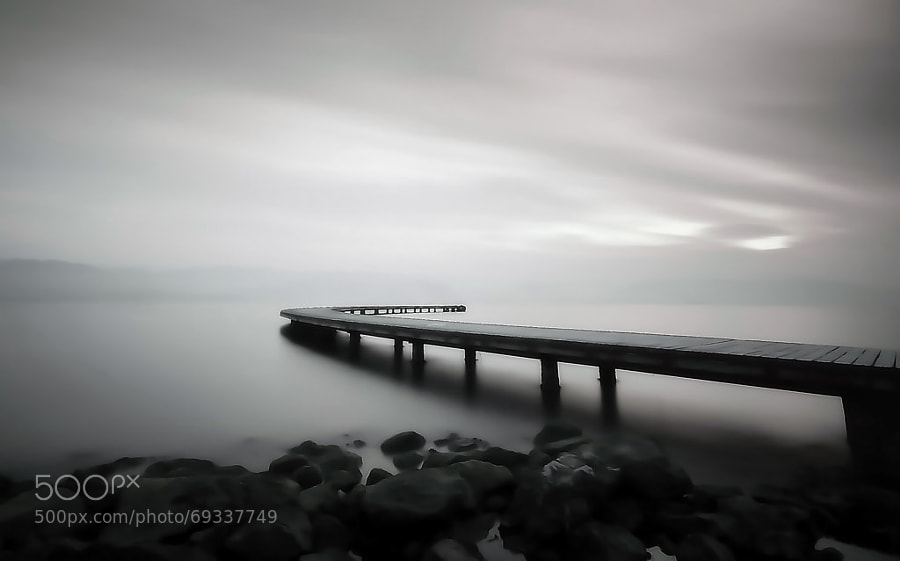
road by ömer yücel on 500px
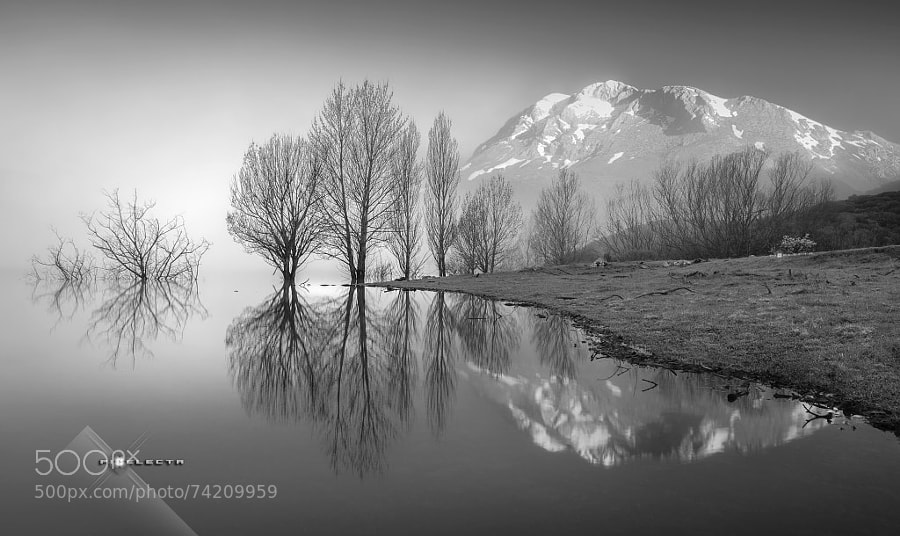 “MAGIC IN ESPIGÜETE” / “MAGIA A LOS PIES DEL ESPIGÜETE” by Juan PIXELECTA on 500px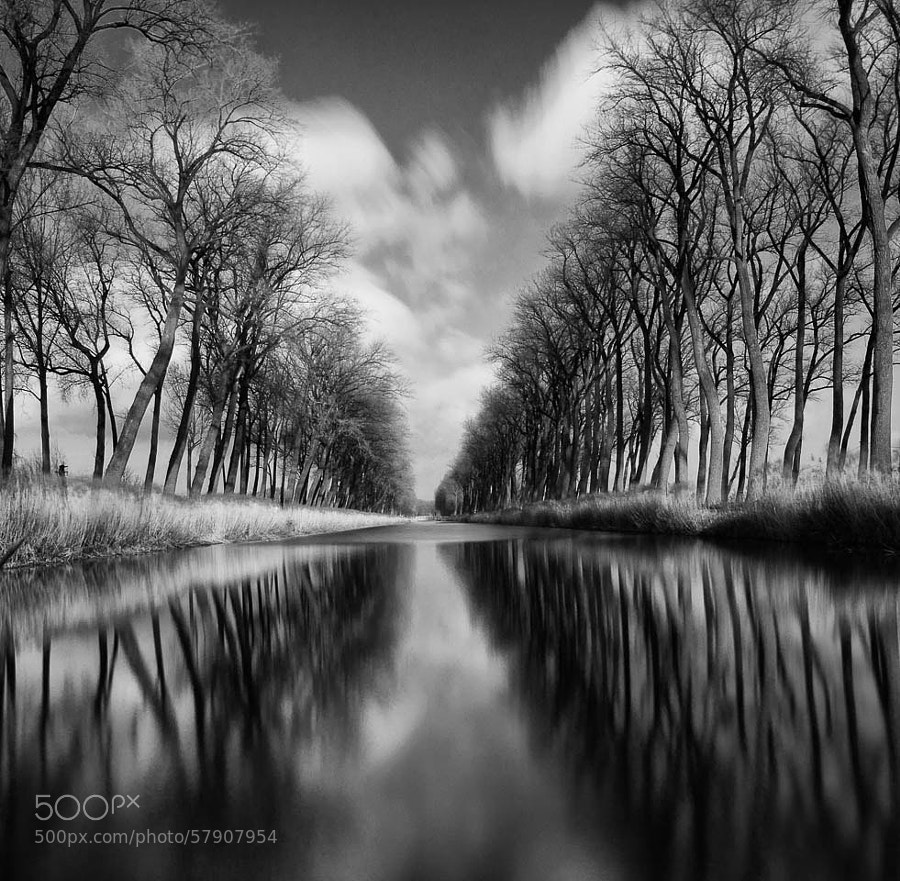
Smooth River by Johan Vanreybrouck on 500px
 Silver Reflections 2 by Joe V on 500px
Tree & Clouds by Carsten Meyerdierks on 500px
 Age Old by Chris Fletcher on 500px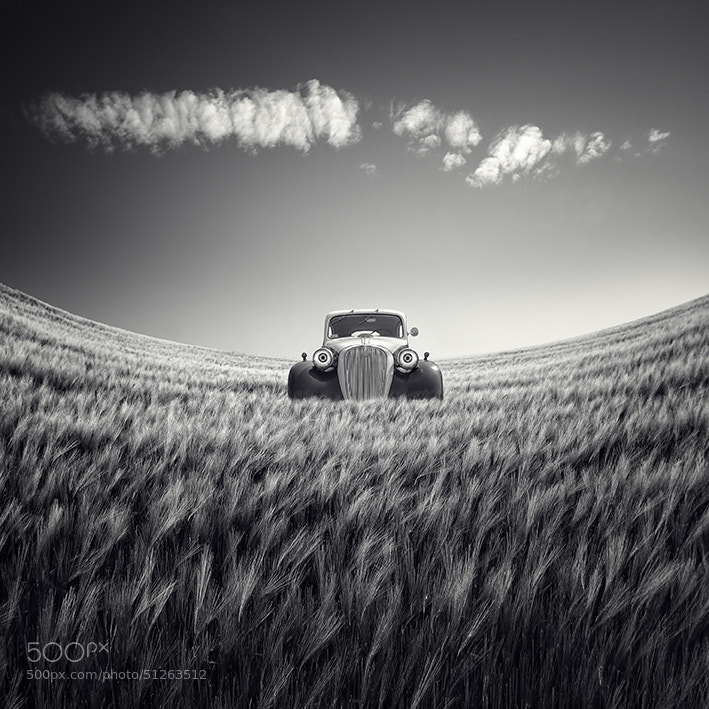
Untitled by Luis Beltrán on 500px
Stop for a minute
I’m going to stop you for a second. If you’re scrolling through these quickly, stop. Take the time to really look at each one – one at a time. Do you see the common thread here?
- Simple
- Clean
- No distractions
Okay, carry on!
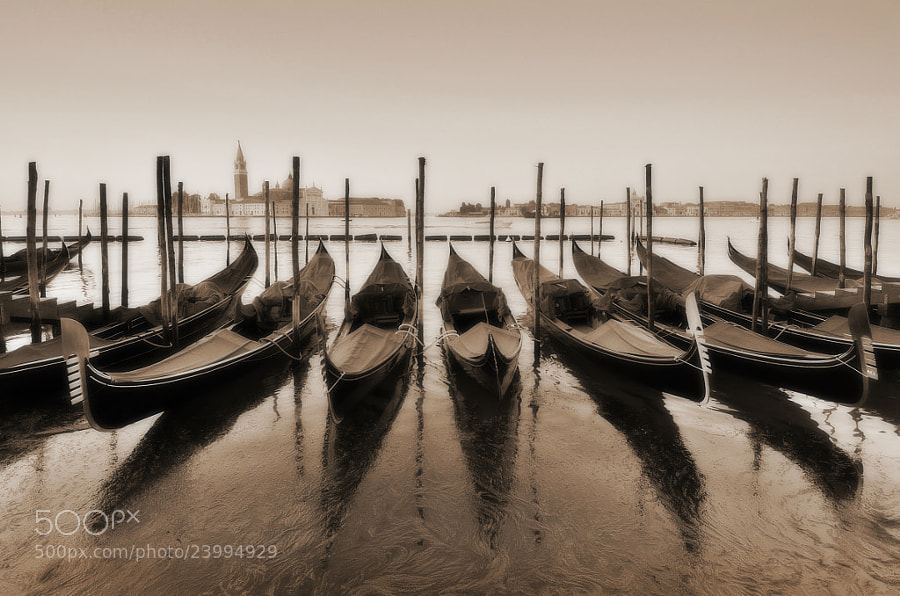 Venice Nostalgia by Csilla Zelko on 500px
In the Days Still Left by Rob Dweck on 500px
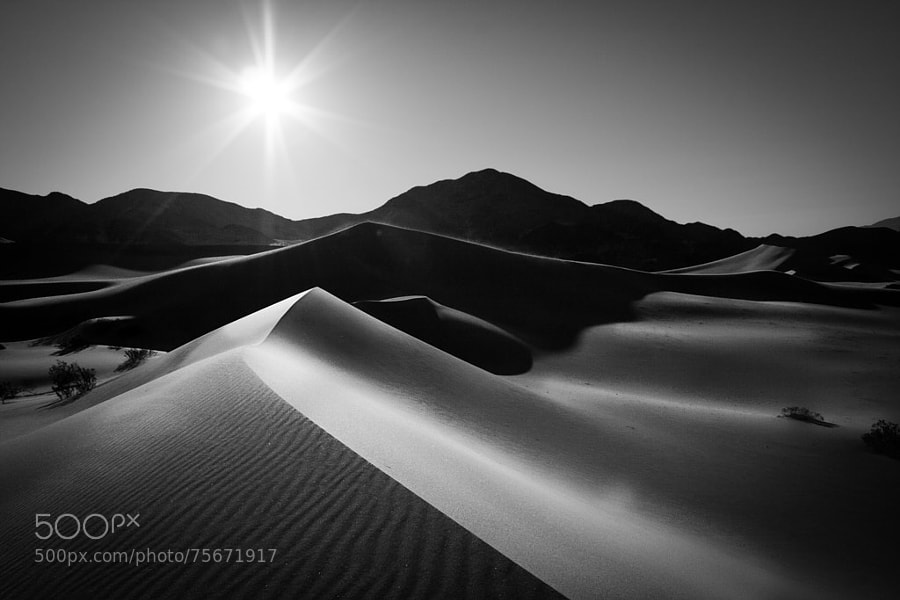 Ibex Sunrise by Grant Thompson on 500px
Parched by James Crawford on 500px
 Herringfleet by George Johnson on 500px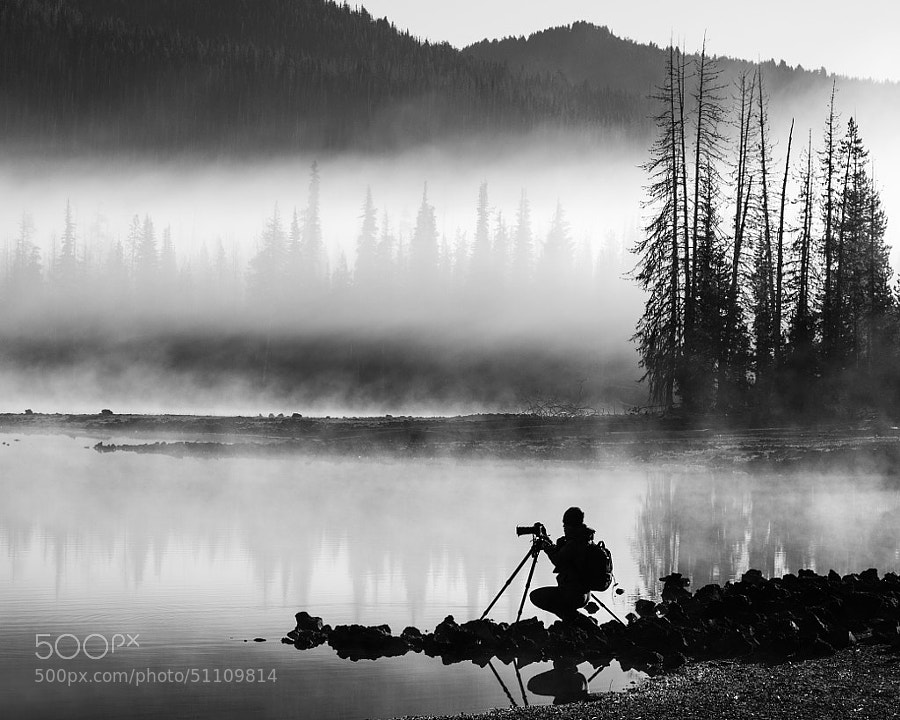
Moment by Majeed Badizadegan on 500px
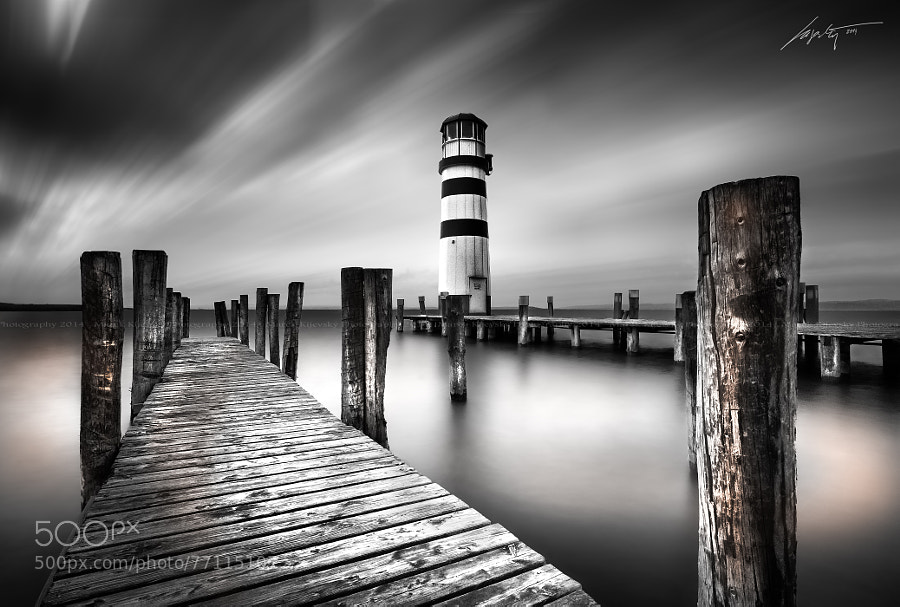 –In Motion– by Marek Kijevský on 500px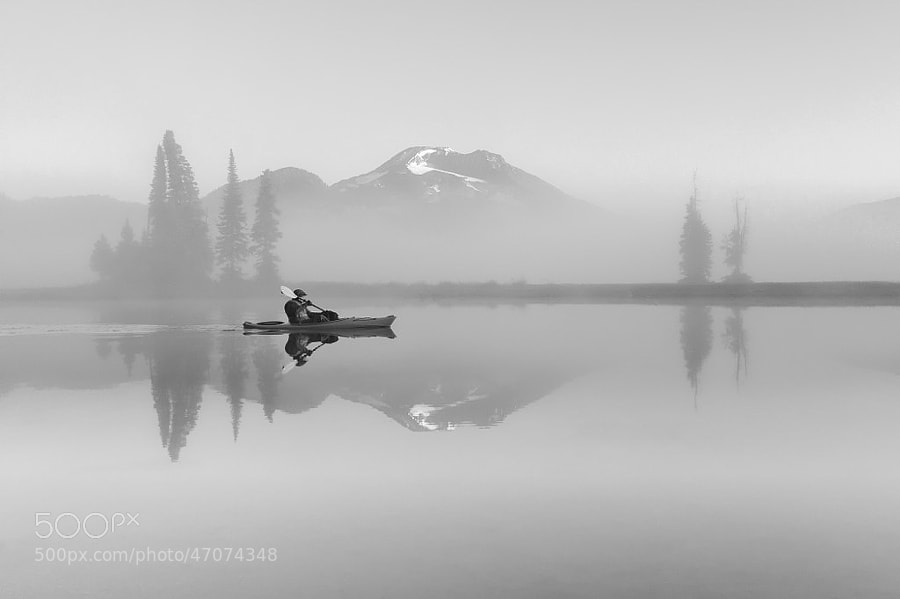
Tranquil Dawn by Majeed Badizadegan on 500px
 Tranquility of Morning by Abi Arga Hadityarista on 500px
B e a c h e d by Chris Oliphant on 500px
 on the road by adam smigielski on 500px
A rural morning by Margareta on 500px
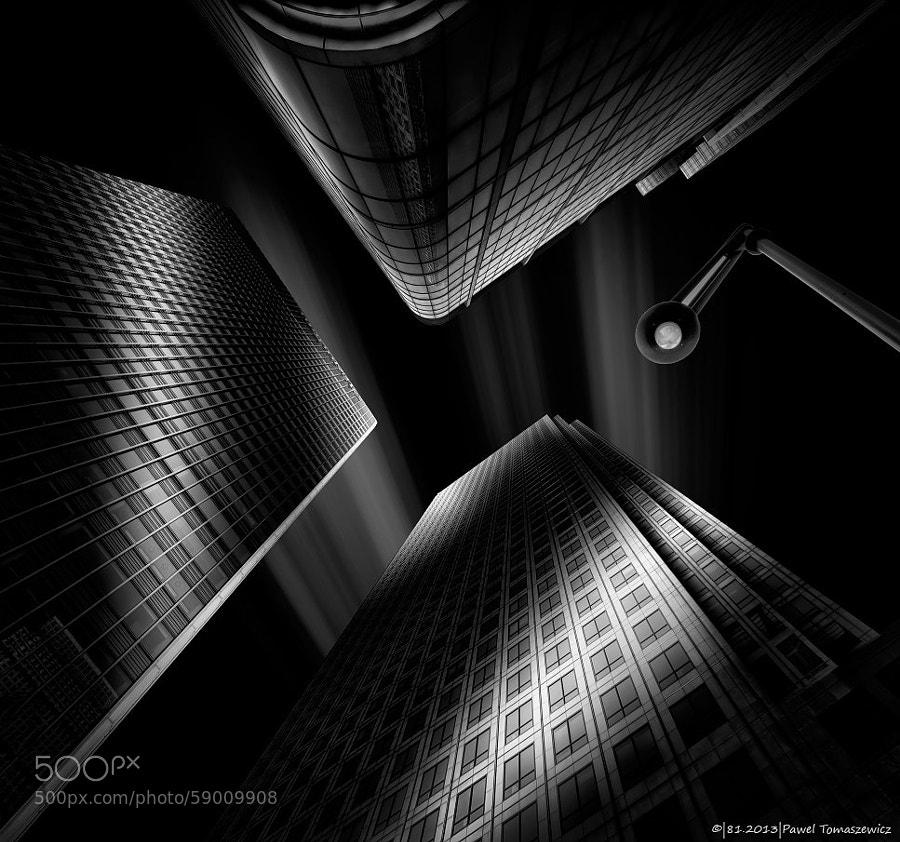 81.2013 – B&W- Light Reflections … by Pawel Tomaszewicz on 500px
named by lennon baksh on 500px
 dark master´s crown by Ronny Behnert on 500px
NYC thoughts by RACKHAM on 500px
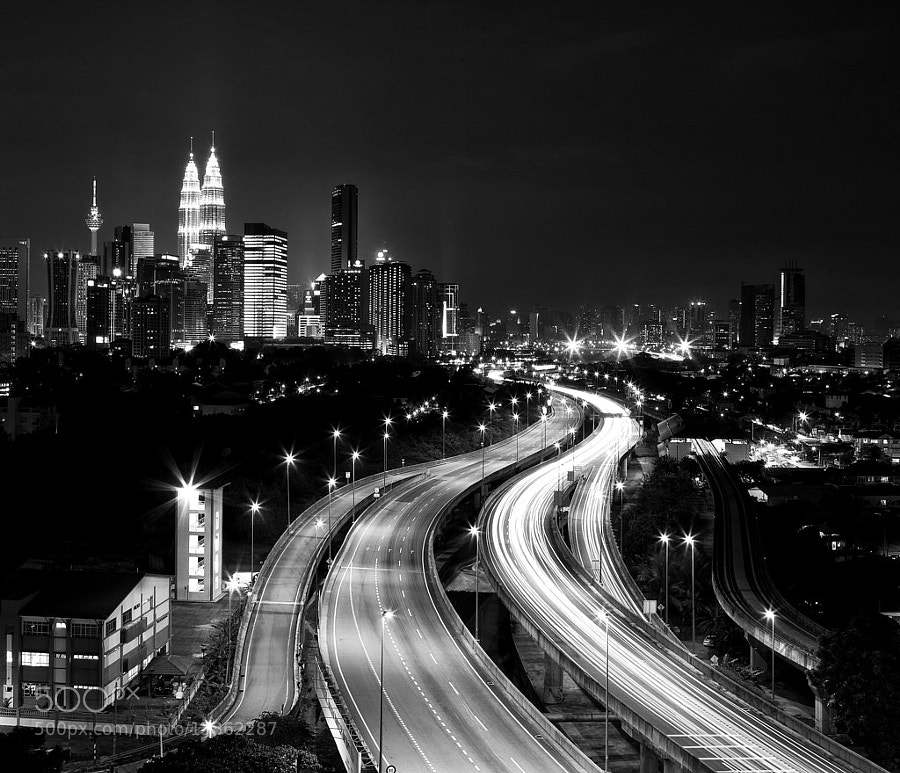 Kuala Lumpur by Tashi_Delek Nakata on 500px
Dark#04# by Andreas Paehge on 500px
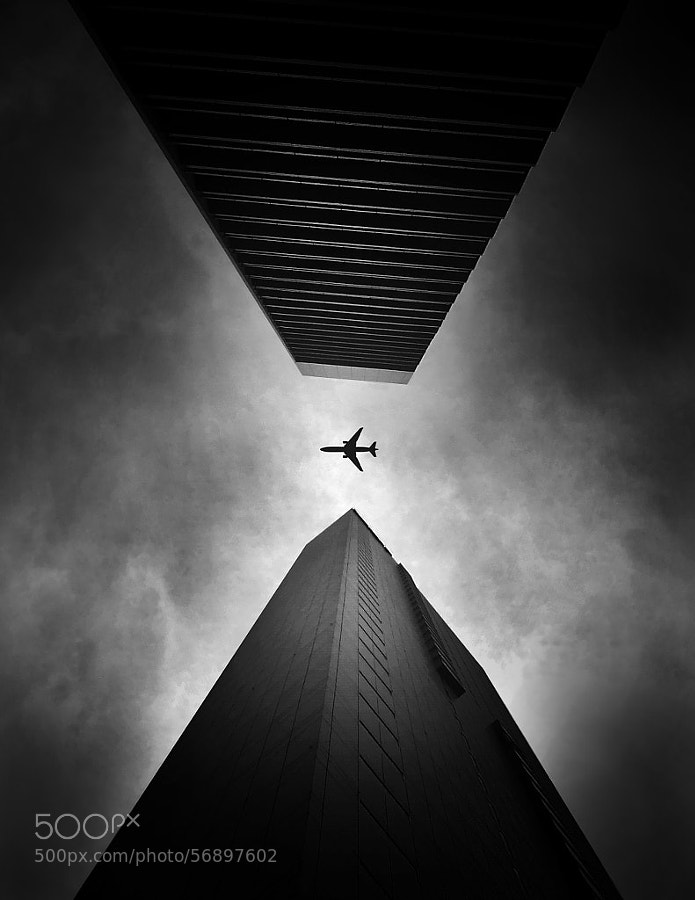 SZEMPONT by Shady S. on 500px
Chrysler Building II by pixeldreamer on 500px
 entrap by tet bautista on 500px
One Light Only by Sam Commarato on 500px
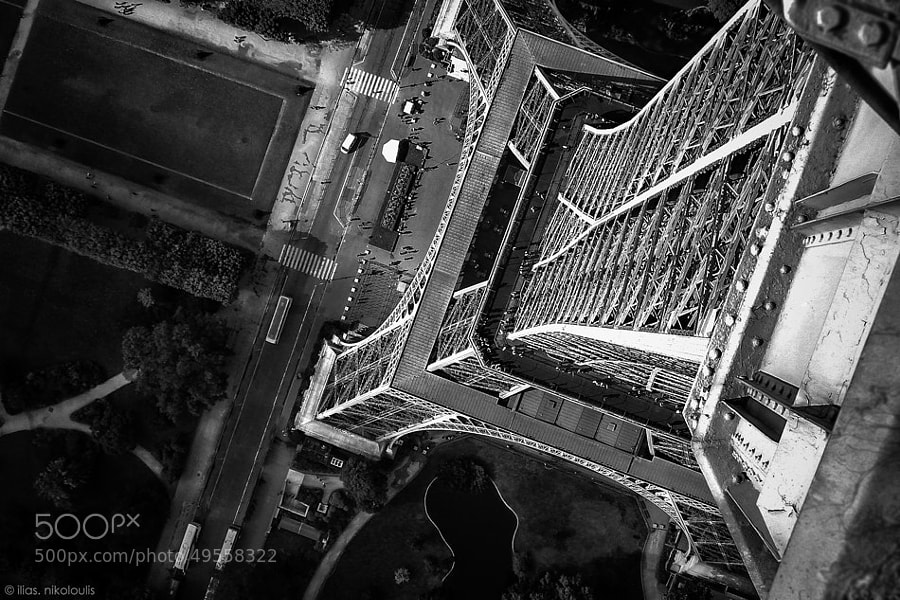
..on The ‘Tripod’ by ilias nikoloulis on 500px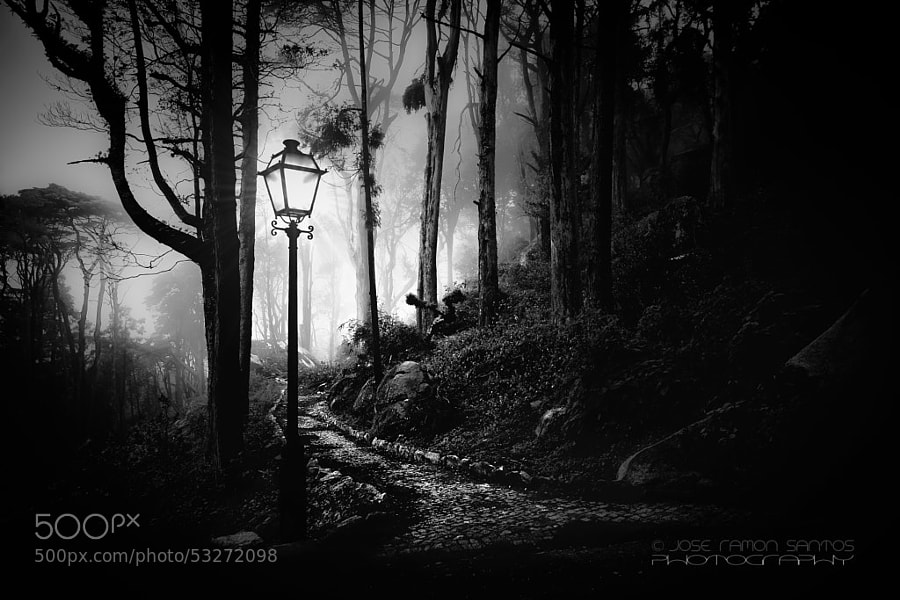
Foggy path by Jose Ramon Santos Mosquera on 500px
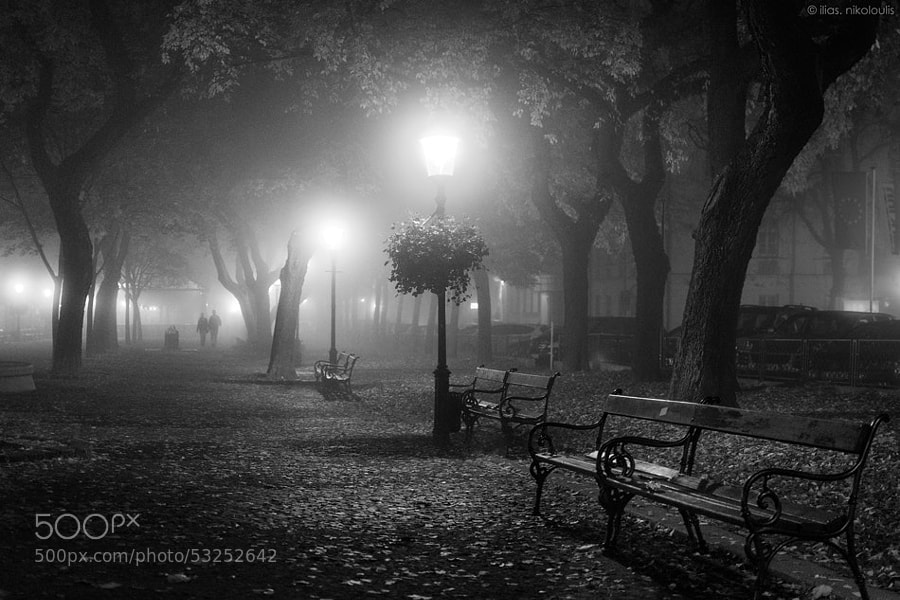
Foggy Day by ilias nikoloulis on 500px
Dark Beauty by Jayme Hagen on 500px
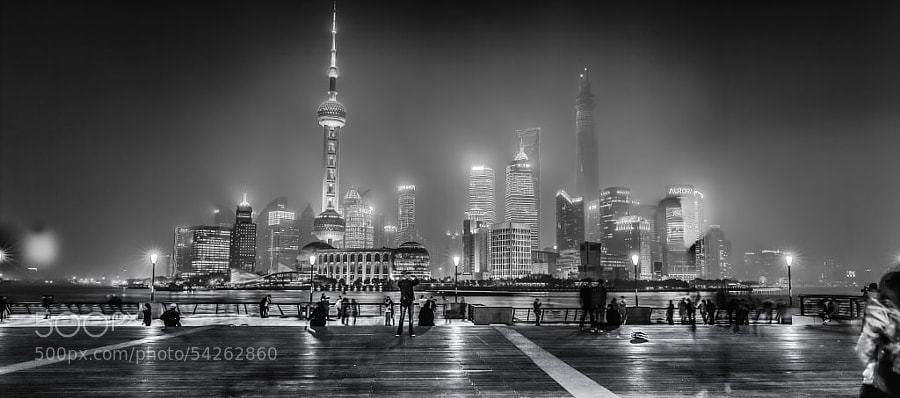
Shanghai- Bund by Hill Gas on 500px
Mutianyu by John Crux on 500px
The post Some Punchy Black and White Landscape Photos to Oooo and Aaah Over by Darlene Hildebrandt appeared first on Digital Photography School.
-
Overview of Some of the New Features of Photoshop CC June 2014
 Recently Adobe announced their newest incarnation of their flagship product, Photoshop Creative Cloud (CC). Some of the new things look really interesting and I can see a lot of applications for them.
In this video French photographer Serge Ramelli goes over some of the new features that you may find useful including:
- selections based on focus area
- new spin blur and path blur
- content aware fill improvements (added color tone consideration)
- warp tool improvements
For a more extensive list of the new features let’s hear what Adobe instructor Julieanne Kost has to say in this official video from Adobe:
For a full list of all the new features and changes visit the Adobe website.
When Adobe first introduced their Cloud membership program there was a lot of backlast from photographers. You can no longer just buy Photoshop, you have to buy into the monthly option, and many photographers found it more expensive ($ 49 USD/month for the whole Creative Suite or $ 29.99 just for Photoshop) than simply upgrading once every two years, or every second version.
Adobe’s listened and responded with the Photoshop Photography program, which at the time of this article is $ 9.99/month USD and as of June 18th is available to anyone, amateur or pro. That price will get you both Photoshop CC and Lightroom 5 (the current version).
Where do you you stand on this?
Do you use Photoshop?
Have you upgraded to the Cloud or are you hanging on to an older version? Is there a new feature that puts it over the top for you to take the plunge?
Let us know where you stand on this issue and what software you plan to use moving forward.
More Photoshop tips
- 5 Creative Ways to Process Infrared Photographs in Photoshop
- 3 Easy Steps Using Photoshop to Making your Images POP
- 4 Tips for Post Processing Efficiency in Photoshop
- How to Make a Signature Brush in Photoshop
- 5 Easy Photoshop Tips for Beginners
The post Overview of Some of the New Features of Photoshop CC June 2014 by Darlene Hildebrandt appeared first on Digital Photography School.
-
Invent a Slogan and Win Some New HDR Software
Whenever someone talks about HDR (High Dynamic Range) photography, it can either be with disdain or great appreciation, but as they say–different strokes for different folks. In any case, HDR photography has its roots in the 1850s when the French Photographer Gustave le Gray combined two exposures to render a seascape that contained large range of light, thus enabling a Continue Reading
The post Invent a Slogan and Win Some New HDR Software appeared first on Photodoto.