Leica announced two new M-series rangefinders at this year’s Photokina, in addition to the Digital M-P released last month. The German company also unveiled a new medium-format S, which as well as high-resolution stills can capture 4K video. Naturally, we headed over to the Leica booth to get our grubby hands all over the new cameras. Click through to see more.
Tag: It’s
-
Go Ahead And Call Yourself A Photographer, It’s All Right
In the short time since I went pro (read: started making money) with my creative work, I’ve experienced a truly disheartening amount of judgment — snobbish judgment, most of it full of contradictions designed to place some creatives above others based on entirely arbitrary criteria that benefit the speaker and put up a wall of mystery and privilege between people Continue Reading
The post Go Ahead And Call Yourself A Photographer, It’s All Right appeared first on Photodoto.
-
Yeehaw! It’s a Firework Photography Roundup

History Fact: Shortly after signing the Declaration of Independence Benjamin Franklin invented fireproof pants. He knew … Freedom = Fireworks.
Before tomorrow night’s celebrations of freedom sparkle across the sky, brush up on your firework photo taking skills.
Study 11 Tips for Photoing Fireworks
Learn to Light-Paint with Sparklers
Or, if you dislike following rules as much as you dislike tea taxes, exercise creative freedom with these twists on firework photography.
- Shoot a video completely out of focus. Stanislas Giroux did, and it’s so dreamy.
- Make your firework photos look like sea creature pix with a simple focusing trick á la David Johnson.
- Or, simply film your fireworks then reverse the video like Julian Tay.
Now, grab your camera, go out, and make ol’ Ben proud.
© laurel for Photojojo, 2014. |
Permalink |
No comment |
Add to
del.icio.us
Post tags:
-
Updating your Camera’s Firmware – What is it and Why it’s Important
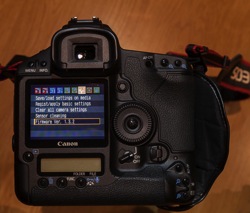
Does your camera have the latest firmware?
This topic is one that I often find myself explaining in more detail, and one that many people aren’t even aware that they can update their camera’s firmware, and how this may affect their digital camera. An analogy is to updating the version of software on your smart phone.
What is firmware and why is it important?
Inside your camera is a microprocessor (small computer), that uses software stored on non-removable flash memory inside your camera. This is called firmware and is the operating system of your camera which allows you to control the features and functions, with the camera’s menus and buttons. Firmware also controls autofocus, exposure, image processing, noise reduction and other important functions within your camera. Without firmware your camera would not be able to operate.
Why check for firmware updates?
Updates generally contain fixes or feature enhancements. Firmware updates aren’t always necessary – some cameras never have updates.
When a new camera is assembled the manufacturer loads the firmware that was designed at that time. After the camera has been released to the public, people may find that there are bugs or problems with the way the camera operates. The manufacturer investigates these problems and produces fixes for them in the form of firmware updates. Some of these fixes can be minor, but some of them fix more serious issues such as autofocus problems, battery-draining issues, or the camera unexpectedly locking up.
Other reasons why firmware updates are released is to include new camera features such as added languages, or to have manually adjustable settings that were once solely automatic. Some updates are to support new optional accessories for your camera (e.g. wireless functions or GPS modules, etc.). I like to think of them as free upgrades to your camera.
When to check for firmware updates?
I recommend checking for updates on a semi-regular basis, every few months or so, and after you purchase a new camera is also a good time to check. There will likely be fewer firmware updates for older cameras but still worthwhile checking, perhaps on an annual basis. If you have never checked your camera for a firmware update then now is a good a time to do so.
Does your camera have the latest firmware?
First check what version of firmware your camera is running. This information is found within one of your camera’s menu options. Finding it is different on every camera and not always obvious. Your instruction manual will help you find where to look in the menus.

You can check for the latest firmware by looking at the manufactures support and downloads section of their website for your brand and model of camera. Look for higher version numbers than the one found on your camera. If the version numbers are the same, there is no need to perform an update. Please note that some camera models never had new or updated firmware released and therefore new firmware updates may not be listed at all.
Important: You need to know the model of your camera and only use the firmware that is specific to your model.
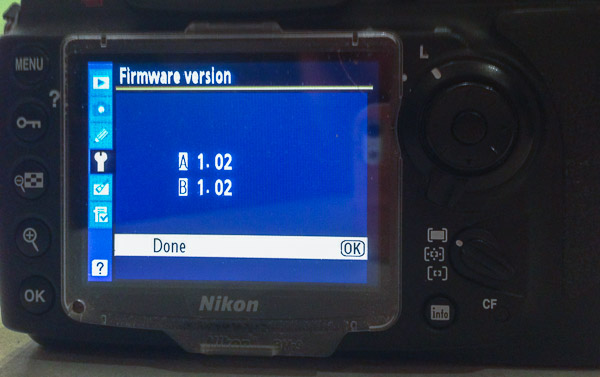
The following links were recently current for the major camera manufacturers and may be of help when checking for releases of newer versions of firmware for your camera.
- Canon
- Nikon
- Olympus
- Sony
- Pentax
- Panasonic
- Fujifilm
- Leica
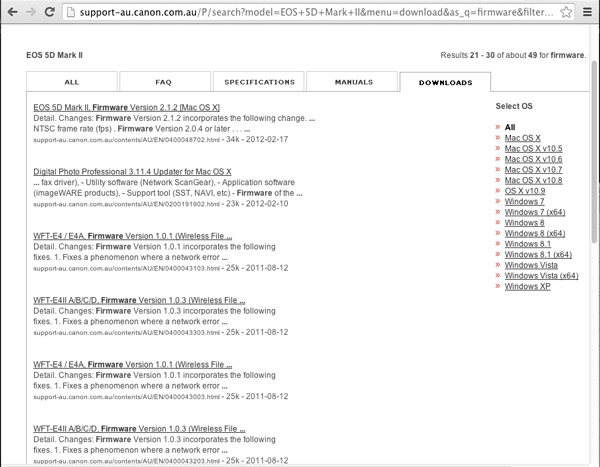
Why read the instructions carefully before updating your cameras firmware?
Read the instructions very carefully before updating the firmware on your camera – you don’t want to end up having a dead camera! If the battery fails during the firmware update or the update is interrupted in some manner, the risk is having a camera without usable software. Meaning you have a dead camera that you have to take to the manufacturer to fix!
How to find out what has been fixed or updated with the new firmware?
Check the release notes that come with the firmware updates. Usually you will find included a list of the fixes or updates in earlier versions of the firmware too.
Typical steps to update your cameras firmware*
* Sample only – Please read your own firmware update instructions for your camera model
- Check the firmware version on your camera – it will be shown on one of the menu options
- Check to see what the latest version of firmware is available for your camera on the manufacturers web site
- Read the instructions carefully
- Download the firmware
- Install a fully charged battery into your camera
- Format a memory card in your camera (read your manual if you aren’t sure how to do this)
- Place that memory card into a card reader connected to your computer (do not connect via a cord from the camera)
- Copy the firmware update file into the top-level (root) folder of the cameras memory card
- Safely eject the card on the computer
- Place the memory card back into the camera (remember to power off the camera any time you remove a card or open the slot door)
- Follow the instructions to update the cameras firmware
- Unless instructed to do so, don’t touch any buttons, or switch the camera off during the process
- Check to see that the camera is running the newly installed firmware version – as per the first step
If you have a Nikon
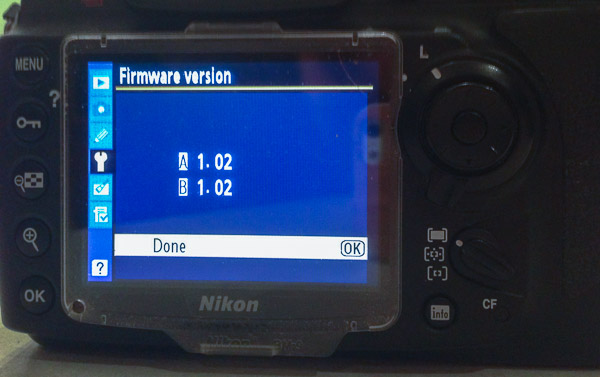
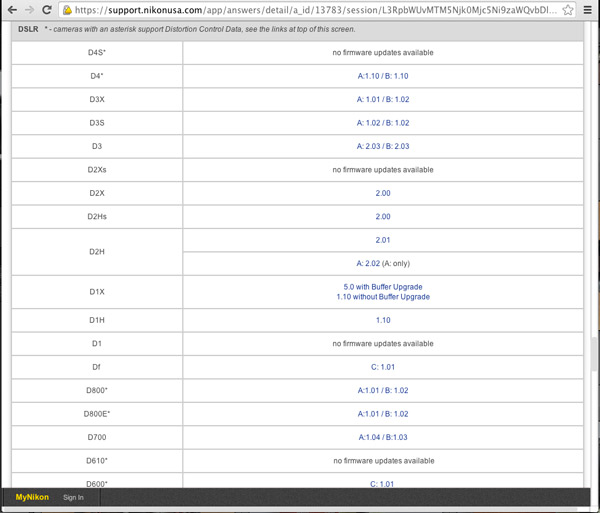
Some Nikon DSLR cameras may have A, B and L firmware – what are these? Nikon A-firmware is for the I/O (Input/Output) processor, B-firmware is for the Control (“Expeed”) integrated micro-controllers and L-firmware is for lens specific updates such as correction for lens distortion. You need not know why they have this scheme, just know what version is the latest for your camera model and use that to keep your camera up to date. Other camera manufacturers generally have just one firmware version to install.
Want more features on your camera – try Magic Lantern! (Canon EOS only)
Believe it or not some people wanted more from their cameras and the only option was to team up with other smart people and write their own firmware! This started back in 2009 after Canon first released the 5D mark II, a full-frame (35mm) sensor body that was also capable of recording full HD video. The users (film makers) wanted to be able to have more control over the 5D mark II for video functions. The camera was much cheaper than buying a $ 25,000 commercial video camera to do the same thing.
Since then, there have been various updates to this firmware that include support for other Canon EOS cameras while also including useful still photography features such as: an intervalometer, custom bulb timer for long exposures, motion detection, voice tags for photos, etc. This firmware runs from your CF or SD card, instead of the factory firmware inside your camera. The Magic Lantern software is only available for certain Canon EOS camera models. For a full list of supported cameras, to find out what it can do and how it works, you may like to visit Magic Lantern’s website.
Please note: running third party firmware is not supported by the manufacturer and may void your warranty. So unless you are very comfortable with what you are doing, using this firmware may not be a good idea, especially if you are new to photography or just bought a brand new camera.
What to do if something goes wrong?
Check the manufacturers instructions again, have you missed a step or misunderstood what is required?
If something is still not quite right after you have done all the troubleshooting you may like to contact an authorized service centre for your brand of camera and ask for their advice and support.
I hope that you are now much better informed about firmware for your camera. Let me know if you have enjoyed reading this article and leave any comments below.
The post Updating your Camera’s Firmware – What is it and Why it’s Important by Roy Vieth appeared first on Digital Photography School.
-
It’s Not Travel Photography, But Photographing Travelers May Be Photography’s Next Big Thing


Photography: Paola ColleoniOn a trip to Paris with her best friend two years ago, Nicole Smith did what everyone does on vacation. As she and her friend stood at tourist sites, she would take out her phone, hold it at arm’s length and snap a few selfies. Sometimes the pair would buttonhole a passing stranger, hand over a camera and ask the passer-by to shoot a picture of them together. Not surprisingly, the results were, she says, always “meh.” Things changed though, when a friend in the city offered to photograph them in the style of a photojournalist as they wandered through the streets. The result wasn’t just a set of images that captured the spirit of her afternoon in a way that she could never have done alone, she says, but the beginning of a whole new business idea.
Two years later Flytographer now has professional photographers available to capture shots of vacationers as they tour the sites and sip cappuccinos in romantic cafes in 70 cities around the world.

Photography: Cadence FeeleyCustomers can choose from three different kinds of shoots: thirty minutes in one location produces fifteen photos and costs $ 250; an hour in one or two locations generates 30 photos and costs $ 350; and two hours in multiple locations produce 60 photos for $ 600. The commission earned by the photographer varies with the package but on average photographers can expect to receive 60 percent of the purchase price.
“It’s a fun, fast shoot.”
The photographers, though, only have to do the shooting. Flytographer will arrange the date, time and route of the booking, discuss the customer’s objectives and prepare a brief with all the details.
“It’s a fun, fast shoot and we usually capture the couple/family as they stroll around in a more candid, editorial-style,” says Nicole. “The photographer connects with the customer like a local friend.”
The question is how much demand there is for the attention of a professional photographer at a time when professional quality DSLRs are affordable to anyone who takes foreign travel, and when everyone is packing a camera in their pocket, complete with filters to turn even the worst of snaps into atmospheric mementos.
According to Nicole, Flytographer delivers a couple of important benefits that vacationers and travelers can’t produce alone.
The first is that everyone can be in the picture together, looking relaxed and at their best, (rather than at the end of an arm or having just rushed back into the frame.) The images are also more varied. Ask a local to shoot a picture and at best you’ll get a standard direct shot of you and you a friend standing in front of a building. At worst, you’ll get to watch a stranger running off with your iPhone or your Nikon. Flytographer’s photographers are expected to use different angles and vantage points to produce images that only a dedicated photographer can create. They’ll also be using their own equipment.
And those pictures will be high quality. They won’t be quick snaps but valued treasures that record a memorable experience.

Photography: Lauren Colchamiro
“People like ‘experiences’ vs more stuff and we are often told by our customers that their Flytographer photos were the ‘Best souvenir they’ve ever purchased,” says Nicole. “Too many people spend thousands of dollars planning a special trip only to return home in none of the photos, or if they are, someone else important is missing, or they are blurry etc. They also like that they can focus on soaking up the moment and being really present vs distracted trying to capture the moment through a camera.”
Photograph Honeymooners And Reunions
Customers tend to be couples and families but are often people making special, once-in-a-lifetime trips such as honeymooners or newly engaged couples, all-guy or all-girl vacations and multigenerational reunions. For the photographer, the shoot may sometimes have the same feel, and demand some of the same skills, as shooting a small event.
Altogether, in the year or so since the company’s launch, Flytographer has completed around 200 shoots across five continents. And the company is looking to expand, particularly in Hawaii, Orlando, Sandestin, Palm Desert, Scottsdale, Tremblant, Hong Kong and in the Caribbean, although it accepts applications from anywhere. Photographers in places with large numbers of tourists and small numbers of rival shooters will be in with a good shout of landing some useful extra work, and even photographers who travel a lot can find themselves shooting in different locations.
But you will need to impress. All of the company’s photographers are professionals with backgrounds that range from newspapers and magazines to corporate and fashion photography. Some are wedding and family photographers. Flytographer has also managed to land some adventure ski photographers who can capture shots of snowboarding clients as they fly down the slopes.
Nicole speaks with each of the photographers themselves, checks their background and makes sure that they have both solid technical skills and the ability to tell a compelling story through their shots. She also looks for people who have run their own business and understand the importance of delivering impeccable service. Applicants can apply at www.flytographer.com/join.
That Flytographer appears so far to have had little trouble either recruiting photographers or finding clients is pretty revealing. That there is plenty of demand among photographers to shoot quick, documentary-style images for fees that may work out, after travel and processing, to around $ 100 an hour, is hardly surprising. But the fact that so many people recognize that there’s a limit to what they can do with their iPhones and even their DSLRs is highly encouraging. People may think that they’re photographers but they are recognizing that quick snaps taken on phones tend to stay forever unseen on the hard drives while professionally taken images are viewed and treasured.
It’s also revealing, though, that while Nicole Smith has used professional photographers, she’s not a trained photographer herself. This was a business idea that came from a client of professional photographers. If clients can spot opportunities for photographers, why aren’t more photographers doing the same for themselves?
-
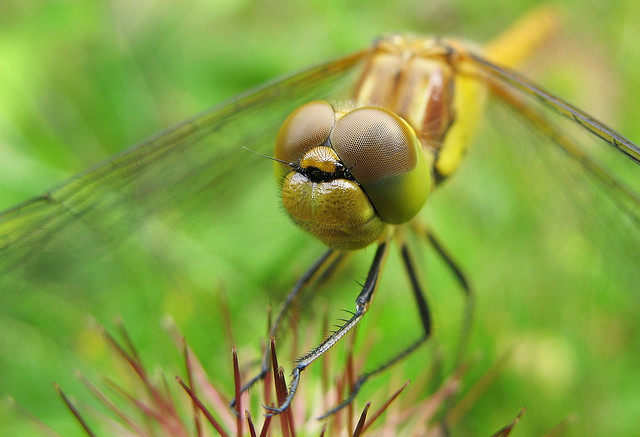
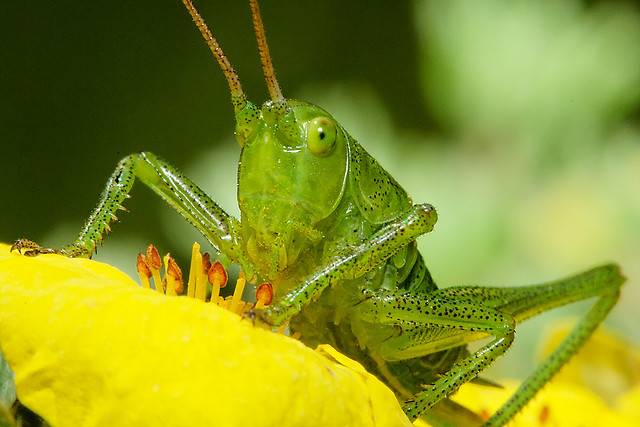
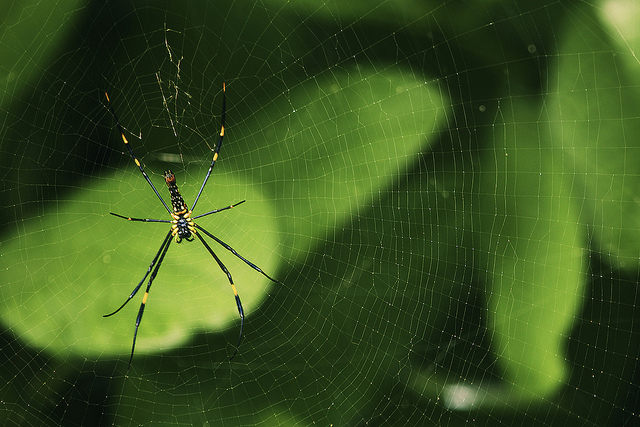
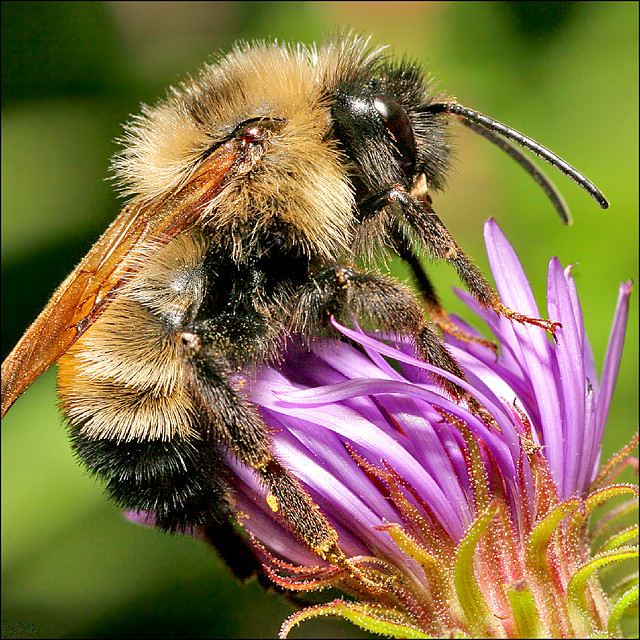
A Collection of Photos of Nature’s Smallest Creatures – it’s a Bug’s Life
In the last two weeks we’ve look at the flora and some full on stunning landscapes. Now it’s time for some fauna, but focused in a little closer on some of its smaller members, photos of nature’s smallest critters. The insects!
Right around the corner in the Northern Hemisphere is spring with its showers and flowers. But there would be no flowers without the bees and insects to pollenate. So today we pay homage to our little buddies that work so hard. I bring you:
It’s a Bug’s Life

By Pablo Fernández
By ????????? ????????
By Prabhu B Doss

By Adam Foster
By Laurenz Bobke
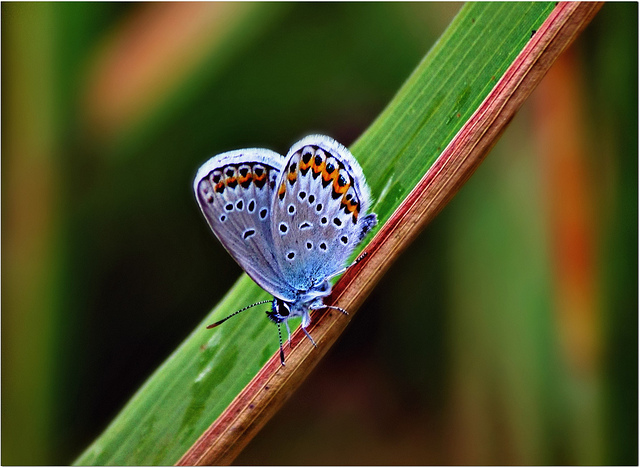
By Viola’s visions ????
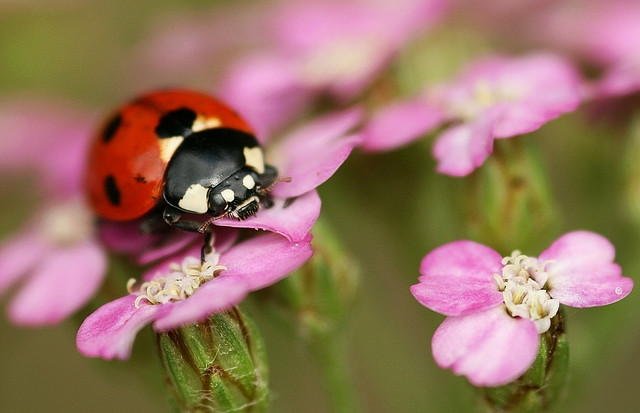
By nutmeg66
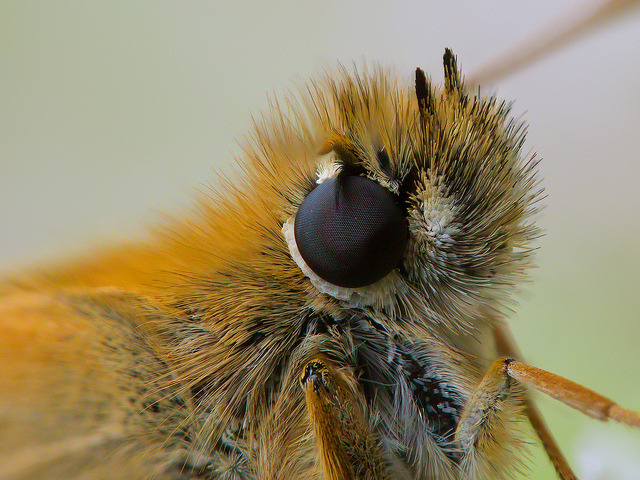
By Alexey Kljatov
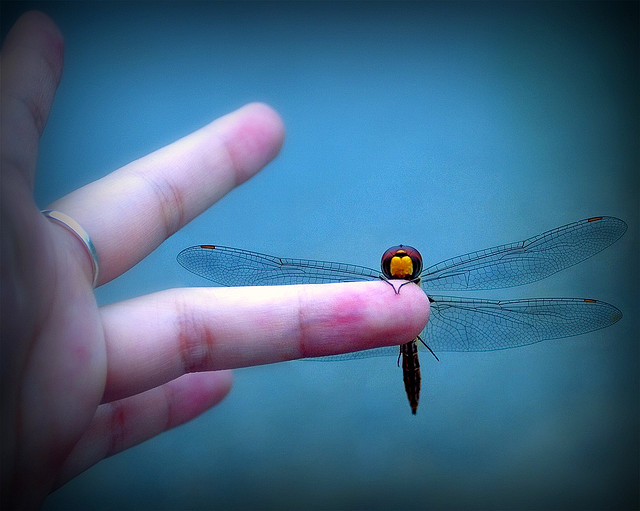
By Bùi Linh Ngân
By nutmeg66

By Alexey Kljatov
By Reinhold Stansich
By Vinoth Chandar
By Stuart Williams
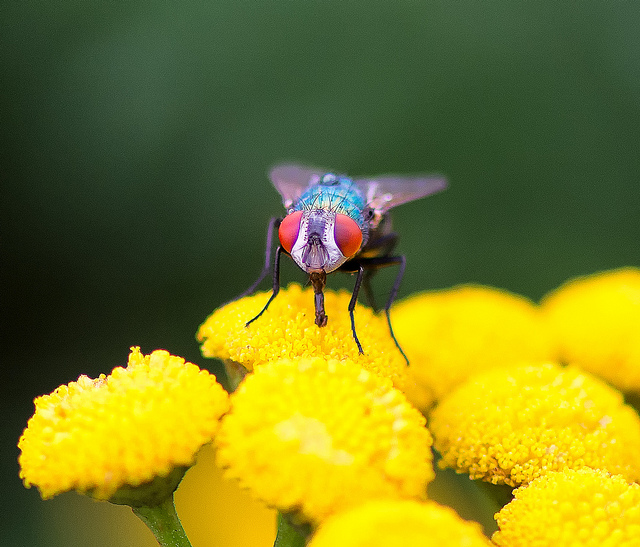
By Ferdi De gier
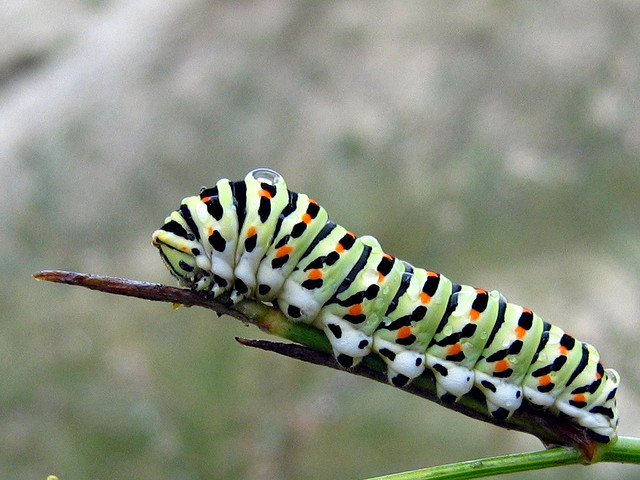
By Stavros Markopoulos
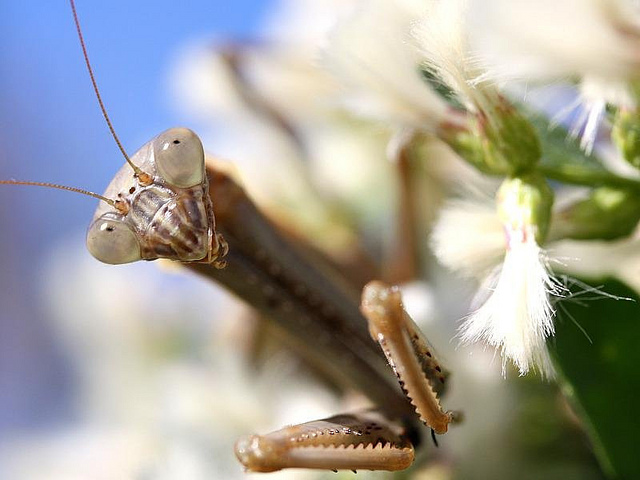
By Don Sutherland
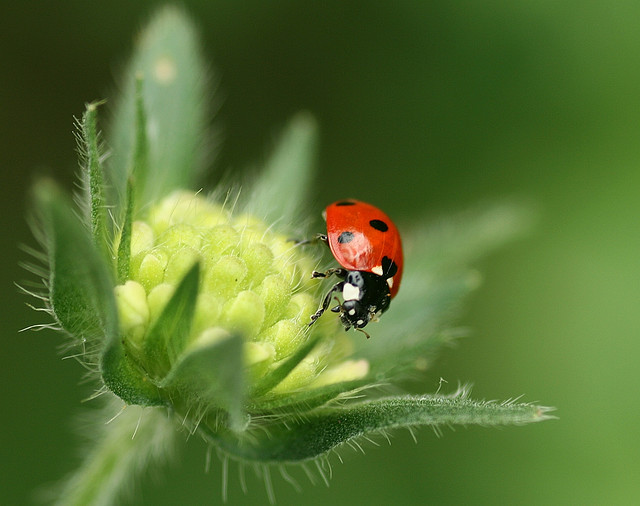
By nutmeg66
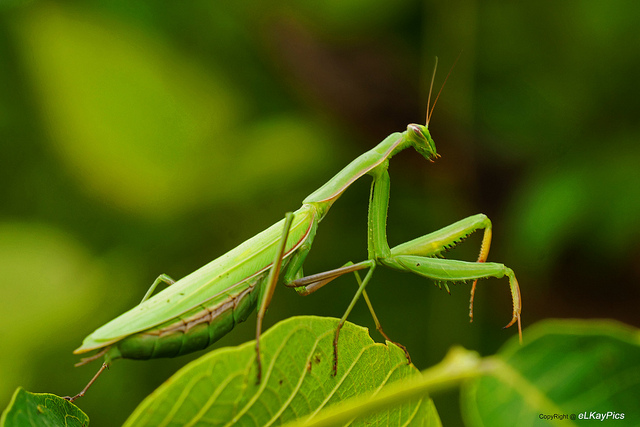
By Lutz Koch
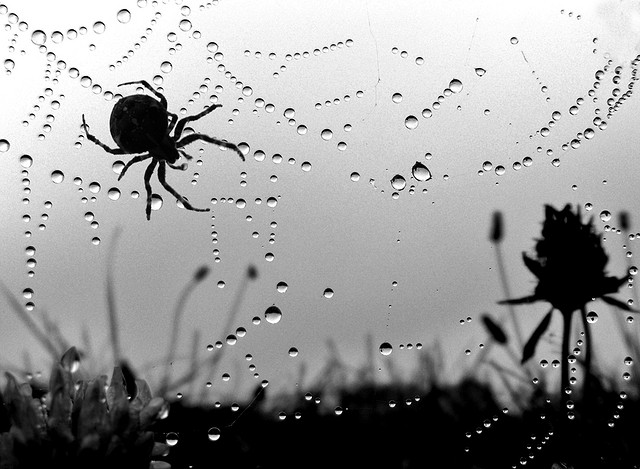
By Jon McGovern
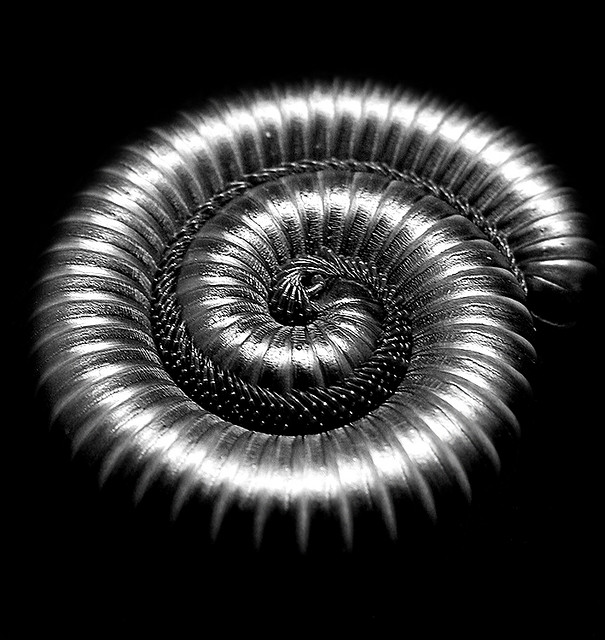
By Matt Reinbold
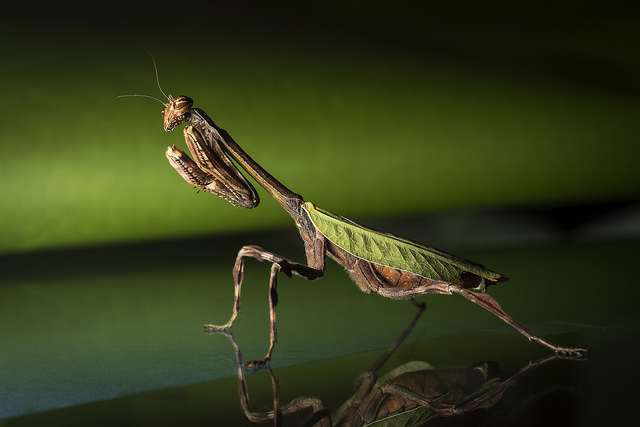
By Alx Murray
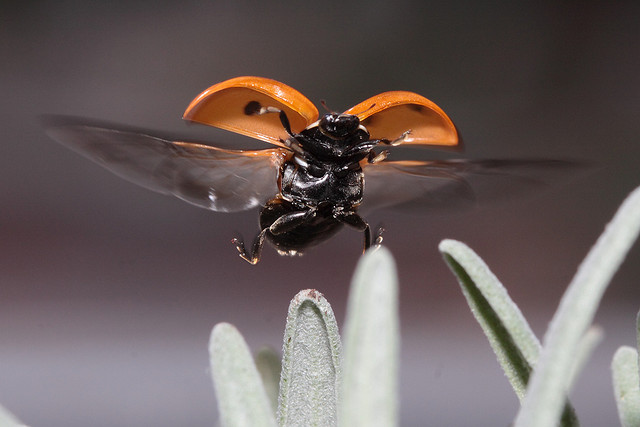
By Harald Hoyer
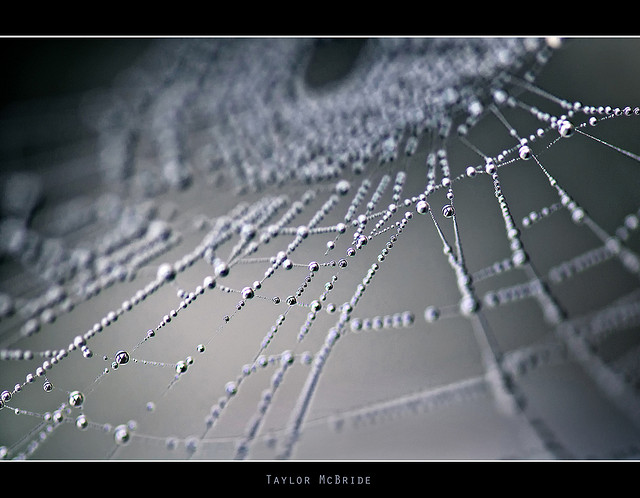
By Taylor McBride
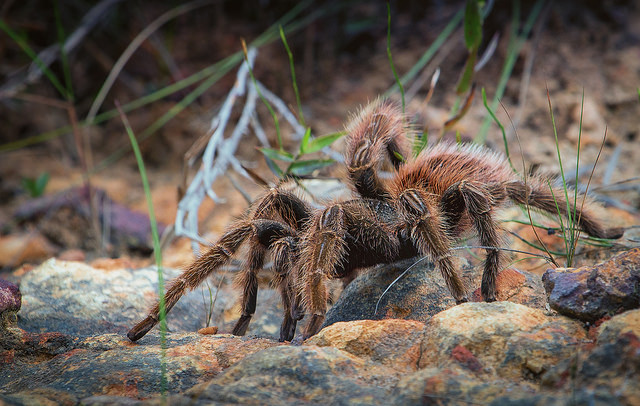
By Bart van Dorp
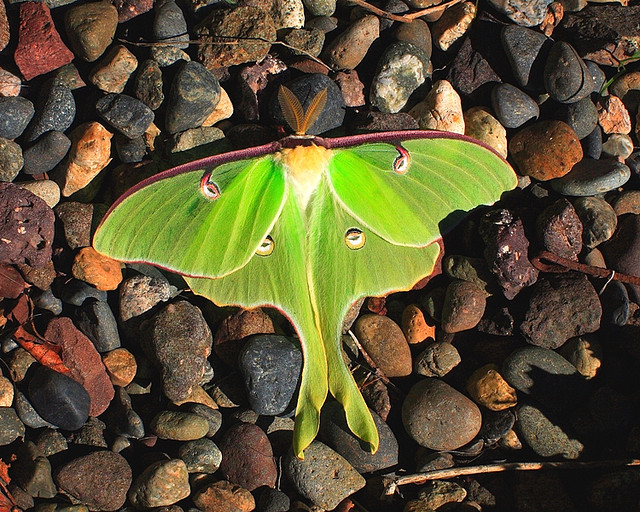
By Ray Dumas
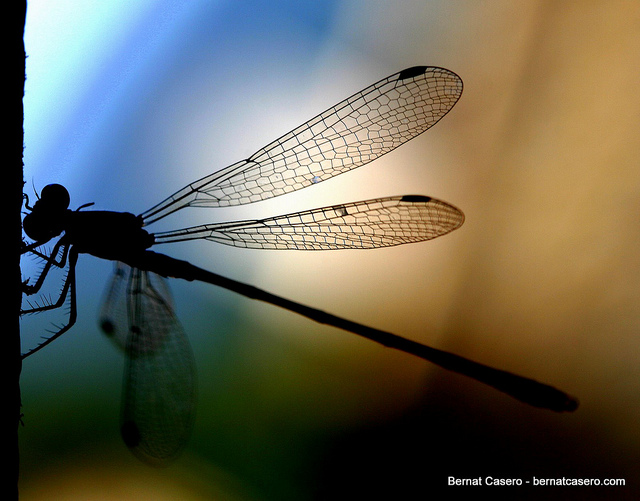
By Bernat Casero

By quas
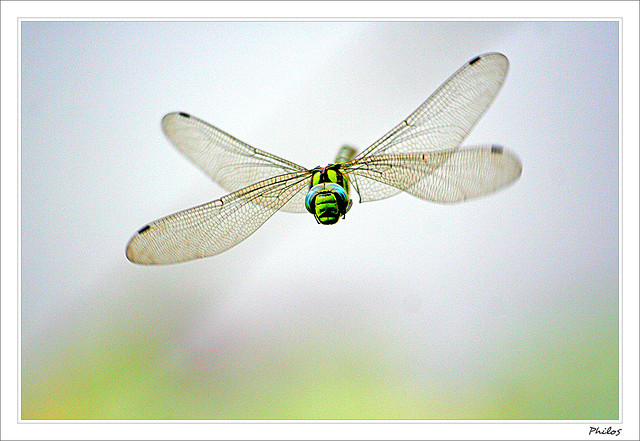
By Phil
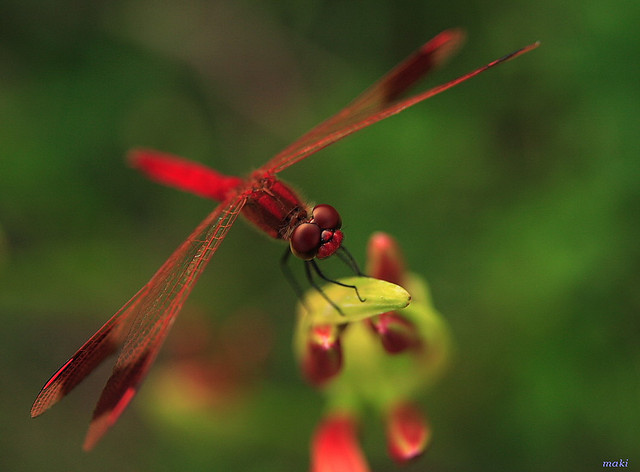
By Maki_C30D
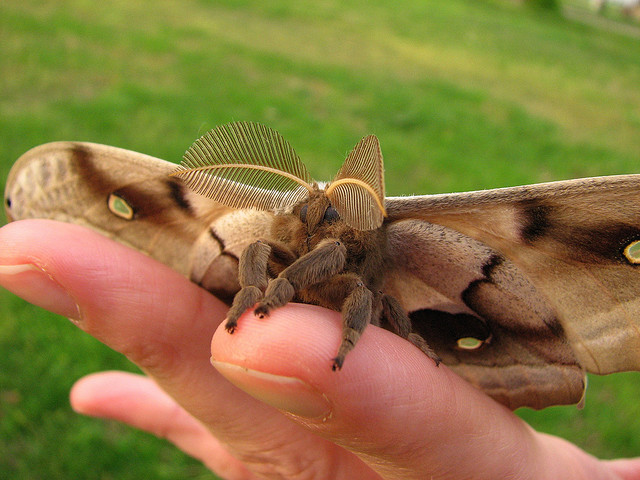
By Lisa Brown
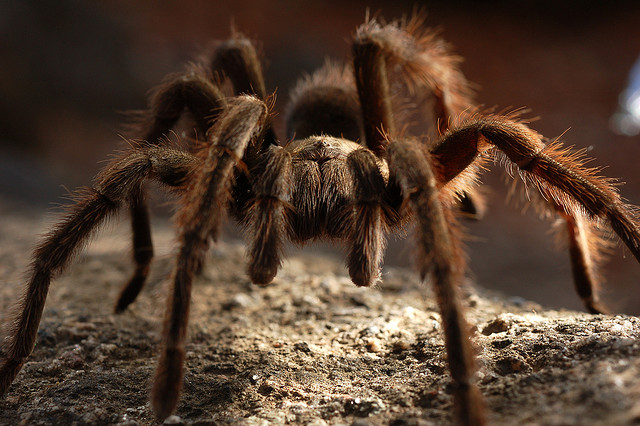
By matt knoth
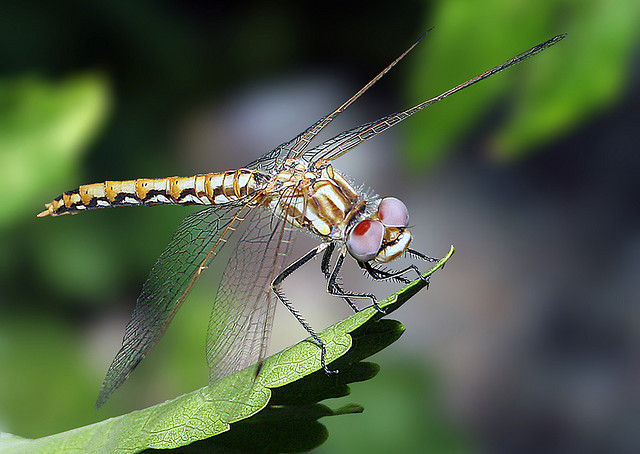
By casch52
Want to give this a go but need some close up tips? Try these?
- How To Photograph Dragonflies
- It’s a Small World – the World of Macro Photography
- 6 Tips for Near-Macro Photography with a Telephoto Lens
- Extension Tubes: Close Up Photography Lesson #2
The post A Collection of Photos of Nature’s Smallest Creatures – it’s a Bug’s Life by Darlene Hildebrandt appeared first on Digital Photography School.
-
4 April, 2014 – It’s All a Blur

This new article is about creating impressionistic images of subjects in motion. But before proceeding, a word of caution. These images were taken at a bull fight in Mexico. I am not a big fan of bull fighting, indeed I find them mostly unpleasant to watch. But, I accept that in some countries they are an established part of the culture and history. All of the images on this page are done in an impressionistic manner and deliberately none are gory. I have mainly focused on the horsemanship in this collection. If you are offended by the very thought of bull flighting, please do not go to this page, and also, whatever you do, don’t write to me with your complaints about it.
-
It’s Thanks Back Thursday!

Sure, your photography is good. But, did you know it can also do good?
Use your photos to put smiles on the faces of your best chums and total strangers.
Simply enter a photo and message of gratitude into our Thanks Machine and we’ll pop out a sendable thanks-o-gram.
Send it out to that pal you’re thankful for and we’ll donate $ 1 to Kids’ Photography Education through Donors Choose. Whabam! You just helped out a total stranger.
Put your photos to good use, express your thanks and educate kiddos.
Send a Photo Thanks-O-Gram
© laurel for Photojojo, 2014. |
Permalink |
No comment |
Add to
del.icio.us
Post tags:
-
Nikon D4s unboxing: It’s arrived!

Officially announced last month, the Nikon D4s is the company’s flagship DSLR with serious professional credentials. Although improvements over the D4 might seem relatively subtle, they have been driven by professional feedback from working photographers all over the world. That’s why we were so excited to receive a big brown box from Nikon this morning! See the unboxing
-
Holding Your Digital Camera Properly Like It’s Your Baby
When you own a digital camera, you’ve got to treat it right, almost as if it were your very own baby. Wait…just a second there! It IS your very own baby, so you had better hold it gently and carefully. If that’s not convincing enough for you, then maybe a practical reason will affect you better: To avoid buying a Continue Reading
The post Holding Your Digital Camera Properly Like It’s Your Baby appeared first on Photodoto.