RSS
 

Archive for June, 2016

Does the Camera Matter? SLR versus Mirrorless versus Smartphone

05 Jun

Camera comparisons

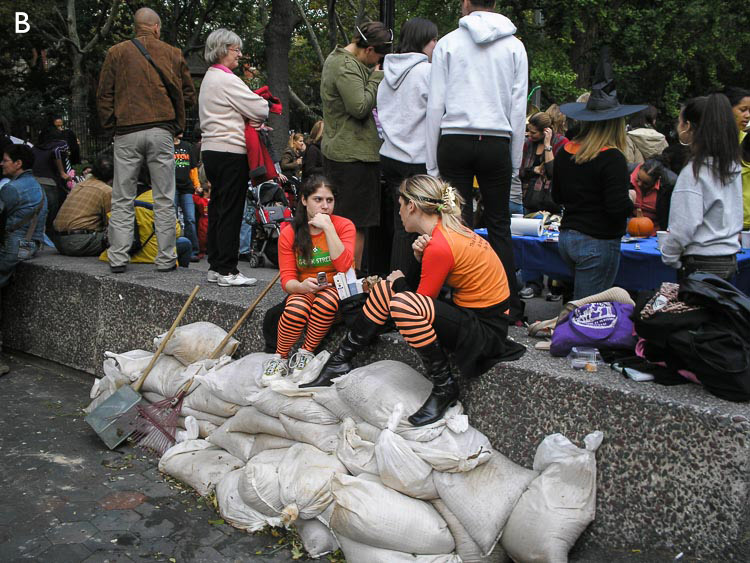
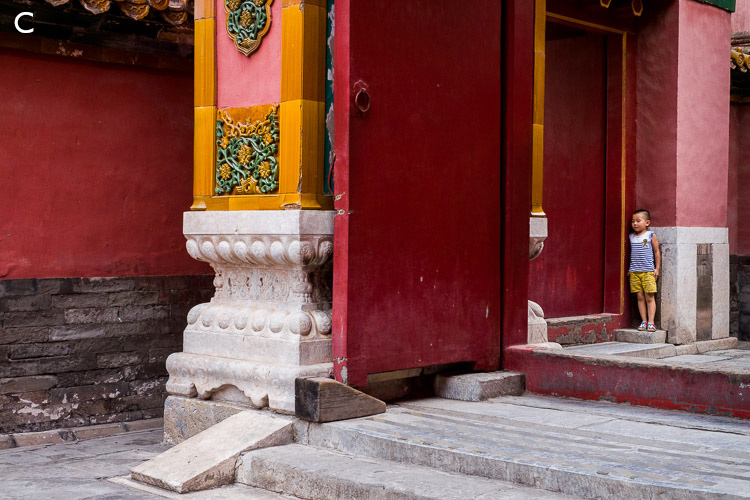
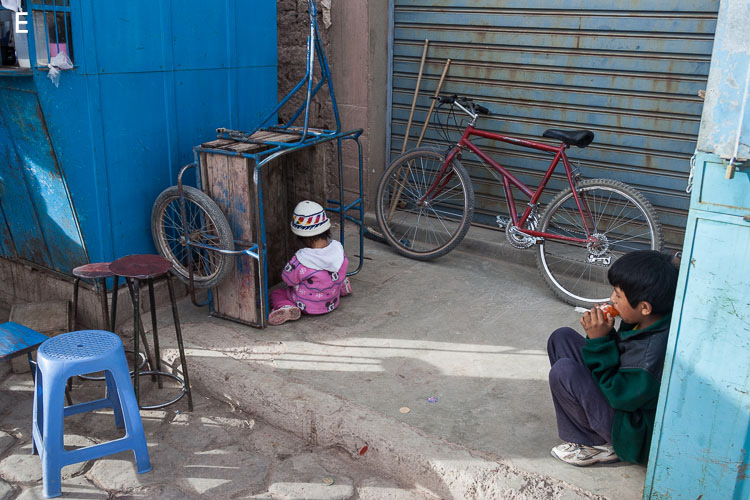
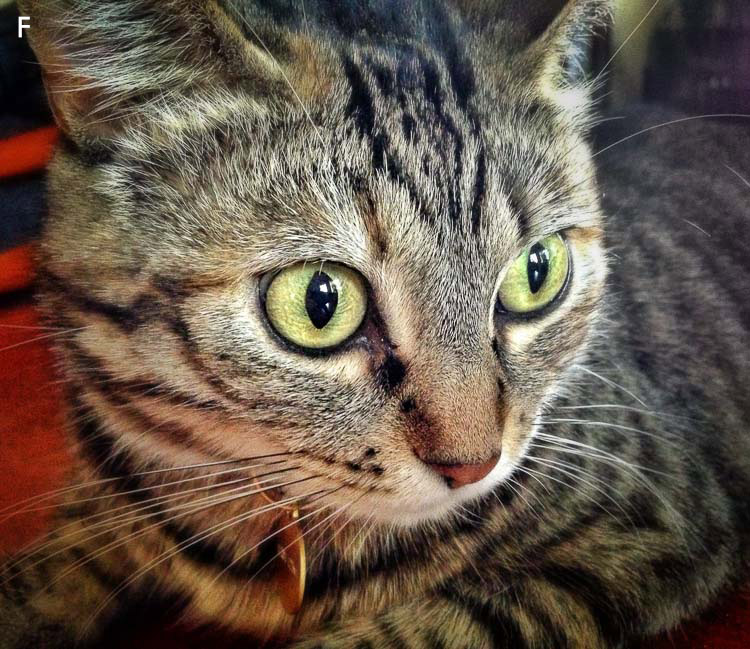
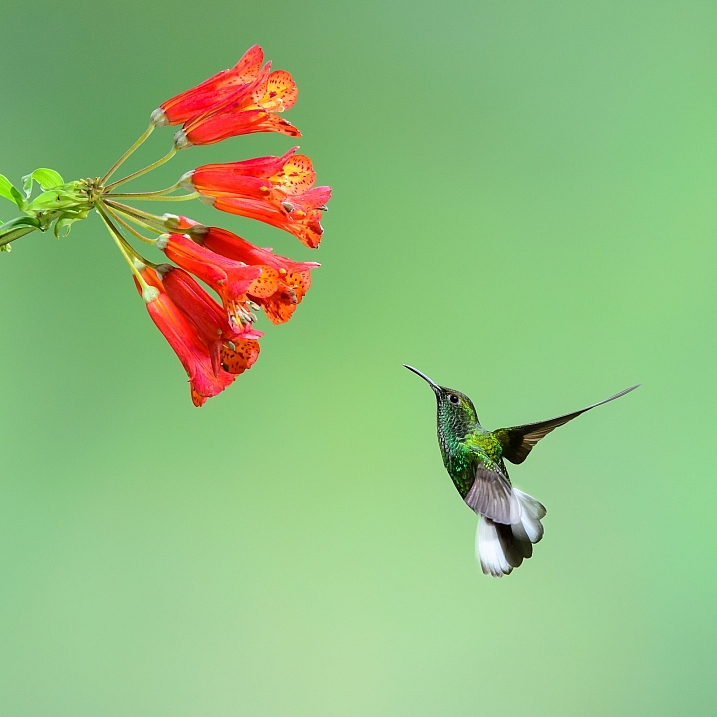
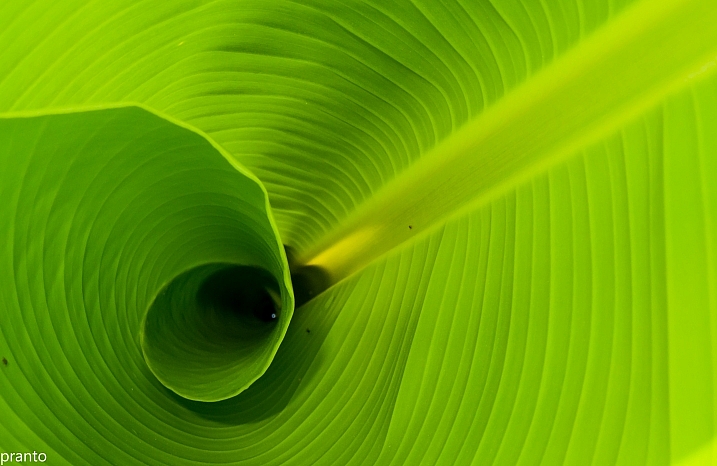
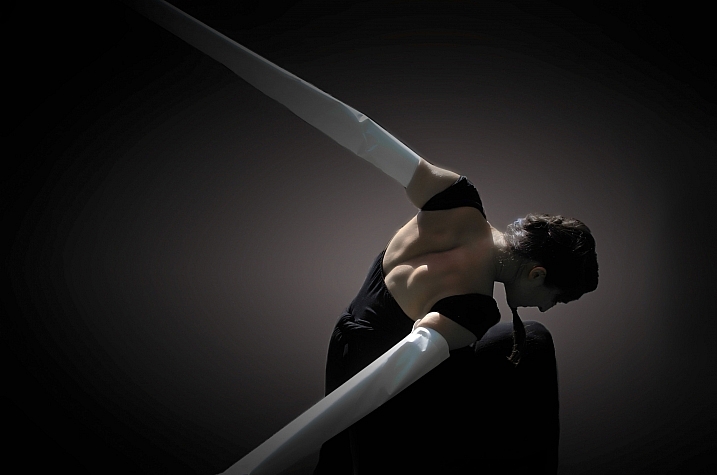
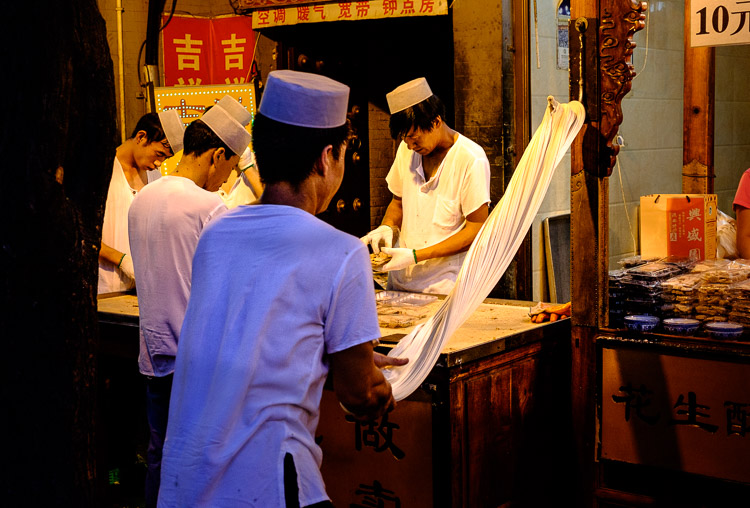
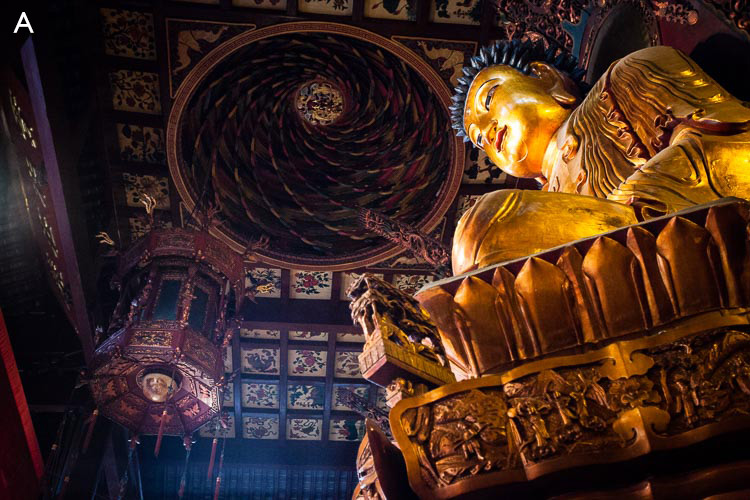
When our wonderful editor Darlene asked me to write an article comparing camera types my first thought was to show you a series of photos just like the following, and ask you to guess which ones were taken, with which cameras. It’s a fun idea, so let’s do it.

This is the list of cameras.

1. Olympus D345 (5 megapixel compact, purchased 2006)
2. EOS Digital Rebel XT (8 megapixels APS-C dSLR, purchased 2006)
3. EOS 40D (10 megapixel APS-C dSLR, purchased 2007)
4. EOS 5D Mark II (21 megapixel full-frame dSLR, purchased 2010)
5. iPhone 5
6. Fujifilm X-T1 (16 megapixel APS-C mirrorless, purchased 2014)

Here are the photos:
camera-comparisons-2

camera-comparisons-3

camera-comparisons-4

camera-comparisons-5

camera-comparisons-6

Camera comparisons

How did you do? Here are the answers.

A. EOS 5D Mark II
B. Olympus D345
C. Fujifilm X-T1
D. EOS 40D
E. EOS Digital Rebel XT
F. iPhone 5

Now, this isn’t a fair comparison, for several reasons. One is that these photos are reproduced here at 750 pixels wide. You really need to see them uncropped to appreciate the difference in quality and size (for example, the photo taken with the 5D Mark II is four times the size of the one taken with the Olympus D345).

Also, these photos don’t tell you much about the dynamic range capability of each camera, or how well they perform at high ISO settings. The Olympus D345 doesn’t even have a high ISO setting – all photos are taken at a fixed ISO of 50 (something I didn’t realize until after I bought it).

Then there’s the variable of lens choice, which also affects image quality, plus post-processing (clarity and sharpness adjustments in particular can make a big difference to the apparent sharpness of an image).

All this exercise does, is tell you that if all you want to do is post photos online, then just about any camera will suffice. John Lennon is quoted (probably apocryphally) as saying:

“When I went to school, they asked me what I wanted to be when I grew up. I wrote down ‘happy’. They told me I didn’t understand the assignment, and I told them they didn’t understand life.”

To paraphrase, anybody who asks what camera you took a photo with probably doesn’t understand photography. Okay, that’s a bit harsh, but it’s a question that misses the point. Nobody who matters cares what camera you you used to take the photo.

If you submit a photo to a magazine, a photography competition, or a gallery, unless there’s a specific reason they need to know (good luck sending a photo taken with a Canon camera to Nikon Photo magazine) they don’t care.

All that matters is the strength of the photo – did you capture an interesting subject? Is the composition strong? Is the lighting beautiful? Does your photo move people, inspire emotion? None of this has anything to do with the camera, and everything to do with the photographer.

So, why do we have this endless discussion about cameras? Well, for most of us photography is a hobby and discussing gear and lenses is all part of the fun.

But sometimes the discussion is more purposeful. Cameras are tools, and good photographers learn to either adapt to the tool at hand, or choose the best one for the job. The question is not what camera is best, but which camera is best for you, and the purpose you have in mind. Discussions about what cameras are best for what subject can go on a long time!

So, bearing in mind I’ve been asked to write about SLRs vs mirrorless cameras vs smartphone cameras, let’s take a look at which each of these tools does.

The Digital SLR

SLR cameras replaced rangefinders sometime in the 1960’s, as the camera style of choice for most photographers. The main advantages of SLRs is that, unlike rangefinders, the viewfinder shows you exactly what the lens sees (or 95% or so, of it anyway).

Until about six years ago the digital SLR was the undisputed king of 35mm and crop sensor camera designs. You get an optical viewfinder that shows you what the lens sees, no matter which lens you use on the camera, and fast and reasonably accurate autofocus in an ergonomic body. Sizes range from small (such as the EOS 100D/Rebel SL1) to massive (the Nikon D5) and the specifications range from entry level, to high-performance professional.

Where digital SLRs excel (high-end ones at least) is with autofocus tracking of moving objects. That, plus the wide range of available super-telephoto lenses, makes them the camera of choice for most professional sport and nature photographers.
Camera comparisons

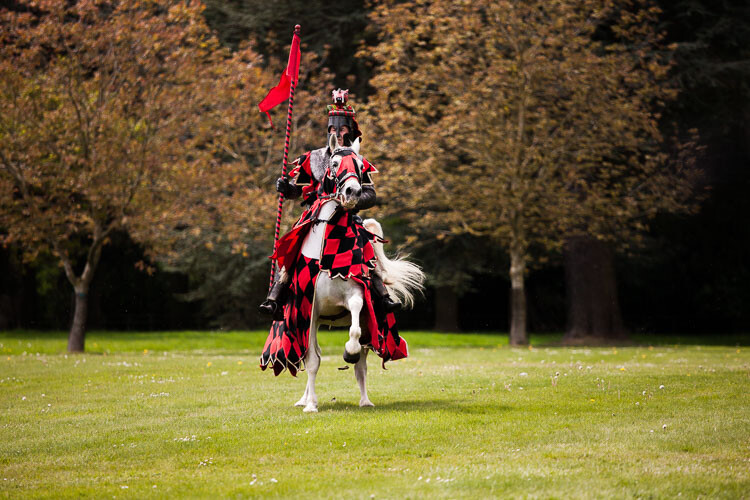
Digital SLRs are good for capturing photos of fast moving subjects like this knight on horseback.

The Smartphone

Apple more or less invented the modern smartphone with its first iPhone back in 2007. Since then smartphones and their cameras have improved immensely. The appeal of the smartphone camera is fairly obvious – most people carry their phone just about everywhere.

An antidote to the large, heavy SLR, smartphones bring a degree of freedom that photographers hadn’t experienced before. When I asked a friend once how she was going with her EOS 40D (she bought one about the same time as me) she replied that she was “sick of lugging that thing about” and just used her iPhone now.

Throw in apps like Instagram and Snapseed, and the ability to share photos instantly, and you can see why smartphone cameras are popular. If you’ve seen Apple’s iPhone posters you’ll also know they are capable of creating insanely good images in the right hands.

The Mirrorless Camera

The mirrorless camera fills the gap between smartphone and digital SLR that was previously occupied by high end compacts. The best mirrorless cameras have the lens choice, image quality, and functionality of professional digital SLRs in a lighter, cheaper, and smaller body. The biggest difference between the two, in terms of performance, is accurate autofocus tracking of moving subjects, and the gap is getting smaller (whether it will ever be reduced to zero is something we will see in the future).

Mirrorless cameras appeal to photographers who want high performance cameras in a small body. They are great for street and travel photographers.
Camera comparisons

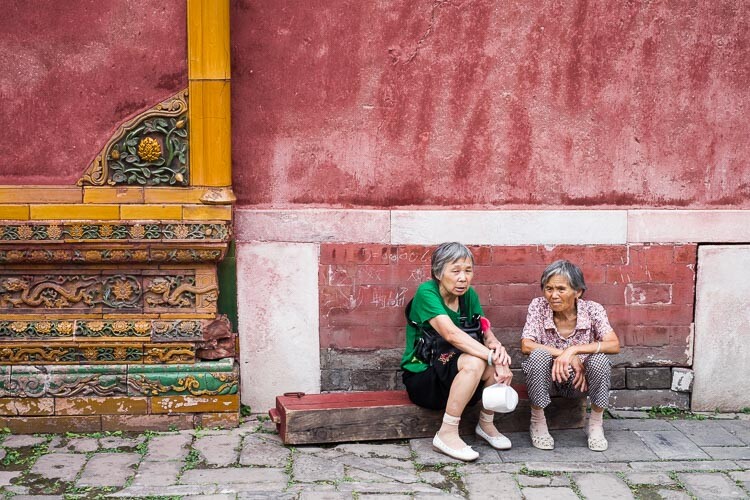
Mirrorless cameras are great for street and travel photography, helping you take photos like this.

So, here’s my answer to the question “Does the camera matter?” No it doesn’t. Most people don’t care what camera you took a photo with. You may be curious – for example, if you see someone creating beautiful landscape photos, it’s natural to wonder if buying the same camera and lens will help you do so as well (the answer is that it may help, but it probably won’t – you’d be better off asking how they mastered their craft and how hard they work to get their images). But ultimately, nobody cares. They only care about the photo.

Should you care what camera you use? Yes, you should, because it is your job as photographer to make sure your tools are up to the job at hand. You need a camera that suits you and your way of working, that fits into your budget, and has all the features you need for the types of photography you do.

Agree? Disagree? Let us know in the comments!

If you’d like to learn more about the basics of photography, then please check out my ebook Mastering Photography: A Beginner’s Guide to Using Digital Cameras.


Editor’s Note: This is one of a series of articles this week that are Open for Discussion. We want to get the conversation going, hear your voice and opinions, and talk about some possibly controversial topics in photography.

Give us your thoughts below, and watch for more discussion topics each day this week.

See all the recent discussion topics here:

  • 7 Commonly Accepted Photography Beliefs Debunked
  • Is HDR dead? Some dPS Writer’s Thoughts on this Controversial Topic
  • How to Find your Personal Photographic Style
  • Why You May be Failing to Reach Your Potential as a Photographer
  • To Process or Not To Process? Let’s Discuss
  • How much do you process your images? – a dPS POLL

googletag.cmd.push(function() {
tablet_slots.push( googletag.defineSlot( “/1005424/_dPSv4_tab-all-article-bottom_(300×250)”, [300, 250], “pb-ad-78623” ).addService( googletag.pubads() ) ); } );

googletag.cmd.push(function() {
mobile_slots.push( googletag.defineSlot( “/1005424/_dPSv4_mob-all-article-bottom_(300×250)”, [300, 250], “pb-ad-78158” ).addService( googletag.pubads() ) ); } );

The post Does the Camera Matter? SLR versus Mirrorless versus Smartphone by Andrew S. Gibson appeared first on Digital Photography School.


Digital Photography School

 
Comments Off on Does the Camera Matter? SLR versus Mirrorless versus Smartphone

Posted in Photography


Nikon D5: A pro sports photographer gives us his opinion

05 Jun

Nikon D5: a pro photographer’s opinion

A Bahaman athlete, shot through the flame and heat haze in the Olympics Stadium in the 4 x 100m Mens Relay – London Olympics 2012.

Nikon D4, Nikon 300mm F2.8, 1/500 sec F4 ISO 800. Photograph by Mark Pain


The Nikon D5 has impressed us with its speed and reliability, and earned a gold award when we reviewed it recently. But we don’t pretend to represent the camera’s core market of sports professionals and photojournalists. That’s why we turned to Mark Pain, a UK-based sports photographer and Nikon shooter, to get his opinion on the D5. Click through this article to learn how Mark got started, what makes a good camera for his needs, and how the D5 is measuring up.

Nikon D5: a pro photographer’s opinion

Zara Tindall (Phillips) jumps the lake At Badminton, on her horse High Kingdom.

Nikon D5, Nikon 400mm F2.8, 1/3200 sec F3.5. ISO 320. Shot using AF-C in D25 area AF mode. Photograph by Mark Pain


Mark Pain:

The first thing you notice when you use a D5 is the blisteringly fast and accurate autofocus. Many cameras feel quick and responsive the first time you pick them up, but very few continue to fill you with more and more confidence every time you use them. But the D5 does just that. It takes everything the D4s did well and improves on it. But most importantly Nikon seemed to have listened to photographers’ feedback on what wasn’t so good about the D4s and transformed those areas of performance with a total redesign.

The new AF system is nothing short of sensational. If you set the camera up properly the D5 doesn’t miss a beat. User error is far more likely to be the reason for a missed shot than the camera letting you down, even for the best of photographers.

Nikon D5: a pro photographer’s opinion

David Weir celebrates winning his third gold medal in the 1500m – London Paralympics 2012.

Nikon D4, Nikon 300mm F2.8, 1/1250 sec at F2.8. ISO 2000. Photograph by Mark Pain


I’ve been shooting sport professionally for over 25 years now, since I was 22. But I got the bug for photography and especially for photographing movement just after I was given my first SLR for my 13th birthday. I loved my fully manual Fujica STX-1 when I was asked to shoot some pictures of my school Sportsday for the school magazine, I was hooked.

The Fujica STX-1 was a superb camera for a young photographer to learn with, fully Manual and extremely well built. It made me concentrate on and master all the fundamentals of photography, fundamentals that remain the backbone of my photography today.

Nikon D5: a pro photographer’s opinion

Mark’s kit-bag. Nikon D5, Nikon D4s, Nikon 70-200mm F2.8, Nikon 24-70mm F2.8, Nikon 14-24mm F2.8, Nikon TC14 1.4x converter MkIII, Nikon 16mm F2.8, Nikon SB-800 Flashgun inside a Think Tank Airport International rolling case.


There have been two huge developments in photography since I started out; the coming of autofocus and the move from film to digital. As a professional there have been times when these changes have caused major headaches. AF systems take time to get right and professional sports photographers tend to be on the receiving end of their failings or quirks. Often the technical ability of the cameras in the field (even the top end Pro SLRs/DSLRs ) has lagged behind what the manufacturers claim to have achieved on paper. Especially when it comes to autofocus.

Nikon D5: a pro photographer’s opinion

The British Mens Team Pursuit team on their way to breaking the world record at the Beijing Olympics 2008.

Nikon D3, Nikon 70-200mm F2.8, 1/15th sec at F8, ISO 200. Photograph by Mark Pain


A camera’s success is dependent on three crucial aspects of its design and spec coming together in harmony; sensor performance, the processor used in the camera and the firmware. For me, the first digital camera that married all these important factors together was the Nikon D3. The D3 changed my world and I switched from Canon to Nikon in the January of 2008 because of it, and I took the D3 to the Beijing Olympics later that year. To my mind the D3 was the best balanced professional sports camera. Until the D5.

Nikon D5: a pro photographer’s opinion

Zara Tindall (Phillips) jumps the lake At Badminton, on her horse High Kingdom.

Nikon D5, Nikon 400mm F2.8, 1/3200 sec F3.5. ISO 320. Shot using AF-C in D25 area AF mode. Photograph by Mark Pain


The D5 seems to have that same balance, ease of performance and feeling of class that the D3 had. It’s the camera the D4 and D4s so nearly were. Of course it’s early days and I’ve only been shooting with it for a month or so. A camera’s abilities can only be fairly judged over a much longer period of time in a far wider variety of conditions than I have used the D5 in so far. How the camera performs at a rain soaked night match at a dark non-league football ground in the early rounds of FA Cup at 8000 ISO is just as important as how it performs at 200 ISO in bright sunshine at the Final at Wembley.

But the Olympics is the ultimate test of any camera claiming to have a sports pedigree and I’m seriously excited to be heading to Rio in a couple of months time with a couple of D5s at my side. The huge variety of sports both indoors and outdoors and the technical challenges they present will push the camera to its limits.

Nikon D5: a pro photographer’s opinion

Jesse Lingard celebrating his winning goal in the FA Cup Final.

Nikon D5, Nikon 70-200mm F2.8, 1/2000th sec at F2.8, ISO 2000, Shot using AF-C in D25 area AF mode. Photograph by Mark Pain


The sequence of 28 consecutive Raw frames I recently took of Manchester United’s Jesse Lingard celebrating his winning goal at the FA Cup Final confirmed the true AF performance of the D5. Every frame was sharp and in focus. Every frame. Camera manufacturers show sequences of sprinters running towards the camera in their brochures to try and sell the AF tracking performance of their new equipment. But that kind of movement has been easy for cameras to track for a long time.

Nikon D5: a pro photographer’s opinion

The next day’s papers!


In the real world of top professional and dynamic team sport with lots of random movement, AF systems inherently struggle. But the D5 has proved to be extremely capable and with a Nikon 70-200mm F2.8 the Lingard celebration was technically faultless.

Nikon D5: a pro photographer’s opinion

Saracens v Harlequins at Wembley Stadium in the Aviva Premiership Championship.

Nikon D5, Nikon 400mm F2.8, 1/2000 sec F2.8 ISO 1100. Shot using AF-C in D25 area AF mode. Photograph by Mark Pain


Even at ISO 2000 the files look sharp with a complete lack of noise or signs of in camera over-processing. Now that the D5 has 20.8 megapixels a shutter speed of at least 1/2000th is needed to freeze most fast moving sport. What many people don’t realise is that the more megapixels you have the faster shutter speeds necessary to freeze the same action. In real camera terms, six years ago I would have been shooting the whole of this year’s FA Cup Final on a D3s on a shutter speed of 1/800th sec. This year I was shooting the match at 1/2000th sec on a D5 – to freeze the very same type of images.

Mark Pain is a multi-award winning UK-based sports photographer who covers major events worldwide from the Olympic Games to the Ryder Cup. Mark was the Chief Sports Photographer for The Mail On Sunday for more than 20 years, and was named Sports Photographer of the Year in 2005 and 2011 at the British Press Awards. Mark launched the first ever Sports Photography School in 2011, and was named the British Airways Olympic Photographer Of The Year 2012 at the prestigious UK Guild Of Picture Editors Awards.

Articles: Digital Photography Review (dpreview.com)

 
Comments Off on Nikon D5: A pro sports photographer gives us his opinion

Posted in Uncategorized


Nine black-and-white photo apps to elevate your monochrome game

05 Jun

Black-and-white photo apps to elevate your monochrome game

Not so long ago, novice photographers began learning their craft with black and white film. While many eventually mixed color into their portfolios, others eschewed hues entirely, opting for the smoothness of subtle monochrome tones.

Then came the digital revolution where all native output was in color by default, and anyone who pined for black-and-white had to figure out how to make it look real. Today, a multitude of black and white shooting, editing and conversion apps offer iOS and Android shooters many monochrome styles — from specific film analogs and grains to authentic borders, tints and vignettes, most with the ability to export and share via social media.

While any stock camera app will happily shoot monochrome images, these apps go further with filter options and interfaces tailored to black-and-white shooting. We ransacked the pile to uncover nine worth downloading.

Black-and-white photo apps to elevate your monochrome game

Dramatic Black & White
$ 1.99 | iOS | Android

JixiPix wasn’t kidding when it made ‘drama’ the central focus of its app and even its name. Whether you shoot with Dramatic Black and White’s built-in camera or pull a color image from your Camera Roll, the app’s highly configurable interface, flexible presets and editing tools set it apart.

Images open in black and white with an adjustable ellipse spotlight that lets you zero in on the subject. From there, you can crop (rectangle or square) or adjust tone, sharpness, brightness or contrast. Individual red, green, and blue filters give images definition, while at the same time you can mix in grain or apply a color tint. Multiple levels of tweaking are possible but it’s also possible to use the app’s extensive one-click presets (Black & White, Dramatic B&W and Infrared) for a hands-off approach.

In addition to its infinite choices, the app’s performance is outstanding — there’s no waiting for a preview to render as as you experiment with different settings.

Black-and-white photo apps to elevate your monochrome game

Lenka

Free | iOS | Android 

Introduced two years ago, Lenka, designed by photographer Kevin Abosch, sparked renewed interest in the mobile genre. Because it’s exclusively a image capture app, you can’t dig up an older photo from your Camera Roll and apply the Lenka treatment; the app forces you to concentrate on tone and contrast from the outset.

Lenka is minimalist and designed to be smart: It operates in full auto exposure mode, but if you want more control, you can tap the subject onscreen or the MF (manual focus) button on the control panel. Its four slider-based buttons for exposure, contrast, tint and focus toggle on and off. You can also summon extra illumination for fill lighting or extreme low light by tapping the light bulb icon for a continuous flood of light. There’s no front facing camera either, so no selfies.

Lenka is fast, easy and fun to use, and its auto setting works well enough to give you some great shots without much effort. 

Black-and-white photo apps to elevate your monochrome game

BlackCam
$ 1.99 | iOS | Android

BlackCam, XnView’s capture and editing app, offers more than two dozen adjustable presets to impart a wide assortment of monochrome looks to your existing pictures – or you can shoot using live preview. Despite the number of adjustments available: Classic, Vintage, Light, Shadow, Dark, High Contrast and more, the app is easy to use. Classic editing tools let you adjust brightness, contrast, exposure, vignette and simulated film grain. Colored lens and professional conversion filters show up on screen. You can easily get by with the free version, which includes a large assortment of filters, but to get rid of distracting ads and unlock additional presets like Hard boiled, Vintage Deep and Platinum, you’ll have to upgrade.

Black-and-white photo apps to elevate your monochrome game

Photolab Black
Free | Android 

Photolab Black, an Android-only photo capture and editor from Sand 5 Apps mixes retro-style black and white analog photo and Polaroid film effects with monochromatic file emulation filters to give new photos an old-time look. If you’re in the mood for grain, vintage, grunge and textures, feel free to go crazy with stylized filters like Ilford, Lomography, Pan F, Provia 100F and more. The app also provides a full set of classic editing tools like color balance, crop, rotate, and straighten or the ability to adjust brightness, contrast, color temperature, saturation, exposure, vignette, sharpen and blur with a swipe. The app is free, but to unlock certain modules like frames, you have to invite a friend on Google Plus or Facebook.

Black-and-white photo apps to elevate your monochrome game

Hueless
$ 1.99 | iOS

Hueless, a popular black and white photo app for iOS, is another capture-only (not editing) app from Curious Satellite. Think of Hueless as a film camera with black-and-white stock and use it when you want to avoid post processing. The main (H) icon lets you choose TIFF or JPEG format and can hide the menu to maximize your concentration on composition: A simple screen tap records the image. If you want to shoot fast without setup, the app lets you record up to four presets. Advanced touches include a live exposure compensation slider, live contrast adjustment slider and adjustable photo filters in blue, green, yellow, orange and red, which give definition to grayscale images. The app’s interface feels natural, though if you commit to using all controls in the moment, it may seem overwhelming. Hueless can save your photos to the Camera Roll or a special Hueless album. 

Black-and-white photo apps to elevate your monochrome game

BLACK
$ 0.99 | iOS 

BLACK puts the focus on retro film emulations. Ten distinctive film looks let you preview via swipe: Experiment with stocks like Tura P400, Paterson Acupan 800, Fujifilm FP-3000B and others. Just browse through each filter to find the one that best suits your image. Familiar tools like Curves, Fade and Vignette are also available. Curves puts tone and contrast at your disposal with a dynamic preview and histogram. Vignette’s slider adjustments let you play with contrast and shadow around the subject. Fade’s filmic effect adjusts for shadows. A full preview is available in Collection mode, as you tilt your iPhone 90 degrees. BLACK is a stylish and elegant monochrome rendition that offers some unique throwback effects. 

Black-and-white photo apps to elevate your monochrome game

Simply B&W
Free | iOS 

Fotosyn’s Simply B&W offers a variety of choices for both shooting and editing. Select from an assortment of familiar films such as T-Max, HP5, Tri-X, XP2, Delta, SFX-IR and Vintage, and you can leave it at that. If you’re into more tweaking, sliders let you control brightness, contrast and grain, while vignettes and frames add a finishing touch. The real treat with this app lies in its selection of filters (Red, Green, Polarizer, IR Filter) that emulate analog filters for black and white photography. A unique pro feature is the app’s integration with Adobe Creative Cloud, which lets you access your account directly from the app and work on your image on your phone.

Black-and-white photo apps to elevate your monochrome game

Ansel
$ 0.99 | iOS 

Not a single photographer – pro or amateur – doesn’t know the name Ansel, practically synonymous with monochrome shooting today. When launched, Ansel even reads the Camera Roll in black and white, where you can immediately preview the conversion of any of your color images. Once a photo is opened in Ansel, the app provides more than a dozen controls to aid in the transition. A minimal number of presets offer a starting point, but it’s just as easy to dive right into the sliders to alter tone, contrast, exposure, shadows and highlights. Add a gradient or vignette while using the Mix filter and choose any color at all as a filter. If you’re unhappy with the result, you can either reset changes or revert to the original photo. While you can use the app in landscape mode, the icons don’t flip to accommodate the new position, but they’re big enough to easily read.

Black-and-white photo apps to elevate your monochrome game

Argentum Camera
Free | iOS

A newcomer to the scene, Argentum Camera has an unusual take on black and white photography. The filters in Argentum Camera for iPhone are not names for films, but rather iconic photographers. Specifically, this app lets you shoot in styles inspired by Ansel Adams, Henri Cartier-Bresson, Irving Penn, Garry Winogrand, Yousuf Karsh and Dorothea Lange, which you view on screen while you focus and compose your shot.

The camera interface was built for larger iPhones. Additional options include a speed shooting mode for one-tap shots and Double Exposure to superimpose two images in a single photo. The app does not support the front facing camera – so no selfies. As you store your original unprocessed photos in your Camera Roll, a narrow line in the bottom indicates how much free space you have left. You can even take shots remotely via Apple Watch. The app is free with the Ansel Adams filter and a $ 2.99 in-app purchase buys you all five additional filters.

Black-and-white photo apps to elevate your monochrome game

While all nine of our picks offer polished results and an original approach, there are a couple of standouts.

Best free option

For the easiest shooting experience and the most enticing results, Lenka is our overall favorite among the free apps. There’s practically no setup, but rather a simple point and shoot interface that provides just enough control to get great results.

Best paid option

On the paid side, Dramatic Black and White simply hits it out of the ballpark with its flexible, easy-to-use shooting and editing controls, sizable number of presets and outstanding performance.


The apps above are just a small sample of the mobile black and white apps out there. Do you have a favorite that was not mentioned? Please share it in the comments.

Articles: Digital Photography Review (dpreview.com)

 
Comments Off on Nine black-and-white photo apps to elevate your monochrome game

Posted in Uncategorized


To Process or Not To Process? Let’s Discuss

05 Jun
Processing a RAW file.

Processing a RAW file can allow a photographer to bring out the full range of tones in an image.

Often when I’m looking at photos in forums online, or interacting with photographers in person, inevitably someone will proudly claim that the image in questions is “Straight out of the camera”. Almost without fail, this leads to a huge discussion as to the merits of post-processing images, with those on the side of straight-out-of-the-camera images acting as if those photographers who process their images are somehow in the wrong, or are being deceptive.

There are merits to both sides, to be sure, but what’s amazing is how staunchly both sides defend their positions. At times the discussion becomes more heated than “Mac versus PC” or “Canon versus Nikon”. Having been on both sides of the debate, due to the nature of the work I’ve done in the past, I can understand both sides. However, I can also say that both sides can be somewhat misguided in their arguments at times.

Processing? NO!

Unprocessed sports image

Photojournalists covering sports or other news are often advised not to process images, and some news agencies outright forbid it.

Those who oppose any post-processing sometimes argue that it is a crutch, that they don’t need post-production to fix their images, because they get it right in camera. That said, there are plenty of reasons why you might not want to process your images, purity of the image aside.

In the photojournalism world, image manipulation beyond dodging and burning, contrast, and color correction, is a big no-no. Every few months a story shows up in the photo industry news websites that tell the sad tale of another photojournalist who lost his job or a contest because he or she removed or added an element from an image. In the photojournalism arena, this is understandable. Your job is to tell the story visually, and removing or adding elements in an image changes that story. So in that case, it’s best to keep the manipulation to a minimum. Some news agencies have forbidden their photographers from using the RAW format at this point, to reduce the chances that the images have been drastically altered. The goal here is truth, and while the photographer has already added their spin to it by making important compositional and exposure decisions at the time of capture, that’s where it should end.

Editor’s note: long time National Geographic and Magnum photographer Steve McCurry is under fire for this very issue right now. What are your thoughts on that, is he in the wrong or is it a witch hunt? 

Event Photography

Event photographers who shoot thousands of images in the course of a few hours often choose not to process images due to the amount of time it takes.

Another time where processing images is probably not a great idea is when you are covering large events. For instance, in a past life, I owned a studio that specialized in covering youth sports events, such as soccer and baseball tournaments. On the average Saturday afternoon, it was quite common for me to capture several thousand images on my own, and I often had a team of three or more photographers working for me! Speed is the key at these events, so it’s important that the images be sellable to the participants and their parents as soon as they are shot. This means exposure, white balance, contrast, and saturation must all be good straight from the camera. As soon as a game ended, those images were loaded immediately onto our server to be previewed by customers and participants. There was no time to adjust that many images individually.

Finally, there are those who simply prefer not to do that much work on a computer with their images. The act of capture satisfies their creative urges, and they are happy with their images.  There is nothing wrong with that. Some might say that working in this manner ensures their exposures are correct in every way when the image is made, which is certainly an admirable way of practicing the art of photography. This philosophy of course, also allows you to go out and do more photography, and spend less time on a computer.

Those who choose not to process get their images correct in camera, because to them there is no post-processing option. It helps them be better photographers at the time of capture, because they must pay attention to the details of the exposure, check their histogram, adjust white balance, and apply the correct picture style.

Post-Processing is Part of the Photographic Process

Processed Landscape Image.

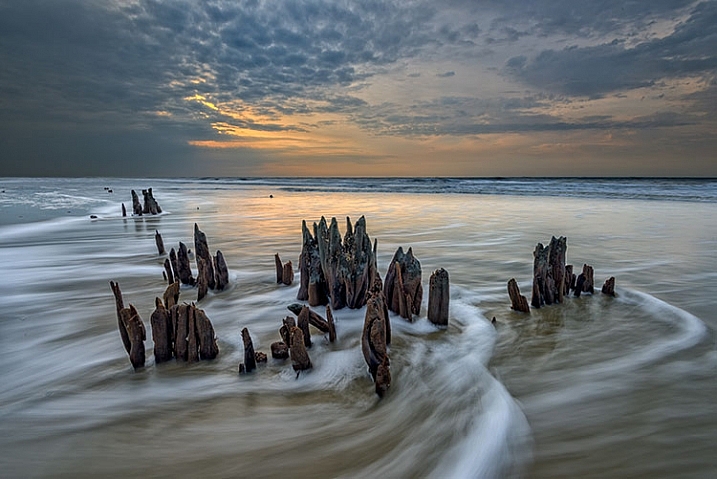
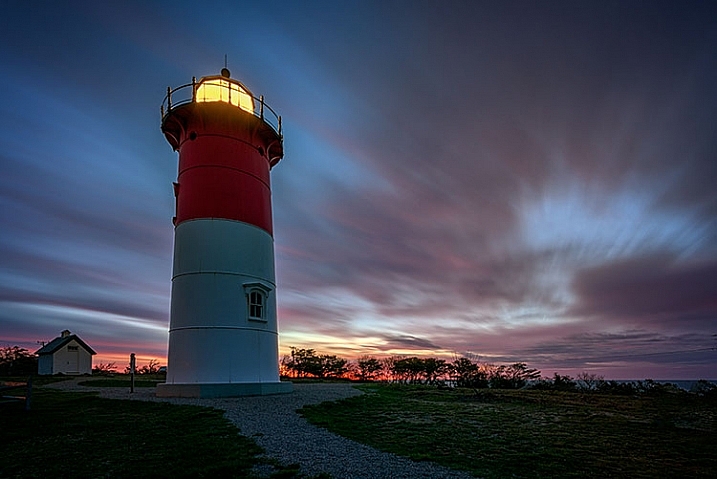
Landscape photographers process RAW files in order to pull as many tones as possible out of the image, preserving shadow and highlight detail.

Often, when I hear the words “I get it right in camera,” it often sounds to me like “I don’t know how to use Photoshop.” True or not, for those on the side of post-processing, the photographic process doesn’t end at the press of the shutter button, in the same way it didn’t end for those of us who once shot film, then ventured into the darkroom to develop film and make prints. Those who have never been in the darkroom will likely never understand exactly how much manipulation could be achieved in the darkroom, from color and contrast adjustments, dodging and burning, to masking and photo compositing.

The truth is, there has NEVER been such a  thing as a “straight out of the camera” image.

(With possibly the exception of slides, but they can still be altered in the printing stage.)

Even for those today, who choose to not use Photoshop or other image processing applications, the image is far from being straight out of the camera. You’re simply letting your camera do the processing for you. When you choose a picture style, you’re telling your camera how to handle color, contrast, tone, and sharpness. You can create your own styles as well, manipulating color and contrast in camera to your own liking. Simply because the image wasn’t touched on a computer doesn’t mean it wasn’t processed, or manipulated. Knowing all of this, doesn’t it sound foolish to say that an image straight from the camera hasn’t been processed?

Let’s get this out of the way quickly: Post-processing is not a crutch. If I look at an image on the back of my camera and say “I’ll fix it later”, then it’s already a bad image, and no amount of processing is going to correct it. I am a staunch proponent of shooting RAW, for many reasons. As an avid landscape photographer, I know full well that the camera can have problems handling a scene with a lot of dynamic range, such as a sunset. I use optical filters on my lens to help with that, but there are still times when the image out of the camera fails to capture the image I saw with my eyes.

Close attention to the histogram is essential, ensuring that I have all of the tones I need to work with, careful not to clip highlights and shadows. This is very similar to Ansel Adams’ zone system. I know where objects in my scene should register on the histogram, and I adjust my exposure to ensure that’s what I get when I open Photoshop. As Ansel Adams once said, “Dodging and burning are steps to take care of mistakes God made in establishing tonal relationships.” The same is true for color correction.

This side-by-side comparison shows what is possible when processing a RAW file. On the left is the image straight from the camera, using the Standard picture style. On the right, the same image processed in Adobe Camera RAW.

This side-by-side comparison shows what is possible when processing a RAW file. On the left is the image straight from the camera, using the Standard picture style. On the right, the same image processed in Adobe Camera RAW.

As a landscape photo artist, I do not consider myself a documentarian. While I’m not personally a fan of compositing images together to create the finished piece, I do believe that all darkroom tools are on the table. This starts with RAW processing, and continues into Photoshop, where I will use adjustment layers, filters, and masks to bring the most out of my image. My intent is to bring out what I felt when I was at the scene, capturing the image. Very rarely, for me, does a camera do that without a little help from me.

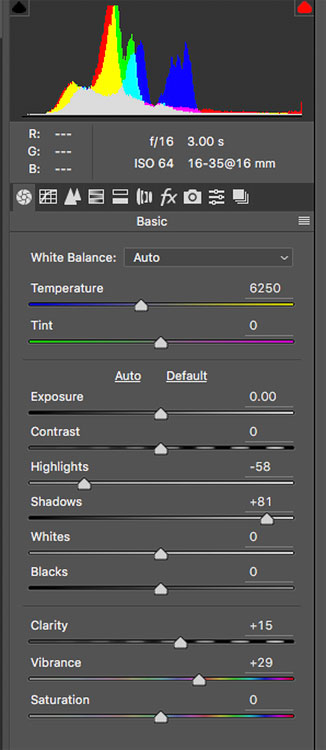
Adobe Camera RAW

This is the tool palette in Adobe Camera RAW. Each slider is a separate control over the image, and each tab across the top represents another set of controls, enabling you to get the most out of the image.

Finally, and this is my biggest reason for shooting RAW when it is feasible, is the purity of the data. If you are capturing JPEGs straight out of the camera, the camera has already decided to throw away a good portion of the data you’ve captured. JPEGs are 8-bit files, across three color channels. For each of the three color channels (RGB) the camera is converting your image, at the time of capture, to 256 shades of gray per color, leaving your image with 16.7 million total possible colors. In addition, the image is compressed, and redundant data is discarded. This compression is lossy compression, and every time you open and do anything to your image, such as removing a dust spot, and then save it again, you are throwing away more data. Eventually, artifacts will appear in the image, ruining it and making it unusable.

Today’s RAW files are 14-bit files, meaning each color channel contains 16,384 shades of gray. This means 4 trillion total colors are available in the image. Issues such as banding and artifacting, which can arise when using JPEGS, are nearly nonexistent issues when editing a RAW file. I’ve seen JPEG banding in portraits where the skin tones change, and I’ve seen it happen in landscape images where the sky transitions from a vibrant blue to a pale orange at sunset. It can happen to any image. So even if I plan to do nothing to my image but remove a dust spot, it’s worth starting with a RAW file that requires some processing. Even if you oppose post-processing, it’s quite easy to apply a picture style the same way the camera does, and export a JPEG.

Processed Portrait

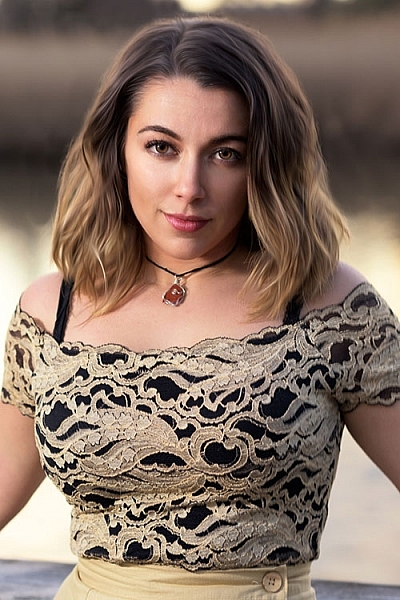
Portrait photographers often choose to process images to allow them to create a feeling about their subject, in addition to allowing them to retouch the image, and make their subject look their best.

Conclusions

Honestly, there’s no right or wrong way to work with your images. After all, a photographer’s work is very personal to them, and everyone chooses to work in their own way. When I can, I prefer processing my images and getting the most from the file. When the situation calls for it, I will shoot JPEG, knowing full well I won’t be able to make adjustments later, so I make sure it’s right when I push the shutter button.

What do you prefer, and why? Do you process or not?


Editor’s Note: This is one of a series of articles this week that are Open for Discussion. We want to get the conversation going, hear your voice and opinions and talk about some possibly controversial topics in photography. Let’s get it started here – do you agree or disagree with the points above? Do you have any others to add? Give us your thoughts below, and watch for more discussion topics each day this week.

See all the recent discussion topics here:

  • 7 Commonly Accepted Photography Beliefs Debunked
  • Is HDR dead? Some dPS Writer’s Thoughts on this Controversial Topic
  • How to Find your Personal Photographic Style
  • Why You May be Failing to Reach Your Potential as a Photographer

googletag.cmd.push(function() {
tablet_slots.push( googletag.defineSlot( “/1005424/_dPSv4_tab-all-article-bottom_(300×250)”, [300, 250], “pb-ad-78623” ).addService( googletag.pubads() ) ); } );

googletag.cmd.push(function() {
mobile_slots.push( googletag.defineSlot( “/1005424/_dPSv4_mob-all-article-bottom_(300×250)”, [300, 250], “pb-ad-78158” ).addService( googletag.pubads() ) ); } );

The post To Process or Not To Process? Let’s Discuss by Rick Berk appeared first on Digital Photography School.


Digital Photography School

 
Comments Off on To Process or Not To Process? Let’s Discuss

Posted in Photography


How much do you process your images? – a dPS POLL

05 Jun

This week on dPS it’s all about things that are debatable and open for discussion. One thing that’s always a hot item is post-processing. Do you do it or not? If so how much? If you want to get in on that discussion head over to:  To Process or Not To Process? Let’s Discuss

How much do youprocess your images_

Then fill in this poll and tell us – how much do you process? Are you a minimalist or do you take your time and make art with each image?

Note: There is a poll embedded within this post, please visit the site to participate in this post’s poll.


Editor’s Note: This is one of a series of articles this week that are Open for Discussion. We want to get the conversation going, hear your voice and opinions, and talk about some possibly controversial topics in photography.

Give us your thoughts below, and watch for more discussion topics each day this week.

See all the recent discussion topics here:

  • 7 Commonly Accepted Photography Beliefs Debunked
  • Is HDR dead? Some dPS Writer’s Thoughts on this Controversial Topic
  • How to Find your Personal Photographic Style
  • Why You May be Failing to Reach Your Potential as a Photographer
  • To Process or Not To Process? Let’s Discuss

googletag.cmd.push(function() {
tablet_slots.push( googletag.defineSlot( “/1005424/_dPSv4_tab-all-article-bottom_(300×250)”, [300, 250], “pb-ad-78623” ).addService( googletag.pubads() ) ); } );

googletag.cmd.push(function() {
mobile_slots.push( googletag.defineSlot( “/1005424/_dPSv4_mob-all-article-bottom_(300×250)”, [300, 250], “pb-ad-78158” ).addService( googletag.pubads() ) ); } );

The post How much do you process your images? – a dPS POLL by Darlene Hildebrandt appeared first on Digital Photography School.


Digital Photography School

 
Comments Off on How much do you process your images? – a dPS POLL

Posted in Photography


Pentax K-1 Pixel Shift Resolution: Updated Field Test

05 Jun

Metlako Falls in the Columbia River Gorge of Oregon State offered a unique setting to push the limits of the K-1’s pixel shift technology. This is a conventional single exposure utilizing no Pixel Shift. Pentax K-1, HD Pentax D FA 24-70mm F2.8 ED SDM WR 70mm, F20, 0.3 sec, ISO 100.

A note from the editor:

Earlier this week we published an article examining the performance of the Pentax K-1’s Pixel Shift mode when shooting waterfalls – a common landscape photography subject. We found various issues, including movement artifacts and false colors in Raw files shot using this function.

It has since become clear that some of these issues are unique to the current build of Adobe Camera Raw. We’ve spoken to Adobe, and the ACR team has confirmed that support for the K-1 in ACR 9.5.1 is ‘final’. Certainly, Pixel Shift shots of our (non-moving) studio test scene look absolutely fantastic when converted in ACR. However, in scenes that contain movement, it’s a different story altogether. The K-1’s bundled software, SilkyPix, on the other hand, while crash-prone and a little awkward to use, does a much better job. SilkyPix also supports the K-1’s Motion Correction feature in Pixel Shift files, which Adobe has now confirmed is not supported by ACR.

Once all this started to become apparent, we pulled our original article and started a more detailed look at the K-1’s performance when Raw files are run through the bundled software, SilkyPix. You can read it below.

Thanks to all of the K-1 users that contributed helpful comments and suggestions as we worked on these additional tests.

Barney

Introduction

It’s clear that the Pixel Shift Resolution shooting modes make a huge difference to image quality from our studio tests, but how does that translate to real world shooting situations?

In previous iterations of this feature (in the K3 II) we found that movement within a scene could cause major issues during Pixel Shift Capture. So if leaves rustled in the wind or your subject moved in any way the camera compensated poorly for the movement, which then resulted in pixel blur and artifacts in the regions where the movement occurred.

Like the K-3 II, Pixel Shift on the K-1 takes four separate exposures at single pixel increments; however, the K-1 now offers a ‘Motion Correction’ option. If movement is detected in subsequent images, the camera is supposedly able to differentiate pixels that have changed from the first frame and clone in pixels to cover that area from the first frame of the 4-shot capture. In theory, this should produce a much better final product then was possible in the Pentax K3 II.

To determine just how much the technology has improved in the K-1 over the previous iteration, I took the camera out into the field to really push the limits of the Pixel Shift Resolution shooting modes. I converted the resulting files in both Adobe Lightroom (my Raw converter of choice) (using ACR 9.5.1, which Adobe has confirmed represents final support for Pixel Shift) and also SilkyPix, which is bundled with the K-1.

The Gorge

The Columbia River Gorge, located along the Columbia River that borders Washington and Oregon state offers a variety of amazing scenic locations in addition to a number of challenging shooting environments. In order to test the capabilities and limitations of the Pixel Shift resolution mode in the K-1, I decided to focus on the seemingly endless amount of waterfalls that parallel the Columbia River about an hour or so outside of Portland, OR.

In an effort to get the most bang for my buck I decided to hike along the Eagle Creek trail, heading toward Punch Bowl Falls. There are a number of beautiful spots to take in the views and two waterfalls (Punch Bowl and Metlako falls) to make the trip more than worthwhile. The weather conditions were, well, pretty miserable. My fiancé and I experienced moderate rain throughout most of the day which definitely put a damper (literally) on the trip.

Most of the Eagle Creek trail is carved into some fairly steep cliffs and snakes its way back along the deep river valley that lies several hundred feet below the trail.

Pentax K-1, HD PENTAX-D FA 28-105mm F3.5-5.6 ED DC WR, 28mm, F6.3, 1/50, ISO 100

Pushing the Limits of Pixel Shift Resolution

Our first stop was Metlako Falls located about a mile from the trail head. The access trail to Metlako is poorly marked, so it’s definitely easy to miss if you aren’t careful. I chose this waterfall because it offers an excellent opportunity to examine not only how the Pixel Shift deals with movement but also detail resolution, since the waterfall is surrounded by dense and lush foliage. The following widget contains files that were shot at 70mm and an aperture of F/10 to limit the effects of diffraction and to really give you a sense of the detail resolution that is possible with the Pixel Shift mode turned on.

Using the widget below you can examine files converted using Adobe Lightroom, Silkypix, and out of camera JPEGs. We’re showing files taken with Pixel Shift turned off, and with Pixel Shift turned on with Motion Correction enabled.

$ (document).ready(function() { ImageComparisonWidget({“containerId”:”reviewImageComparisonWidget-55670867″,”widgetId”:363,”initialStateId”:null}) })

As you see there can be significant benefits$ (document).ready(function() { $ (“#imageComparisonLink2569”).click(function() { ImageComparisonWidgetLink(2569); }); }) to shooting with the Pixel Shift Resolution mode turned on (note that SilkyPix applies significant sharpening by default, which we chose to not turn off). The detail in the foliage$ (document).ready(function() { $ (“#imageComparisonLink2570”).click(function() { ImageComparisonWidgetLink(2570); }); }) is much better with Pixel Shift, and a nearly 2EV theoretical increase in dynamic range means greater latitude for Raw processing of contrasty scenes (in reality, the advantage appears to be somewhere in between 1EV and 2EV).

While files from our movement-free studio scene look great when run through ACR, our waterfall images (converted in the same way, using the same software) show very unpleasant color artifacts$ (document).ready(function() { $ (“#imageComparisonLink2571”).click(function() { ImageComparisonWidgetLink(2571); }); }). SilkyPix does a much better job, and there’s no sign of any false colors in the same areas in files converted through the K-1’s bundled software.

However, while there’s no crazy false color, even in the out of camera JPEGs and Raw images processed using SilkyPix you can still see some issues with pixel blur$ (document).ready(function() { $ (“#imageComparisonLink2525”).click(function() { ImageComparisonWidgetLink(2525); }); }) where movement took place (mostly in the foliage surrounding the waterfall) as the four frames were captured. This can lead to some strange cross-hatch artifacting$ (document).ready(function() { $ (“#imageComparisonLink2572”).click(function() { ImageComparisonWidgetLink(2572); }); }). And when it comes to landscapes, finding truly static shooting environments can be difficult, if not impossible.

With that said, if you process your Pixel Shift files through SilkyPix, the end result might be good enough (depending on the amount of movement you’re dealing with) that cloning or masking in rough-looking areas via your favorite post processing software becomes an option. Interestingly, sometimes SilkyPix does an even better job of motion correction$ (document).ready(function() { $ (“#imageComparisonLink2573”).click(function() { ImageComparisonWidgetLink(2573); }); }) than the camera JPEG engine itself. In fact, much of the image is quite usable in the SilkyPix conversion, but if you’re the kind of person that desires the detail Pixel Shift brings, you’ll still find yourself cloning out motion artifacts$ (document).ready(function() { $ (“#imageComparisonLink2574”).click(function() { ImageComparisonWidgetLink(2574); }); }) in many regions for a scene like this one.

Out of Camera JPEG Options

If you don’t mind JPEG output, you can also retroactively add motion correction in-camera to an image shot with Pixel Shift.

After applying the Pixel Shift to the file, you can export it as an out of camera JPEG. With that said, I don’t know too many landscape photographers that shoot in JPEG or want to produce out of camera JPEGs, since they’re mostly un-editable from a post processing standpoint. You’re probably better off using SilkyPix, with all the caveats that brings (more on that later).

Out of Camera JPEG Pixel Shift (scaled 50%)

No Motion Correction

HD Pentax D FA 24-70mm F2.8 ED SDM WR, 70mm, F16, 1/4, ISO 100

Out of Camera JPEG Pixel Shift (scaled 50%)

Motion Correction

HD Pentax D FA 24-70mm F2.8 ED SDM WR, 70mm, F16, 1/4, ISO 100

Dynamic Range Benefits

There’s another benefit to Pixel Shift we briefly alluded to: since information from four Raw files are essentially combined, noise is decreased. It’s not that frames are averaged, but that 4x as much total light is collected and used in generating the final image, which decreases relative shot noise. This suggests a nearly 2 EV theoretical increase in dynamic range (ignoring read noise), and indeed a significant improvement is evident in the +4 EV pushed shots below. The non-pixel shift file still shows respectable noise performance in the shadows thanks to the very high dynamic range sensor, and the Pixel Shift file is even cleaner. While it’s not quite a 2EV advantage, the Pixel Shift files in our studio dynamic range tests look better than the standard shots despite a 1EV relative underexposure. Hence, we’d estimate a benefit of somewhere between 1 and 2 EV.

$ (document).ready(function() { ImageComparisonWidget({“containerId”:”reviewImageComparisonWidget-19122861″,”widgetId”:364,”initialStateId”:null}) })

So what does this mean?

When it comes to Pixel Shift Raws, ACR is unable to cope with any sort of movement that may have occurred in the short time that the K-1 takes to capture the four separate files. Color artifacts and cross-hatching result in areas of motion, although the rest of the image experiences a significant detail increase. ACR doesn’t support Motion Correction at all. So (for now, at least) Pixel Shift and ACR simply don’t mix.

SilkyPix, on the other hand, handles Pixel Shift Raws in a different manner from ACR, which alleviates the color artifacts that we see in the files processed through ACR. It can also interpret the Raws shot with Motion Correction activated and produce a final image with far fewer motion artifacts – sometimes doing an even better job than the K-1’s in-camera JPEG engine.

Digging a little deeper, we’ve found that only the first of the four exposures taken during the Pixel Shift process is used to mask in problem areas when the Motion Correction setting has been enabled (in in-camera JPEGs or SilkyPix conversions). This makes sense – comparing the four files to find the sharpest one would be too computationally intensive to be practical – but it does mean that if the first exposure should happen to contain the most blur, results might not be optimal.

Conclusion

The amount of detail in the Pixel Shift files is markedly better than those taken with the mode turned off, but for landscape work (assuming anything short of totally still conditions) artifacts caused by movement in the scene can still cause issues. I’m glad that things aren’t quite as bad as we feared from looking solely at the output from Adobe Lightroom, but even the K-1’s bundled SilkyPix software shows some movement artifacts in Pixel Shift files. And, at least for Mac users, SilkyPix is not the most stable or easy to use software out there. 9 out of 10 times we tried to use it, we got an unusable image preview even at 100% – making editing cumbersome, if not impossible. Capture One and DxO Optics Pro don’t currently support the K-1 or Pixel Shift (e.g. on the older K-3 II) at all.

The reality, then, is that Raw shooters wanting to take advantage of Pixel Shift for scenes with motion will have to resort to (the buggy and cumbersome) SilkyPix. That’s a real limitation, but not an insurmountable one – you can perform rudimentary processing in SilkyPix and then output a 16-bit TIFF to continue processing in Lightroom or Photoshop.  

In absolutely perfect shooting conditions though (macro, portrait, and some telephoto work), the K-1’s Pixel Shift shooting modes can offer outstanding results. The OOC JPEG and SilkyPix Raw images below depict a (mostly) static cityscape, and the real-world detail resolution is very impressive when movement isn’t a factor. 

$ (document).ready(function() { ImageComparisonWidget({“containerId”:”reviewImageComparisonWidget-16261297″,”widgetId”:371,”initialStateId”:null}) })

It is worth noting, however, that if there is a chance of any movement occurring in the frame I would definitely recommend backing your files up with non-Pixel Shift exposures so you can choose to mask areas in using post processing tools or choose to use the non Pixel Shift files. We’ll be posting more sample images from my trip to the Gorge soon, and be on the look out for our forthcoming full review of the K-1 as well!

Articles: Digital Photography Review (dpreview.com)

 
Comments Off on Pentax K-1 Pixel Shift Resolution: Updated Field Test

Posted in Uncategorized


Sand and sky: Photographing Morocco

05 Jun

$ (document).ready(function() { SampleGalleryV2({“containerId”:”embeddedSampleGallery_1572122918″,”galleryId”:”1572122918″,”isEmbeddedWidget”:true,”standalone”:false,”selectedImageIndex”:0,”startInCommentsView”:false,”isMobile”:false}) });

Travel Resource Editor Michael Bonocore has been across the globe and back again to photograph exotic locations, but even he was unprepared for the experience he had in Morocco. From the clear nights with star-filled skies to the golden dunes of the Sahara, it was an otherworldly experience. See a few of his photos here and head to Resource Travel for more. Have you made a trip to Morocco? Share your story in the comments.

Articles: Digital Photography Review (dpreview.com)

 
Comments Off on Sand and sky: Photographing Morocco

Posted in Uncategorized


Subtractive Art: Botanical Wall Graffiti Crafted by Cutting Vines

04 Jun

[ By WebUrbanist in Art & Street Art & Graffiti. ]

spy wall art botanical

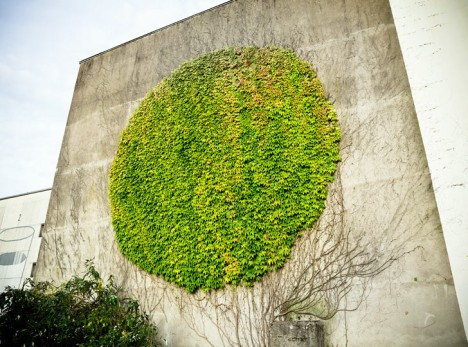
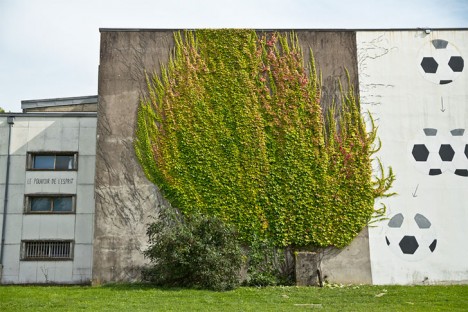
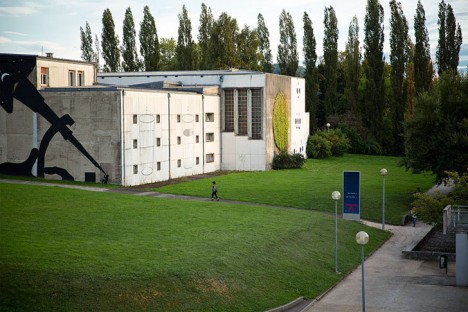
Taking cues from both tree sculpting and reverse graffiti traditions, SpY’s work in Besancon, France, turns pruning into a mural-making technique, shaping vines into a circular work of wall art.

spy wild vines carved

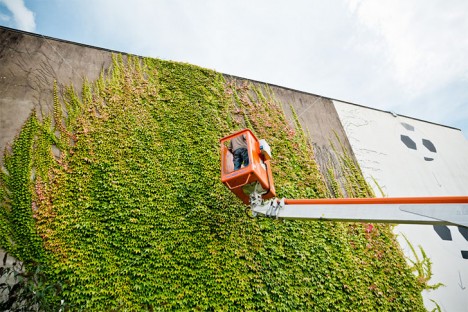
spy in man lift

Seeing a shape hiding in the wild-growing vines, the artist rented an elevated work platform and began to cut into the vines, picking and trimming his way around key branches to create a perfect circle.

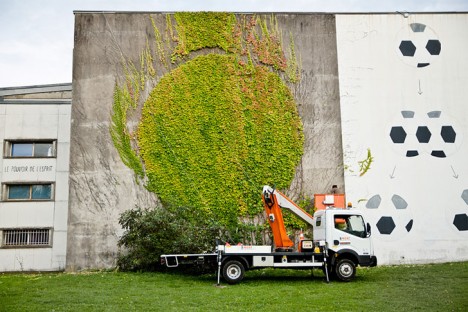
spy work progress

spy finished mural

The result is rather stealthy, easy to mistake as perhaps some kind of natural pattern, and well-composed, a round shape against a rectangular backdrop, with nods both to nature and architecture. As an organic work, it must be maintained, or perhaps part of the art is in how it goes wild all over again.

Share on Facebook


[ By WebUrbanist in Art & Street Art & Graffiti. ]

[ WebUrbanist | Archives | Galleries | Privacy | TOS ]


WebUrbanist

 
Comments Off on Subtractive Art: Botanical Wall Graffiti Crafted by Cutting Vines

Posted in Creativity


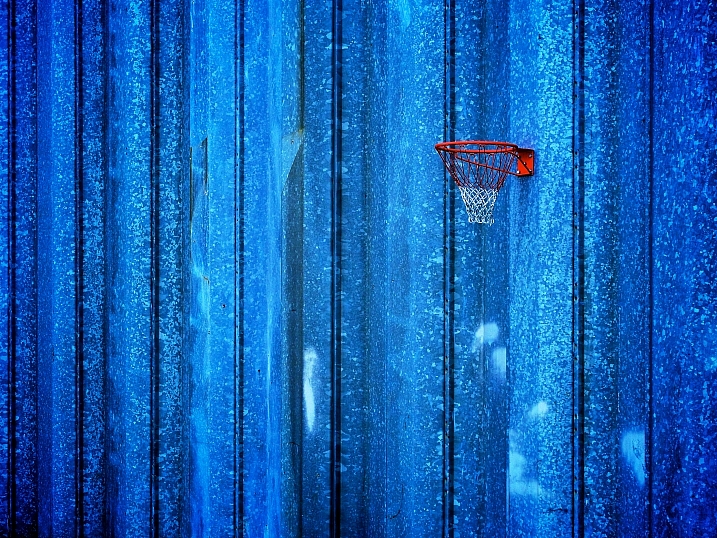
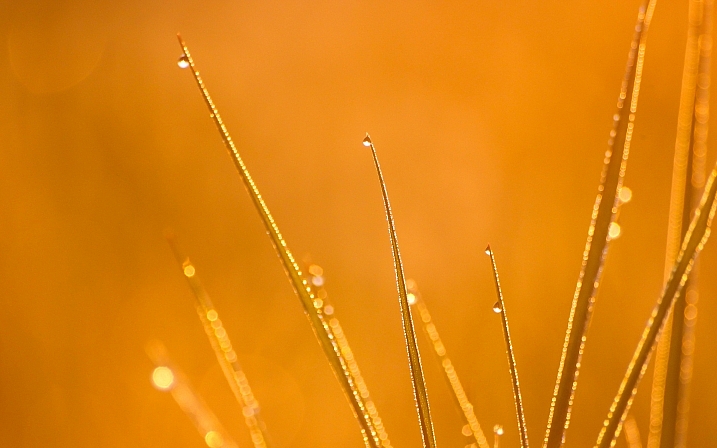
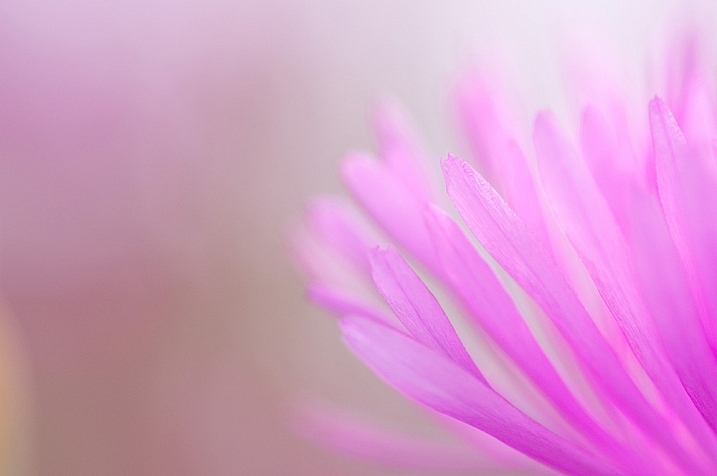
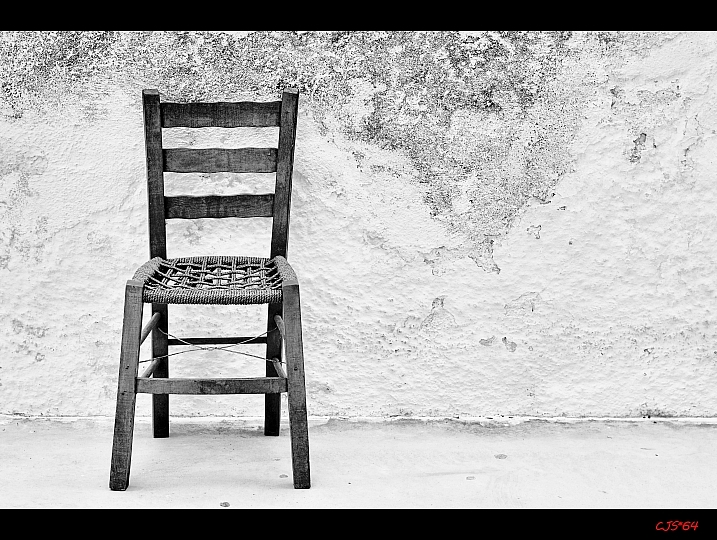
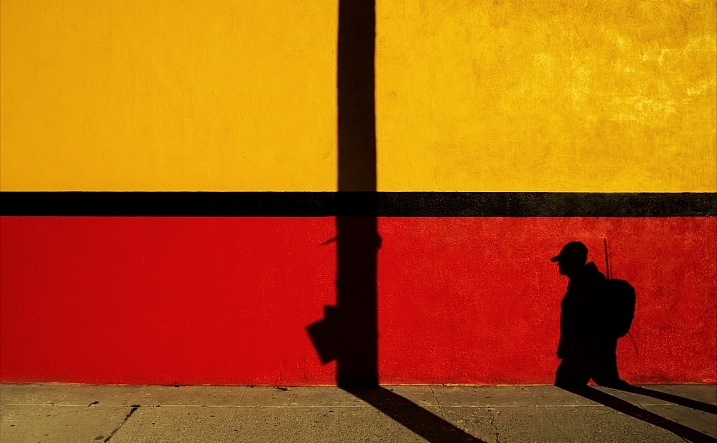
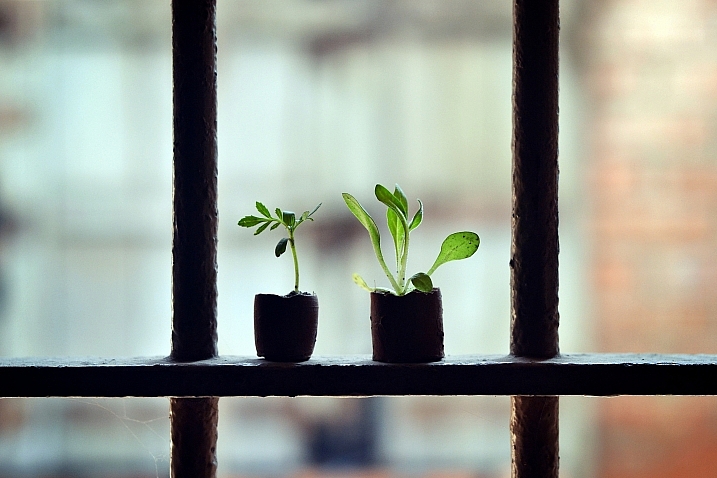
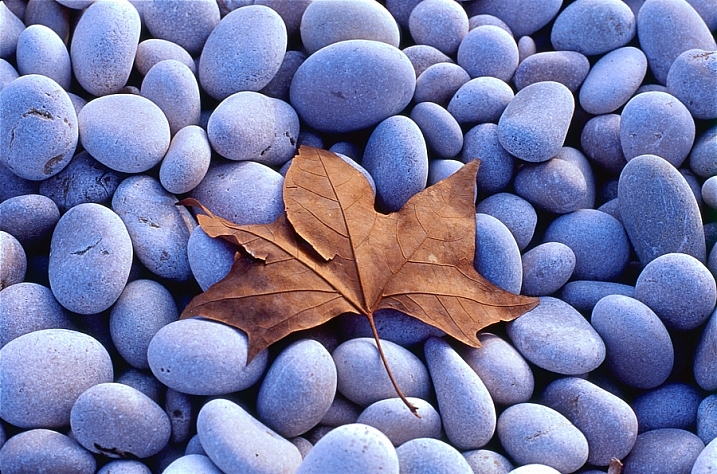
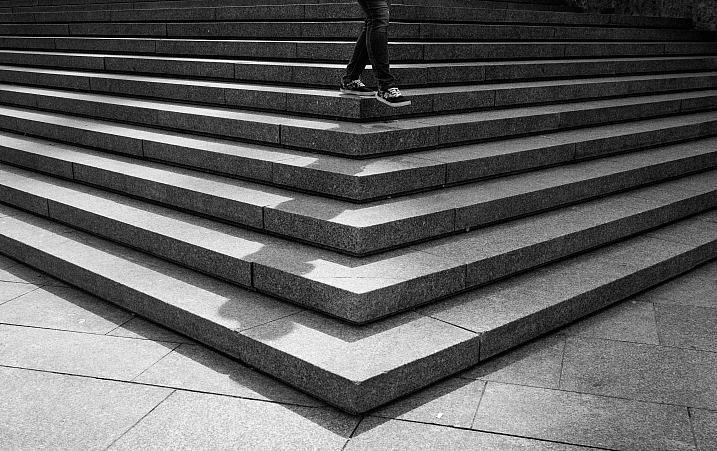
25 Stunning Images that Show Next to Nothing – Minimalism

04 Jun

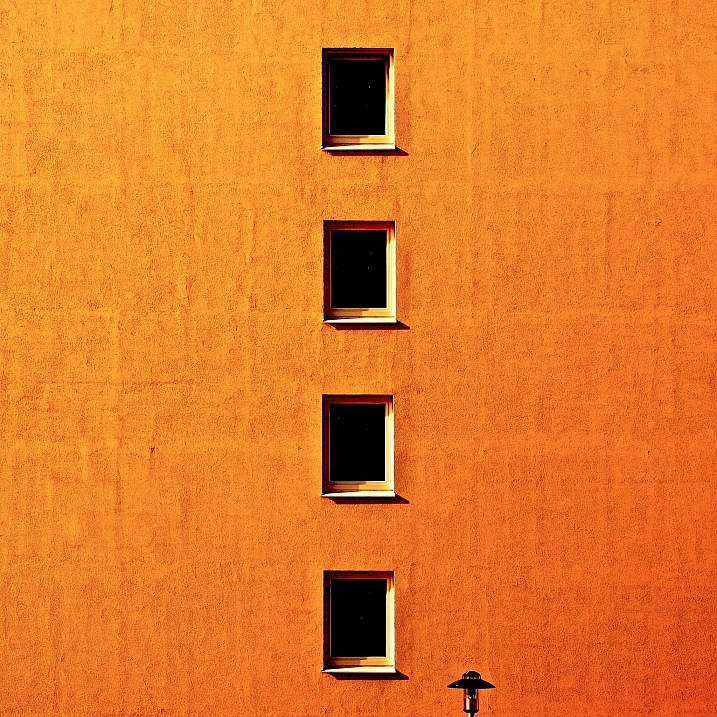
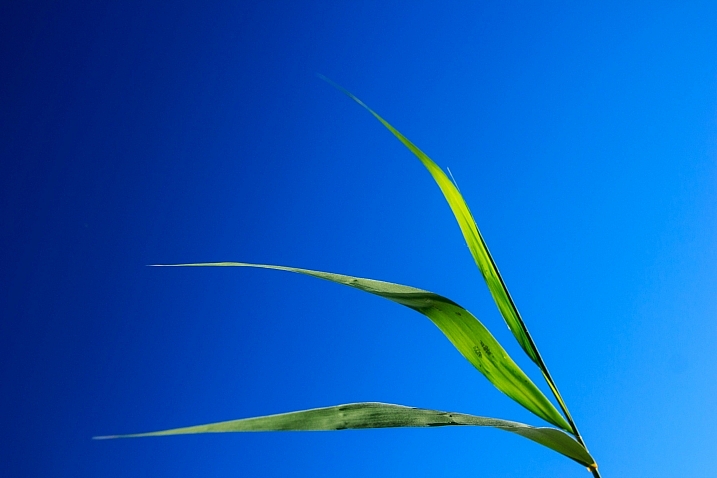
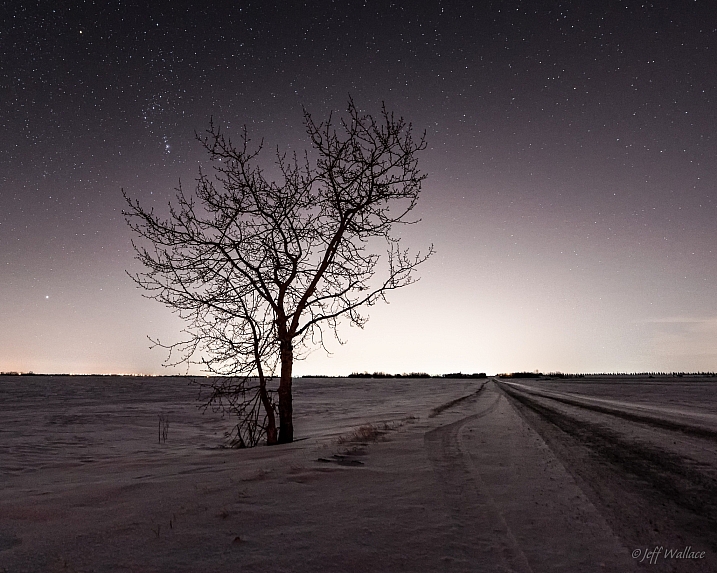
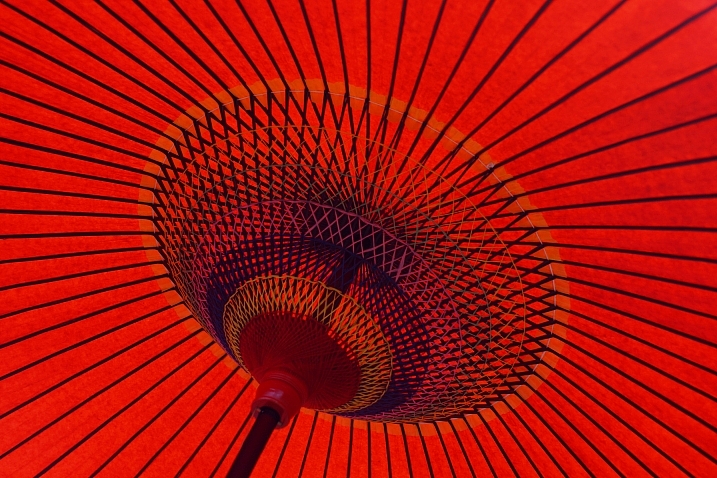
Just like the TV show Seinfeld that was a show about nothing, putting next to nothing in your images can produce some good results.

min·i·mal·ism – a style or technique (as in music, literature, or design) that is characterized by extreme spareness and simplicity

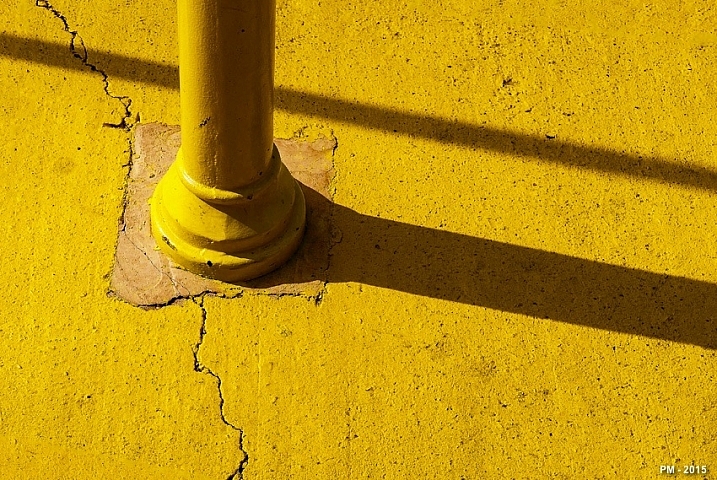
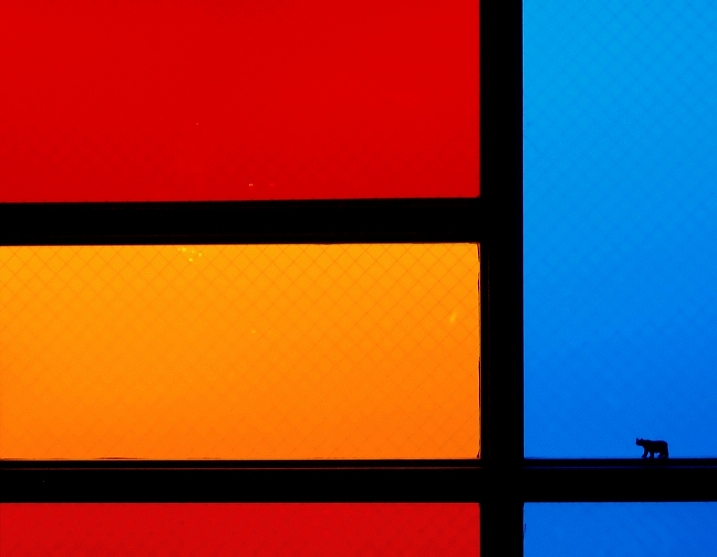
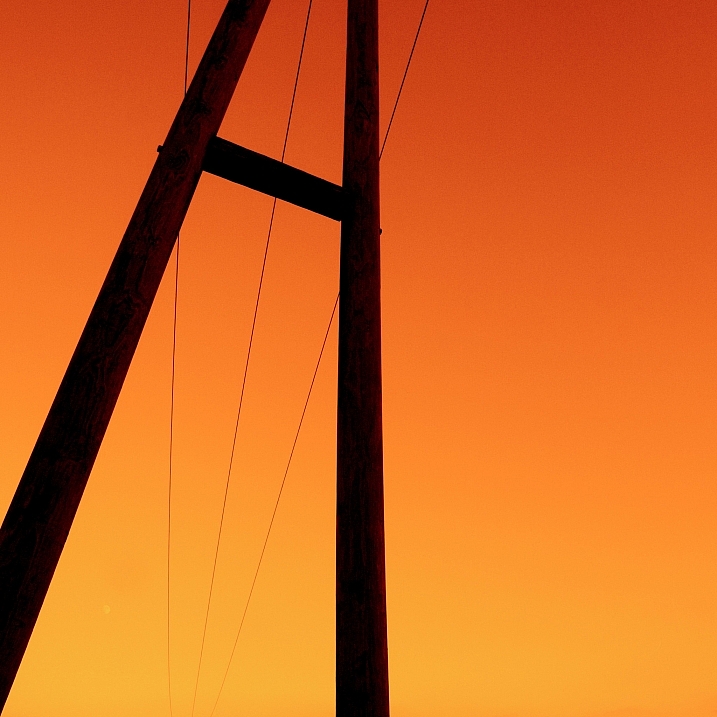
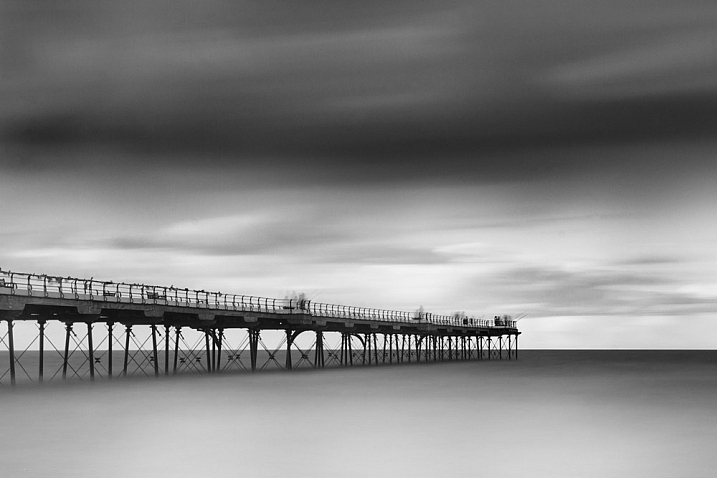
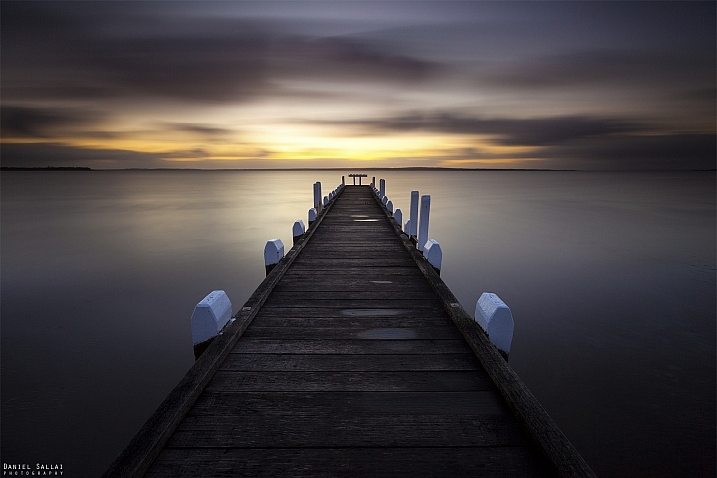
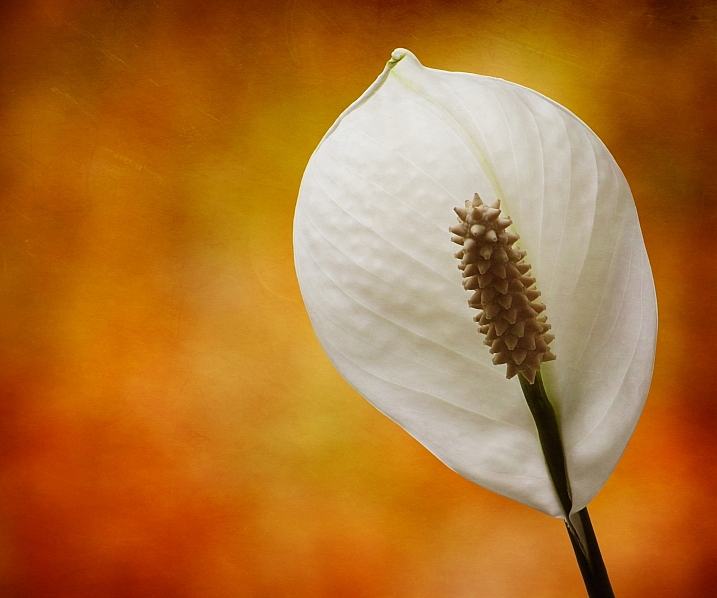
Sometimes in an image less is more, and many beginners try to put too much into their images which makes them busy and unfocused. Look at these images that use minimalism well:

Patrick Marioné - Thanks For > 2M

By Patrick Marioné – thanks for > 2M

Darwin Bell

By darwin Bell

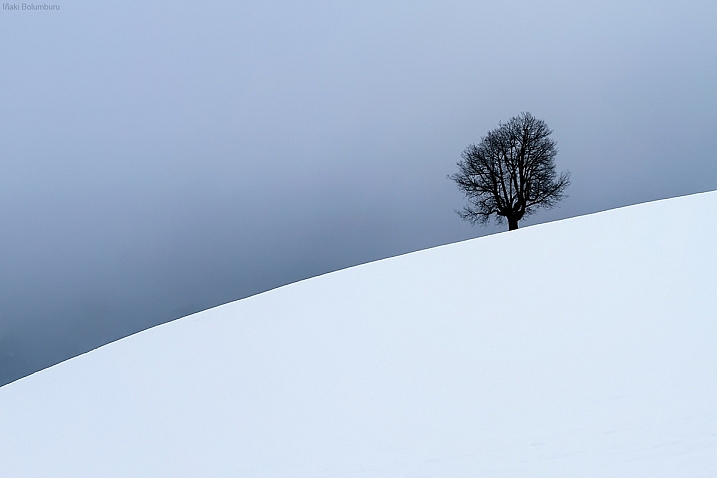
Iñaki Bolumburu

By Iñaki Bolumburu

Kai C. Schwarzer

By Kai C. Schwarzer

Susanne Nilsson

By Susanne Nilsson

Maf04

By maf04

Craig Sunter

By Craig Sunter

LadyDragonflyCC - >;

By LadyDragonflyCC – >;<

Kai C. Schwarzer

By Kai C. Schwarzer

Daniel Sjöström

By Daniel Sjöström

Jeff Wallace

By Jeff Wallace

Takashi .M

By Takashi .M

Kai C. Schwarzer

By Kai C. Schwarzer

Stewart Ayrey

By Stewart Ayrey

Daniel Sallai

By Daniel Sallai

Michael Taggart Photography

By Michael Taggart Photography

Jonathan Kos-Read

By Jonathan Kos-Read

Marilylle Soveran

By Marilylle Soveran

Soumyadeep Paul

By Soumyadeep Paul

Danipuntocom

By Danipuntocom

Georgie Pauwels

By Georgie Pauwels

Howard Ignatius

By Howard Ignatius

Md. Al Amin

By Md. Al Amin

Steve Corey

By Steve Corey

Kristina Alexanderson

By Kristina Alexanderson

googletag.cmd.push(function() {
tablet_slots.push( googletag.defineSlot( “/1005424/_dPSv4_tab-all-article-bottom_(300×250)”, [300, 250], “pb-ad-78623” ).addService( googletag.pubads() ) ); } );

googletag.cmd.push(function() {
mobile_slots.push( googletag.defineSlot( “/1005424/_dPSv4_mob-all-article-bottom_(300×250)”, [300, 250], “pb-ad-78158” ).addService( googletag.pubads() ) ); } );

The post 25 Stunning Images that Show Next to Nothing – Minimalism by Darlene Hildebrandt appeared first on Digital Photography School.


Digital Photography School

 
Comments Off on 25 Stunning Images that Show Next to Nothing – Minimalism

Posted in Photography


New VSCO app for Android and iOS is coming soon

04 Jun

VSCO, an app for shooting and editing images, discovering content and connecting to other photographers has a very dedicated following on both iOS and Android. Now the team has announced a total redesign of the app for both platforms.

We’re excited to share that we’ll be rolling out a redesigned mobile app for iOS and Android, which focuses equally on both creating and discovering on the VSCO platform. Move seamlessly between a space for editing and publishing, and a space for consuming great content from the people you follow and VSCO Originals. 

The app will offer the same capturing, editing and community tools as before but wrap them all up in a new look. You’ll have a range of camera controls and adjustable filters as well as discovery and search functions at your disposal. You’ll also be able to access the VSCO Originals curated content. The redesigned app is not available yet but according to VSCO will be ‘coming soon’. We will of course keep you up to date and in the meantime you can have a look at the blog post on the VSCO website for some additional screenshots and information to shorten the wait.


Articles: Digital Photography Review (dpreview.com)

 
Comments Off on New VSCO app for Android and iOS is coming soon

Posted in Uncategorized