RSS
 

Posts Tagged ‘Moody…’

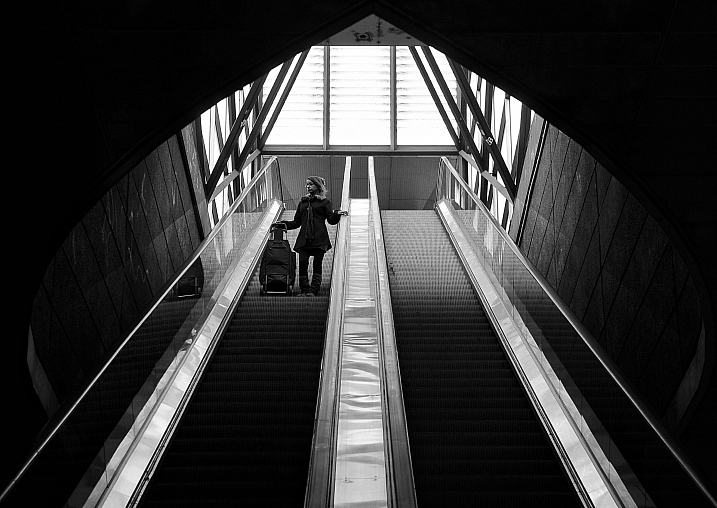
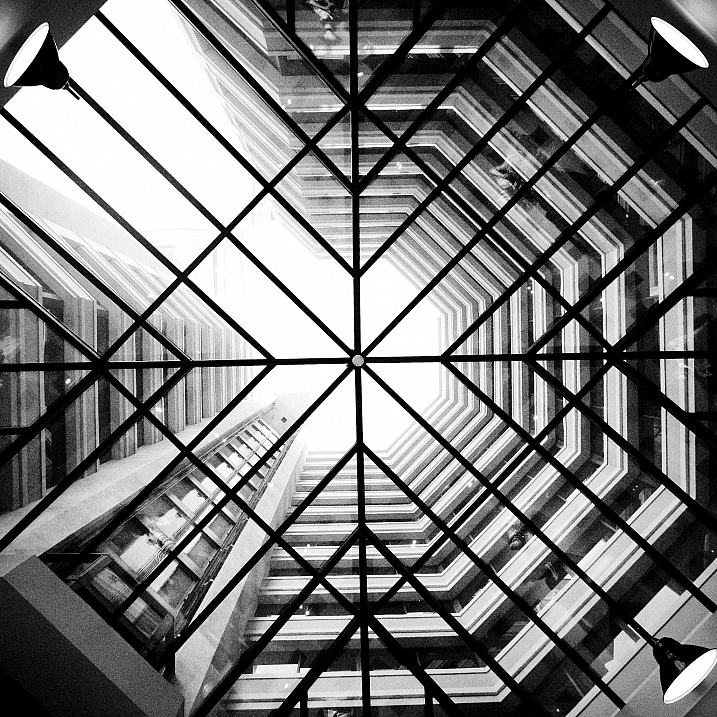
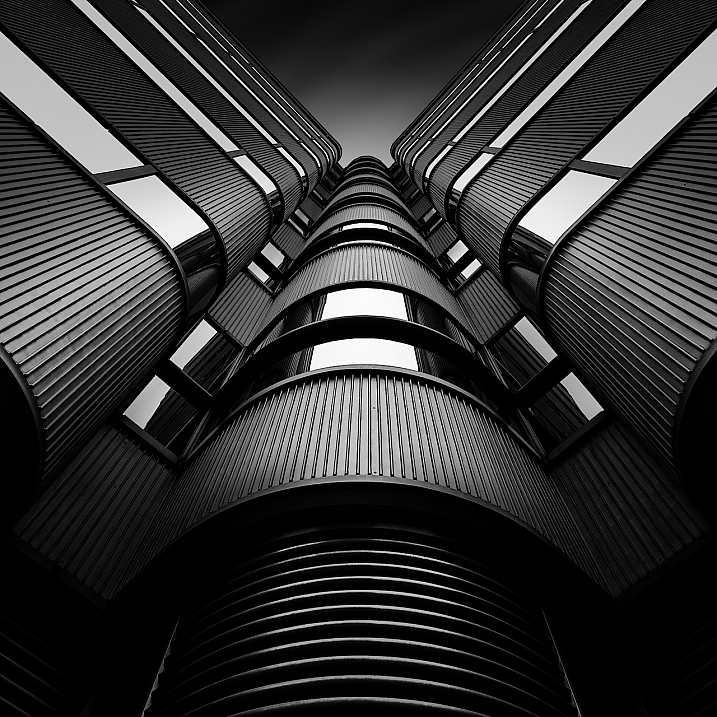
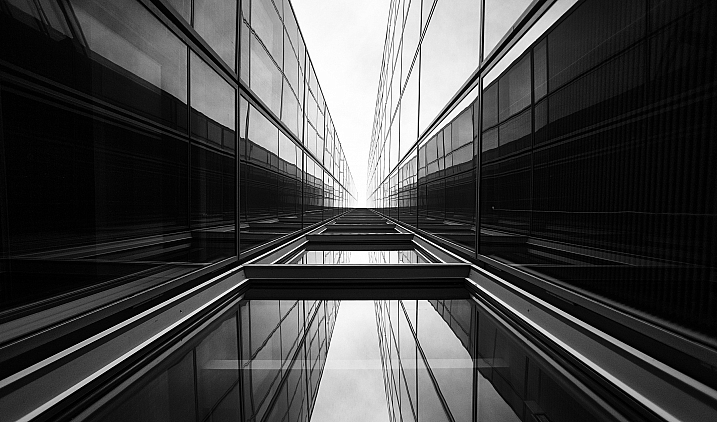
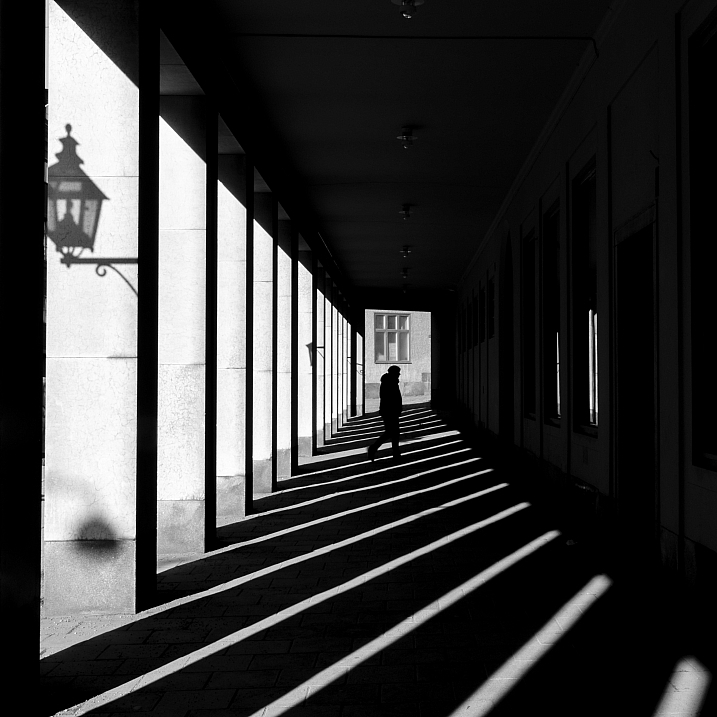
Weekly Photography Challenge – Dark & Moody

07 Nov

The post Weekly Photography Challenge – Dark & Moody appeared first on Digital Photography School. It was authored by Sime.

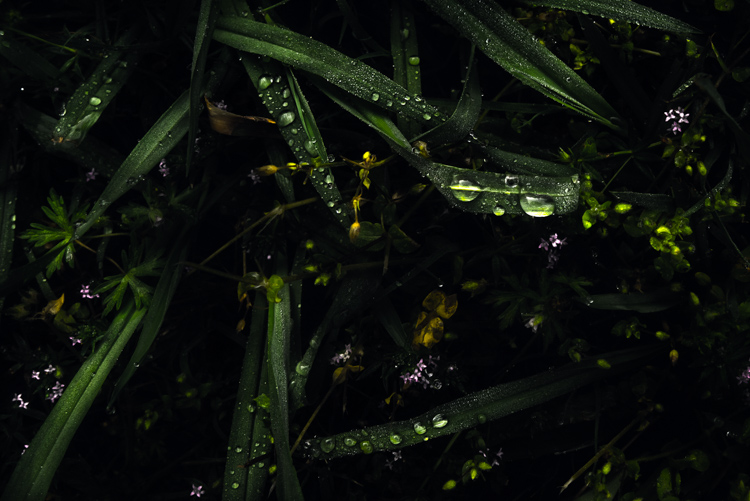
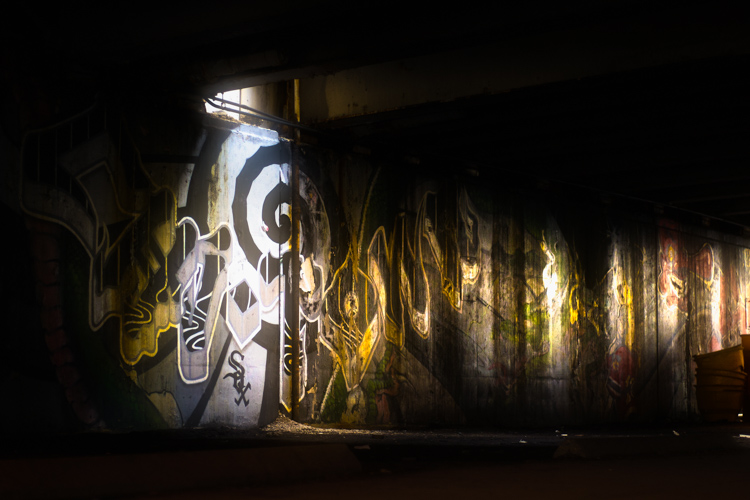
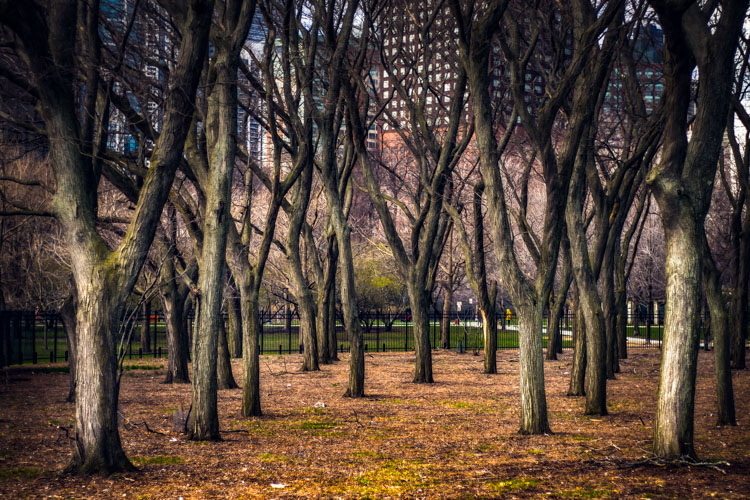
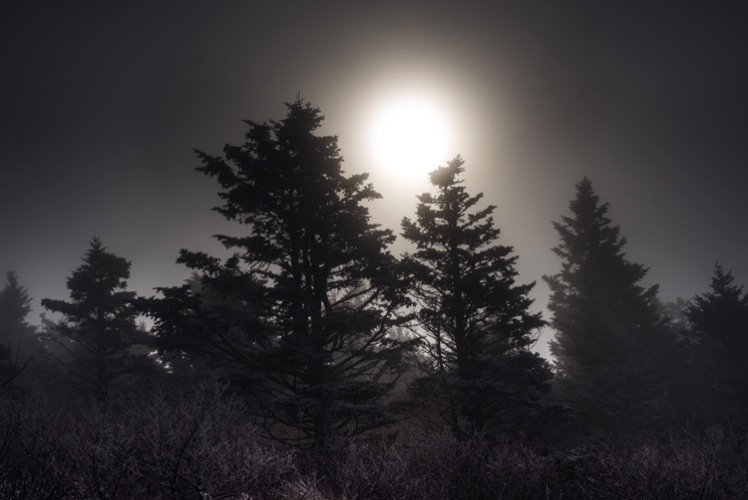
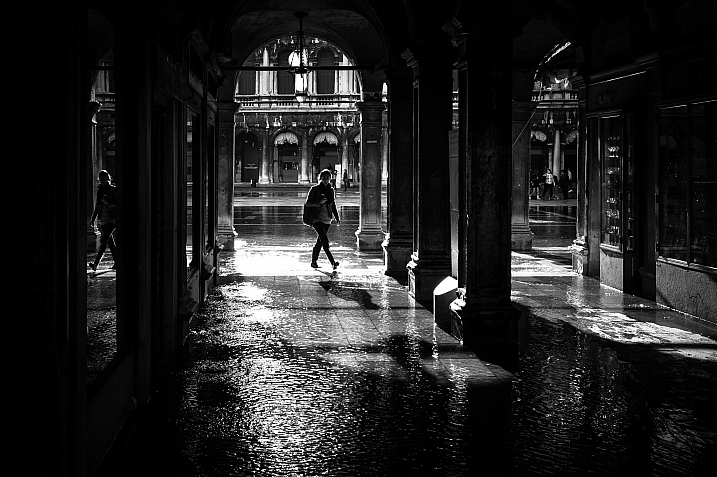
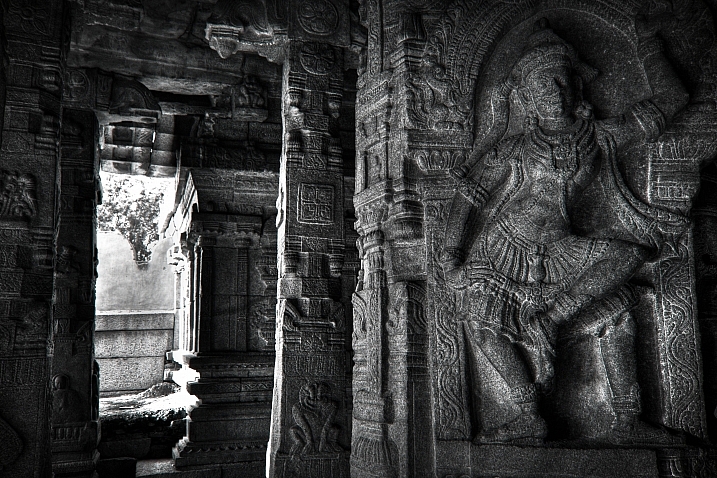
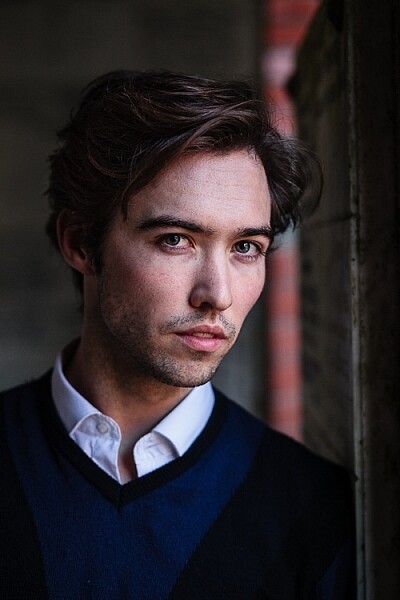
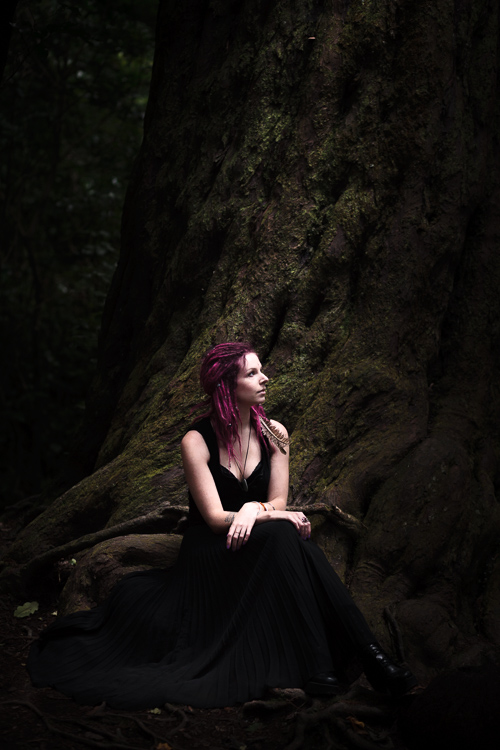
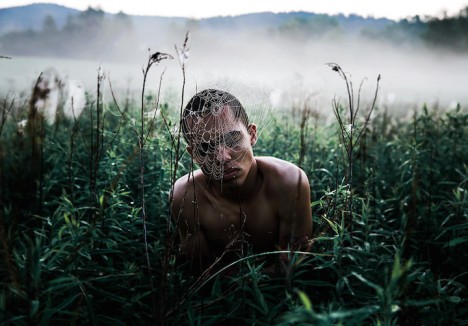
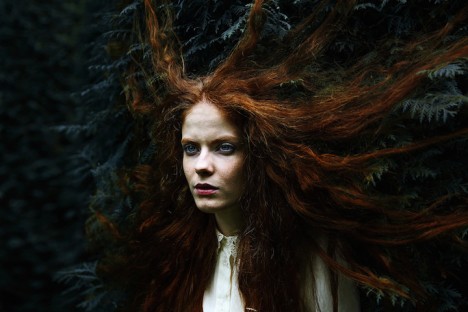
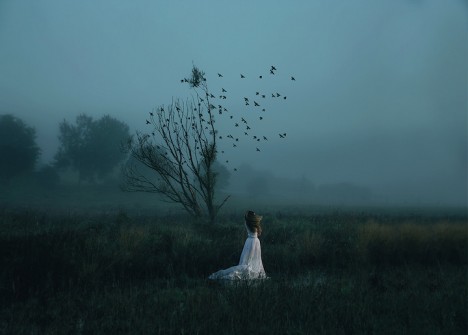
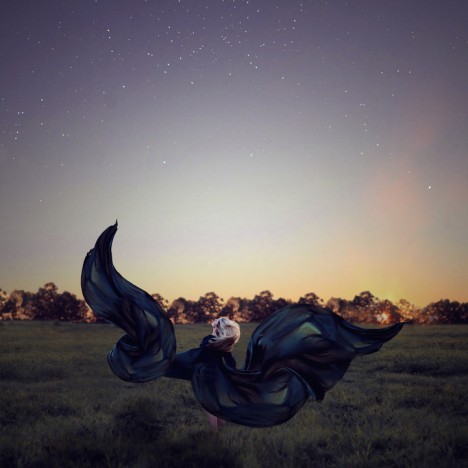
I spotted a fun theme on the Tamron Australia Facebook page and we’re going to play along because it’s a fun looking theme!! “Dark & Moody” and it can be interpreted in so many different ways! Tag your photos #dPSDarkNMoody

dark theme for dPS weekly challenge moody Simon Pollock

We had darkness a little while back, focussing (boom boom) on shadows, but this theme is more to do with a dark and moody scene, a dark cloudy sky, a gritty lane, a scene lit with moody light – open to interpretation! Make sure you tag your photographs with #dPSDarkNMoody and we’ll feature a selection of images from the month on our blog!

Missed a Weekly Challenge? Catch Up or do them all again here!

Weekly Photography Challenge – Dark & Moody

Great! Where do I upload my photos?

Simply upload your shot into the comments field (look for the little camera icon in the Disqus comments section) and they’ll get embedded for us all to see. Or, if you’d prefer, upload them to your favourite photo-sharing site and leave the link to them.

Weekly Photography Challenge – Looking Up

Share in the dPS Facebook Group

You can also share your images in the dPS Facebook group as the challenge is posted there each week as well.

If you tag your photos on FlickrInstagramTwitter or other sites – tag them as #DPSDarkNMoody to help others find them. Linking back to this page might also help others know what you’re doing so that they can share in the fun.

Follow us on Instagram?

The post Weekly Photography Challenge – Dark & Moody appeared first on Digital Photography School. It was authored by Sime.


Digital Photography School

 
Comments Off on Weekly Photography Challenge – Dark & Moody

Posted in Photography


3 Quick Tips for Achieving Moody Portraits with Natural Light

04 Mar

The post 3 Quick Tips for Achieving Moody Portraits with Natural Light appeared first on Digital Photography School. It was authored by Lily Sawyer.

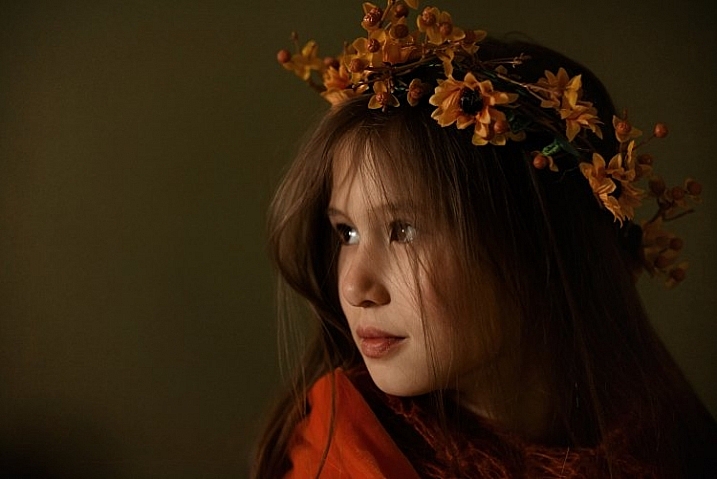
If, like me, you are drawn to moody portraits and have been wondering how to take them, read on. Achieving moody portraits with natural light can be quite simple. I hope this takes the mystery our of dark moody portraits in natural light.

3-tips-moody-natural-portraits-dps-lily-sawyer-photo

Before you start, plan your photo shoot first by keeping the following in mind: mood, tones (light or dark), outfits (colors to complement the tones), and the time of day to shoot. This may not make a difference to you, but to me, with my window north-east facing, I know I get decent light between 10am and 2pm, and after that, light availability deteriorates. This is the limitation of shooting with natural light. You are dependent on the amount and quality of the available light.

1. The importance of background

The easiest way to achieve a natural light moody portrait is by using a medium to dark background. The darkness of the background adds depth and the illusion of space and getting drawn into it. In effect, it also gives the illusion of a three-dimensional space. Not only that, but it also helps provide contrast between the background and the face of the subject which you want to emphasize and focus on. You draw the viewer’s eye to the image, and the background effectively provides context and setting.

There are various types of backgrounds: plain solid color, textured, scenery, and patterns such as wallpaper. Choose one that doesn’t clash with your subject (unless clashing is your intention) so that the portrait subject is the star of the show and the background is just that – background.

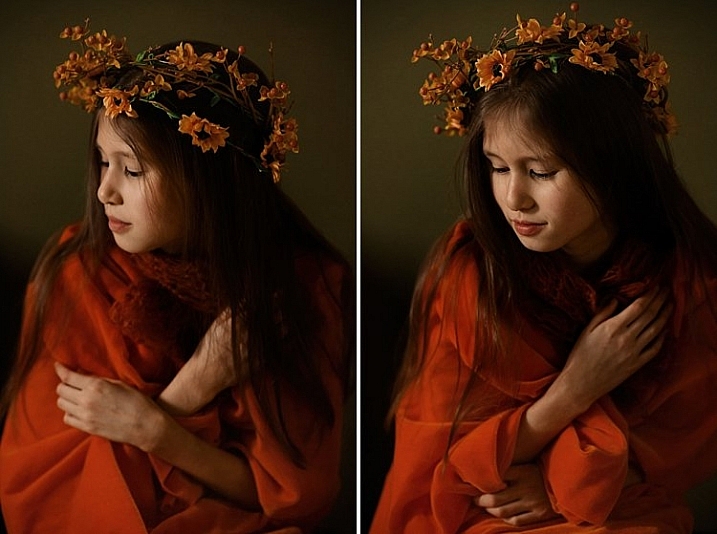
With a plain background, you can always add texture in post-production and change the tones up if you wish. Below is a side-by-side comparison of the photo without texture (left) and with a warm texture added (right).

3-tips-moody-natural-portraits-dps-lily-sawyer-photo

2. The importance of lighting

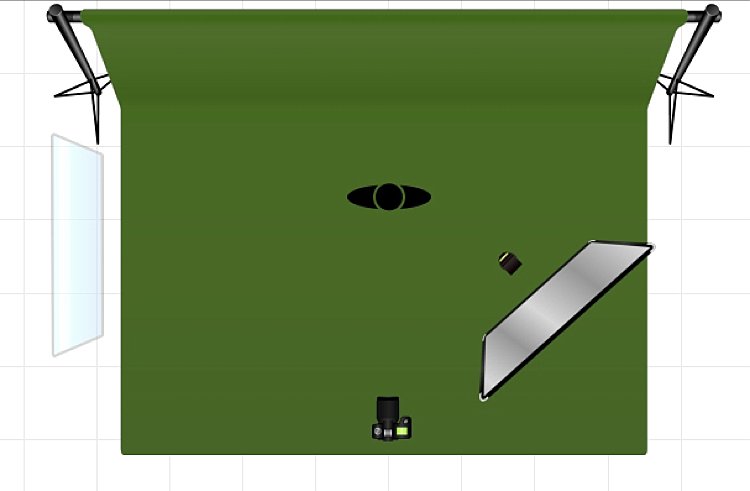
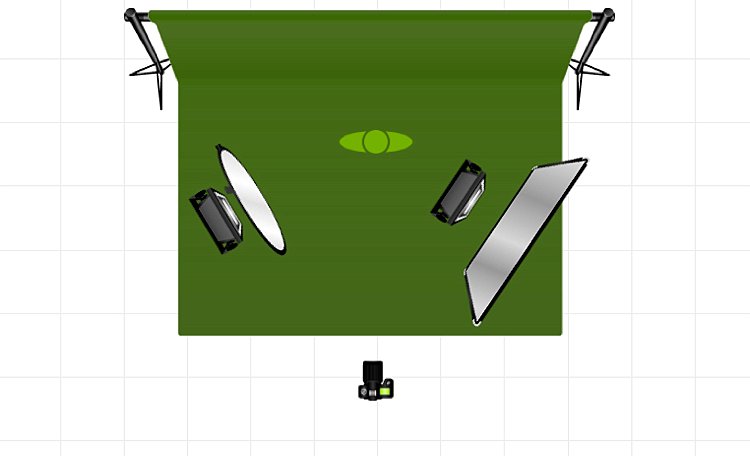
Because we are limiting ourselves to available natural light, it is a good idea to work with it. In most spaces, especially in homes, natural light comes from a 45-degree angle streaming from a window unless you have skylights in which case light comes from the top. You would want to cover that skylight and limit yourself to one light source coming from one direction, preferably 45-degree angle from the side. You want to place your subject in such a spot where the light hits them at this angle. Beware of placing the subject too close to the window as this tends to illuminate the face too much.

You want just a small amount of light touching the subject to achieve that ambiance and mood you are after. Before you shoot, look at the shadows on the face and especially under the nose. Position your subject by moving them around adjusting to the light and how the shadows fall on the face.

From a 45-degree angle window lighting where the window is higher than the subject, shadows on the face get cast at a slightly downward angle to the side opposite the light source. This is felt to be a pleasing shadow and is also known as the Rembrandt lighting. I have written an article touching on this with both natural and artificial lights on here.

With Rembrandt lighting, you need a reflector positioned on the opposite side of the light. The aim is to reflect some of the window light back onto the subject’s face, so you get a softer gradation of shadows instead of a very sharp drop from light to dark. If you don’t have a reflector, you can use a white sheet or white piece of cardboard.

Reflectors come in different colors which cast a tint on the face so choose carefully. See here for a side-by-side comparison of what different types of reflectors do.

3. The importance of light diffusion

Diffusion is passing the light source through a translucent material so that the light is spread out instead of coming from a concentrated source. Once spread, it touches the subject more softly thus removing the harshness of otherwise undiffused light.

One can argue that, on a cloudy day, available natural light coming from a window is already diffused by the great big clouds above. I agree with this. However, if you have the option to diffuse, I would still do it. On a sunny day where the light is powerful, I would say diffusion is an absolute must.

In the photo above, the window light is frosted at the bottom and covered in a voile fabric at the top thereby acting as a diffuser. From my experience of shooting for more than a decade, I have learned to see the difference between undiffused and diffused light and the former is definitely softer and better for the skin.

Overall, it’s a factor that contributes to achieving the type of moody portrait I am aiming for in this shoot.

I hope you found this helpful! Do share your moody portraits here and any tips you have too!

The post 3 Quick Tips for Achieving Moody Portraits with Natural Light appeared first on Digital Photography School. It was authored by Lily Sawyer.


Digital Photography School

 
Comments Off on 3 Quick Tips for Achieving Moody Portraits with Natural Light

Posted in Photography


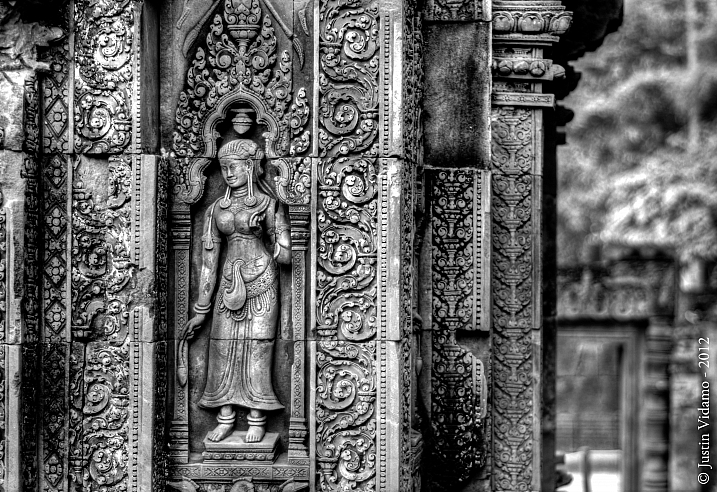
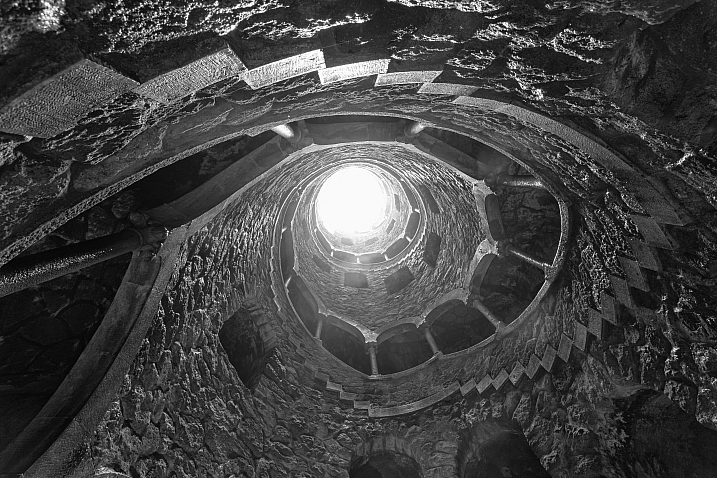
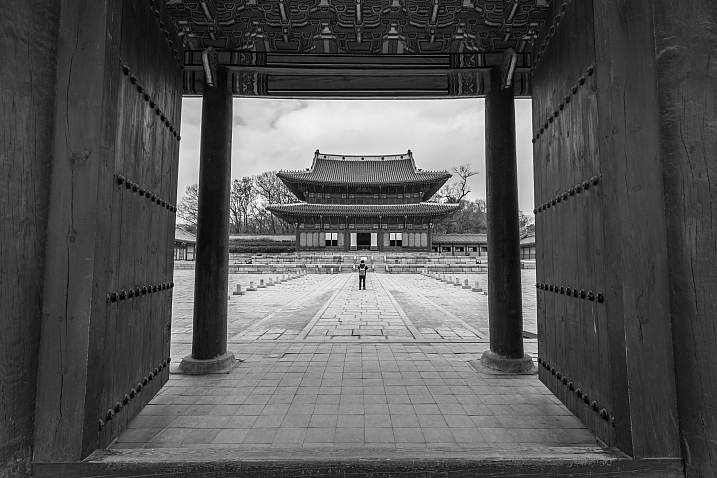
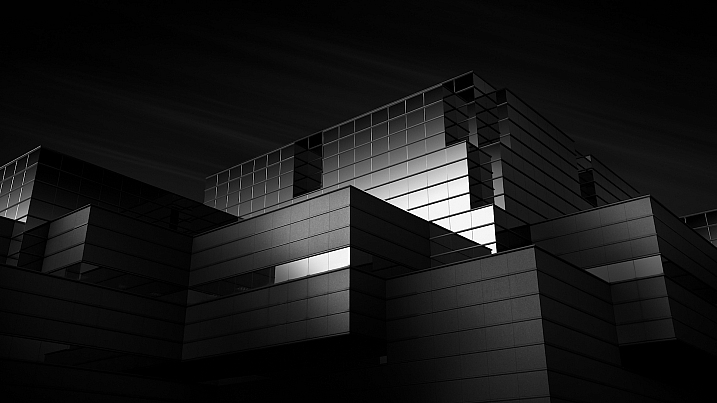
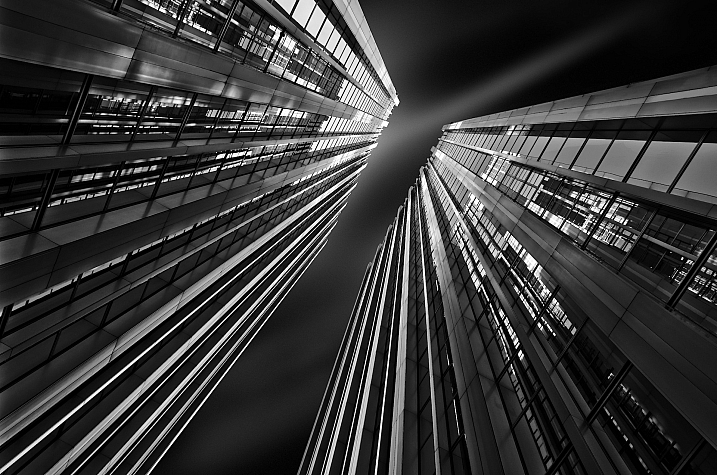
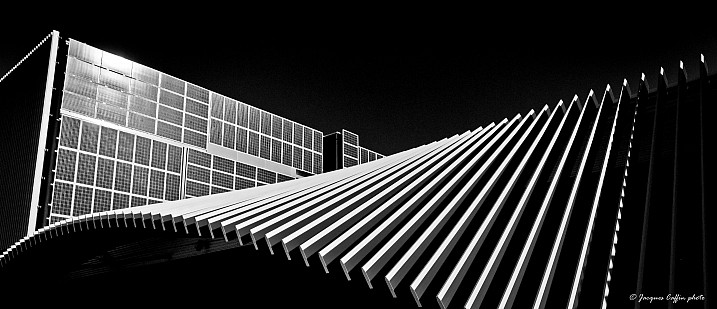
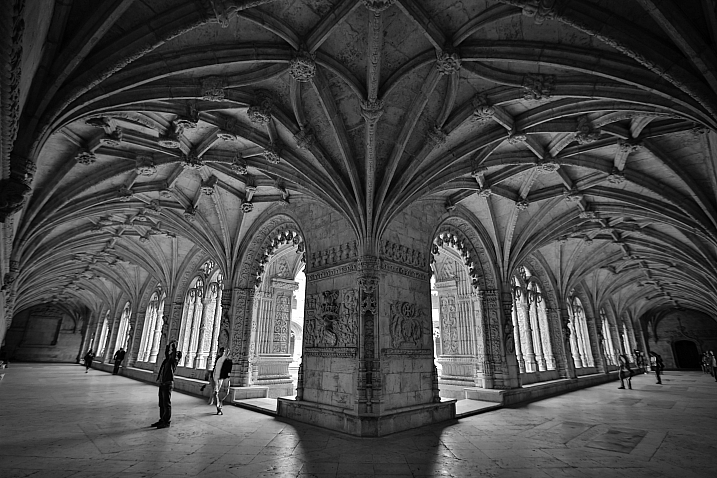
23 Moody Black and White Architectural Images

18 Feb

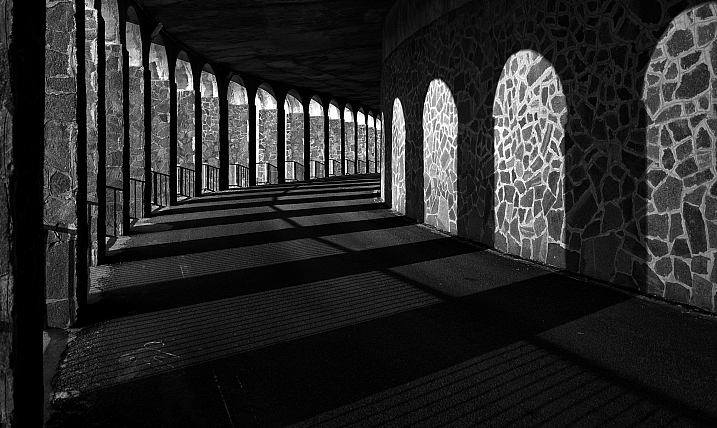
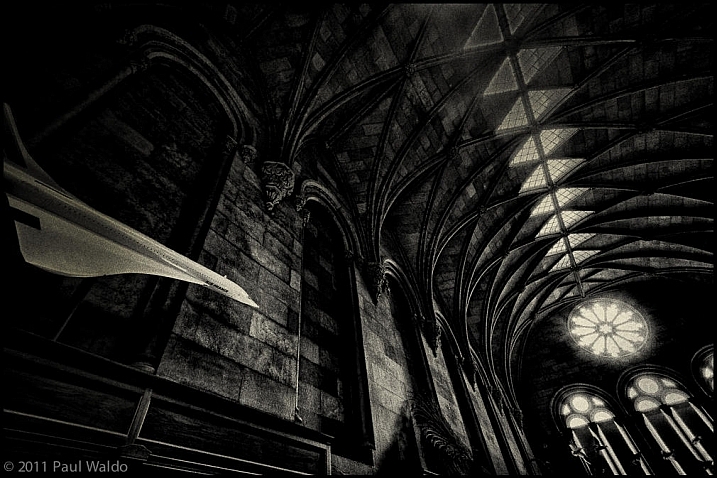
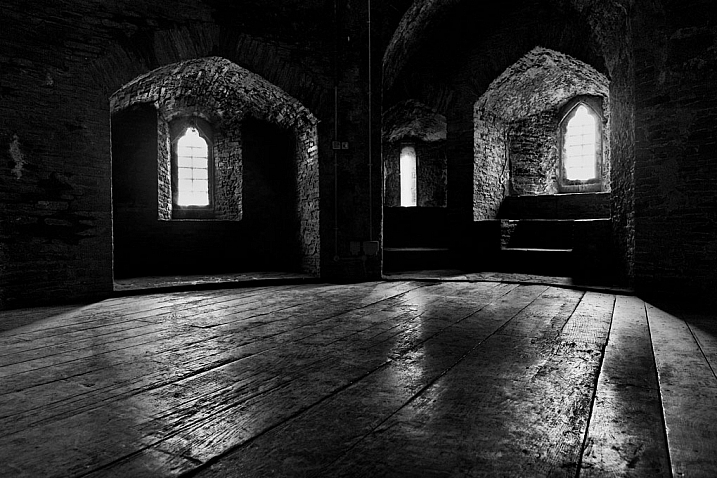
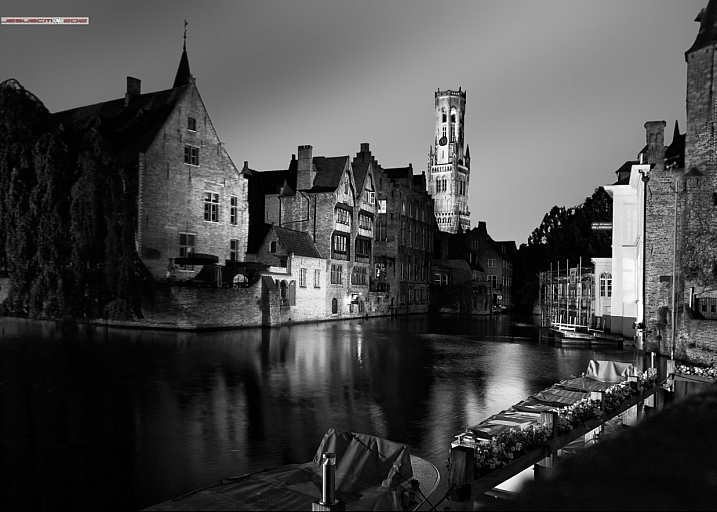
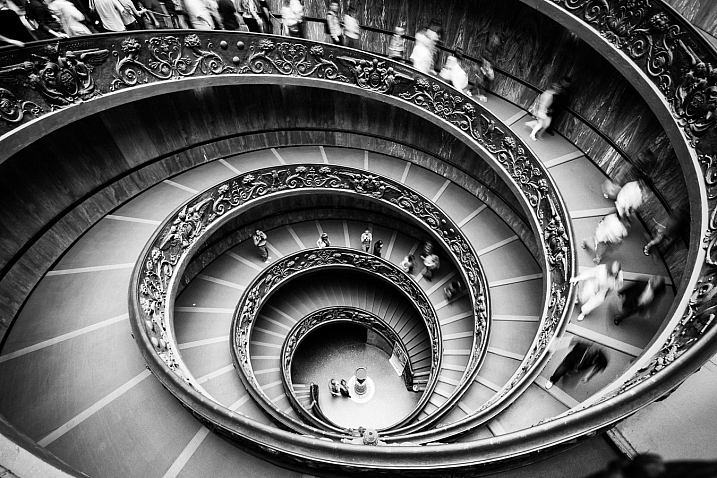
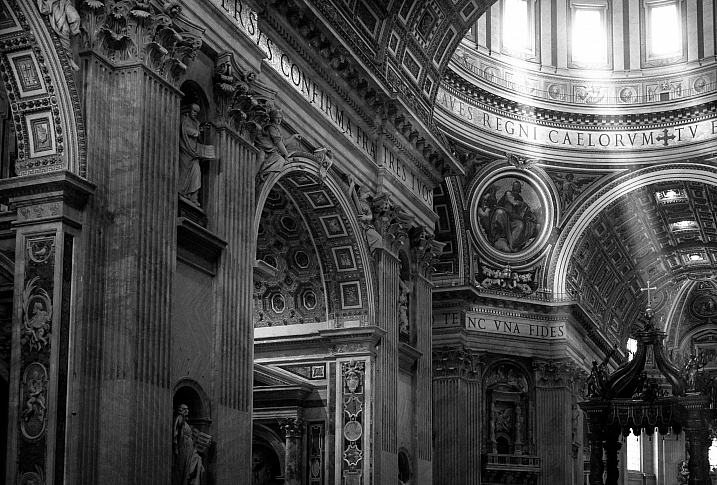
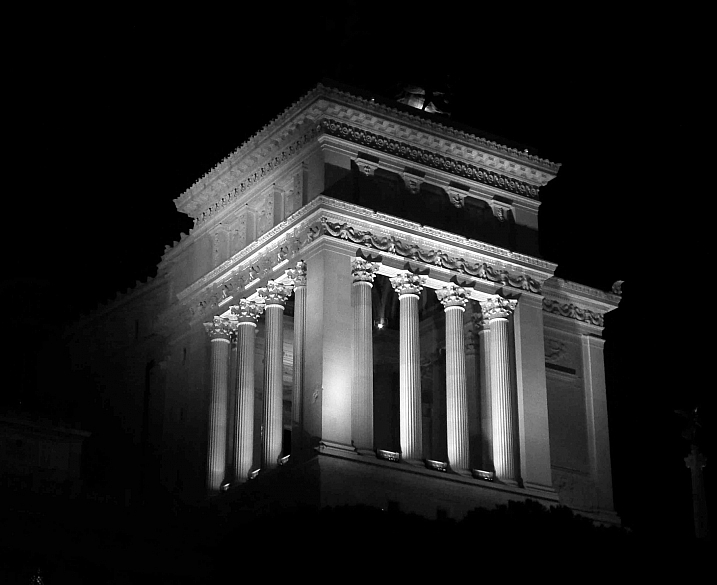
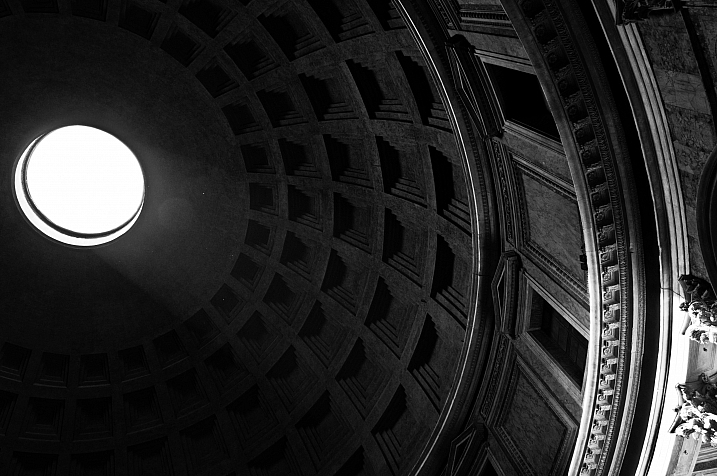
Architecture provides a few things that photographers love; texture, shape, contours, dramatic lighting.

Let’s see how these 23 photographers found and photographed different buildings and kinds of architecture in black and white.

By Marco Crupi

By Paul Waldo

By Andrew Howson

By jesuscm

By Thomas8047

By Justin Vidamo

By Brad Hammonds

By Brad Hammonds

By Thomas Hawk

By ?Jin Mikami?

By perceptions (creative pause)

By Peter Tandlund

By ?Jin Mikami?

By ?Jin Mikami?

By Jacques Caffin

By Paulo Valdivieso

By Franck Vervial

By Chris Chabot

By Wasif Malik

By Davidlohr Bueso

By gato-gato-gato

By Brad Hammonds

By Premnath Thirumalaisamy

googletag.cmd.push(function() {
tablet_slots.push( googletag.defineSlot( “/1005424/_dPSv4_tab-all-article-bottom_(300×250)”, [300, 250], “pb-ad-78623” ).addService( googletag.pubads() ) ); } );

googletag.cmd.push(function() {
mobile_slots.push( googletag.defineSlot( “/1005424/_dPSv4_mob-all-article-bottom_(300×250)”, [300, 250], “pb-ad-78158” ).addService( googletag.pubads() ) ); } );

The post 23 Moody Black and White Architectural Images by Darlene Hildebrandt appeared first on Digital Photography School.


Digital Photography School

 
Comments Off on 23 Moody Black and White Architectural Images

Posted in Photography


How to Create a Dark and Moody Rembrandt-Style Portrait In Lightroom

03 Jan

Dutch artist Rembrandt Harmenszoon van Rijn is known for his dark and moody portraits, characterized by a single lighting source falling across a subject placed in front of a dark background. It’s an interesting, evocative style that is easy enough to replicate in modern photography.

There are two steps to creating a Rembrandt-style portrait. The first is to get the lighting and composition right. The second is to use Lightroom to emphasize the dark and moody feel created by the lighting.

Rembrandt inspired lighting is easily achieved using natural light. The important thing is that the light is directional. Take a look at these portraits to see how it works.

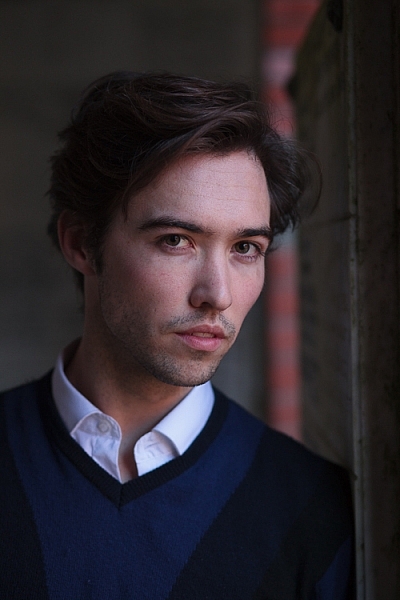
Portrait #1Rembrandt style dark and moody portrait

This portrait was taken with the model standing under an archway that was part of a local building. We took the photo on a cloudy day, so the light was quite soft and even, perfect for portraiture.

The light comes from the model’s left, through the archway, casting a shadow across his face. The right side of his face is dark because no light is coming from that side. The background is also dark because less light is falling on it.

The photo looks like it could have been taken in a studio – but the light was shaped by the archway rather than a softbox.

Rembrandt style dark and moody portraitPortrait #2

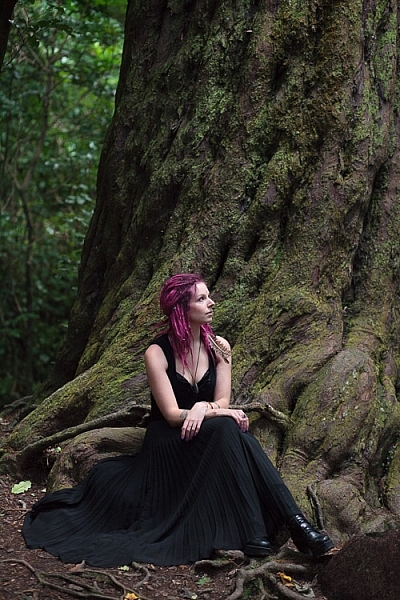
I made this portrait in a forest. The light was coming through the trees from above. It was a cloudy day, but the narrow gaps between trees meant the light was very directional. I asked my model to lift her face up towards the light so that it didn’t cast shadows under her eyes.

I selected these portraits because they are interesting from a post-processing point of view. One of them was very easy to process, and the other took a lot more work. Can you guess which one was which?

Processing Portrait #1

The first portrait was the easiest to process. Here’s the Raw file as it came out of the camera.

Rembrandt style dark and moody portrait

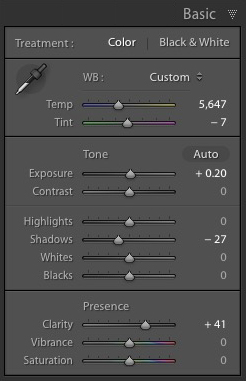
Virtually all the work for this portrait was done in the Basic panel in Lightroom. These are the main adjustments.

Rembrandt style dark and moody portrait

  • Exposure +0.20. A slight tweak to brighten the photo.
  • Shadows -27. This makes the darkest tones in the photo darker without affecting the lightest tones.
  • Clarity + 41. A global adjustment to enhance texture and details and add a gritty feel to the male portrait (a much lighter touch is required with portraits of women).

You’ll note that I didn’t use the Contrast slider to make the background darker. The reason is that the Contrast slider affects both dark tones and light tones equally. It is better to use the Highlights and Shadows sliders to control highlights and shadows separately.

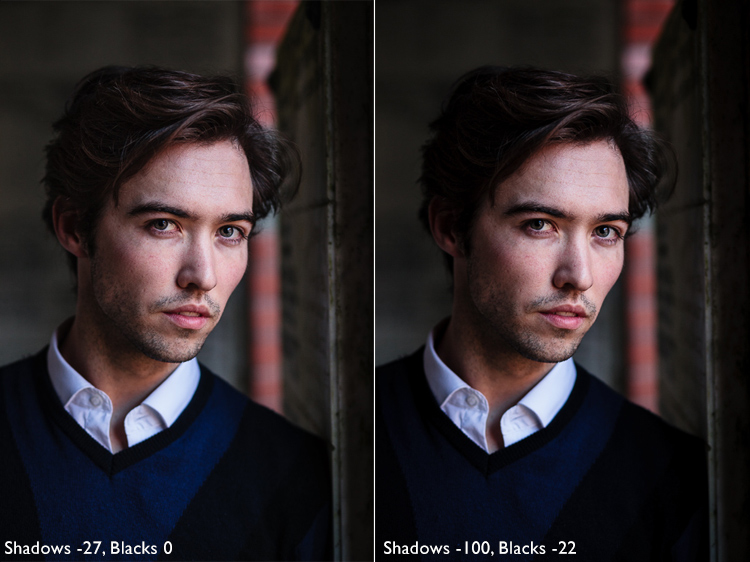
Taking control of dark tones with the Shadows slider gives you a lot of choice when it comes to setting the tonal values of the image. You can also move the Blacks slider left, although you may block up some shadow areas when you do so.

Remember, your aim is to create a dark and moody Rembrandt style portrait, so it’s up to you how dark you want to make the shadows. Here’s a comparison that shows what happens with this portrait when I push Shadows to -100 and Blacks to -22.

Rembrandt style dark and moody portrait

Local adjustments

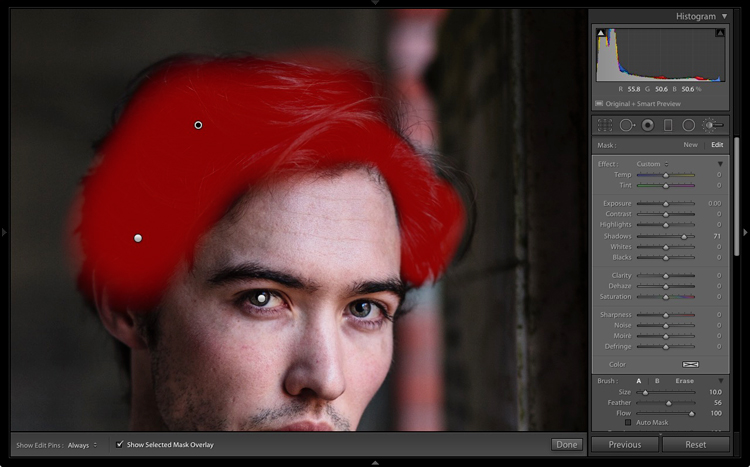
Pushing Shadows and Highlights sliders left may also darken parts of the photo that you would prefer to remain as they are. In this portrait, the model’s hair became too dark, so I used the Adjustment Brush to lighten it. This screenshot shows the mask created by the Adjustment Brush in red. I set Shadows to +71 to make his hair lighter.

Rembrandt style dark and moody portrait

Processing Portrait #2

The next portrait required more work in Lightroom. You can see why when you look at the original image as it came out of the camera, below.

Rembrandt style dark and moody portrait

While the light is coming from above, it wasn’t as directional as the processed image suggests. An image like this needs a little more work in Lightroom in order to obtain the dark background that a Rembrandt style portrait requires.

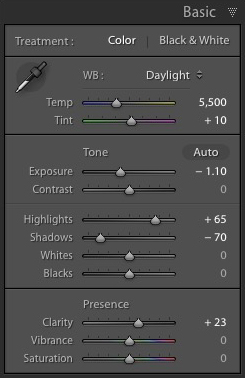
Rembrandt style dark and moody portraitI made some subtle changes by setting the following:

  • Exposure to -1.10
  • Shadows to -70
  • Highlights to +65
  • Clarity to +23

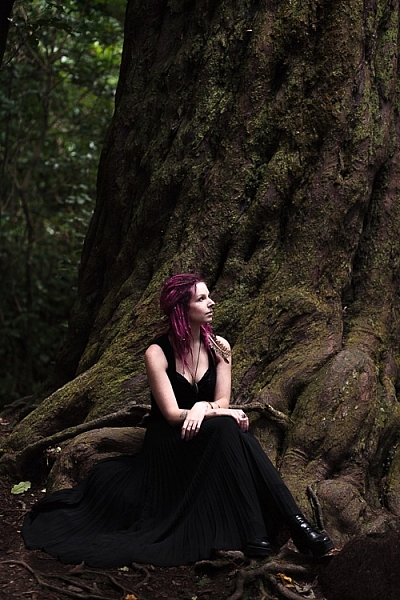
Moving the Shadows and Exposure sliders left made the entire image darker, making the background look more how I wanted. Moving Highlights to +65 then made the highlights (in other words, the model’s skin) brighter. Once again this has increased contrast, but in a way that is much more controlled than using the Contrast slider.

Here’s the result so far.

Rembrandt style dark and moody portrait

Local adjustments

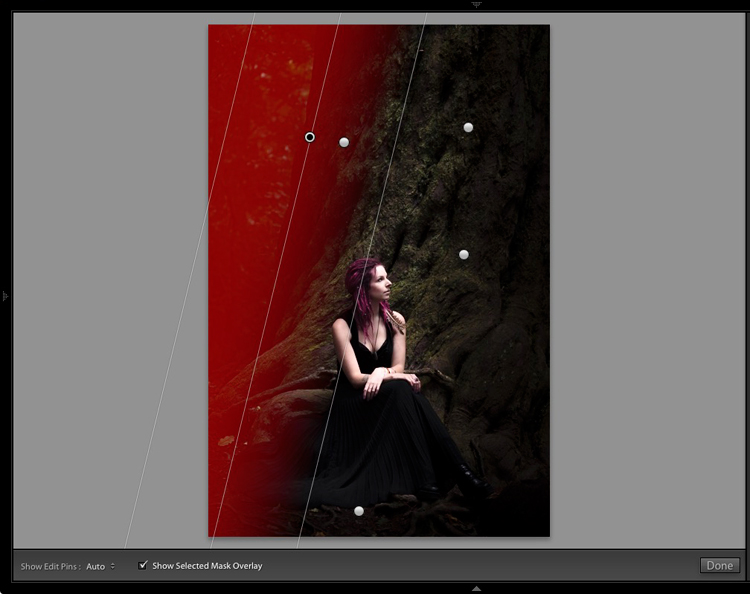
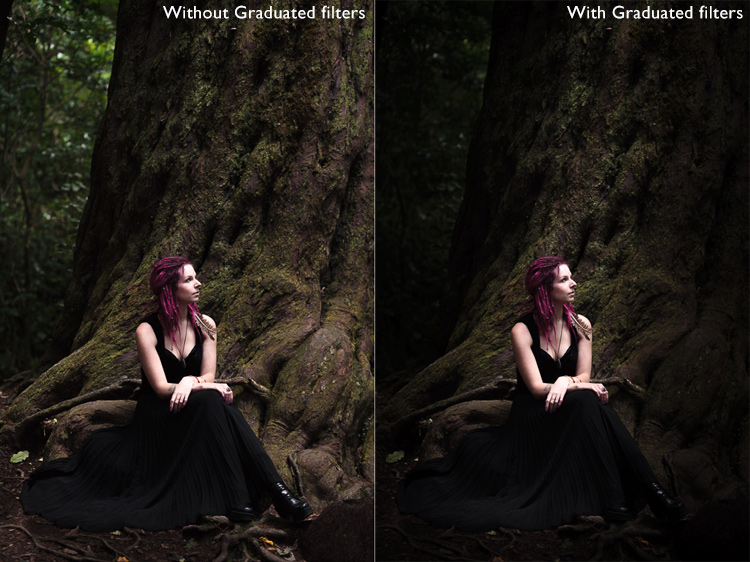
Once you have achieved all you can with global adjustments, it is time to work with local adjustments. Lightroom has three local adjustment tools – the Graduated filter, Radial filter and the Adjustment Brush. It is up to you to select the tool (or combination of tools) best suited to the task in hand.

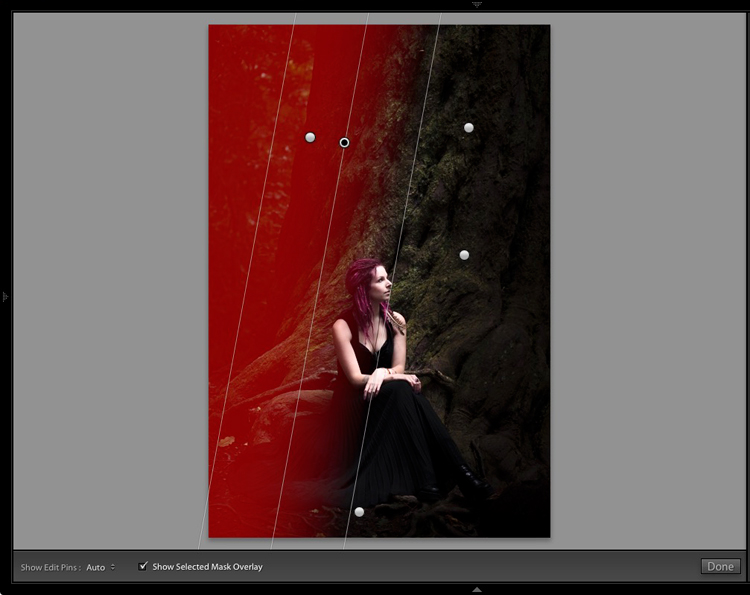
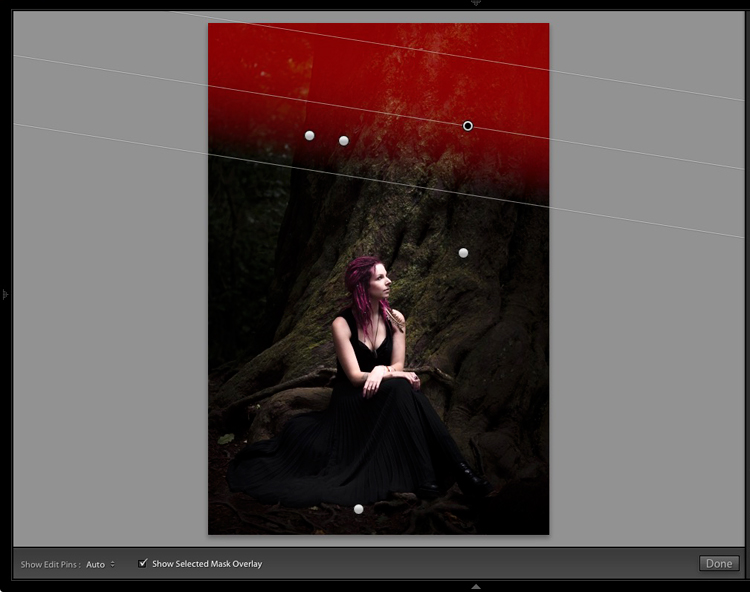
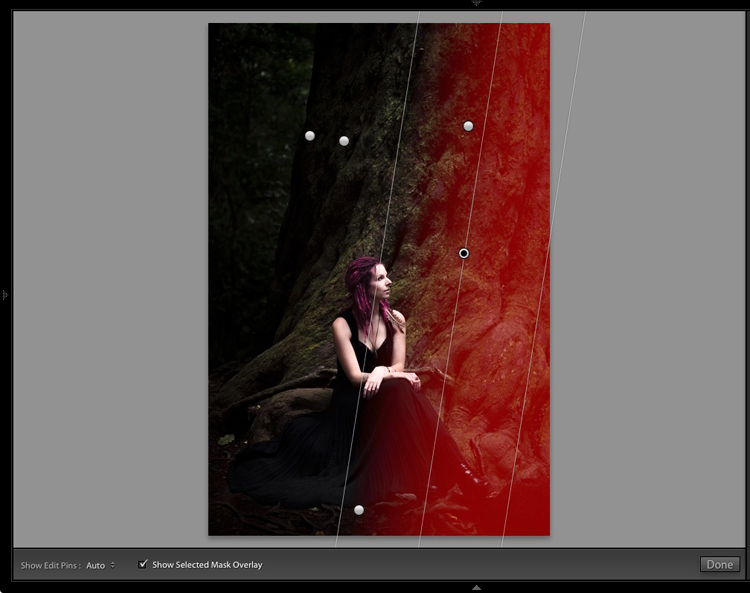
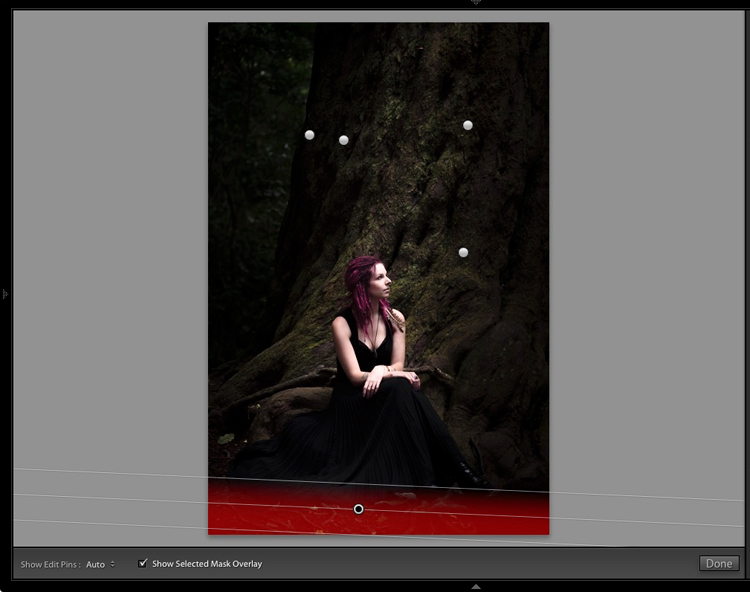
For this portrait, I applied five Graduated filters, and moved the Exposure slider left (to darken) for each one. These screenshots show where the Graduated filters I applied to the image fall.

Rembrandt style dark and moody portrait

Rembrandt style dark and moody portrait

Rembrandt style dark and moody portrait

Rembrandt style dark and moody portrait

Rembrandt style dark and moody portrait

The best way when making local adjustments is to play it by eye. Don’t be afraid to jump around between your local adjustments and tweak the settings until you get the photo looking as you wish.

These comparisons show the difference that the Graduated filters made to the image.

Rembrandt style dark and moody portrait

Finally

The key to re-creating the style of a painter like Rembrandt in Lightroom is to analyze the type of lighting used in his portraits and think about how you can replicate that using the tools inside Lightroom. Bear in mind that the lighting is just as important as Lightroom technique. Get the lighting right and the rest should follow easily.

Do you have any questions about the Lightroom techniques used in this article? Let me know in the comments!


If you’d like to learn more about processing your photos in Lightroom then please check out my ebook Mastering Lightroom: Book Two – The Develop Module.

googletag.cmd.push(function() {
tablet_slots.push( googletag.defineSlot( “/1005424/_dPSv4_tab-all-article-bottom_(300×250)”, [300, 250], “pb-ad-78623” ).addService( googletag.pubads() ) ); } );

googletag.cmd.push(function() {
mobile_slots.push( googletag.defineSlot( “/1005424/_dPSv4_mob-all-article-bottom_(300×250)”, [300, 250], “pb-ad-78158” ).addService( googletag.pubads() ) ); } );

The post How to Create a Dark and Moody Rembrandt-Style Portrait In Lightroom by Andrew S. Gibson appeared first on Digital Photography School.


Digital Photography School

 
Comments Off on How to Create a Dark and Moody Rembrandt-Style Portrait In Lightroom

Posted in Photography


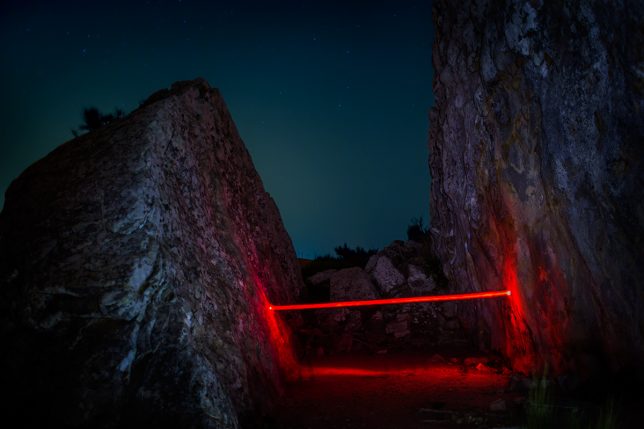
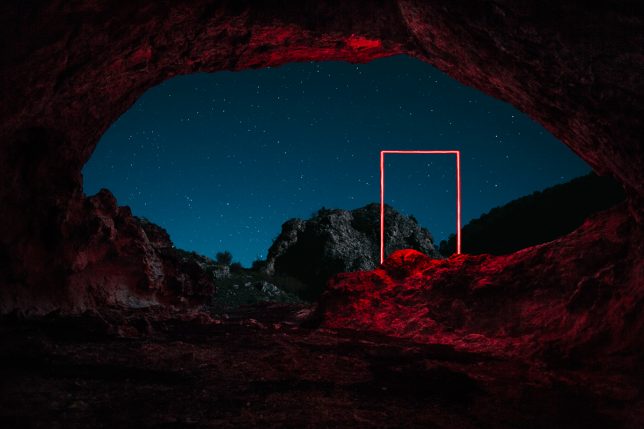
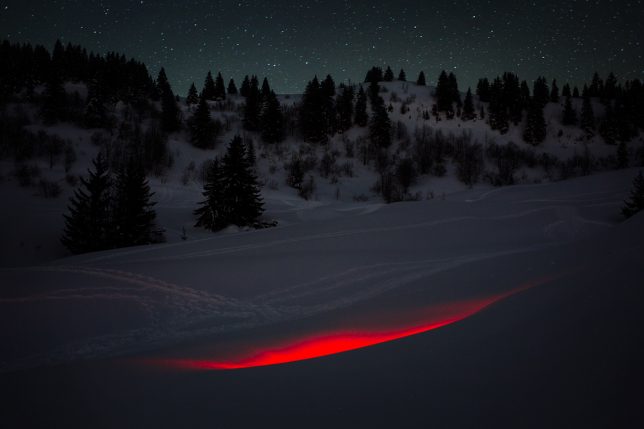
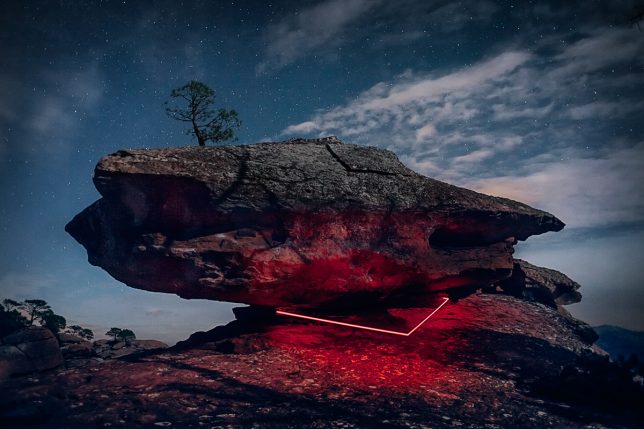
The Red Line: Moody Neon Light Installations in Remote Places

26 Nov

[ By SA Rogers in Art & Installation & Sound. ]

La Linea Roja

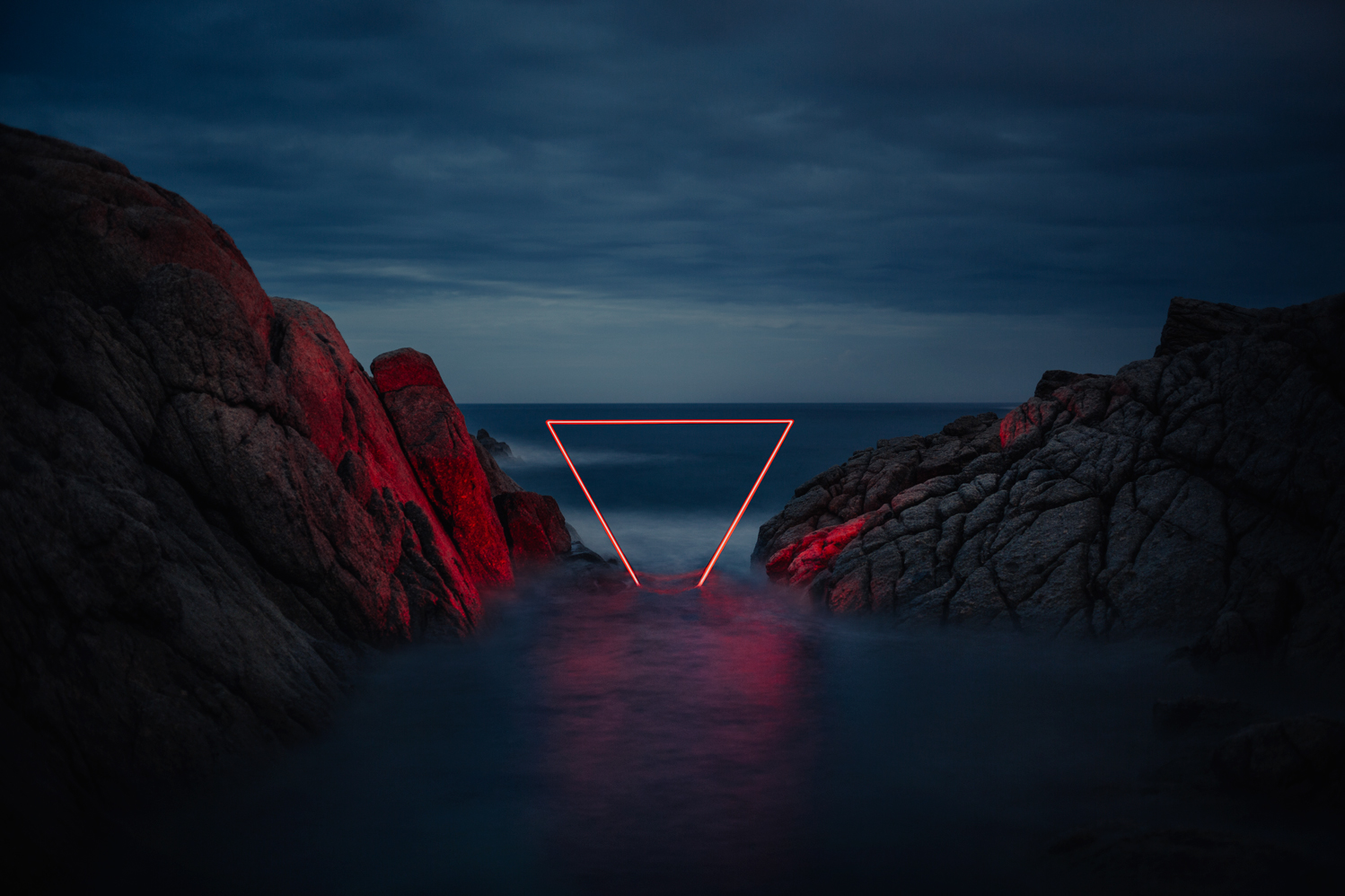
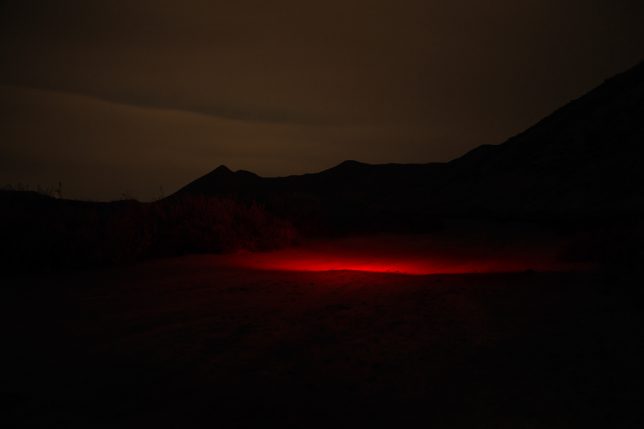
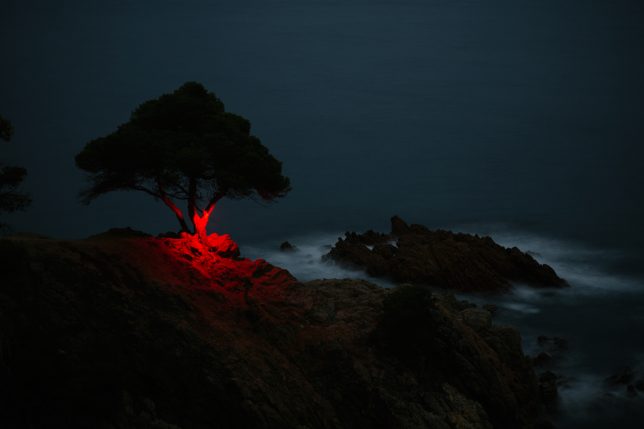
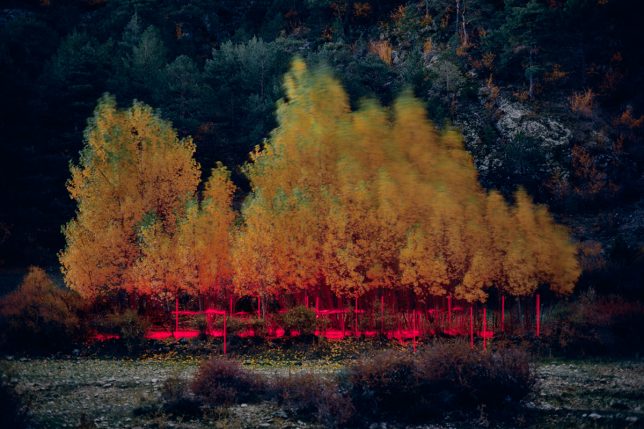
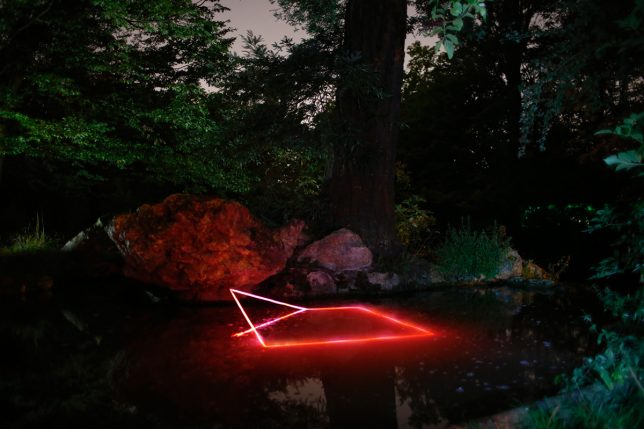
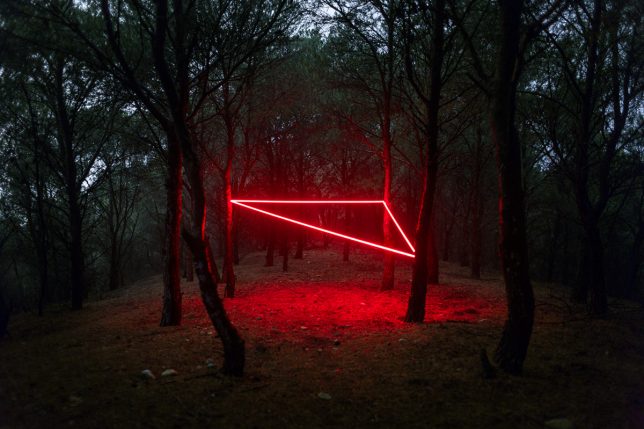
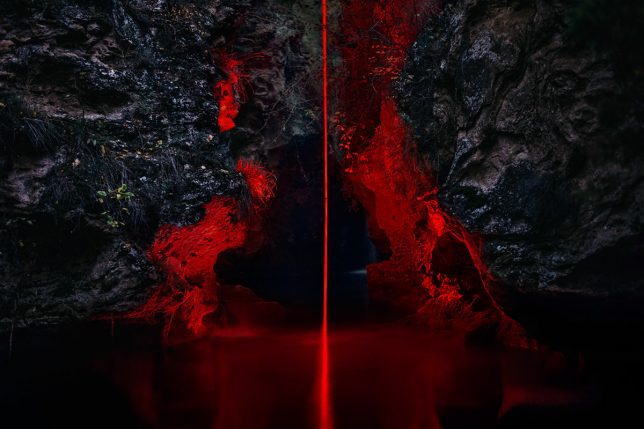
Red neon lights arranged in geometric shapes or casting eerie illumination onto darkened trees almost seem like a natural phenomenon in the vein of the aurora borealis, captured by photographers who manage to be in the right place at the right time. A glow coming from a slit in a snowy landscape or just under the surface of the sea hints at the presence of life forms just out of sight.

red-line-2

red-line-4

red-line-3

‘La Linea Roja’ by photographer Nicolas RIVALS carries on a longstanding tradition of introducing artificial lights to natural spaces for high-impact temporary art installations, but adds a little something extra in the form of a strikingly limited color palette, moody skies, black lines of tree silhouettes and surprisingly natural-looking compositions.

La Linea Roja

red-line-7

La Linea Roja

La Linea Roja

The Paris-based photographer installed the lights in various landscapes while on a trip through Spain, capturing the effect using long-exposure photographs.

La Linea Roja

La Linea Roja

red-line-12

Here’s what RIVALS has to say about the series:

“A red line woven over a journey through Spain, to connect Man with nature. A red line to fix a moment of poetry. Unreal scenes which existed for a night to disappear in the morning. An installation left as a proposition to the natural world. A luminous harmony between will and chance. Between tribute and sacrilege. Between the beautiful and the range. An aesthetic research on shapes engaging in dialogue with an asymmetrical nature.”

Share on Facebook


[ By SA Rogers in Art & Installation & Sound. ]

[ WebUrbanist | Archives | Galleries | Privacy | TOS ]


WebUrbanist

 
Comments Off on The Red Line: Moody Neon Light Installations in Remote Places

Posted in Creativity


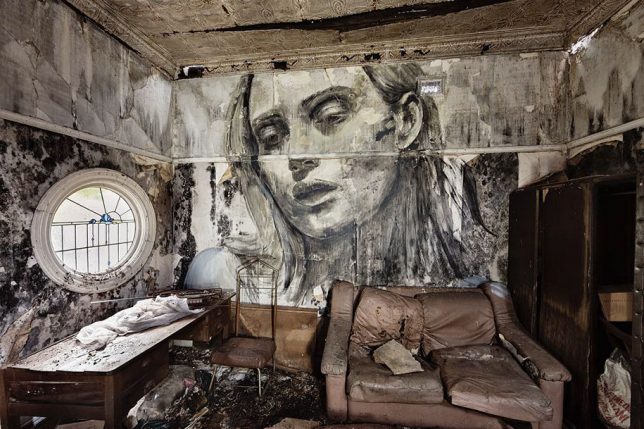
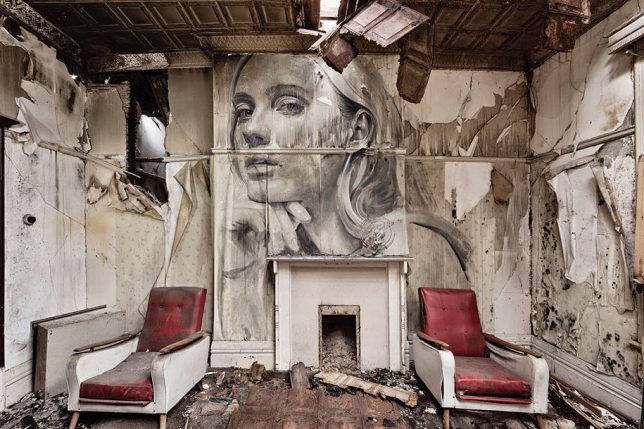
Beauty in Decay: Moody Murals Bring Human Faces Back to Abandoned Places

25 Oct

[ By SA Rogers in Art & Installation & Sound. ]

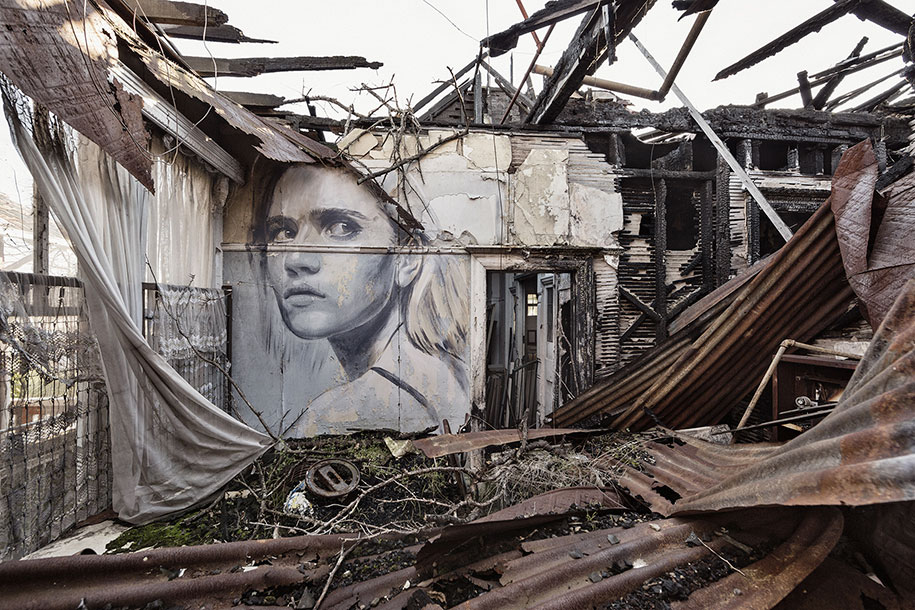
rone-murals-abandoned-places-1

Abandoned places are often steeped in a mixture of emotional impressions, commingling a sense of loss and a confrontation of our own mortality with slivers of hopefulness for a new future, as nature begins to take over what we’ve left behind. As we move through these deteriorating spaces, strewn with the belongings of former inhabitants who seem to have simply disappeared, we wonder who they were and why the spaces that once sheltered them as they went about their lives have come to this. It’s these emotional qualities that make a new series of murals by Australian street artist Rone all the more poignant and powerful.

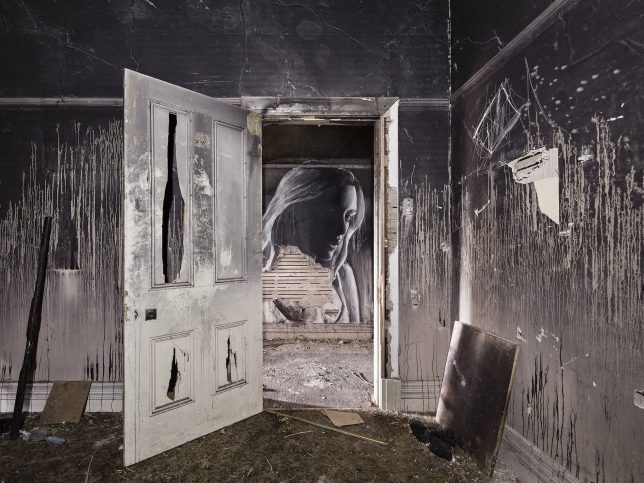
rone-murals-abandoned-places-2

rone

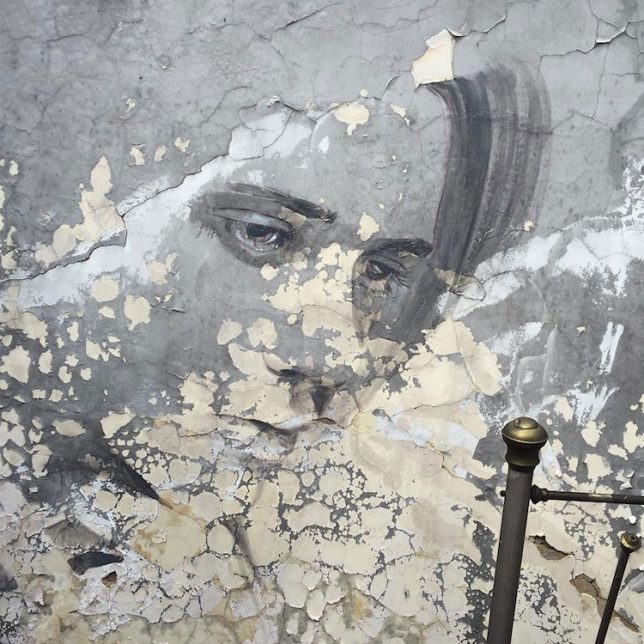
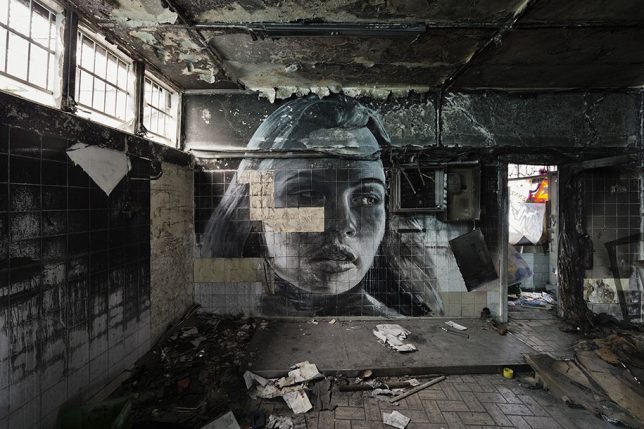
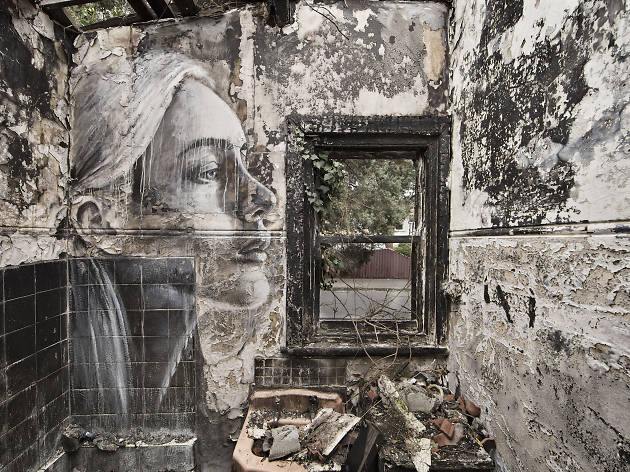
Entitled ‘Empty,’ the series places the artist’s signature portraits of women on the walls of abandoned interiors, deepening their emotional weight. Much of the subjects’ glamour is stripped away as their skin takes on the texture of peeling paint, the lines of their faces are interrupted by fallen tiles and their gazes are pointed down at the destruction of their environments.

rone-murals-abandoned-places-3

rone-murals-abandoned-places-4

For the Melbourne-based artist, this series represents a shift from the smooth, clean surfaces of his canvases and even the more clear-cut exterior walls upon which his murals are typically painted. But Rone has always found meaning in the temporary nature of these installations, as the artworks are gradually worn away by the elements or painted over by vandals and other artists.

rone-murals-abandoned-places-5

rone-murals-abandoned-places-6

rone-murals-abandoned-places-7

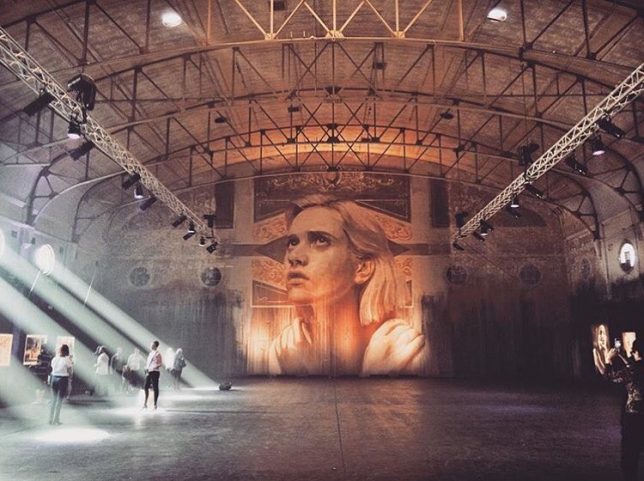
Rone exhibited ‘Empty’ at the soon-to-be-demolished Star Lyric Theatre building in Melbourne, presenting photographs of the murals in situ along with works on canvas and paper. The artist also painted a new mural directly onto the back wall of the theater, stretching nearly 33 feet from floor to ceiling. It’s a fitting way for the decaying Art Nouveau building to go out, with Rone’s canvases lining its blackened and stained surfaces. See more photos of the installation at Street Art News.

Share on Facebook


[ By SA Rogers in Art & Installation & Sound. ]

[ WebUrbanist | Archives | Galleries | Privacy | TOS ]


WebUrbanist

 
Comments Off on Beauty in Decay: Moody Murals Bring Human Faces Back to Abandoned Places

Posted in Creativity


How to Use Two LED Lights to Achieve Moody Portraits

02 Aug

Any kind of light is a must for photography. You just cannot photograph without light. There are various types of light that no doubt you are familiar with:

  • Natural light from the sun
  • Ambient light (could be natural or manmade)
  • Artificial light such as strobes, incandescent or tungsten, fluorescent, flash and LED lights
  • Infrared light

achieving-moody-portrait-2-LEDs-tips

This article will give you tips for using two LED lights to achieve moody portraits.

Tip #1 – Modify your light

The best light is always modified. Even sunlight is better with a diffuser. Direct sunlight produces hard shadows and harsh light. Clouds soften and diffuse sunlight (by making it spread over a larger area). On a bright cloudless day, shooting in open shade minimizes the harshness, but still takes advantage of the beautiful natural light. Shooting in shadows, located next to reflective surfaces, also leverages any bounced natural light. These techniques are simply modifiers of natural and available light.

Modifiers are more obvious for artificial light. There is a plethora of choice when it comes to these: soft boxes, diffusers, reflectors, foam cores panels, umbrellas, flags to name a few.

The same is true for LEDs when it comes to the need for modifiers. There are many types of LED lights, including ones that you can adjust their brightness as well as colour temperature. But, just like the above, regardless of brightness intensity of the continuous light, it is essential to modify LEDs to get soft, pleasing, beautiful light -overall a better quality of light.

I’m going to show you a setup using modified LEDs to create moody portraits.

achieving-moody-portrait-2-LEDs-tips

Using a window to camera left and an LED, bounced into a diffusion panel, to the right.


The main light I used here is the Magic Tube, the cheaper alternative to Westcott Ice Light. You can adjust the brightness of the light, and it comes with a tungsten gel if you need it. Apart from looking lightsaber Star Wars cool, the Magic Tube also comes with a charger that allows continuous charging while it is being used. So you can always have access to power by just plugging it in if the battery charge runs out.

You can also use window light and just one LED for this setup. Substitute the main light with your window light, but make sure you are diffusing the light coming from a window with a sheer voile, or fabric to soften it.

To diffuse the main light, I covered it with the Rogue Bender diffuser for the strip light. This is just a piece of rectangular translucent material which simply covers the light.

Tip #2 – Position your lights for contrast

Position the main light at 45 degrees to the subject, up high to emulate light coming from a tall window. Use a diffusion panel or a piece of sheer fabric. The less opaque the fabric, the more diffuse your light will be. To further modify the Magic Tube after I have attached the Rogue Bender diffuser, I also used the diffusion (translucent part) panel of a 5-in-1 reflector and had an assistant hold the panel in front of the main light. Having these two diffusers together reduces the strength of the light, but also greatly softens its quality.

achieving-moody-portrait-2-LEDs-tips

The second light is also an LED, this time a small video light positioned to camera right, at 45 degrees, but at the same height as the subject. However, instead of using a diffuser to modify this light, you can turn it around so the light faces away from the subject, and put a reflector in place to bounce the light on. The subject (filling in the shadows) gets illuminated by the soft bounced light from the reflector.

achieving-moody-portrait-2-LEDs-tips

For a moody look it is essential to have both light and shadow in the portrait. You need to watch where the main light falls, and the shadow it’s creating. You want the shadowed area to still have some detail, instead of being completely black. The bounced light from the reflector takes care of this.

Tip #3 – Use a dark background

I tried the exact same setup, although the lights were positioned the opposite way, with the main light on camera right. This setup had a lighter background, in this case lightly patterned, and the results were far from moody. I did not want to shoot at a smaller aperture as I wanted to blur the pattern of the wallpaper in the background. I also wanted to emulate sunlight shining through a window illuminating a dark room, and this setup just did not work to achieve that look.

I’m sure if I had gridded the main LED to avoid spill into the light background, while increasing my shutter speed, the background would have gone darker, but I would have lost the soft and atmospheric look I was after. Compare this photo below to the one underneath it, and it’s pretty obvious the darker background is most definitely better at achieving the moody look.

tutorial-using-2-led-lights-for-portraits-photography

achieving-moody-portrait-2-LEDs-tips

I hope this article gave you new ideas to try. Do share other tips you have to achieve moody portraits!

googletag.cmd.push(function() {
tablet_slots.push( googletag.defineSlot( “/1005424/_dPSv4_tab-all-article-bottom_(300×250)”, [300, 250], “pb-ad-78623” ).addService( googletag.pubads() ) ); } );

googletag.cmd.push(function() {
mobile_slots.push( googletag.defineSlot( “/1005424/_dPSv4_mob-all-article-bottom_(300×250)”, [300, 250], “pb-ad-78158” ).addService( googletag.pubads() ) ); } );

The post How to Use Two LED Lights to Achieve Moody Portraits by Lily Sawyer appeared first on Digital Photography School.


Digital Photography School

 
Comments Off on How to Use Two LED Lights to Achieve Moody Portraits

Posted in Photography


How to Use Light to Create Moody Images

04 Jul

It isn’t difficult to take sharp, well-exposed photos with modern cameras. But how do you take it a step further and create moody images that capture the spirit of a place?

What is mood?

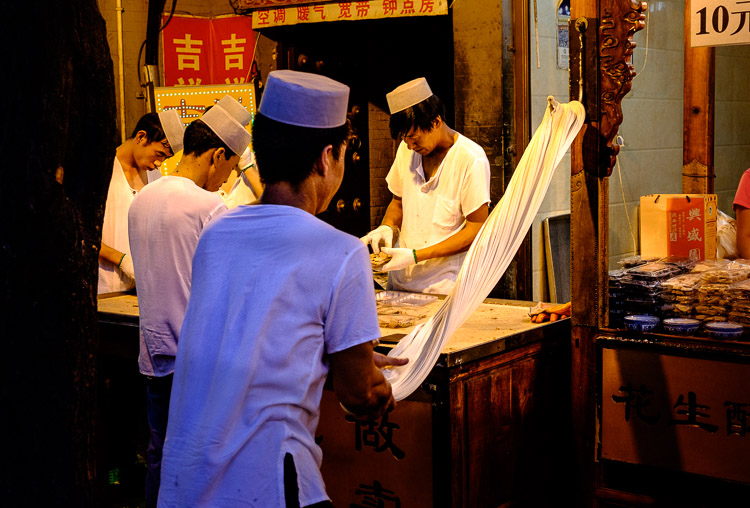
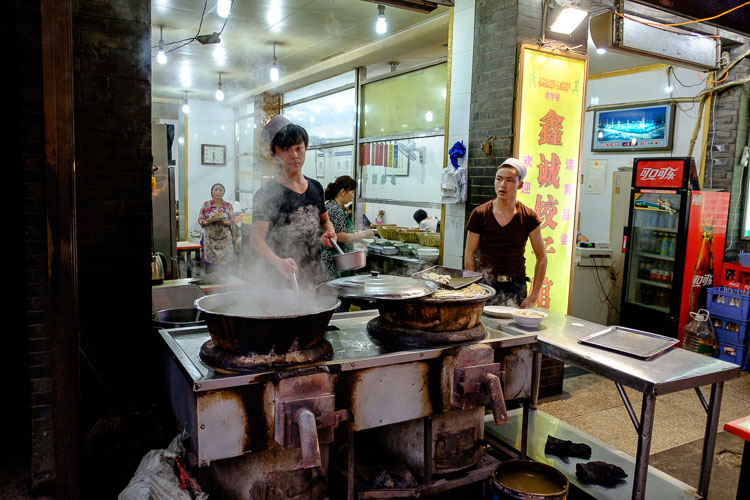
I define mood as a feeling or emotion you get while experiencing something. For example, while travelling through Xi’an, a city in China, last year I spent some time in the city’s Muslim Quarter. I felt a mixture of things – overwhelmed by the crowds and the sticky heat, fascinated by the sights and smells coming from stalls selling home-made street food, and claustrophobic while wandering down hutongs (alleyways) connecting the main streets. Then there was the paradox of the city’s ancient open air mosque – a peaceful paradise amongst the noise and dirt of the old city.

Mood and light

The mood in this photo was created by the mix of artificial and natural light. The lights in the market stall bathe the scene in an orange glow, while the blue light of early evening creeps in at the edges.

Once you have the sense of the mood of a place, you can start thinking about how to capture that in a still frame. Part of the answer lies in composition and the subject. In this example it is obvious that well composed images taken amongst the hubbub of the Muslim Quarter in Xi’an will help capture the atmosphere. But the one thing you really have to pay attention to, the thing that will elevate your photos above the ordinary, is light.

How light and time of day affect your images

Most photographers are familiar with the idea that the moodiest, most evocative lighting comes at either end of the day, close to sunrise and sunset. Golden hour is the name for the time when the sun is close to the horizon, casting golden light that creates long, raking shadows. The blue hour is the time at dusk, or just before sunrise, when there is light in the sky and the natural color of the ambient light is deep blue.

The light at both these times is incredibly moody. Once you have found an interesting place to photograph, and identified with the spirit of the place, then you really can’t go wrong by venturing out at these times to take photos. Yes, you can take interesting photos at other times of the day, but the light won’t be as evocative.

One of the challenges of working in moody light, especially during dusk, is that light levels are low. This is less of a problem than it used to be because high ISO performance on modern cameras is so good you can easily raise the ISO to work with a hand-held camera in low light. It also helps if you have a prime lens, as this lets you use wider apertures which let more light in, enabling you to use lower ISOs or faster shutter speeds (or both). Image Stabilization in its various forms may also be useful.

Mood and light

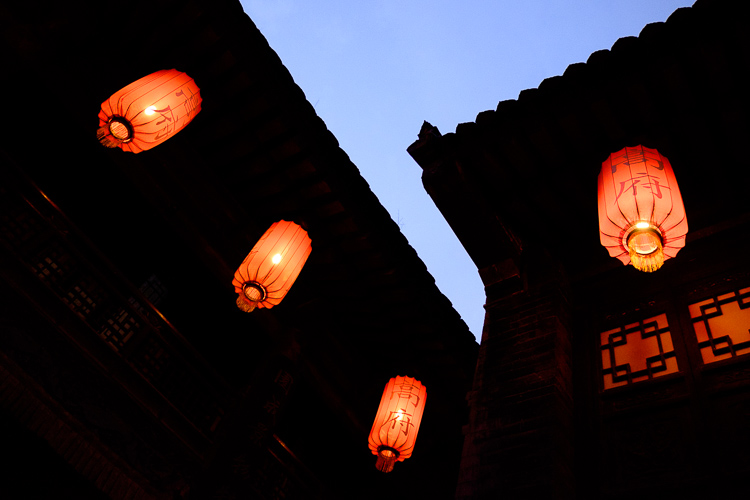
This photo balances the orange glow from the lanterns against the fading blue light of the evening sky. I used an ISO of 6400 to work in low light shooting without a tripod.

If you are a landscape photographer, these points aren’t so important, as you would simply use a tripod to support the camera, allowing you to use small apertures, low ISO settings, and long shutter speeds (another tool for creating mood in the landscape) without camera shake.

Returning to my example of taking photos in Xi’an, I didn’t bother going out with my camera in the middle of the day (when the light was too harsh). Instead, I visited it in the late afternoon, when the fading light and encroaching artificial lights added to the mood, and helped me create a sense of place. This was as interesting time to work, as the low light and the crowds created various challenges to be overcome.

Mood and light

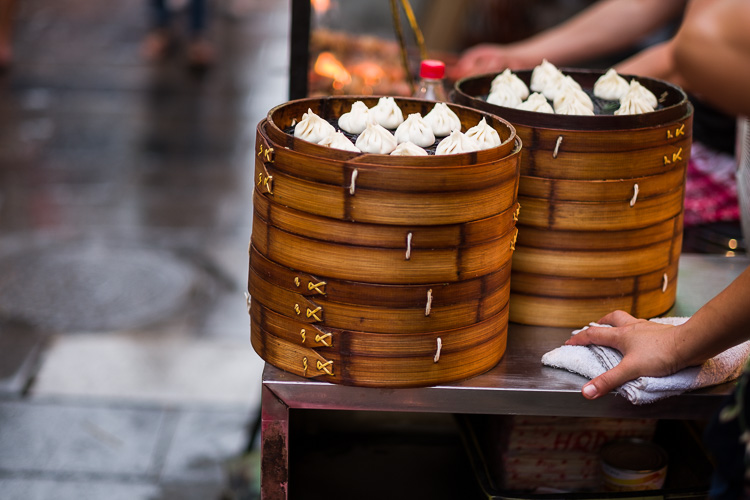
Look carefully at this image and you’ll see that the ground is glistening after a rain shower. Together with the out of focus orange lights in the background, this helps to add mood to the photo.

Mood and light

The green fluorescent lights in this image create a different type of mood. The fluorescent light is ugly, rather than beautiful.

Using color contrasts for more drama

One of the key aspects of light at the end of the day is that it often utilizes the contrast between orange and blue. It is something you see a lot in the landscape, with the orange light from the setting sun contrasting with the blue of the sea. Or you may have a photo taken during the blue hour, with a corresponding contrast created by an artificial light source. Sadly, the practise of using fluorescent or white LED lighting is making this less common, but it is something to look out for.

Mood and light

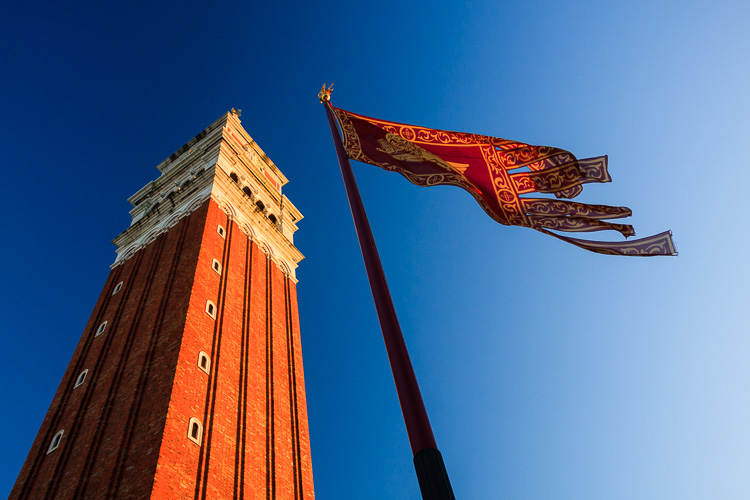
This photo, taken during the golden hour, shows the contrast between the orange light casty by the setting sun on the tower and flag, and the blue sky.

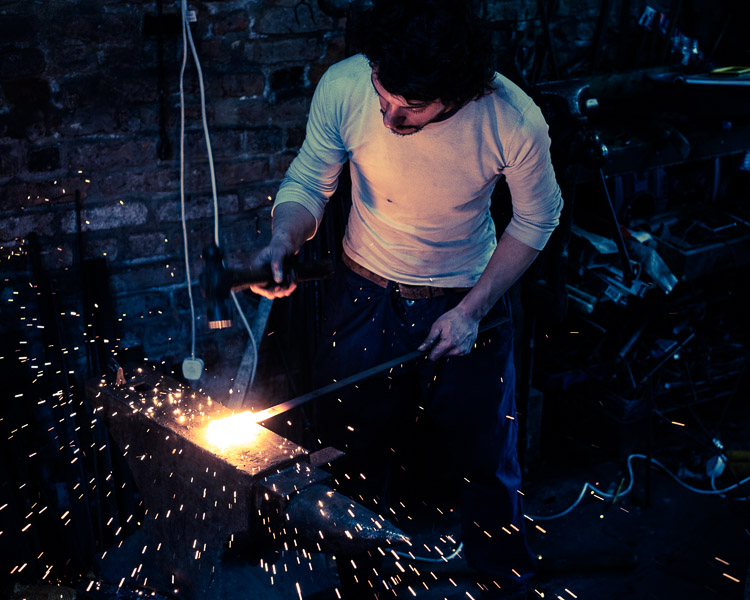
I recently came across an example of this color contrast in a blacksmith’s forge in Lincolnshire, UK. The forge is a historical building, and the people who work there use techniques that were used in the forge over a hundred years ago. The interior has changed little in that time – one of the blacksmiths told me that they are visited by people who remember the forge from childhood over 50 years ago, and say it still looks exactly as they remember it.

There were two types of moody lighting in the forge. One was daylight coming through the small windows, the other was orange light coming from the fire in the forge, and sparks cast by the blacksmith as he worked. I chose to emphasize these even more in post-processing, by using a split tone to give the background a cold blue color.

Mood and light

What examples of moody lighting can you think of? Please let me know in the comments.


Mastering Photography

If you’d like to learn more about creating beautiful photos with light then please take a look at my ebook Mastering Photography: A Beginner’s Guide to Using Digital Cameras.

googletag.cmd.push(function() {
tablet_slots.push( googletag.defineSlot( “/1005424/_dPSv4_tab-all-article-bottom_(300×250)”, [300, 250], “pb-ad-78623” ).addService( googletag.pubads() ) ); } );

googletag.cmd.push(function() {
mobile_slots.push( googletag.defineSlot( “/1005424/_dPSv4_mob-all-article-bottom_(300×250)”, [300, 250], “pb-ad-78158” ).addService( googletag.pubads() ) ); } );

The post How to Use Light to Create Moody Images by Andrew S. Gibson appeared first on Digital Photography School.


Digital Photography School

 
Comments Off on How to Use Light to Create Moody Images

Posted in Photography


Step by Step How to Make a Moody Desaturated Image in Lightroom

12 Jun

Often times we occupy our processing time with thoughts of what can be added to our images in order to make them more impactful; more sharpness, contrast, or color. But, this may not always the best route to take. The old expression “Less is more” can be applied to many aspects of photography, and it is especially true when it comes to dealing with colors.
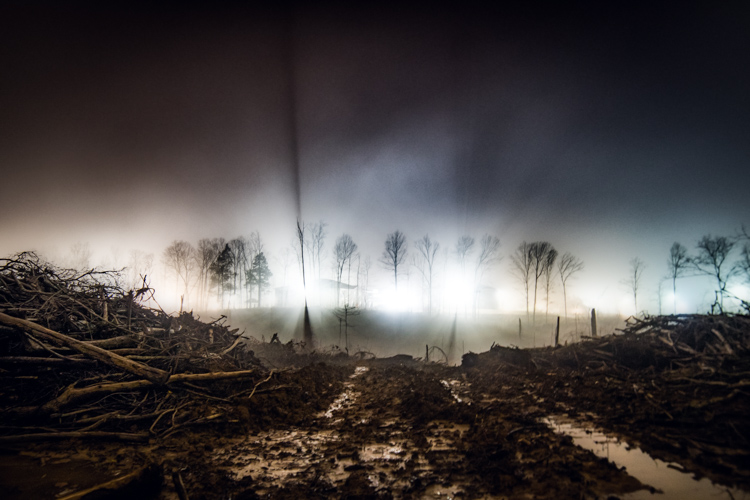
Example 1

Desaturated images are becoming more and more popular, especially with nature, landscape, and street photographers. As counterintuitive as it might seem, removing some color saturation can be more effective than adding it in some situations. That being said, there is more to making a strong desaturated photograph than simply working with the saturation and vibrance sliders in Lightroom or ACR.

In this article I will walk you through all the steps needed to process a moody, desaturated image in Lightroom. It’s extremely easy, and will help you add a unique look to your images. But first, a little bit of knowledge that you need to understand before we get started processing our photos.

What is Saturation?

It might seem to be one of those “It goes without saying” type of situations, but have you ever really thought about what saturation means, or how it can impact your images? As it relates to photography, saturation is the overall intensity of a color. Technically, saturation can be viewed as how far a color differs from pure white in the color spectrum.

For our purposes, saturation is the depth of colors present within a photograph. How intense the colors are in an image can be controlled globally (affecting the entire photo) in multiple ways such as: the saturation slider, HSL panel, and tone curve. Also, saturation can be controlled selectively, to only certain areas of the image, by using the filter and brush tools. In the end, saturation adjustments apply themselves to all colors no matter their luminance.
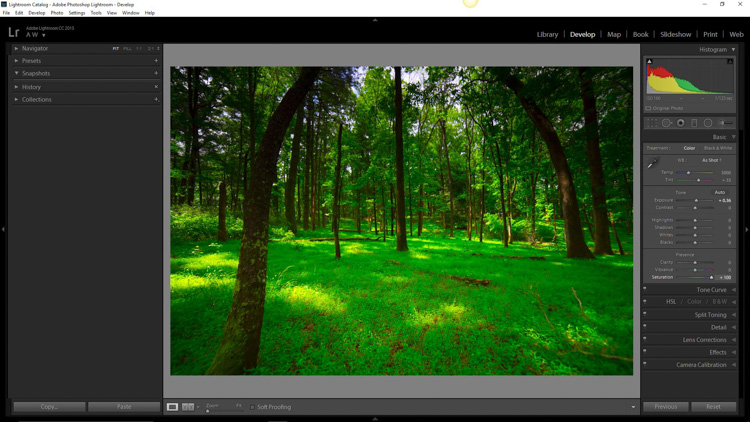
Full saturation applied

Full +100 saturation applied – notice the histogram here.

What is Vibrance?

Vibrance is a somewhat more interesting concept. This is a term Adobe has used to label something that is very similar to saturation. The difference between saturation and vibrance isn’t always black and white (color humor), but there is a distinction.

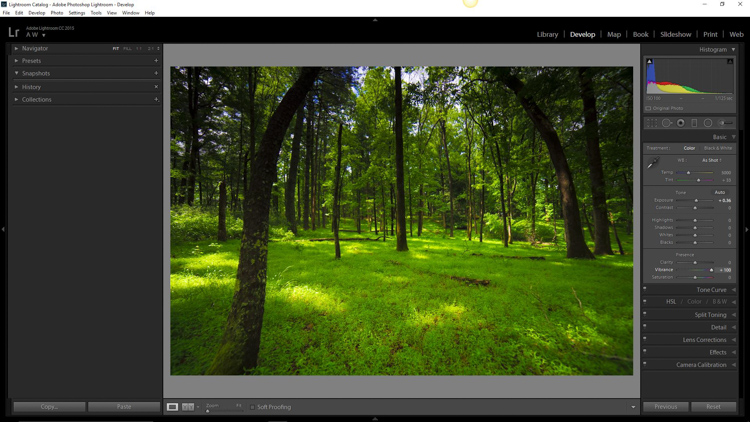
The saturation slider controls the intensity of all color tones throughout the image, regardless of their luminance. This means any colors whose brightness falls into the highlights, mid-tones, and shadows are all affected. Vibrance is different, in that it only affects the saturation of colors whose luminance falls into the mid-tone range. It has been referred to as smart saturation, and I tend to agree. Vibrance is very useful for enhancing, or in our case desaturation of the colors within a photo, without being as harsh as the saturation slider.
+100 Vibrance applied - notice the difference between this histogram and the saturation one.

+100 Vibrance applied – notice the difference between this histogram and the saturation one.

When Does Desaturation Work Best?

Bright colors lend themselves to photos when the intent is to bring an upbeat or more cheerful feel to the image. Not to say that all less saturated images have to be melancholy or less cheerful, most times it is quite the opposite. The purpose of desaturated, or muted tones, is not to dampen the spirit of a photo, but rather to enhance the mood. Still, more often than not, photographs that benefit the most from desaturation are those which carry an underlying sense of brooding. Images that work well with desaturation include but are definitely not limited to:

  • Moody portraiture
  • Earthy outdoor photographs
  • Urban landscapes and cityscapes
  • Emphasizing dank weather conditions such as rain, mist, or fog

Now that you’ve been patient and endured the why, we will move onto the how.

How to Desaturate Images Effectively

More often than not, the actual desaturation process is accomplished with the vibrance slider more so than the saturation slider itself. They key is the desaturate the image without making it appear flat and completely colorless. There should almost always points of color which are emphasized. As with most aspects of photography less can actually be more. Don’t take away too much color and be sure to work with the colors that enhance the photo. It should be about harmony.
We begin with a RAW file straight from the camera.
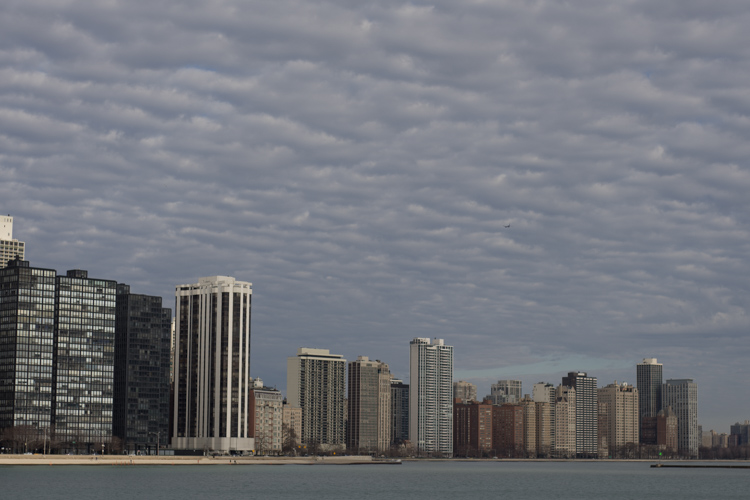
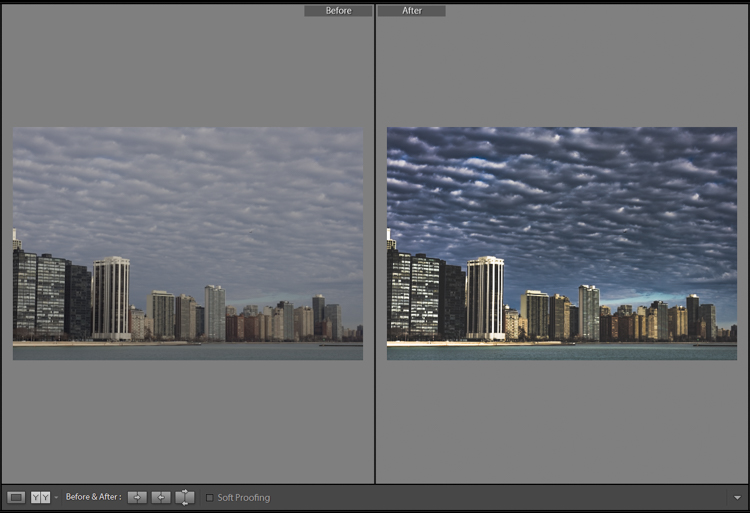
RAW Chicago

Here we have the same image after being straightened, and some adjustments in the basic panel of Adobe Lightroom applied. I also used the neutral density filter tool to equalize the exposure of the sky, buildings, and water. Then +45 dehaze was added.
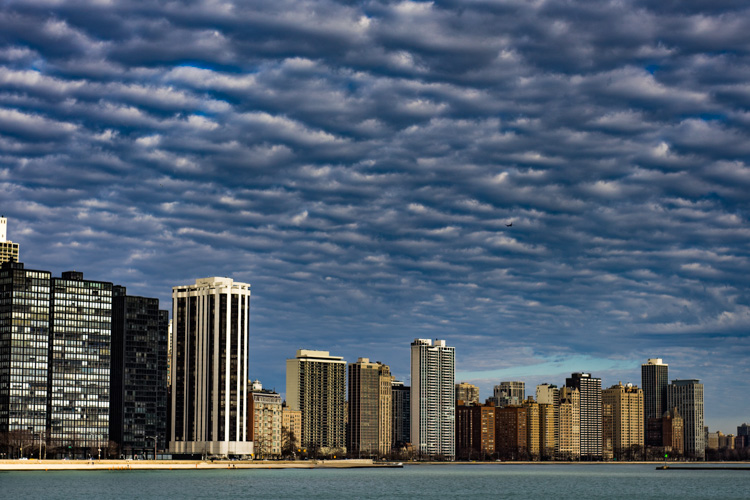
Chicago Basic

Now that we’ve finished with our basic adjustments, the desaturation process can begin. I find it usually works best to save the saturation adjustments for toward the end of the editing process. Please keep in mind that there are an infinite number of directions you can take your saturation effects, so have some fun with this part.

Find the Presence section of the basic Panel in the develop module of Lightroom.
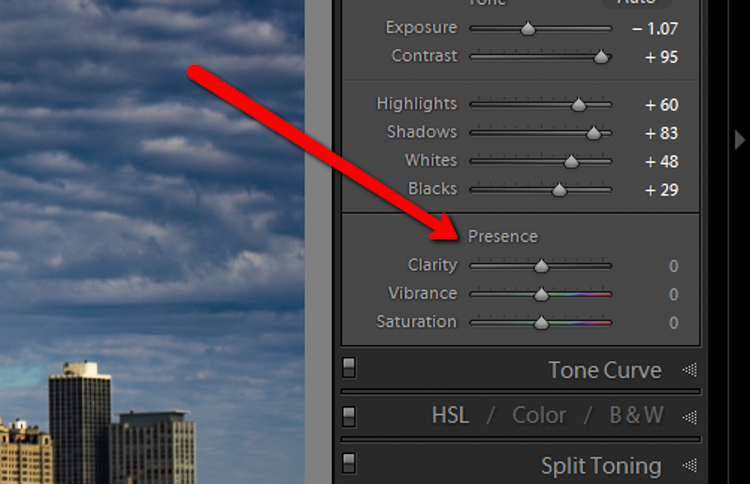
Presence

For this image I took the saturation to -40.
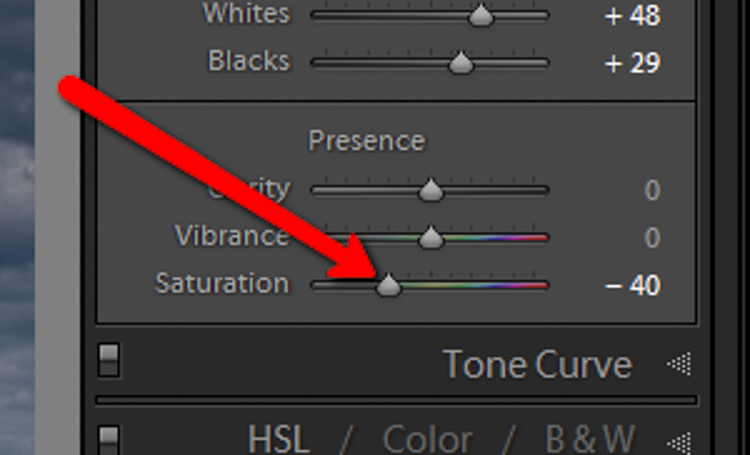
Desat Slider

This brings the entire photo into a considerably desaturated state.
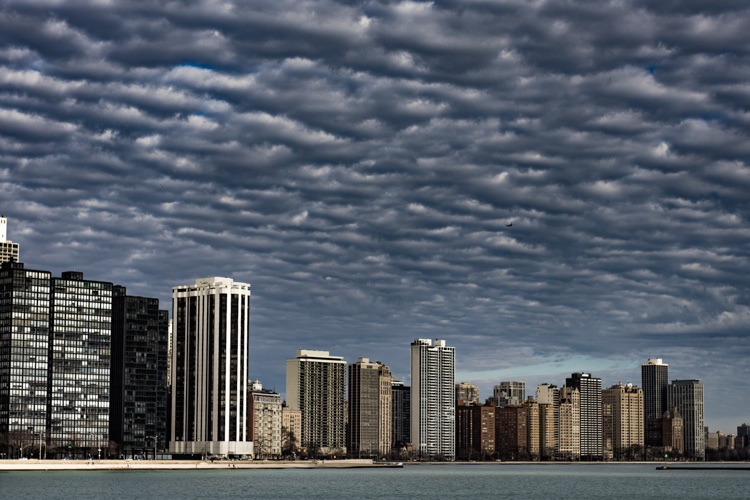
Desaturation Chicago

By itself the desaturation leaves the image a little flat. To counteract this, let’s increase the vibrance to +25.
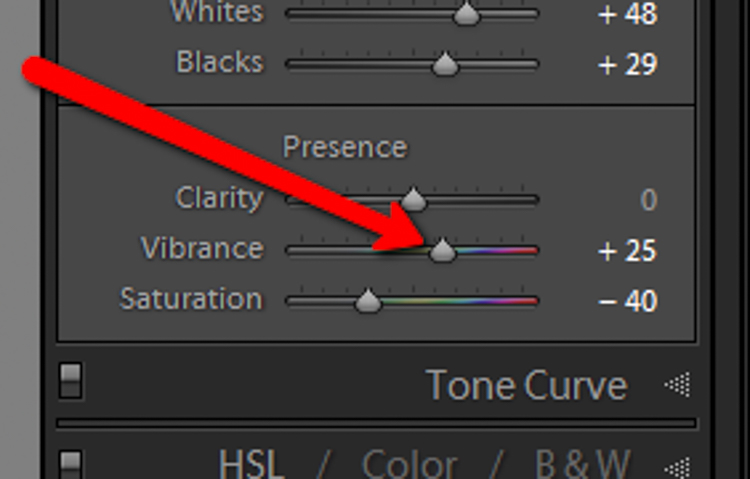
Vib Slider

Remember that vibrance affects the colors in the mid-tones only. In this case, the blue, orange, and yellow tones are amplified. This makes them stand out more within the image, adding a little more pop.
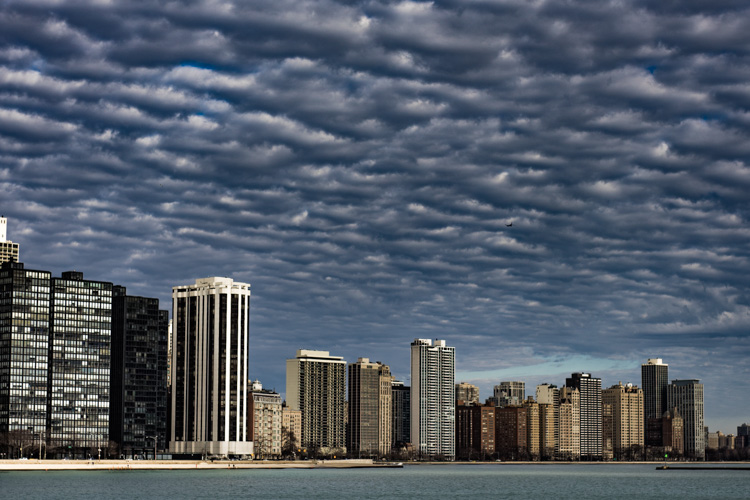
Increased Vib Chicago

Now, this is where things get interesting. Instead of settling for an image that is merely desaturated, we will now take full control with some advanced options, in order to make the photo stand out.

To do this, we turn to the curves panel. The tone curve is simply a graphic representation of the luminance present within the image. If you’ve ever seen a vintage style photo, most likely some edits have been applied using this technique. What we want to do is to slightly fade the image, in order to add a washed out feel to the scene. Mainly the blacks will be lightened and the highlights enhanced. This forms somewhat of an S-curve and looks something like the following image:
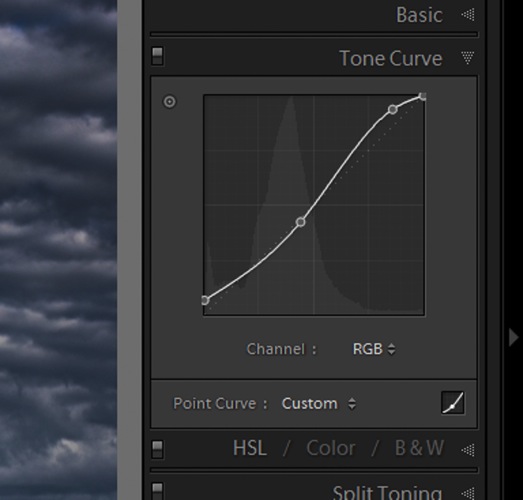
Tone Curve

Which leaves us with a subtly faded effect.
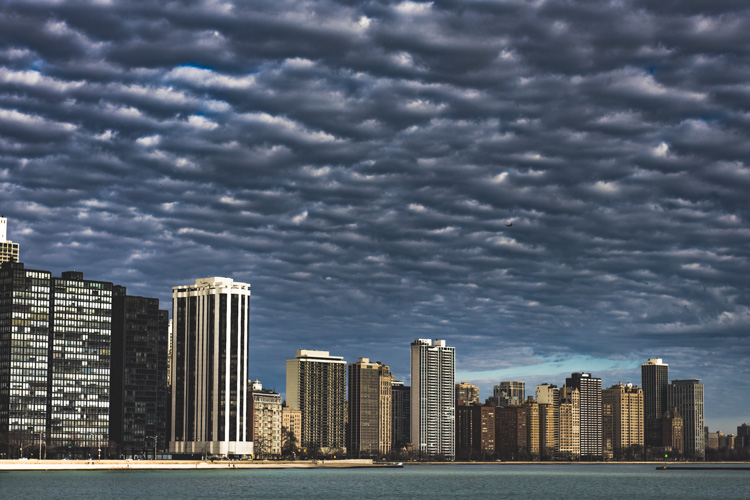
Tone Curve Update

The buildings and the water still look a little drab, so to add a little color intensity we will once more turn to our old friend, the graduated filter tool. This will allow a little more color to be added where it is needed, without affecting the entire image.
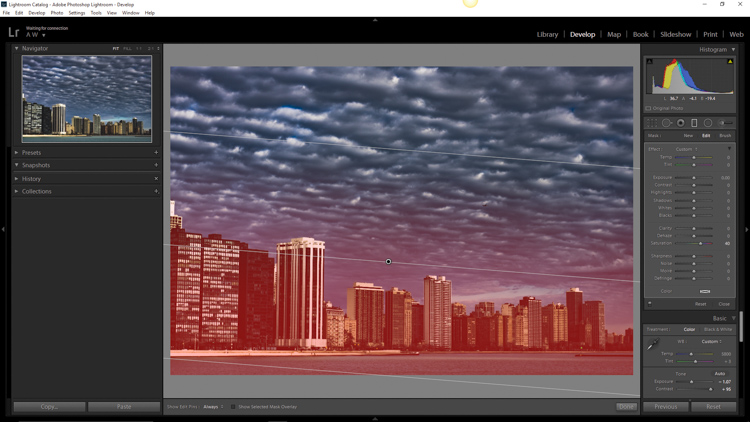
Grad Filter Sat

Which leaves us with a photograph much different than the one we began with just a few minutes earlier.
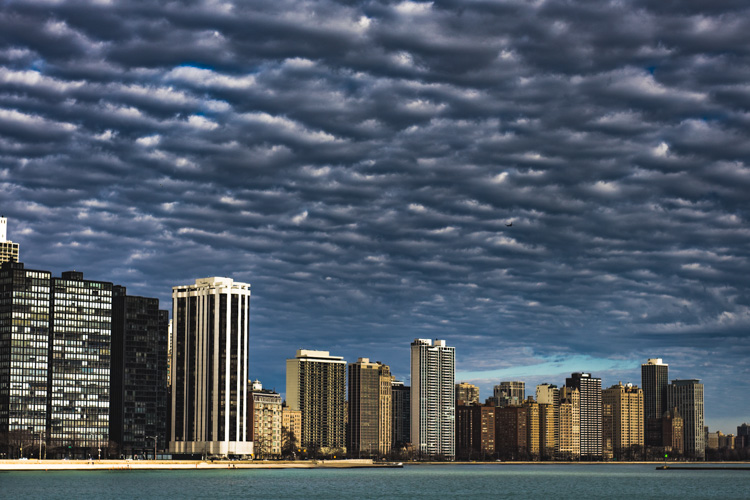
Final Desat Chicago

The difference is quite apparent when compared to the original RAW file.
Before_and_After_Desat_Update

Desaturating a photograph goes much further than merely taking away color. Sure, you can move those sliders to the left and continue on your merry way, but why not go further to the next level, and really make them unique? Remember these key points:

  • Begin with a RAW file in order to give you the most dynamic range possible.
  • Complete all basic adjustments such as exposure, contrast, and clarity first.
  • Don’t go too far with your desaturation.
  • Make use of the tone curve panel to add additional ambiance.
  • Fine-tune your finished product using local adjustments such as graduated filter tool or the adjustment brush.

The important thing to remember is to never underestimate the possibilities for your images. Take the time to experiment with different effects until you discover what you like best. It may be something entirely different that what your expected.

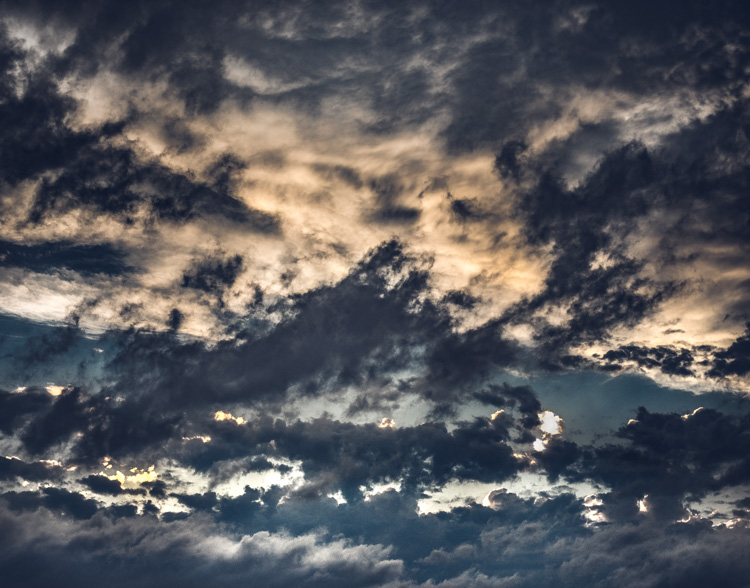
Here are a few more examples of images processed with a desaturated look:
Desat 1

Desat 2

Desat 3

Desat 4

Desat 5

Have you got some photos that you purposely desaturated? Be sure to share them with us in the comments below.


Editor’s Note: Adam also has a Lightroom Preset pack called Desaturated Cinematic that will give you this sort of look. Inspired by motion pictures and tv series, this pack of 25 lightroom presets will achieve great-looking desaturated effects. Perfect to give your images a simulated cinematic look. You can get more info on that by clicking the link.

googletag.cmd.push(function() {
tablet_slots.push( googletag.defineSlot( “/1005424/_dPSv4_tab-all-article-bottom_(300×250)”, [300, 250], “pb-ad-78623” ).addService( googletag.pubads() ) ); } );

googletag.cmd.push(function() {
mobile_slots.push( googletag.defineSlot( “/1005424/_dPSv4_mob-all-article-bottom_(300×250)”, [300, 250], “pb-ad-78158” ).addService( googletag.pubads() ) ); } );

The post Step by Step How to Make a Moody Desaturated Image in Lightroom by Adam Welch appeared first on Digital Photography School.


Digital Photography School

 
Comments Off on Step by Step How to Make a Moody Desaturated Image in Lightroom

Posted in Photography


Fairytale Photography: 50 Images With a Moody Narrative Style
01 Jul

[ By Steph in Art & Photography & Video. ]

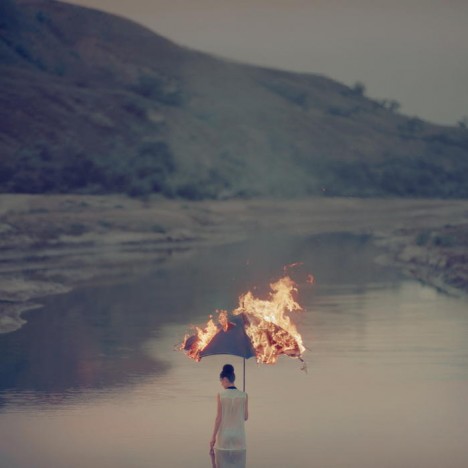
photography oleg oprisco 5

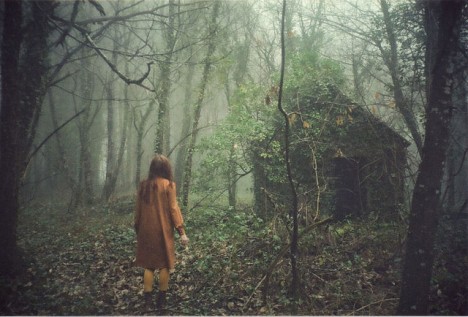
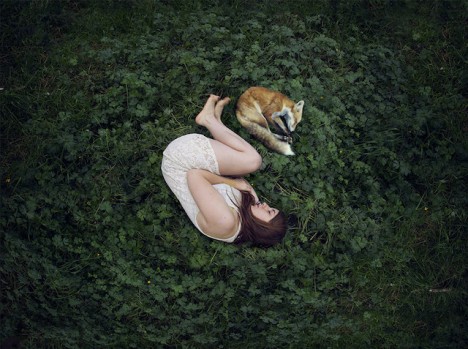
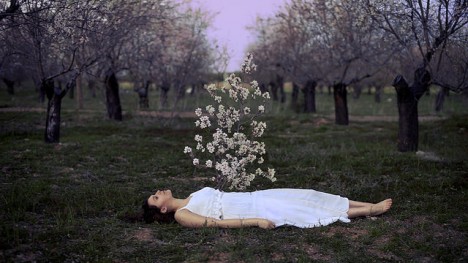
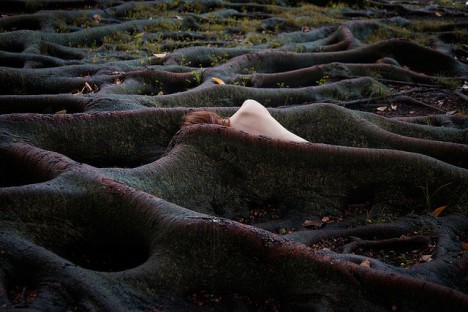
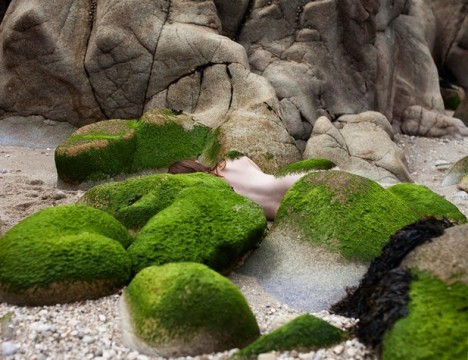
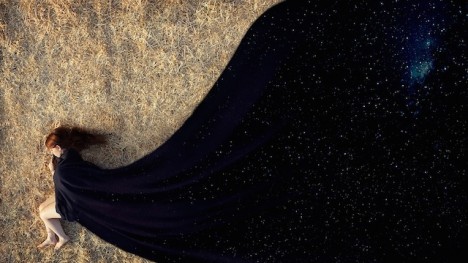
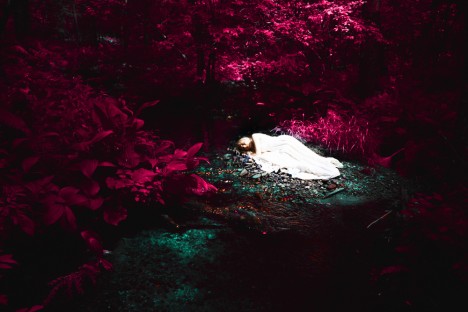
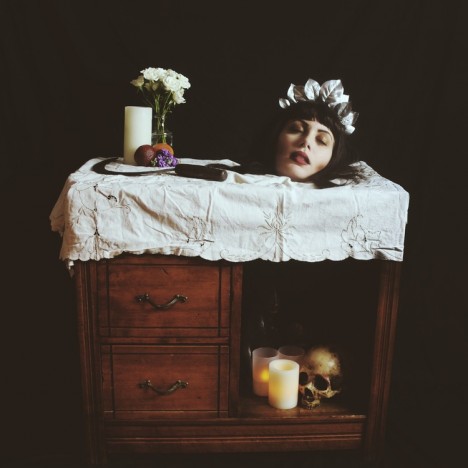
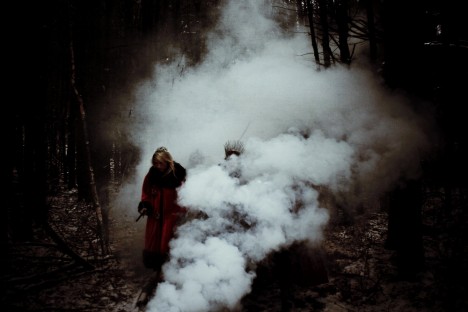
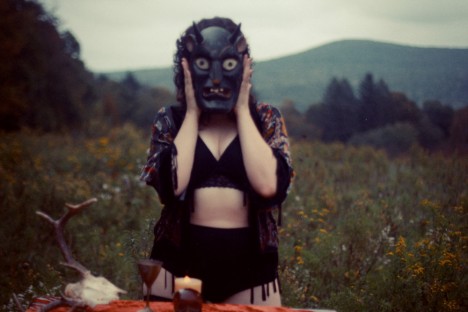
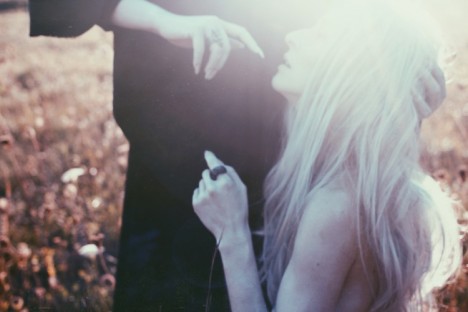
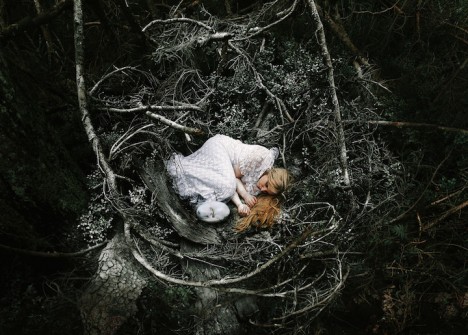
Each of these moody, dreamlike images feels like a moment from some larger story that remains a mystery to the viewer, forcing us to become active participants in the work by filling in the blanks. Whether working with props in a studio, using only analog film photography techniques or capturing incredible images with little more than an iPhone, these photographers lure us into an alternate reality with narrative images that leave us wanting more.

Aela Labbe

photography aela labbe 1

photography aela labbe 2

photography aela labbe 3

photography aela labbe 4

Photography Aela Labbe 5

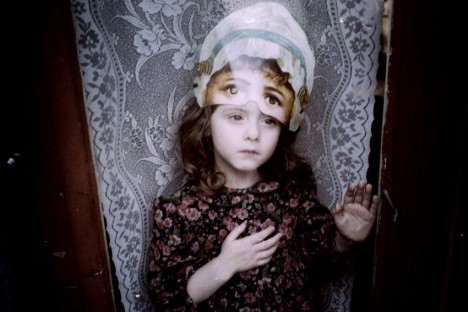
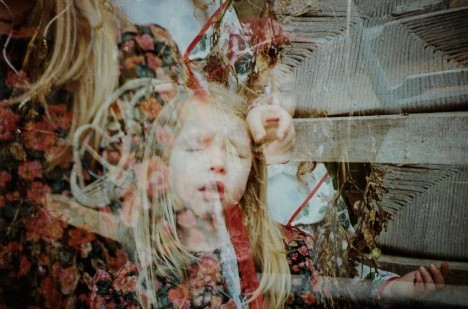
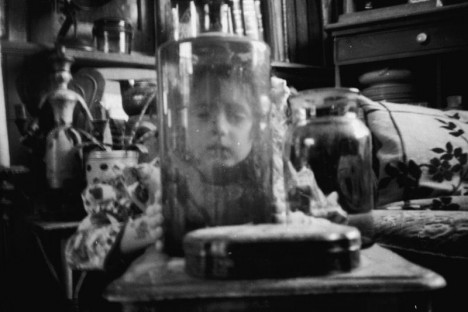
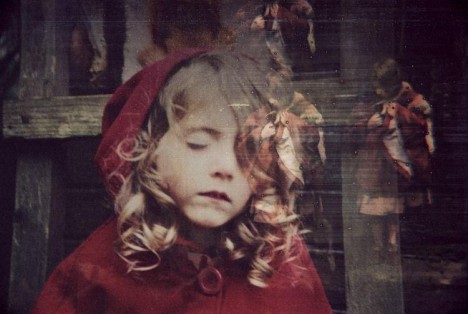
Of all the gorgeous images French dancer and photographer Aela Labbe has created, perhaps the most striking are her portraits of children. “My family is another key that unlocks the world I have created through photography; my nephews, in particular, are the main protagonists of my photographs. It was thanks to them that childhood has become a recurrent and determinant theme in my work. It is based on a different vision that aims to show a darker side, and mystery, through unconventional representations of the early time of life,” she tells Feature Shoot.

Elena del Palacio

photography elena del palacio 1

Photography Elena del Palacio 3

Photography Elena del Palacio 5

elena del palacio 5

elena del palacio 4

Madrid-based photographer Elena del Palacio explores the relationship between women and nature in a series of photographs placing her subjects in vulnerable places and positions.

Courtney Brooke

photography courtney brooke 1

photography courtney brooke 3

photography courtney brooke 4

The specific magic that can only be found in the foggy hills and forests of New England is frozen in time within each striking image created by Western Massachusetts photographer Courtney Brooke, who is often armed with no more than an iPhone and an exceptionally keen eye for composition and mood. “I pull inspiration from photos taken in earlier dates and the rich history of my environment. I strive to create a visual moment that urges the viewer to question spirituality, the human experience and ones own connection to the universe.”

Katharina Jung

photography katharina jung

photography katharina jung 2

photography katharina jung 3

photography katharina jung 4

photography katharina jung 5

At just twenty years old, German photographer Katharina Jung infuses her portraits with a heady sense of mystery and emotion. “I would describe my style as a mix of daydreams and fairytales,” she says. “The fascinate thing in photography is the way I can deal with my feelings and the way I can convert my daydreams into images. Photography allows me to create the world I would love to live in.”

Next Page – Click Below to Read More:
Fairytale Photography 50 Images With A Moody Narrative Style

Share on Facebook


[ By Steph in Art & Photography & Video. ]

[ WebUrbanist | Archives | Galleries | Privacy | TOS ]


WebUrbanist

 
Comments Off on Fairytale Photography: 50 Images With a Moody Narrative Style

Posted in Creativity