RSS
 

Posts Tagged ‘Images’

A Collection of Breathtaking Images of Beaches

11 Jul

Seeing as how I’m writing this while I sit with a view of the Pacific Ocean on the Oregon coast, I thought I’d round up some great images of beaches, the sea and the ocean for you this week.

Some of them incorporate some great long exposure techniques, and many are shot at the magical time of day the Golden Hour.

If you live near the sea you always have a great subject right nearby. If not, find a local pond, lake, stream or other smaller body of water and make your own magic.

Enjoy!

Photograph Shelley Beach by Ashley Poyyayil on 500px

Shelley Beach by Ashley Poyyayil on 500px

Photograph The Return by Jonathan Danker on 500px

The Return by Jonathan Danker on 500px

Photograph Winter Sunset Haystack Rock by Chip Phillips on 500px

Winter Sunset Haystack Rock by Chip Phillips on 500px

Photograph s t o r m 3 by Aaron Pryor on 500px

s t o r m 3 by Aaron Pryor on 500px

Photograph Aurora Shore by Max Ramuschi on 500px

Aurora Shore by Max Ramuschi on 500px

Photograph Moeraki Boulders by Yan Zhang on 500px

Moeraki Boulders by Yan Zhang on 500px

Photograph Southern Oregon Coast Sea Arch by Chip Phillips on 500px

Southern Oregon Coast Sea Arch by Chip Phillips on 500px

Photograph The Reward by Dylan Fox on 500px

The Reward by Dylan Fox on 500px

Photograph Rocky path to dawn.. by Zelda T on 500px

Rocky path to dawn.. by Zelda T on 500px

Photograph Thunder of Zeus by Alban Henderyckx on 500px

Thunder of Zeus by Alban Henderyckx on 500px

Photograph Peak hour train ride by Pat Charles on 500px

Peak hour train ride by Pat Charles on 500px

Photograph Silent Morning by Hendri Suhandi on 500px

Silent Morning by Hendri Suhandi on 500px

Photograph Colossus by José Ramos on 500px

Colossus by José Ramos on 500px

Photograph Beach Bum by Rick Lundh on 500px

Beach Bum by Rick Lundh on 500px

Photograph Charleston Boneyard Beach Sunrise Reflection Lowcountry South Carolina by Mark VanDyke on 500px

Charleston Boneyard Beach Sunrise Reflection Lowcountry South Carolina by Mark VanDyke on 500px

Photograph Overflow by Yury Prokopenko on 500px

Overflow by Yury Prokopenko on 500px

Photograph Fury by Oscar Martinez Diego on 500px

Fury by Oscar Martinez Diego on 500px

Photograph Beat of the Ocean by Hugh-Daniel Grobler on 500px

Beat of the Ocean by Hugh-Daniel Grobler on 500px

Photograph New Beginning by Bobby Bong on 500px

New Beginning by Bobby Bong on 500px

Photograph Sunrise:Twirl by Bipphy Kath on 500px

Sunrise:Twirl by Bipphy Kath on 500px

Photograph Blue Hour Paard van Marken by Iván Maigua on 500px

Blue Hour Paard van Marken by Iván Maigua on 500px

Photograph Sunset at Portland Head Light by Noppawat Charoensinphon on 500px

Sunset at Portland Head Light by Noppawat Charoensinphon on 500px

Photograph Noctis by Lincoln Harrison on 500px

Noctis by Lincoln Harrison on 500px

Photograph Oltremare by Francesco Gola on 500px

Oltremare by Francesco Gola on 500px

Photograph Beach Morning by Mobeen Mazhar on 500px

Beach Morning by Mobeen Mazhar on 500px

Photograph Fishing boat beached by Anek S on 500px

Fishing boat beached by Anek S on 500px

Photograph STUCK IN THE MOMENT by ManButur Photography  on 500px

STUCK IN THE MOMENT by ManButur Photography on 500px

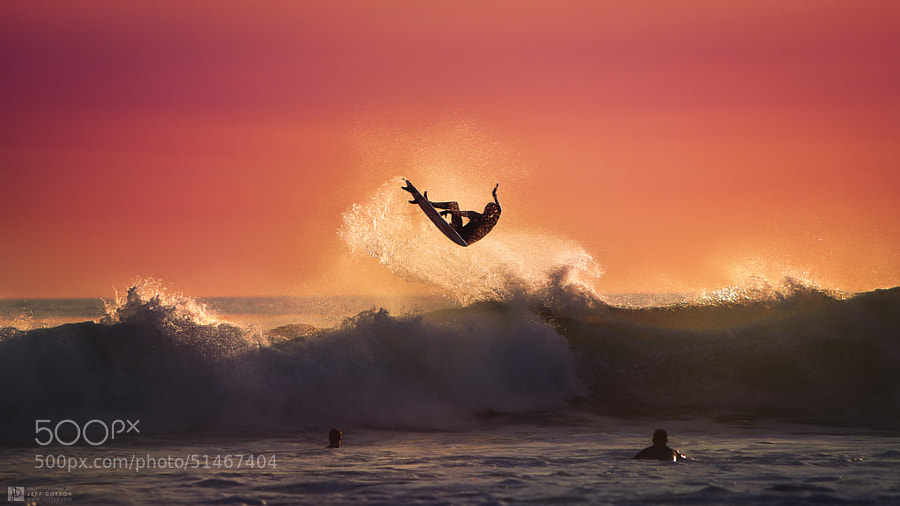
Photograph Aerial by Jeff Dotson on 500px

Aerial by Jeff Dotson on 500px

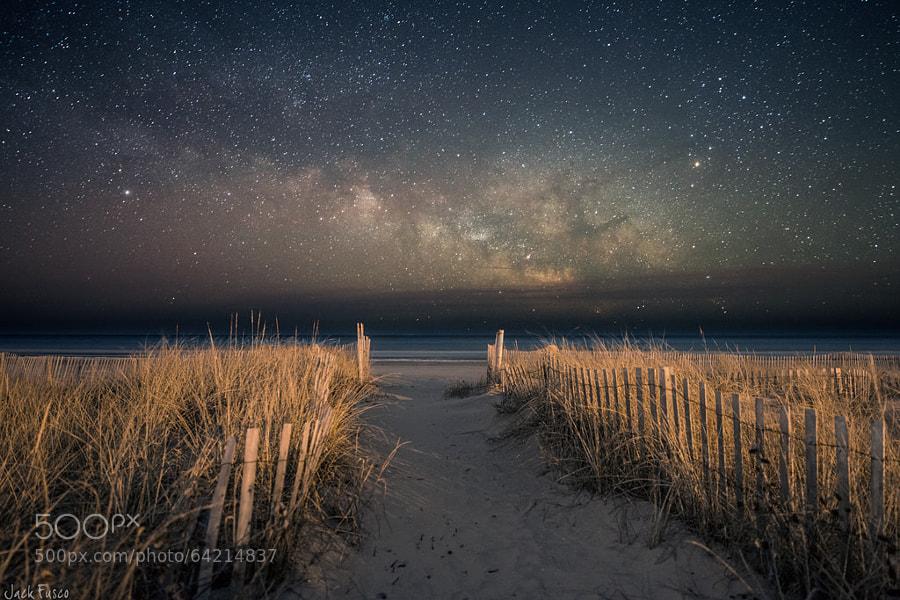
Photograph Dreamers by Jack Fusco on 500px

Dreamers by Jack Fusco on 500px

Photograph White & Welsh by Mark Broughton on 500px

White & Welsh by Mark Broughton on 500px

Photograph Heading Out by Jason  Crowell Photographics on 500px

Heading Out by Jason Crowell Photographics on 500px

Photograph After Hours by Carlos Resende on 500px

After Hours by Carlos Resende on 500px

The post A Collection of Breathtaking Images of Beaches by Darlene Hildebrandt appeared first on Digital Photography School.


Digital Photography School

 
Comments Off on A Collection of Breathtaking Images of Beaches

Posted in Photography


UPDATED: Sony’s curved sensors may allow for simpler lenses and better images

08 Jul

UPDATE: Sony has released an image taken with its curved sensor, and provided more details on what we might expect from its curved sensor technology. We’ve updated our previous story with this image and details. Read more

related news: Digital Photography Review (dpreview.com)

 
Comments Off on UPDATED: Sony’s curved sensors may allow for simpler lenses and better images

Posted in Uncategorized


5 Photoshop Tools to Take Your Images from Good to Great

03 Jul
Seascape image - Before and After image editing

Seascape image – Before and After image editing

We hear it all the time, “That photo has been Photoshopped”. Sometimes it sounds like the photo has caught a disease or that Photoshop is some undesirable effect that has been added to the image. Photoshop is the KEY to making your good images look spectacular. Yes, I said “good” images. Photoshop is not about fixing mistakes or trying to rescue a bad shot. It is more about refining your images and making them look amazing without overdoing it. Photoshop is a fantastic tool when it is used effectively but can be your enemy when you overdo it. Depending on what you want to achieve with your photos, this quick guide to five Photoshop tools will help you adjust your exposure effectively and make the colour really pop out of your image.

NOTE: the examples in this article simply show you how to make the adjustments on a separate layer. You could also use an adjustment layer which gives you much more control over the adjustment. The only tool that can’t be used with an adjustment layer is Shadow and Highlights. I will go into more details about adjustment layers in upcoming articles, for now, if you follow these guidelines, your images will look compelling and rich without looking overdone.

1. Shadow and Highlights Tool

This tool will be used to get more detail in the shadow areas of your image. Modern cameras can capture lots of detail, but depending on the light in the scene you are shooting, the shadows may be a little dark. The Shadow and Highlights tool will bring back some of the details in those areas.

Open your image in Photoshop and go to:  IMAGE > ADJUSTMENTS > SHADOW AND HIGHLIGHTS.

Finding the Shadow and Highlights tool

Finding the Shadow and Highlights tool

The tool will pop up and you will see this (as shown below), if you don’t see all these sliders, click “more options” to expand the box. You will use this tool to bring detail back into the shadows and you won’t be making any adjustments to the highlights. I find that the highlights part of this tool does not do a really good job, so I don’t use it at all.

Making adjustments to the Shadows in the image

Making adjustments to the Shadows in the image

The best way to work with the tool is to slide the Amount slider under the Shadows box to about one third across (33%). Then slide the Tonal Width slider to directly under the Amount slider. Lastly  bring the radius slider to directly under it. In most cases, you will want to have these sliders directly under each other (see screenshot below right).

shadows-highlightsThe important thing to remember here is to make the adjustments and take careful note of your image has been affected. Click on the preview button on the right hand side of the tool (you can do this with all the tools in this article) to see the “before and after”. You will be able to see at a glance how your changes are working. If you need to extract more detail from the shadows then slide the Amount slider to the right even more but make sure you line the other two sliders underneath it.

The amount that you decide to adjust the shadows is up to you. Be careful not to overdo it. Once you start seeing a “glow” around certain parts of your image, you may have gone too far. This glow is often referred to as a halo which can be avoided by watching carefully how your adjustments are affecting your image. If you see them appearing, simply drag the sliders back to the left until they disappear. Once you are happy, click OK.

2. Levels Tool

With your image open and the shadows adjusted, you will now adjust the overall exposure in the scene. If your image is a little over or under exposed, the levels tool can fix that. Go to: IMAGE > ADJUSTMENTS > LEVELS on the menu bar (or using the keyboard shortcut Command/Control+L). You will see the LEVELS dialogue box pop up and it will have a graph in it. This graph is called a histogram.

histogram

A histogram is simply a graphical representation of the pixels in the scene. If the graph is pushed over to the left side it means that your image has more darker tones in it, if the graph is over on the right side it means that your image has more brighter tones. There is no right or wrong histogram, it is simply a representation of the light in your scene. There are some great articles about histograms on the dPS site, so if you want to learn more about them, click on one of the links above.

Using the Levels tool to enhance the exposure and boost contrast

Using the Levels tool to enhance the exposure and boost contrast

The important thing to remember when working with levels is to make sure you don’t adjust your image so much that it causes the image to become under or over exposed. Thankfully, Photoshop gave us a way to see if that is happening, which I will explain shortly. Firstly, you will notice there are three sliders on the bottom of the histogram. The slider on the right is white (adjusts highlights) the slider in the middle is grey (adjusts mid tones) and the slider on the left is black (adjusts shadows). The levels tools will help adjust contrast and colour in your image. You can start the process by clicking and dragging the white slider in (move it to the left) to touch the edge of the histogram. Do the same for the black slider (drag it to the right). Your image will already look better.

Using the ALT key to see where the highlights are being overexposed

Using the ALT key to see where the highlights are being overexposed

Then you can move the middle slider to the right or the left to see which works better. Small changes always work best, so don’t make extreme changes on each slider. If you want to see how your adjustments are affecting your image, hold down the ALT key (PC) or OPTION key (Mac) while you click on the white or black slider. When you click ALT and hold down the white slider, the image will go black. As you slide to the left, you will see some red areas in your image (see above). When you see this, Photoshop is showing you which parts of the image will be overexposed, or clipped. The opposite is true for the the black slider. If you hold down ALT and click on the black slider, the screen will go white and as you slide to the right, the areas that come up on the screen will be underexposed, or clipped. It is a good idea to use this function if you are not sure if you have overdone your adjustments in Levels.

3. Colour Balance

This is a good tool to use to change the overall colour in the image. If your image is too blue and want you want it to be warmer, then you can do that by pulling up the red tones. Also, if your image has an undesirable colour cast, maybe the overall colour of the scene seems too green, then you can correct that by using this tool. The colour balance tool is found in the top menu bar under IMAGE > ADJUSTMENTS > COLOUR BALANCE (or using the keyboard shortcut Command/Control+B).

color-balance

Once the dialogue box is open, you will see three sliders (as above). The sliders represent the visual colours in the image, and are set in the middle by default. By moving them to the left or the right you will be able to change the colour in the image. The top slider affects Cyan/Red, the middle slider works on Magenta/Green and the bottom slider is Yellow/Blue. The colour will change according to which slider you choose and how far left or right you move it.

Note: you can also choose which area of your image to affect as in the Shadows, Midtones or Highlights but selecting the appropriate button in the Tone Balance section below the sliders.

You will want make small adjustments here too. A big adjustment can make your image look over saturated with a particular colour and that will look unnatural. The idea is to enhance your image by boosting certain colours in the scene. So, if you have a sunset image (as below) you may want to boost the reds, yellows and magentas. That will make your image look warm and will give the scene some colour boost.

Using Colour Balance to boost the colours in the image

Using Colour Balance to boost the colours in the image

4. Hue and Saturation

One of the most powerful colour tools in Photoshop is the Hue and Saturation tool. To open it go to: IMAGE > ADJUSTMENTS > HUE/SATURATION (or using the keyboard shortcut Command/Control+U). This tool can be used very effectively to adjust all the colours in your image. When you open the tool, you will notice that there are three sliders again, namely Hue, Saturation and Lightness.

hue-saturation

Hue means colour, this is not used very often as it will reassign the colours in your image, what you want to use this tool for is saturation. Saturation controls the richness or intensity of the colours in your image. Above the three sliders you will see a drop down box called Master. If you click on this, you can choose the colours that you want to saturate. This gives you very fine control over each colour in your image. You can select each colour individually and adjust it according to your preference. You may want to saturate the reds and yellows more than the blues, as an example, this tool allows you to do that. It is good to know that you are not adding colour to your image, you are saturating the colours that are there. Again, incremental adjustments are key. Don’t overdo it, small adjustments throughout this process will make your image look more natural and more dramatic

Getting the most out of the Hue and Saturation tool by saturating colours by channel

Getting the most out of the Hue and Saturation tool by saturating colours by channel

5. Vibrance

vibranceThe vibrance tool is found under IMAGE  > ADJUSTMENTS > VIBRANCE (no shortcut). It effectively saturates colours that are not completely saturated. This is a good finishing touch to your image editing to make sure your image gets a final boost. There is no real guideline as to how much you should adjust on this tool, but be aware of how it is affecting your image. Once this step is complete, your image should look remarkably different and if done correctly, the viewers won’t be saying those dreaded “Photoshopped” words.

The final step, boosting the vibrance to get that extra pop in the image

The final step, boosting the vibrance to get that extra pop in the image

In Conclusion

These five tools will help you make your good images spectacular. The important thing to remember in Photoshop is to make adjustments incrementally. As you can see from this process you slowly and incrementally make changes but the overall effect is dramatic without looking overdone. There are many other tools in Photoshop that can add even more enhancement to your images (I will be doing articles on those over the next few months) but start with these and get comfortable with how they work. To summarize, in Photoshop, slower is better and many small adjustments make a more dramatic impact on your image than a few large adjustments. Enjoy and experiment and as always, let me know what you think in the comments below.

The post 5 Photoshop Tools to Take Your Images from Good to Great by Barry J Brady appeared first on Digital Photography School.


Digital Photography School
 
Comments Off on 5 Photoshop Tools to Take Your Images from Good to Great

Posted in Photography


A Set of Awe Inspiring Majestic Mountain Images

29 Jun

Summer in the northern hemisphere usually means school’s out and families take vacations. A popular destination, at least where I live, is the mountains. Who doesn’t love driving through, or camping in the mountains.

Here’s a set of majestic mountain images and rolling hills to help light a fire under you for a possible road trip and photography journey.

Photograph Teton Tarn Sunrise by Chip Phillips on 500px

Teton Tarn Sunrise by Chip Phillips on 500px

Photograph Mingle by Ted Gore on 500px

Mingle by Ted Gore on 500px

Photograph Burning Peak by Osamh Alshaalan on 500px

Burning Peak by Osamh Alshaalan on 500px

Photograph The Cascade Flow by Greg Boratyn on 500px

The Cascade Flow by Greg Boratyn on 500px

Photograph Japanese Tranquility by Natasha Pnini on 500px

Japanese Tranquility by Natasha Pnini on 500px

Photograph You may say I'm a dreamer by Karen Plimmer on 500px

You may say I'm a dreamer by Karen Plimmer on 500px

Photograph [ … klifatindur ] by D-P  Photography on 500px

[ … klifatindur ] by D-P Photography on 500px

Photograph Mirror Mountain by Jonathan Besler on 500px

Mirror Mountain by Jonathan Besler on 500px

Photograph The Red Barrier by Max Rive on 500px

The Red Barrier by Max Rive on 500px

Photograph Fisherman Wanderer by Joel Santos on 500px

Fisherman Wanderer by Joel Santos on 500px

Photograph Morning valley by Pawe? Uchorczak on 500px

Morning valley by Pawe? Uchorczak on 500px

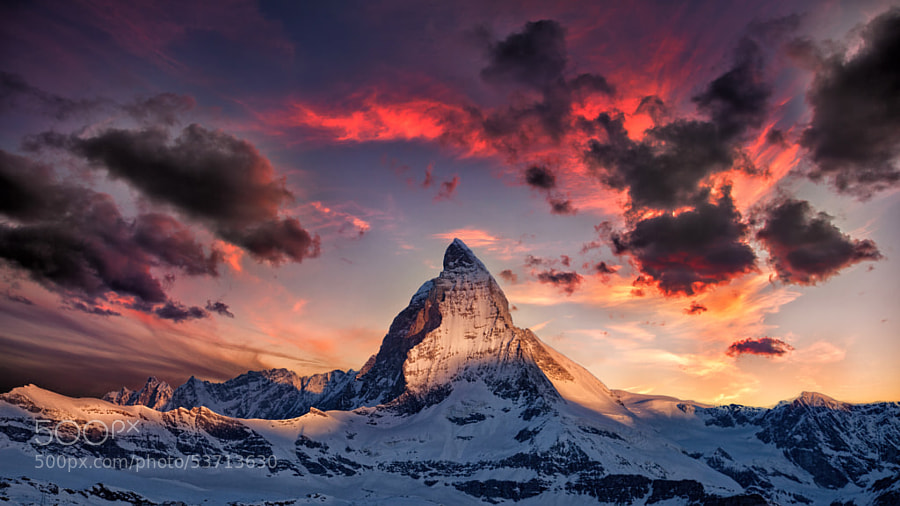
Photograph Amazing Matterhorn by Thomas Fliegner on 500px

Amazing Matterhorn by Thomas Fliegner on 500px

Photograph Autumn Dreams by Robin Halioua on 500px

Autumn Dreams by Robin Halioua on 500px

Photograph Celestial Assiniboine by Callum Snape on 500px

Celestial Assiniboine by Callum Snape on 500px

Photograph The Rise by Aaron Reed on 500px

The Rise by Aaron Reed on 500px

Photograph Still Life, Life Still by Ryan Dyar on 500px

Still Life, Life Still by Ryan Dyar on 500px

Photograph Growth by Matthew Hahnel on 500px

Growth by Matthew Hahnel on 500px

Photograph Yosemite: Bridge Across the Merced River by Larry Marshall Photography on 500px

Yosemite: Bridge Across the Merced River by Larry Marshall Photography on 500px

Photograph Moraine Lake Sunrise by Chip Phillips on 500px

Moraine Lake Sunrise by Chip Phillips on 500px

Photograph Podere Belvedere, San Quirico d'Orcia by Edwin Kremer on 500px

Podere Belvedere, San Quirico d'Orcia by Edwin Kremer on 500px

Photograph Morning idyll by Marcin Sobas on 500px

Morning idyll by Marcin Sobas on 500px

Photograph Beautiful time by Hidenobu Suzuki on 500px

Beautiful time by Hidenobu Suzuki on 500px

Photograph Sheep and Volcanoes by Florent Courty on 500px

Sheep and Volcanoes by Florent Courty on 500px

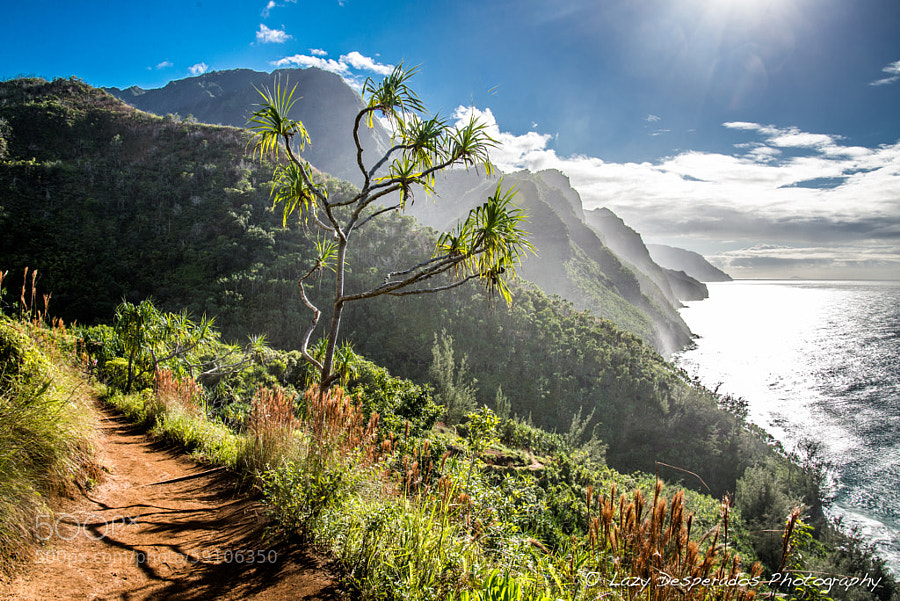
Photograph Coastline Journey by Lazy Desperados  on 500px

Coastline Journey by Lazy Desperados on 500px

Photograph Lindy Point Sunset by Steve Perry on 500px

Lindy Point Sunset by Steve Perry on 500px

Photograph Preikestolen by Robin Kamp on 500px

Preikestolen by Robin Kamp on 500px

Photograph Lac Blanc by Sven Müller on 500px

Lac Blanc by Sven Müller on 500px

Photograph Surprise Awakening by Aaron M on 500px

Surprise Awakening by Aaron M on 500px

Photograph The Last Ride by Rob Dweck on 500px

The Last Ride by Rob Dweck on 500px

Photograph A morning with clouds by Jonathan Mourglia on 500px

A morning with clouds by Jonathan Mourglia on 500px

For tips on landscape and nature try these articles:

  • 25 Landscape photography articles
  • Living Landscapes – a dPS ebook
  • Loving Landscapes a guide to landscape photography workflow and post-processing – a dPS ebook
  • How to do Surreal Digital Infrared Photography Without Expensive Gear or Camera Conversions

The post A Set of Awe Inspiring Majestic Mountain Images by Darlene Hildebrandt appeared first on Digital Photography School.


Digital Photography School
 
Comments Off on A Set of Awe Inspiring Majestic Mountain Images

Posted in Photography


A Set of Imaginative Images to Spark Your Creativity

20 Jun

This week’s theme seems to be all about sparking up the fires of creativity. A few articles this week have touched on this theme including:

  • Creative Reasons to use Intentional Camera Movement
  • Don’t Know What to Shoot? These 4 Photography Exercises Will Keep You Motivated
  • 5 Ways To Break Out of a Creative Photography Rut
  • How to do Surreal Digital Infrared Photography Without Expensive Gear or Camera Conversions – a little bit out of the box, try something new IR photography. Watch for the follow up on processing IR images tomorrow!

So I dug around 500px and Flickr for some super creative and inspiring images to spur you into action. Enjoy!

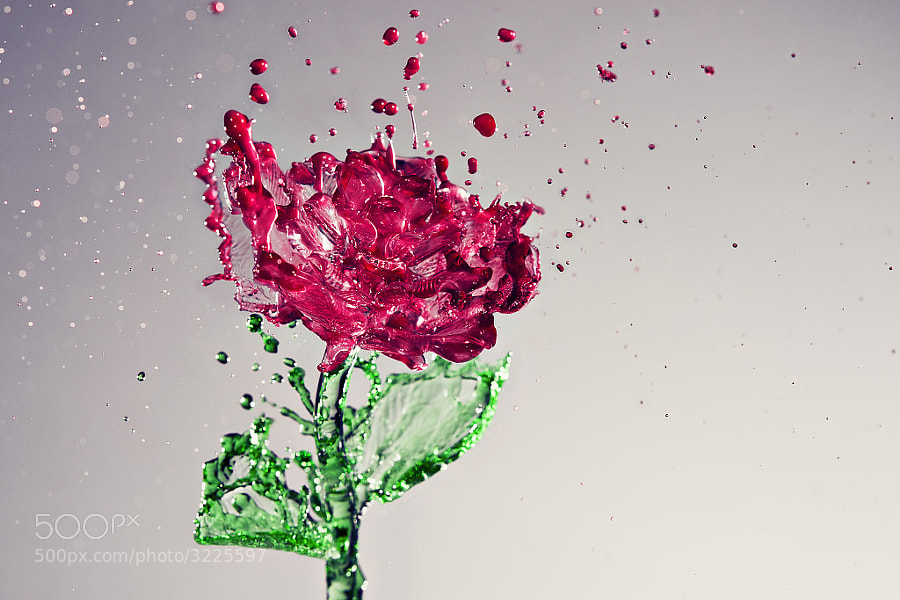
Photograph A Splash of Rose by Anthony Chang on 500px

A Splash of Rose by Anthony Chang on 500px

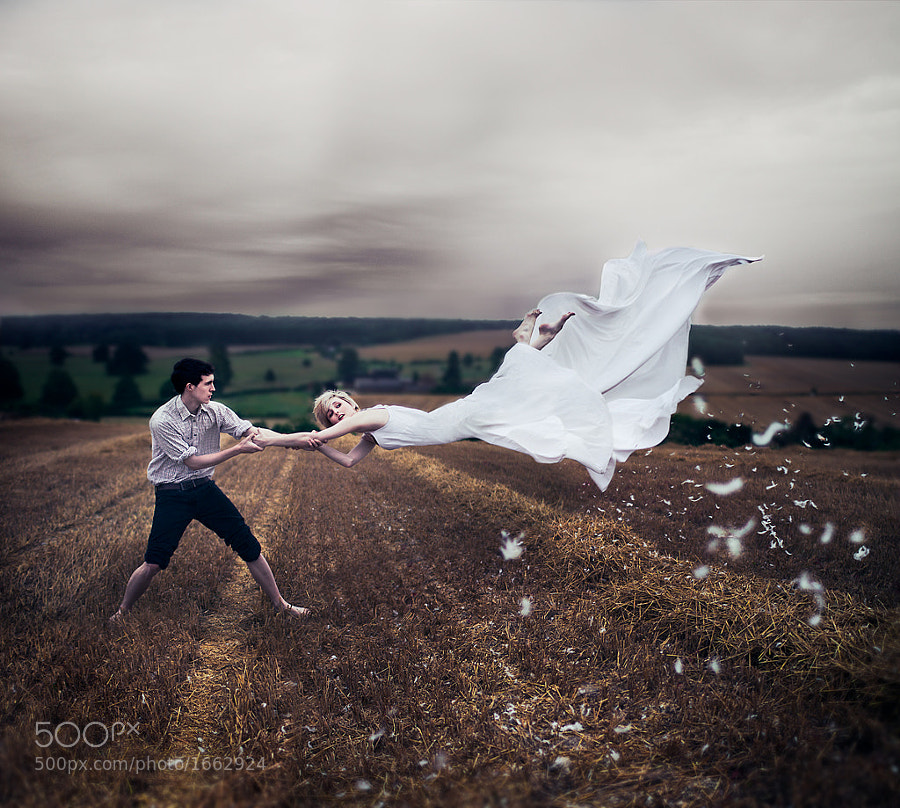
Photograph The Parting ii by Luke  Sharratt on 500px
The Parting ii by Luke Sharratt on 500px

Photograph Frankenstein by Escalonilla PixeL a PixeL PasO a PasO on 500px

Frankenstein by Escalonilla PixeL a PixeL PasO a PasO on 500px

Photograph Coffee Portrait by Jatuporn Khuansuwan on 500px
Coffee Portrait by Jatuporn Khuansuwan on 500px

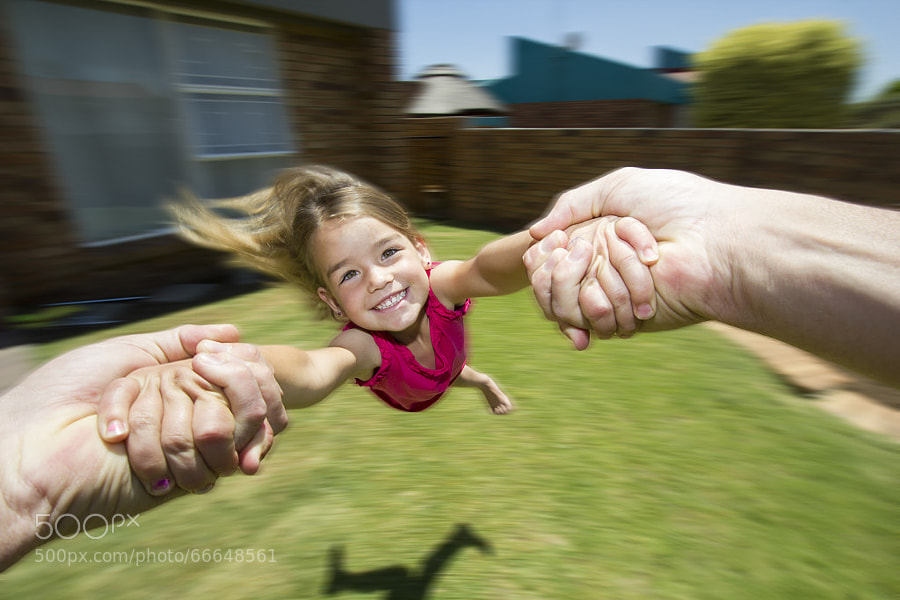
Photograph Swing Me by Steven Butler on 500px

Swing Me by Steven Butler on 500px

Photograph Tie by Anil Akkus on 500px
Tie by Anil Akkus on 500px

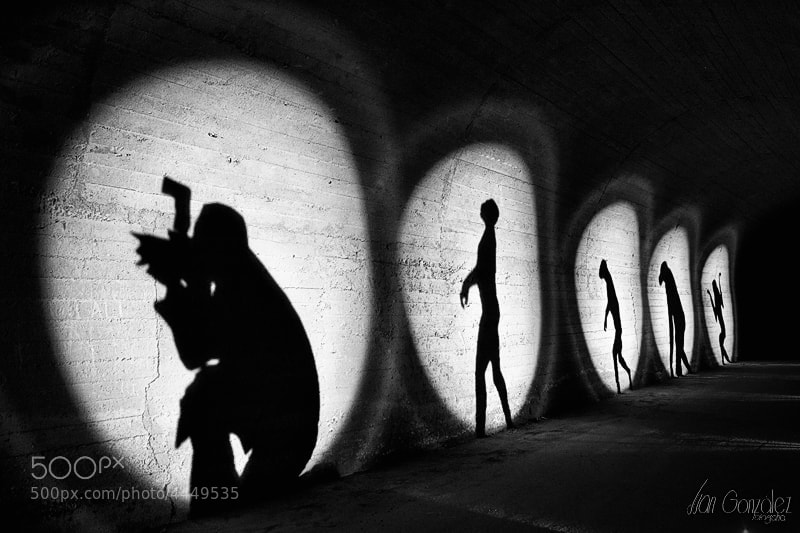
Photograph Evolución Noctámbula by Juan González on 500px

Evolución Noctámbula by Juan González on 500px

Photograph Pencil Vs Camera - 73 by Ben Heine on 500px
Pencil Vs Camera – 73 by Ben Heine on 500px

Photograph Customized Exhibition Uniform by Ben Heine on 500px

Customized Exhibition Uniform by Ben Heine on 500px

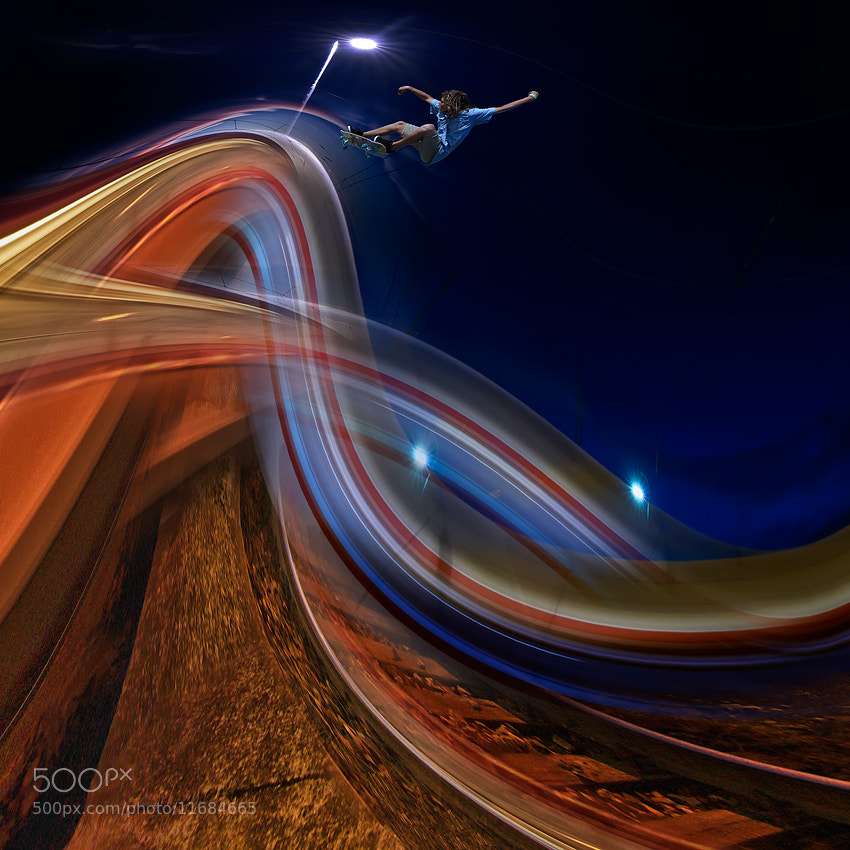
Photograph Light driver by Peter Majkut on 500px
Light driver by Peter Majkut on 500px

Photograph OK, I'm not seeing you!! by Christopher Riestajuana on 500px

OK, I’m not seeing you!! by Christopher Riestajuana on 500px

Photograph Willunga Shining by Bipphy Kath on 500px
Willunga Shining by Bipphy Kath on 500px

Photograph Daisy by Kunal Prasad on 500px

Daisy by Kunal Prasad on 500px

Photograph What's my motivation? by Max Ellis on 500px
What’s my motivation? by Max Ellis on 500px

Photograph Flurry II. by Christopher Chung on 500px

Flurry II. by Christopher Chung on 500px

Photograph You make my head spin.... by Sander Van den Berg on 500px
You make my head spin…. by Sander Van den Berg on 500px

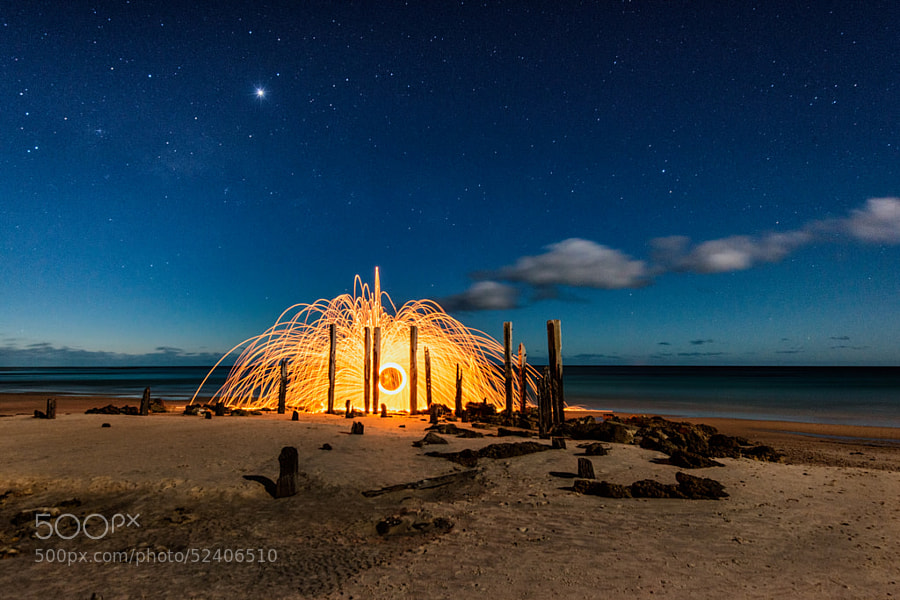
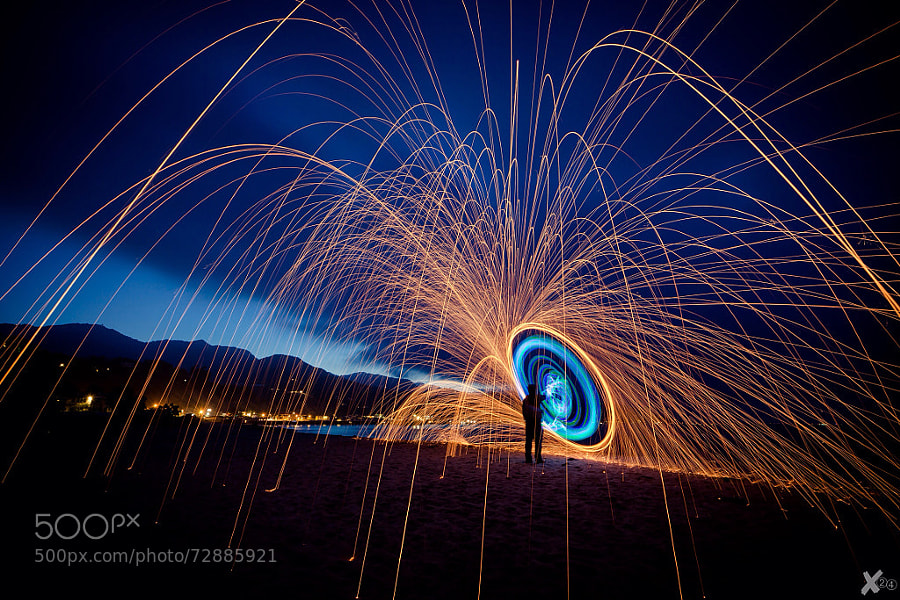
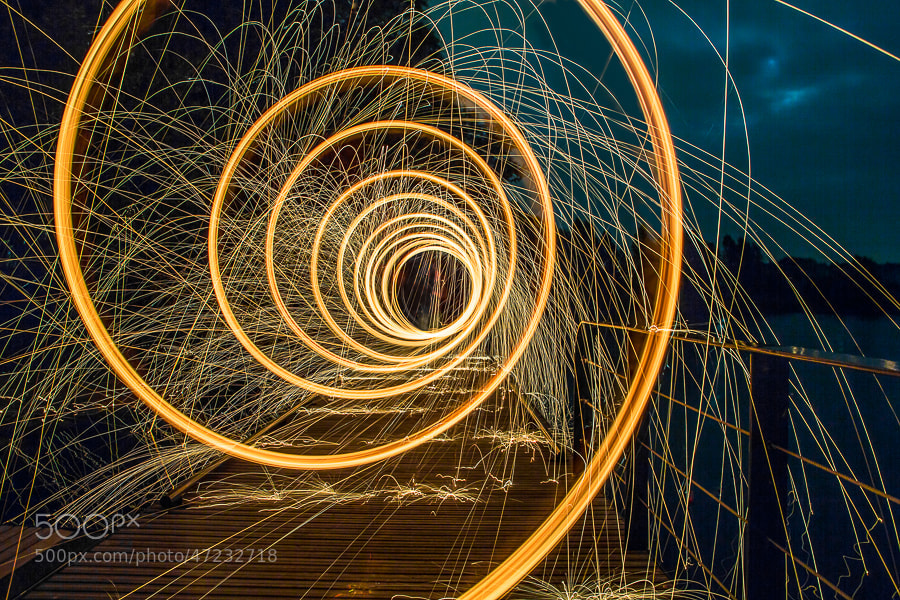
Photograph The Spin by Bipphy Kath on 500px

The Spin by Bipphy Kath on 500px

NOTICE from the editor

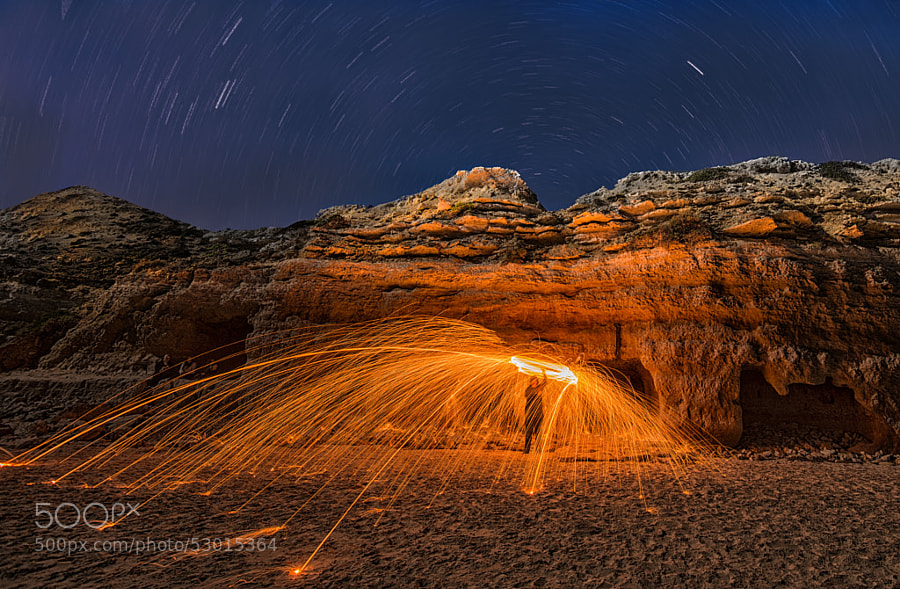
Please practice full precautions and safety measures if you plan on attempting fire spinning. I have done it and can tell you the steel wool molten, burning bits fly a long way! Read up on this technique before you go to it or risk setting something on fire or burning yourself. This is real molten (melted) steel, do not mess around it is dangerous.

Photograph transient happiness by Beauty   on 500px
transient happiness by Beauty   on 500px

Photograph Feelin Blue by Alistair Campbell on 500px

Feelin Blue by Alistair Campbell on 500px

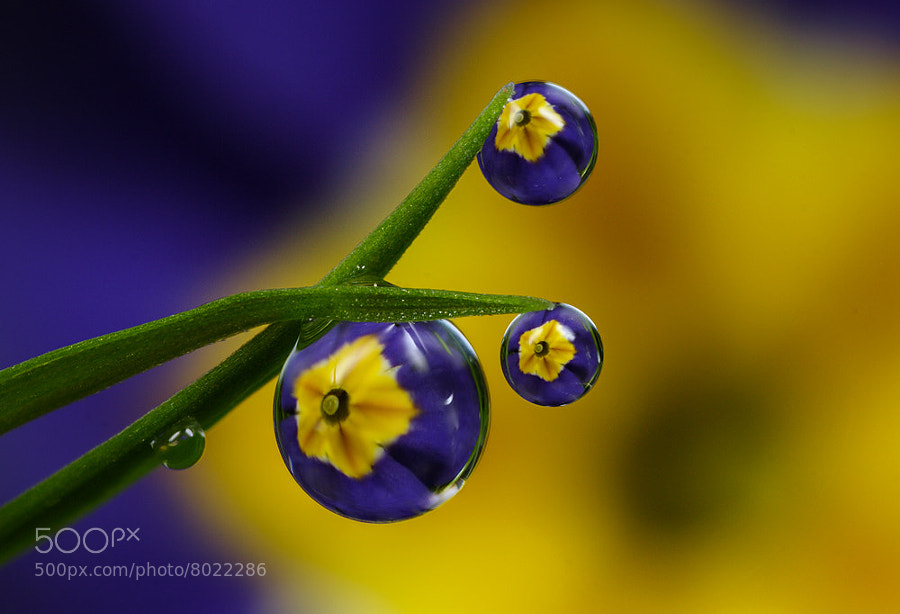
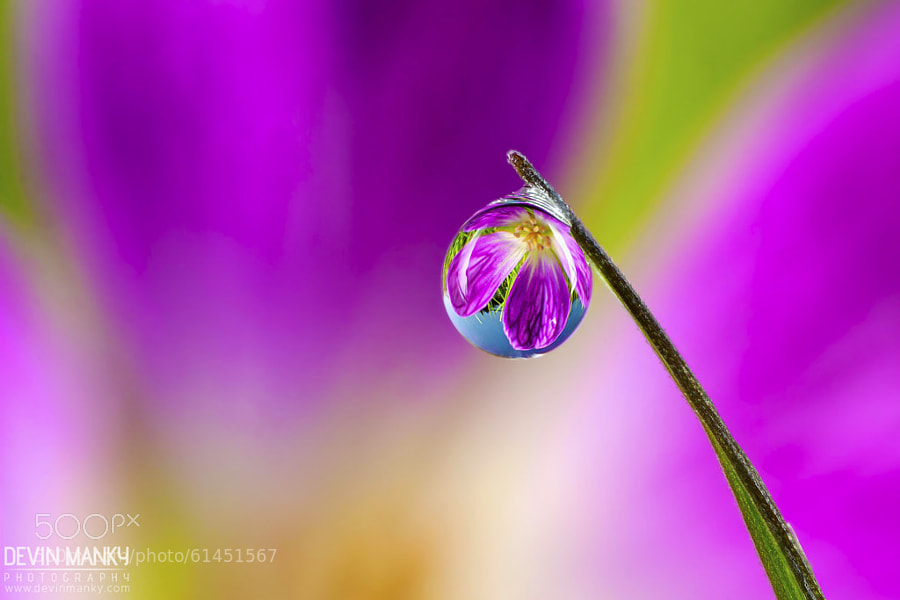
Photograph Violet Vision by Devin Manky on 500px
Violet Vision by Devin Manky on 500px

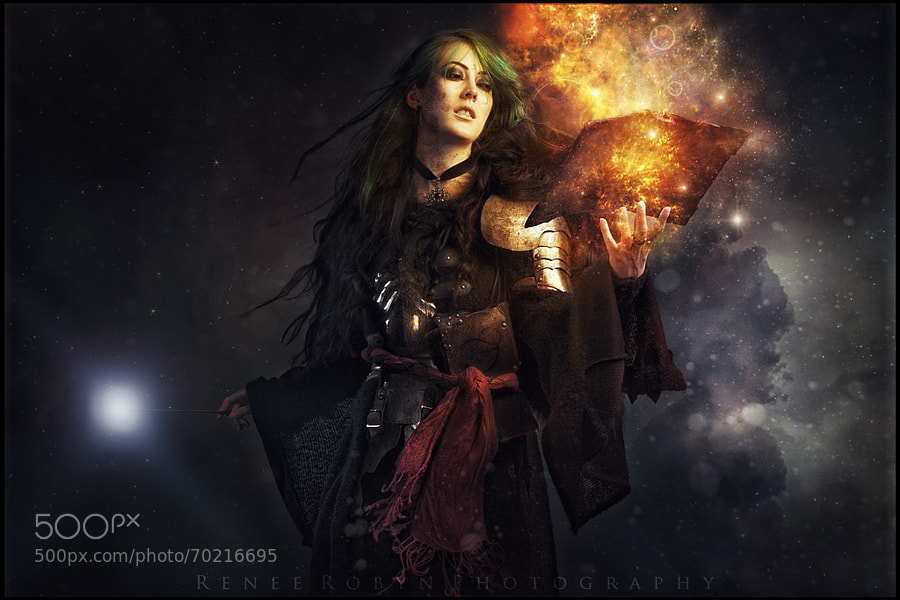
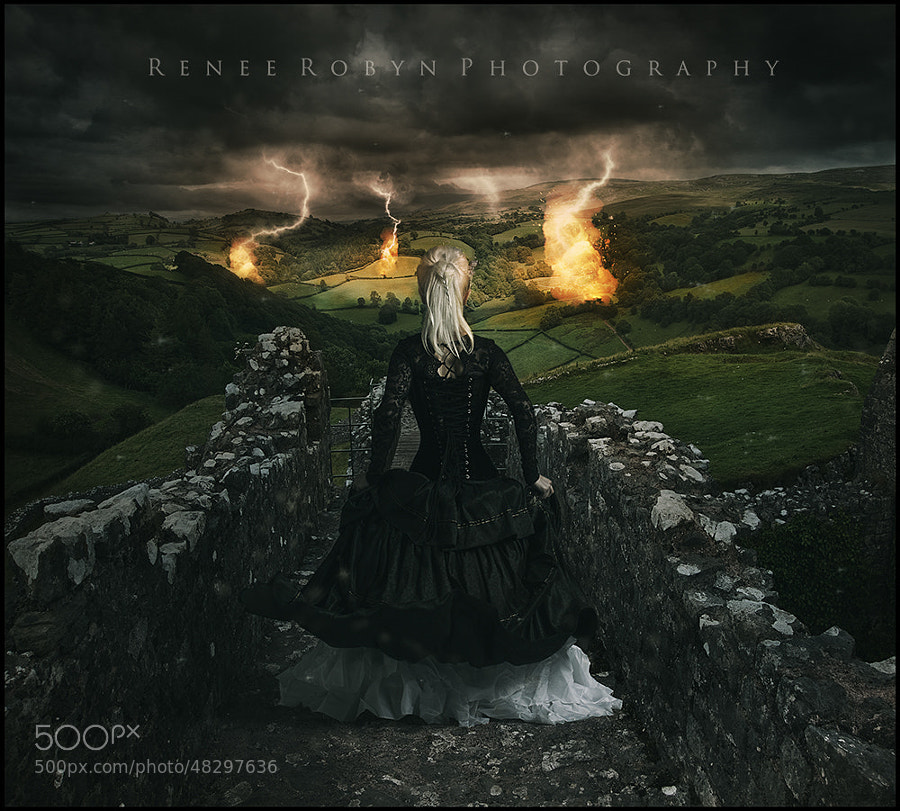
Photograph Wishmaster by Renee Robyn on 500px

Wishmaster by Renee Robyn on 500px

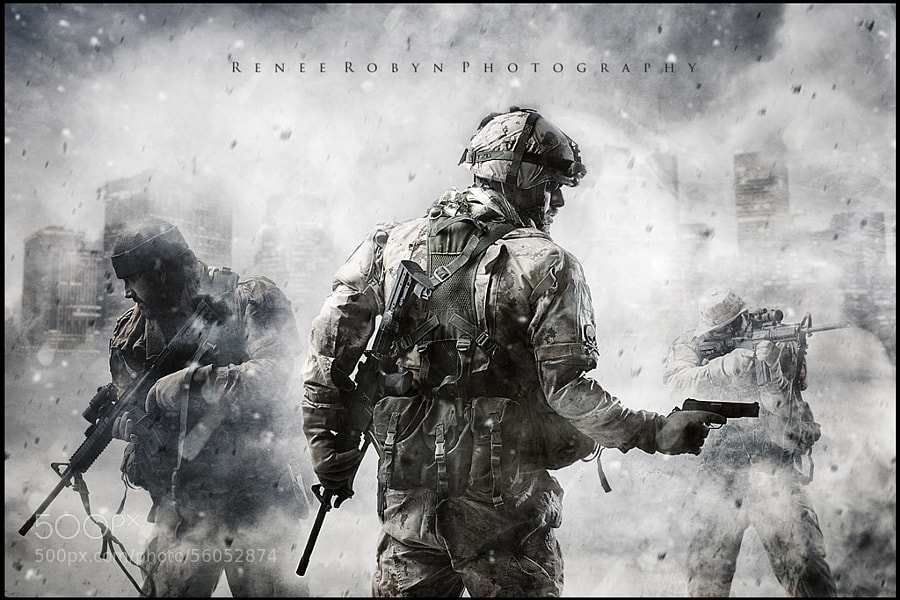
Photograph Call of Duty by Renee Robyn on 500px
Call of Duty by Renee Robyn on 500px

Photograph Beginning of the End by Renee Robyn on 500px

Beginning of the End by Renee Robyn on 500px

Editor’s note: Renee is a personal friend of mine, in fact she took my own headshot! Her work is amazing. Most of them are composites of several images, and hours spent in Photoshop. The one above “Wishmaster” is a self-portrait. I couldn’t do a collection on creative images without including some of her work. I don’t have it in me to create this kind of photography, but it sure is fun to admire.

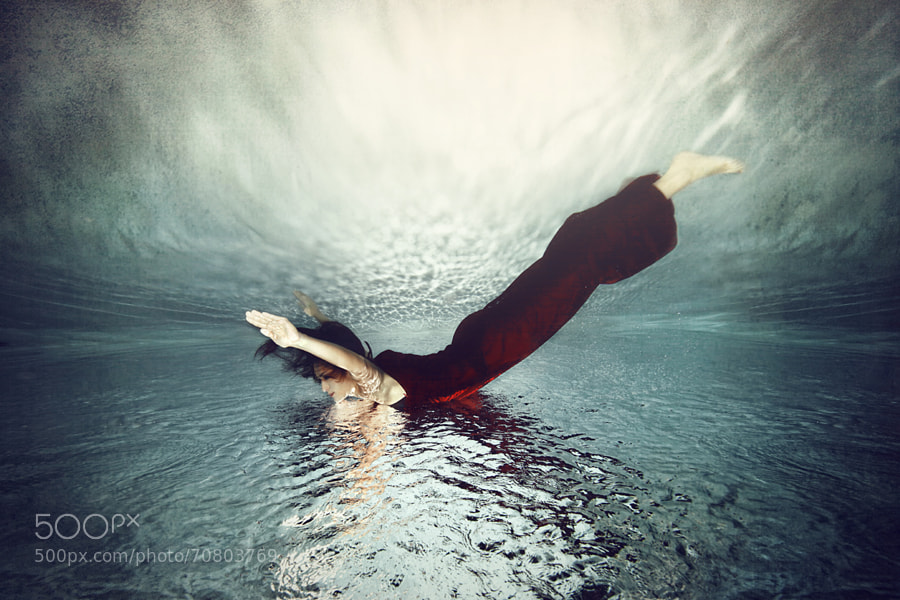
Photograph First time under by Neil Kremer on 500px
First time under by Neil Kremer on 500px

Photograph Fly by Tina Terras & Michael Walter on 500px

Fly by Tina Terras & Michael Walter on 500px

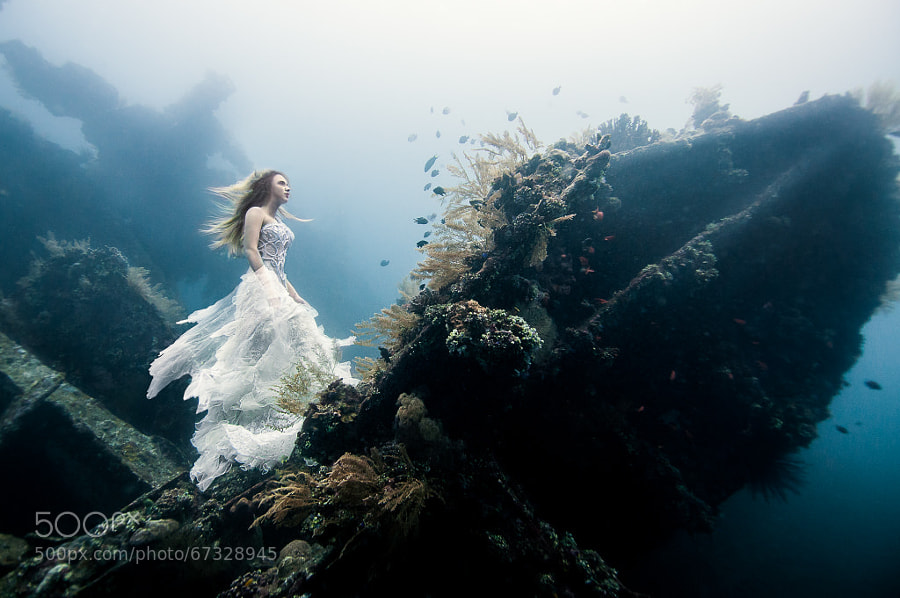
Photograph Deliverance by Benjamin Von Wong on 500px
Deliverance by Benjamin Von Wong on 500px

Photograph afterglow by Beauty   on 500px

afterglow by Beauty   on 500px

Photograph Homage to Escher. by Alexei Sovertkov on 500px
Homage to Escher. by Alexei Sovertkov on 500px

Photograph Ground Perspective II by Vadim Za on 500px

Ground Perspective II by Vadim Za on 500px

By Victor1558

By Andrea

By ?ethan

By Tc Morgan

By Julian Evil

By Victor1558

By Adrien Sifre

By Zach Stern

By Kenny Louie

By Bjørn Giesenbauer

By greg westfall

The post A Set of Imaginative Images to Spark Your Creativity by Darlene Hildebrandt appeared first on Digital Photography School.


Digital Photography School

 
Comments Off on A Set of Imaginative Images to Spark Your Creativity

Posted in Photography


Sony’s Curved Sensors May Allow for Simpler Lenses and Better Images

18 Jun

sony-curved-sensor.jpg

The sensors inside digital cameras are – generally – flat. But curved sensors promise greater sensitivity, better image quality, and provide scope for simpler lenses. Recently, Sony showed off some examples of curved image sensors, including (tantalizingly) a full-frame chip. Device manager Kazuichiro Itonaga claims: “The team has made somewhere in the vicinity of 100 full-size sensors with their bending machine. We are ready.” Read on to learn more about this exciting new tech, how it imitates the human eye, and how it may find it’s way into consumer products.

News: Digital Photography Review (dpreview.com)

 
Comments Off on Sony’s Curved Sensors May Allow for Simpler Lenses and Better Images

Posted in Uncategorized


A Collection of Powerful Black and White Images

13 Jun

I have a background in black and white photography – using actual film and processing in a darkroom. The entire first year of my two year college photography program was spent doing black and white photography only, nothing else. I came to love working in the darkroom and seeing the image appear on the paper was magic.

Now in the digital age, making black and white is a choice you can make after you shoot the images – which gives you options we didn’t have in the film days. So I wanted to share some B&W images to get you thinking about the possibilities.

For some some tips on shooting and converting to B&W try these:

  • Tips for Shooting and Processing Better Black and White Photographs
  • Black and White Conversions: An Introduction to Luminosity
  • 3 Tips for Better Black and White Conversion using Lightroom
  • How to See in Black and White [and how HDR can be a Powerful Tool for the Monochrome Photographer]

Photograph Through the mist by Paulo Mendonça on 500px

Through the mist by Paulo Mendonça on 500px

Photograph The Old Bridge by Mostafa Hamad on 500px

The Old Bridge by Mostafa Hamad on 500px

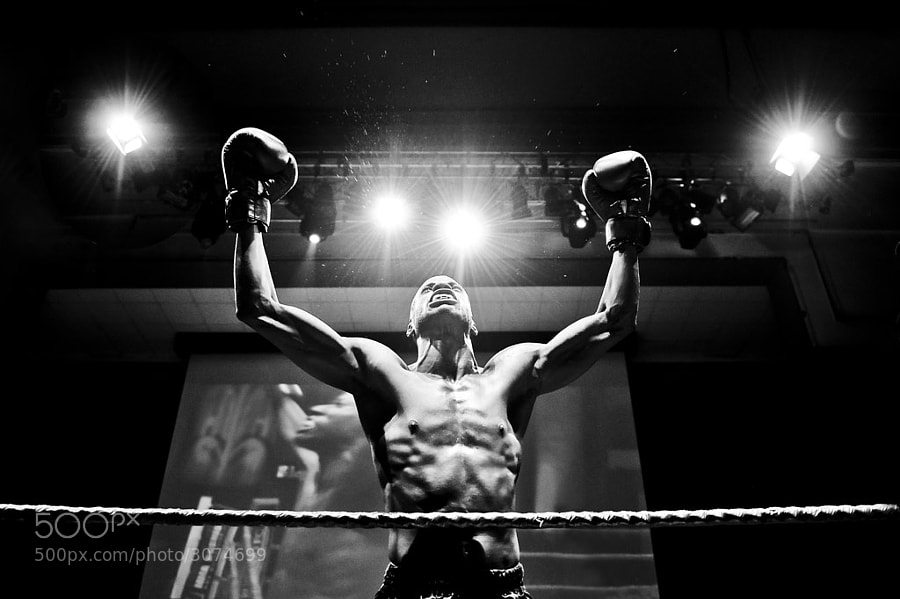
Photograph The Winner by Andrius Petrucenia on 500px

The Winner by Andrius Petrucenia on 500px

Photograph Untitled by enzo farina on 500px

Untitled by enzo farina on 500px

Photograph City of Fog by Johannes Burkhard on 500px

City of Fog by Johannes Burkhard on 500px

Photograph Winter in the Ore mountains II by Daniel ?e?icha on 500px

Winter in the Ore mountains II by Daniel ?e?icha on 500px

Photograph Milford Sound, Fiordland National Park, Southland, New Zealand by Russell Pike on 500px

Milford Sound, Fiordland National Park, Southland, New Zealand by Russell Pike on 500px

Photograph Darkness Peaks by Simon Pouyet on 500px

Darkness Peaks by Simon Pouyet on 500px

Photograph La Familia by Luis Beltrán on 500px

La Familia by Luis Beltrán on 500px

Photograph Fisherman Wanderer by Joel Santos on 500px

Fisherman Wanderer by Joel Santos on 500px

Photograph Corpus Christi at Night by Joe V on 500px

Corpus Christi at Night by Joe V on 500px

Photograph Ancient Light of Wisdom by Joel Santos on 500px

Ancient Light of Wisdom by Joel Santos on 500px

Photograph *** by Ann Nevreva on 500px

*** by Ann Nevreva on 500px

Photograph Black is my colour.. by Marianna Roussou on 500px

Black is my colour.. by Marianna Roussou on 500px

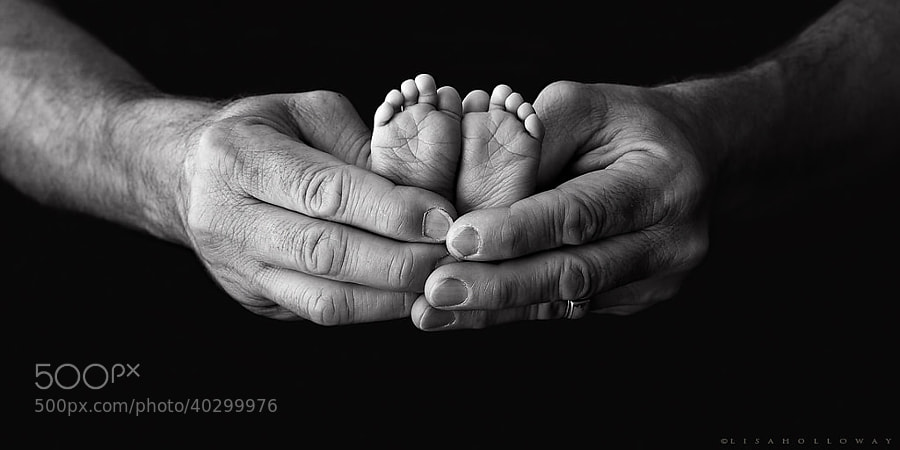
Photograph Tiny Feet by Lisa Holloway on 500px

Tiny Feet by Lisa Holloway on 500px

Photograph A Sea of Stars by Lisa Holloway on 500px

A Sea of Stars by Lisa Holloway on 500px

Photograph Daisy codera by Rainer Ressmann on 500px

Daisy codera by Rainer Ressmann on 500px

Photograph Almost closed by Kimhwan SEOULIST on 500px

Almost closed by Kimhwan SEOULIST on 500px

Photograph Paint Noir by András Sümegi on 500px

Paint Noir by András Sümegi on 500px

Photograph shielded from the danger of the outside world by David Mar Quinto on 500px

shielded from the danger of the outside world by David Mar Quinto on 500px

Photograph Alone by Ana Grama on 500px

Alone by Ana Grama on 500px

Photograph Go, go by Edwin Leung on 500px

Go, go by Edwin Leung on 500px

Photograph Breakfast by La Mo on 500px

Breakfast by La Mo on 500px

Photograph 77.2013 - Canary Wharf ... by Pawel Tomaszewicz on 500px

77.2013 – Canary Wharf … by Pawel Tomaszewicz on 500px

Photograph Building in the Building by Roman K on 500px

Building in the Building by Roman K on 500px

Photograph Mantis by Arnaud Bratkovic on 500px

Mantis by Arnaud Bratkovic on 500px

Photograph Hammer by Enrico Panina on 500px

Hammer by Enrico Panina on 500px

Photograph BB King by Ken Stewart on 500px

BB King by Ken Stewart on 500px

Photograph Rocks JK by Daniel Czerwinski on 500px

Rocks JK by Daniel Czerwinski on 500px

Photograph Recursion by Frank Wijn on 500px

Recursion by Frank Wijn on 500px

Photograph A monochrome end of fall by Felicia Simion on 500px

A monochrome end of fall by Felicia Simion on 500px

Photograph Behind the old Window by Adrian Limani on 500px

Behind the old Window by Adrian Limani on 500px

Photograph Havana Life by Liban Yusuf B&W on 500px

Havana Life by Liban Yusuf B&W on 500px

Photograph Broken B&W by Liban Yusuf B&W on 500px

Broken B&W by Liban Yusuf B&W on 500px

Photograph M o t i o n   BW by Liban Yusuf B&W on 500px

M o t i o n BW by Liban Yusuf B&W on 500px

**I just love this guy’s images of Cuba, inspires me to do more night shooting when I go back in January. So I had to share a few of his shots.

Photograph Kissed by light by Bipphy Kath on 500px

Kissed by light by Bipphy Kath on 500px

Photograph Angel....please give me your light... by Ines van Megen-Thijssen on 500px

Angel….please give me your light… by Ines van Megen-Thijssen on 500px

Photograph No sigh, immured tears by regis boileau on 500px

No sigh, immured tears by regis boileau on 500px

Photograph Ballerina III by Vanessa Paxton on 500px

Ballerina III by Vanessa Paxton on 500px

Photograph Ex ospedale psichiatrico di Mombello by PierSparrow  on 500px

Ex ospedale psichiatrico di Mombello by PierSparrow on 500px

The post A Collection of Powerful Black and White Images by Darlene Hildebrandt appeared first on Digital Photography School.


Digital Photography School

 
Comments Off on A Collection of Powerful Black and White Images

Posted in Photography


UPDATED: Sony Cybershot DSC-RX100 M3 sample images

10 Jun

Screen_Shot_2014-06-09_at_3.05.54_PM.png

As soon as it arrived we wasted no time getting out with the Sony Cyber-shot RX100 III, and in the past few days we’ve also added a lot to our first-impressions review, including a movie page, shooting experience and studio comparison images. This weekend presented an opportunity to update our gallery of real-world sample images too, bringing our gallery to 87 images, including a handful of raw conversions. See more.

News: Digital Photography Review (dpreview.com)

 
Comments Off on UPDATED: Sony Cybershot DSC-RX100 M3 sample images

Posted in Uncategorized


Nikon 1 V3: Real-world Sample Images

09 Jun

Screen_Shot_2014-06-08_at_9.14.56_PM.jpg

Nikon’s 1 V3 is the newest model in the company’s enthusiast mirrorless interchangeable lens camera system. The V3 is built around an 18.4 MP CX-format sensor, and uses a hybrid contrast (171 points) and phase detect (105 points) AF system. The V3 boasts a continuous shooting speed that outpaces DSLRs at 20 fps with full autofocus. The camera is also capable of 1080/60p Full HD video. Click through to see how it performs.

News: Digital Photography Review (dpreview.com)

 
Comments Off on Nikon 1 V3: Real-world Sample Images

Posted in Uncategorized


30 Lens Flare Images to Inspire You

07 Jun

Well summer is almost here finally (if you live in the northern hemisphere like me)!

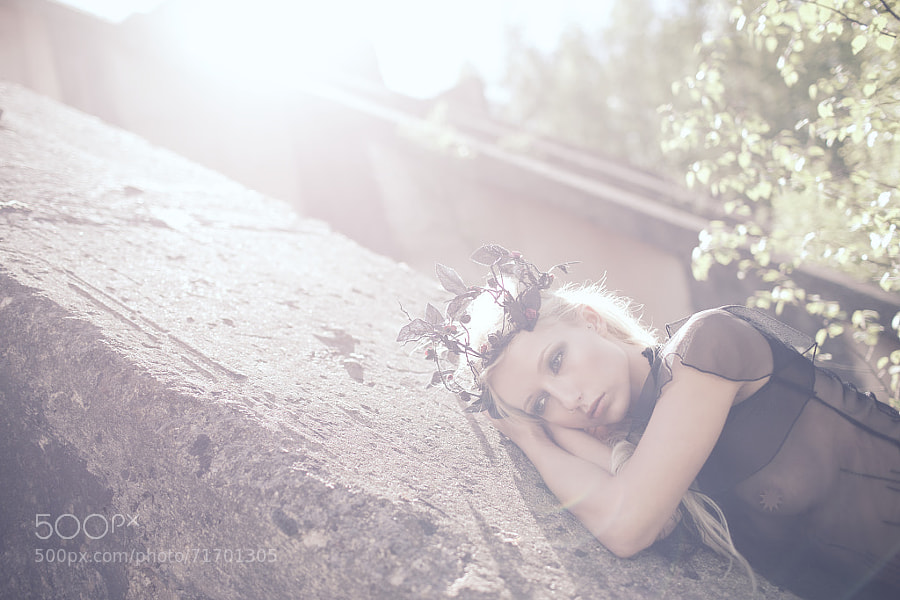
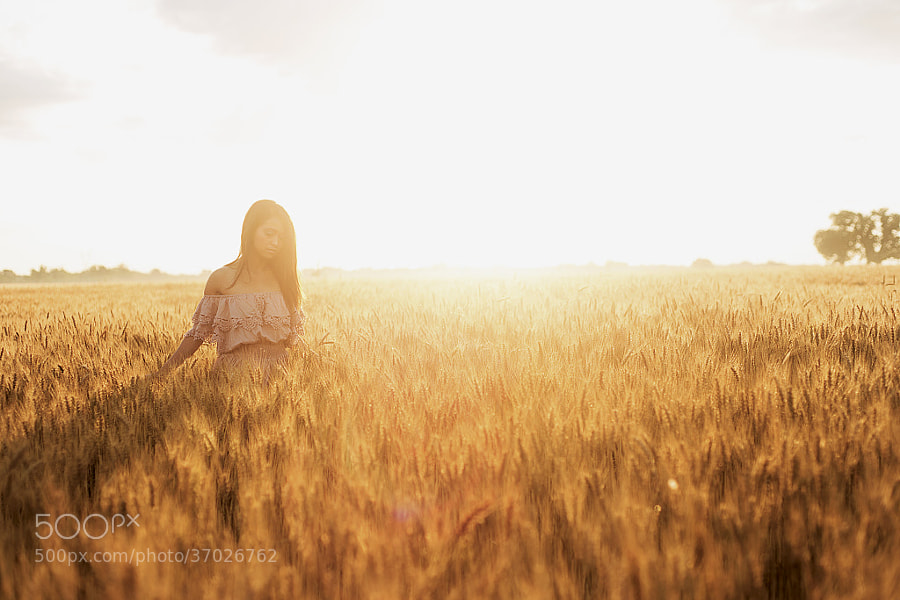
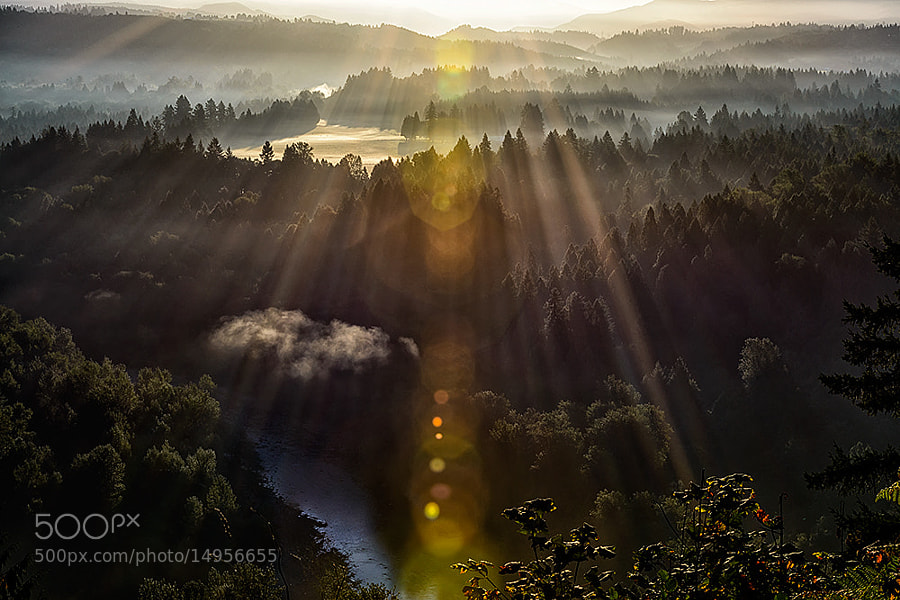
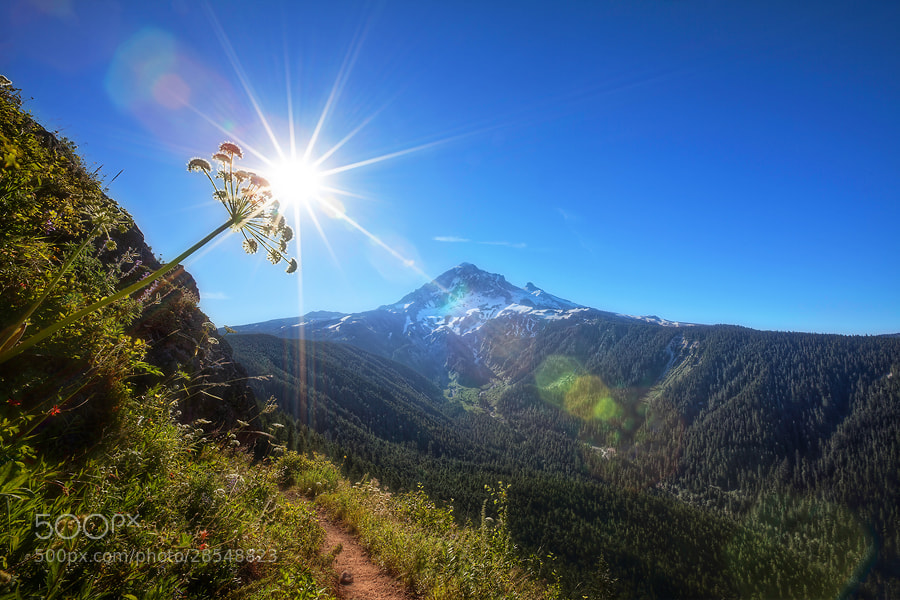
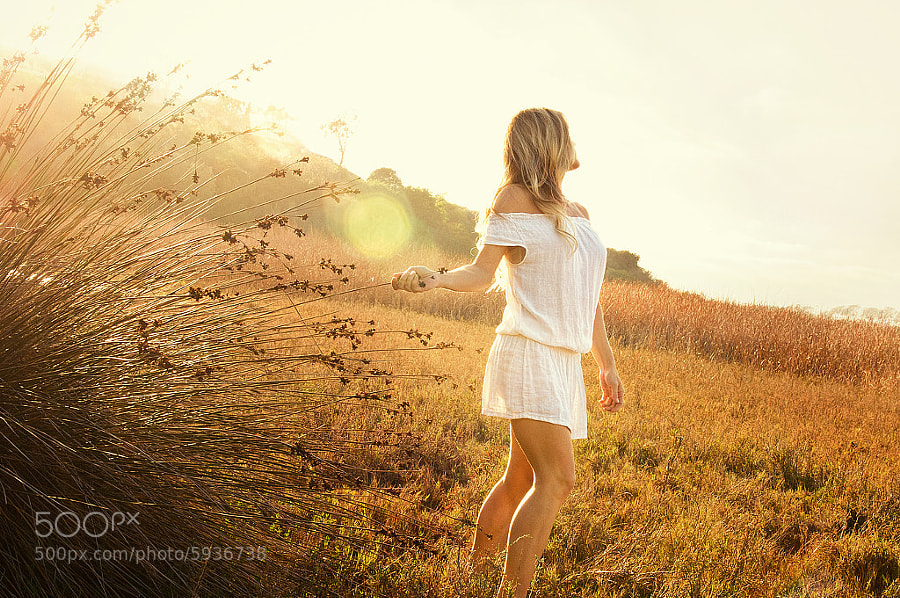
So I thought some sunny images using lens flare for effect would help inspire you to get out and shoot something. So please enjoy these lens flare images I have hand picked just for you.

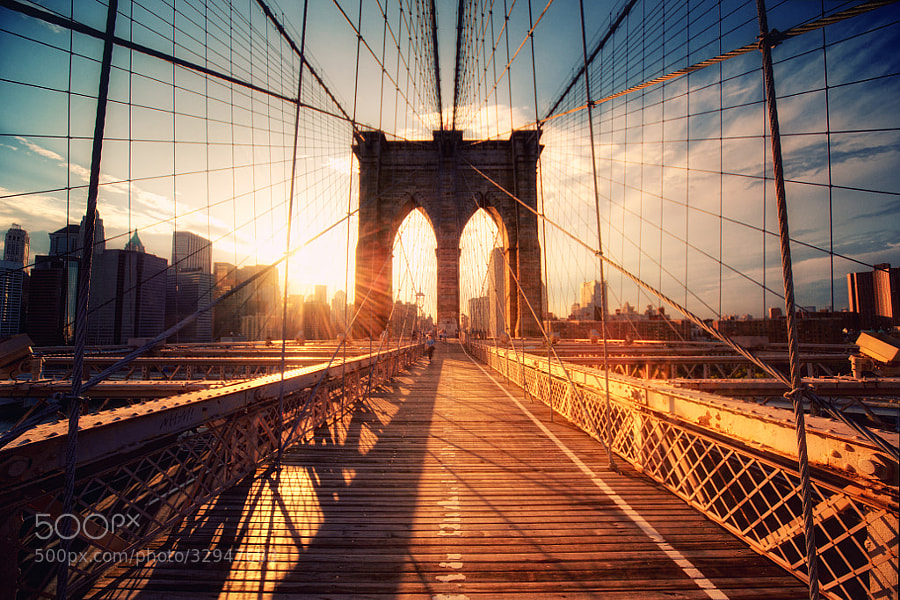
Photograph Brooklyn Bridge Sunset by Philipp Klinger on 500px

Brooklyn Bridge Sunset by Philipp Klinger on 500px

Photograph Juno by Petr Brodík on 500px

Juno by Petr Brodík on 500px

Photograph City Sunset by Ina Gat on 500px

City Sunset by Ina Gat on 500px

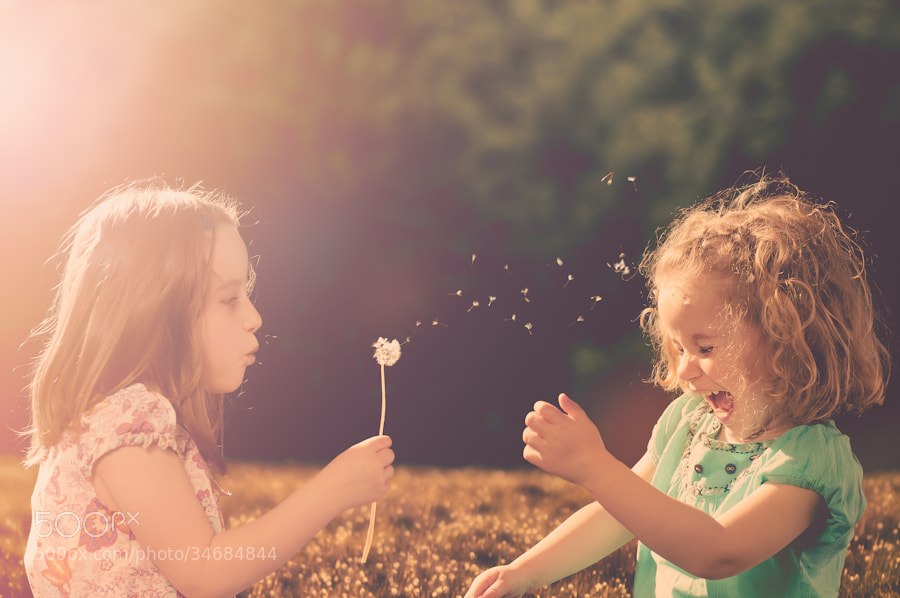
Photograph Kids days by Sidney Bovy on 500px

Kids days by Sidney Bovy on 500px

Photograph Sea beams by Scott Morgan on 500px

Sea beams by Scott Morgan on 500px

Photograph Astri cont' by Thomas Crawford on 500px

Astri cont' by Thomas Crawford on 500px

Photograph Smeared by Abhishek Vanamali on 500px

Smeared by Abhishek Vanamali on 500px

Photograph All bark and some glitter. by Daniel Poon on 500px

All bark and some glitter. by Daniel Poon on 500px

Photograph Light by Rich Kolasa on 500px

Light by Rich Kolasa on 500px

Photograph Let there be light!! by kathy towe on 500px

Let there be light!! by kathy towe on 500px

Photograph New Day by Chaluntorn Preeyasombat on 500px

New Day by Chaluntorn Preeyasombat on 500px

Photograph Parasol by Tula Top on 500px

Parasol by Tula Top on 500px

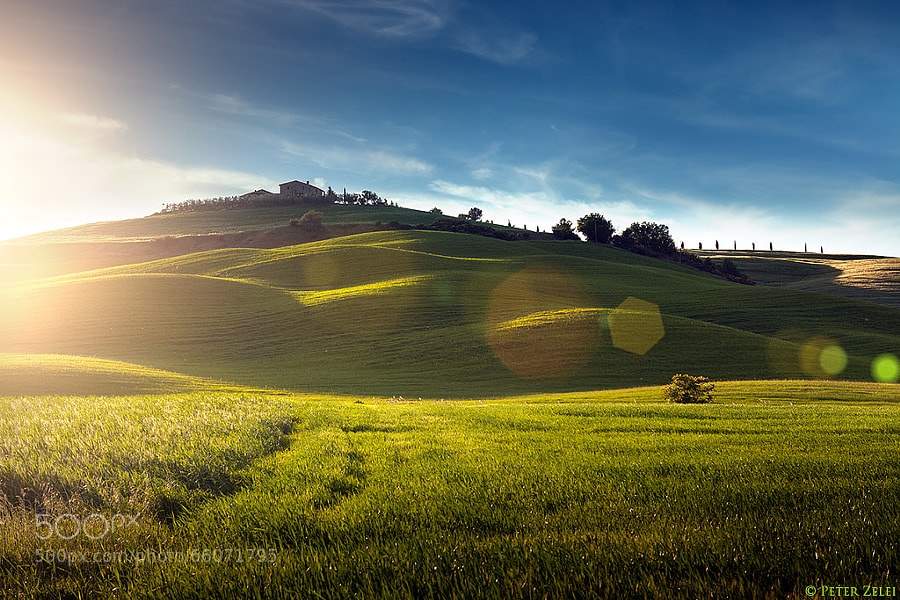
Photograph Sunset in Tuscany by Peter Zelei on 500px

Sunset in Tuscany by Peter Zelei on 500px

Photograph The Magic Of The Redwoods by Steve Belovarich on 500px

The Magic Of The Redwoods by Steve Belovarich on 500px

Photograph Enjoying the Sunset at Hanalei Bay by Ian Frazier on 500px

Enjoying the Sunset at Hanalei Bay by Ian Frazier on 500px

Photograph Sunset Field by Stitch Jones on 500px

Sunset Field by Stitch Jones on 500px

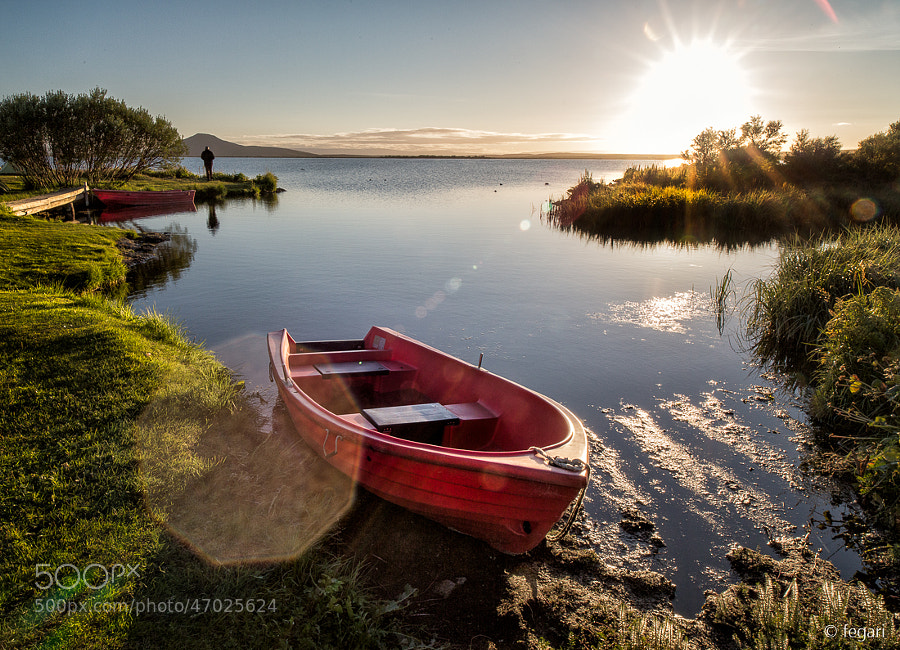
Photograph Flaring Midnight by fegari  . on 500px

Flaring Midnight by fegari . on 500px

Photograph Mesa Arch Sunrise 4 - Canyonlands National Park - Moab Utah by Brian Harig on 500px

Mesa Arch Sunrise 4 – Canyonlands National Park – Moab Utah by Brian Harig on 500px

Photograph *spring by Nadine Lotze on 500px

*spring by Nadine Lotze on 500px

Photograph Yellow Monster by Jack Were on 500px

Yellow Monster by Jack Were on 500px

Photograph Charlotte's Web by Malena Fryar on 500px

Charlotte's Web by Malena Fryar on 500px

Photograph Lavender Bees by Nicole S. Young on 500px

Lavender Bees by Nicole S. Young on 500px

Photograph One Day in Autumn. by Sabrina Rohwer on 500px

One Day in Autumn. by Sabrina Rohwer on 500px

Photograph Carpatian cow by ????????? ????? on 500px

Carpatian cow by ????????? ????? on 500px

Photograph Heather by Josh Lyon on 500px

Heather by Josh Lyon on 500px

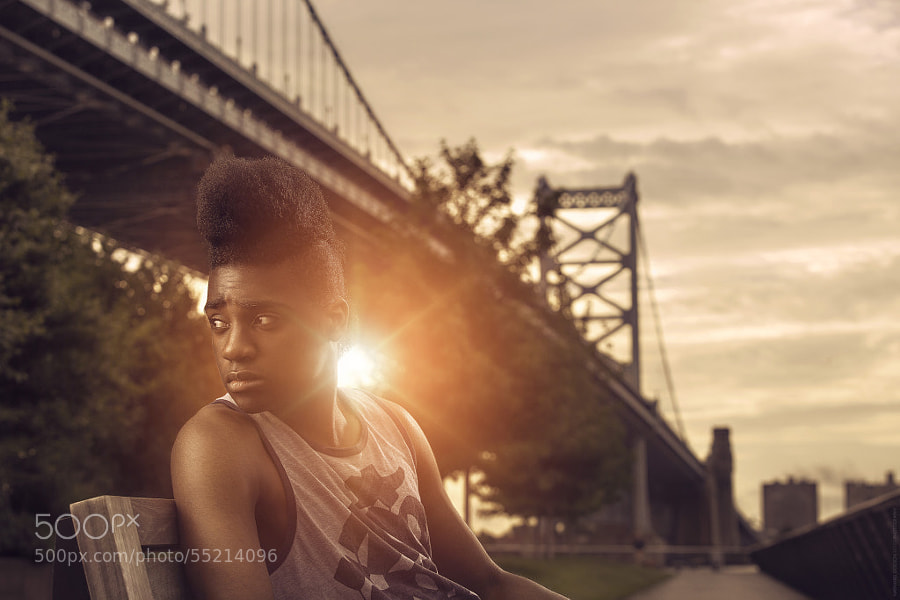
Photograph Man of the Mohawk! by Nathaniel Dodson on 500px

Man of the Mohawk! by Nathaniel Dodson on 500px

Photograph Brownie by Ryan Logan on 500px

Brownie by Ryan Logan on 500px

Photograph Pencils by Felipe Nobre on 500px

Pencils by Felipe Nobre on 500px

Photograph Sun Shine by Abdullah Rhwanjy on 500px

Sun Shine by Abdullah Rhwanjy on 500px

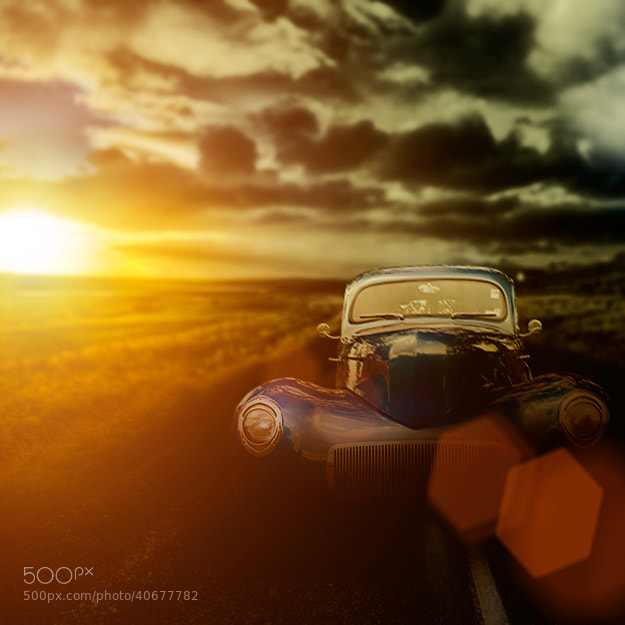
Photograph classic car on country road by Steve Shepherd on 500px

classic car on country road by Steve Shepherd on 500px

The post 30 Lens Flare Images to Inspire You by Darlene Hildebrandt appeared first on Digital Photography School.


Digital Photography School

 
Comments Off on 30 Lens Flare Images to Inspire You

Posted in Photography