A Guest Post by Ben Evans
So we got my girlfriend her first proper camera last week. A Nikon D5100 with a 35mm f1.8 prime lens; which is my recommendation for a modest budget. She’s super excited, not least because she’s got something to do now when I’m photographing!
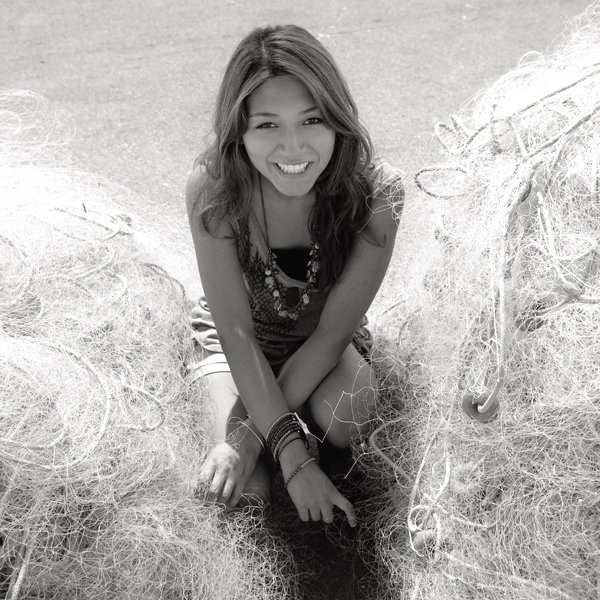
New Photographer!
Barcelona is great but while there’s not much violence, it rivals Naples for petty theft.
I’ve learned a lot from photographing here, so I put together this guide about keeping your camera safe. My girlfriend and students have found it really useful so I thought I’d share it with you too.
1. Insure It
Some manufacturers have long warranties that are useful, but look for additional insurance against accidental damage and theft. Camera insurance is pretty reasonable now.
Shop around and see what you can find. You might even be covered by your home insurance; worth checking.
2. Use the Camera Strap
Some people don’t. Do! It’s often saved my Nikon from a fall. Make sure it’s securely attached, and keep it wrapped twice around your wrist when you’re shooting.
Otherwise, wear the camera either across your body with the top nearest your hip, or on one shoulder with a rucksack worn over the top.
This keeps the lens closest to you and prevents theft, which is becoming more common.
The strap that came with your camera probably has a bright logo which only attracts thieves; keep it hidden or get a new strap.
Upstrap is good because they’re ‘sticky’, but avoid getting anything with buckles because they’re not safe.
3. Adopt the ’Backward Look’
When you leave anywhere, have a good look behind you before you go.
This has saved me hundreds in lost gear already! It’s surprisingly easy to forget a new camera when you’re in a rush.
4. Sand and Water Kills Cameras
Sand acts like grit, destroying from within. I normally don’t recommend a UV filter to protect your lens, but found one essential in the Sahara desert when storms sand-blasted the glass.
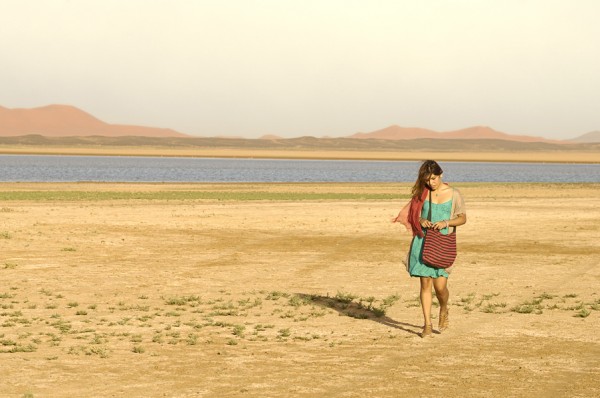
Sahara Sand Storms
Closer to home, I’ve had more than one camera die at the beach. Even a quick dip will put an end to the toughest dSLR, though the photos on the memory card will probably be okay. Surfing shops sell dry-bags that will protect your camera from water and sand.
5. Your Sensor Attracts Dust
This shows up as small black spots or lines when you use small apertures like f22.
Some try and shake it off, which helps a bit, but isn’t totally effective. Prevention is much better than cure.
You need special, overpriced tools to clean your sensor, and the process is a pain in the arse! Also, every time you clean the sensor you damage it a bit; and it’s all too easy to ruin it if you slip.
So avoid having to clean it by only changing lenses when necessary, keeping the camera held downwards when you do.
Try not to change lenses in dusty or windy environments. And don’t clean it when there’re only one or two tiny specks of dust in the photos. It’s pretty easy to airbrush them out; Photoshop is your friend.
Beach & Sea Sunset
6. Never lend your Camera
Unless they are happy to replace it if it breaks; which they won’t be! Accidents happen, and it’s not worth upsetting a friendship for.
It goes without saying that asking strangers to take photos of you risks having them run away with it.
If you must, choose someone who looks trustworthy; and who you could outrun!
7. Don’t let People in your Bubble
I actually opted for a Krav-Maga training course instead of camera insurance when I was travelling around Bosnia. This idea of personal space was one I learned there.

Downtown Sarajevo, Bosnia
Essentially, if no-one comes within a meter of you, it makes it much harder to have anything stolen.
Therefore, don’t accept random offers for ‘free hugs’ from strangers, nor let them get too close at all.
Either move away or tell them not to touch you. Watch Derren Brown’s videos about pick-pocketing to see how skilled people can be.
8. Scratch your Email Address on the Bottom and on the Battery
My girlfriend flat-out refused to engrave hers, so we settled on stickers! They’ll help honest souls return your camera to you, while an engraved name ruins resale value and makes it easier to trace so might help with theft. Email your serial number to yourself today.
So that’s it! Not the normal wow-factor but really essential to be aware of. I’ve taken my main camera everywhere and while it’s had a few close calls, it’s survived intact. Lots of people aren’t so lucky; follow this advice and make sure you’re not one of them! And in case you haven’t already done so, remember to get your copy of my book Photography: The Few Things You Need To Know for less than an espresso HERE NOW to ensure you get the most value from these articles.
Ben is an English Photographer who works internationally. Ben teaches photography classes in Barcelona and keeps a photoblog of ‘fine art street’ photos of Barcelona at www.i-Barcelona.com.
Ben is working on two photography teaching projects, Better Than 90 Percent and Holistic Photography.
He shoots Nikon, Hasselblad, Apple (iPad 3) and those little throwaway waterproof film cameras with the plastic lenses.
Post originally from: Digital Photography Tips.
Check out our more Photography Tips at Photography Tips for Beginners, Portrait Photography Tips and Wedding Photography Tips.
So You Want to Keep your Camera Safe? Here’s How


Digital Photography School

