Tag: Brighten

  • Researchers use AI to brighten ultra-low light images without adding noise

    Researchers with the University of Illinois Urbana–Champaign and Intel have developed a deep neural network that brightens ultra-low light images without adding noise and other artifacts. The network was trained using 5,094 raw short-exposure low-light and long-exposure image pairs—the end result is a system that automatically brightens images at a much higher quality than traditional processing options.

    The deep learning system was detailed in a newly published study that points out the limitations of alternative “denoising, deblurring, and enhancement techniques” on what the team calls “extreme conditions,” such as low-light images that are too dark to discern without processing.

    Using traditional methods to process these images often results in high levels of noise that isn’t present when using the machine learning technique:

    The team used images captured with a Fujifilm X-T2 and Sony a7S II, and also demonstrated the system on photos taken with an iPhone X and Google Pixel 2 smartphone. High-resolution comparison images are available here, and a PDF of the full study can be found here.

    This is the latest example of machine learning ‘AI’ being used to automatically enhance images—ideally speeding up post-processing tasks while reducing the user’s workload. Last year, for example, a system called Deep Image Prior was demonstrated using an image’s existing elements to intelligently repair damage, and Adobe and NVIDIA are both working on AI-powered Content Aware Fill.

    Articles: Digital Photography Review (dpreview.com)

  • Creative Crosswalks: Artist Adds Color to Brighten Crossings for Students

    [ By WebUrbanist in Art & Street Art & Graffiti. ]

    creative crosswalks

    Part art project and part urban safety experiment, this series of Funnycross installations in Madrid have been positioned outside a cross section of city schools.

    funnycross installation art

    art crosswalk

    Designed by Bulgarian artist Christo Guelov (images by Rafael Perez Martinez, the creative crossings weave diamonds, circles and other shapes into the visual language of existing horizontal wide lines.

    colorful creatie sidewalk crossings

    sidewalk art school

    The brightly-colored interventions are designed to enliven the streets beyond conventional sign-posting while their eye-catching patterns are aimed at making the crossing points more visible.

    dots circle cross

    artistic crossing pattern

    The artist also aims to raise larger questions about the role of color in cities, where infrastructure is often monochromatic, systematic and ultimately dull.

    crosswalk geometries

    “Opening up new horizons for human experience has always been the main source of creative energy, both in science and in art,” says guelov. “To inquire into something apparently non-existent or invisible to others and to provide it with real presence has always been the natural mechanism to generate usefulness for art objects.”

    Share on Facebook


    [ By WebUrbanist in Art & Street Art & Graffiti. ]

    [ WebUrbanist | Archives | Galleries | Privacy | TOS ]


    WebUrbanist

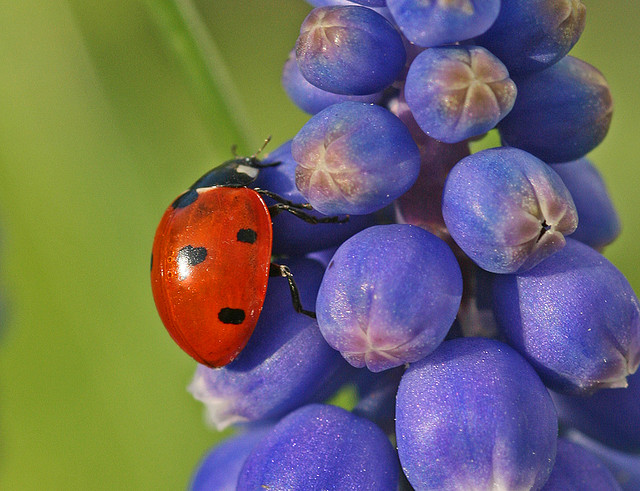
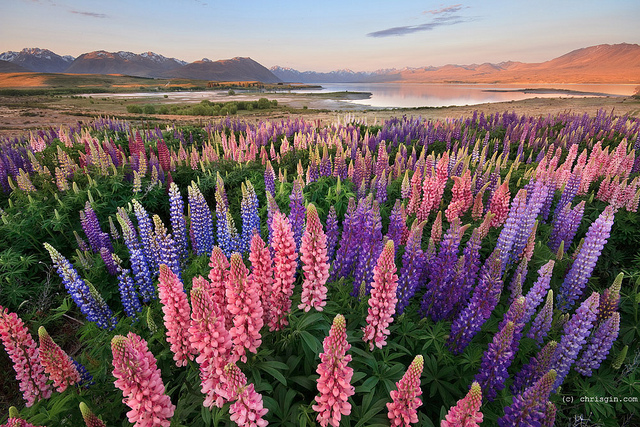
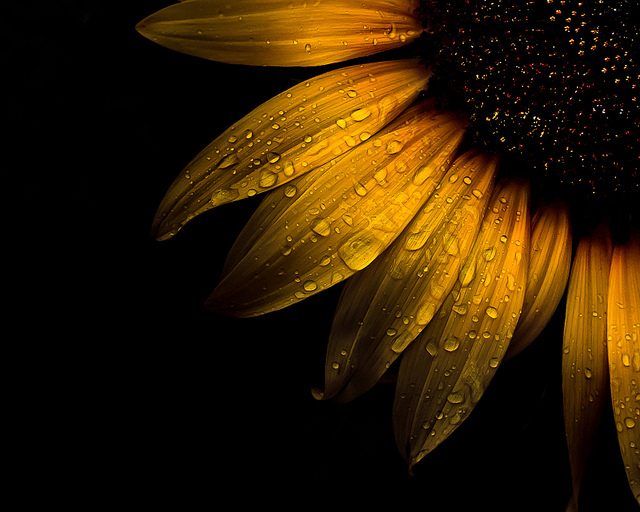
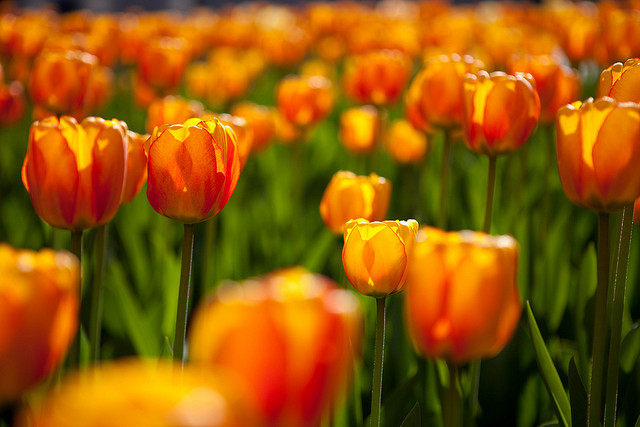
  • A Collection of Cheery Flower Photos to Brighten Your Day

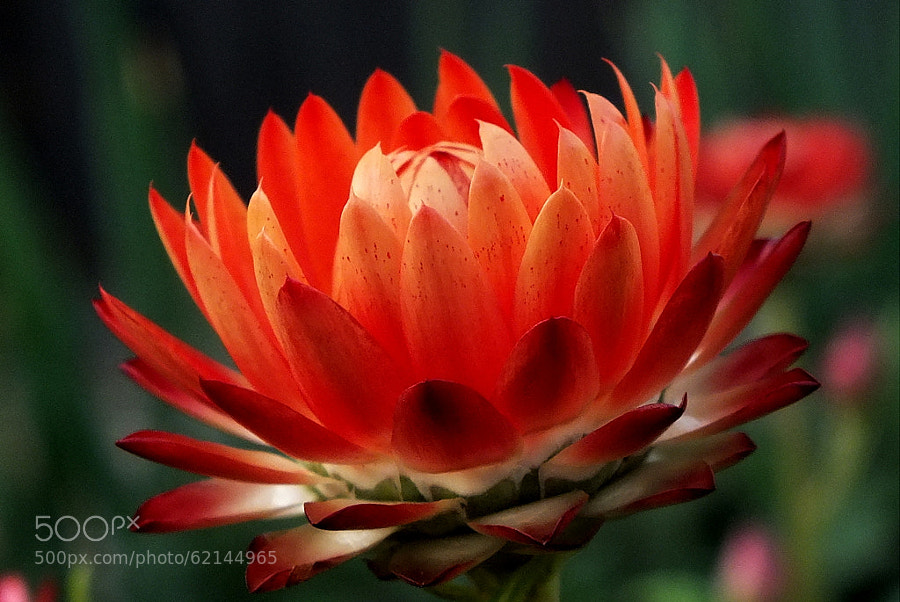
    Over the last few weeks I’ve been featuring different colors as the weekly theme. To change it up a bit this week, and enjoy every last minute that summer brings us, I’ve rounded up some lovely cheery flower photos for you.

    Who doesn’t like a good flower photo? They’re colorful, have lots of textures, maybe an insect or two, and are always interesting photographic subject material.

    Enjoy and have a floral day!

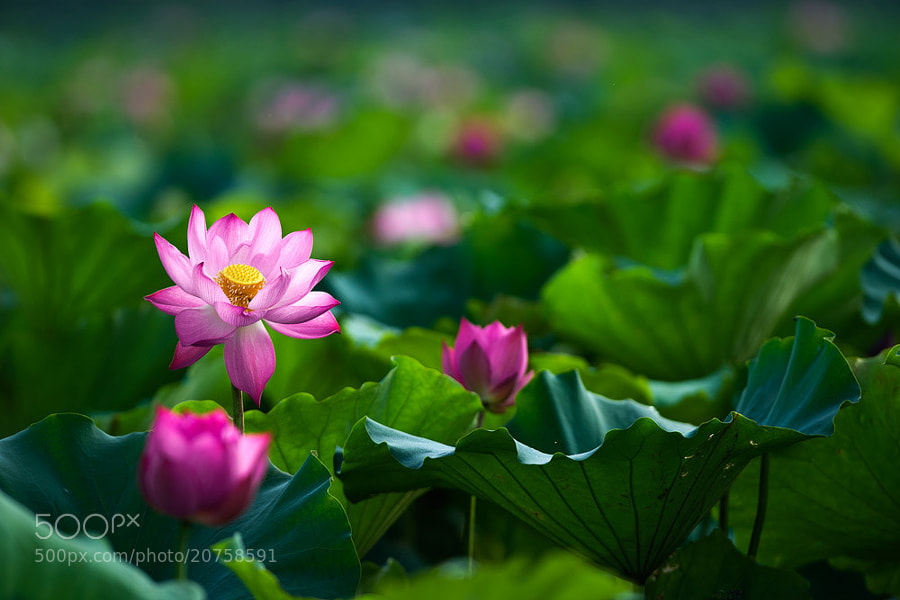
    Photograph Lotus by Hai Thinh on 500px

    Lotus by Hai Thinh on 500px

    Photograph shine by park seo jin on 500px

    shine by park seo jin on 500px

    Photograph Atmaniksepa by Josep Sumalla on 500px

    Atmaniksepa by Josep Sumalla on 500px

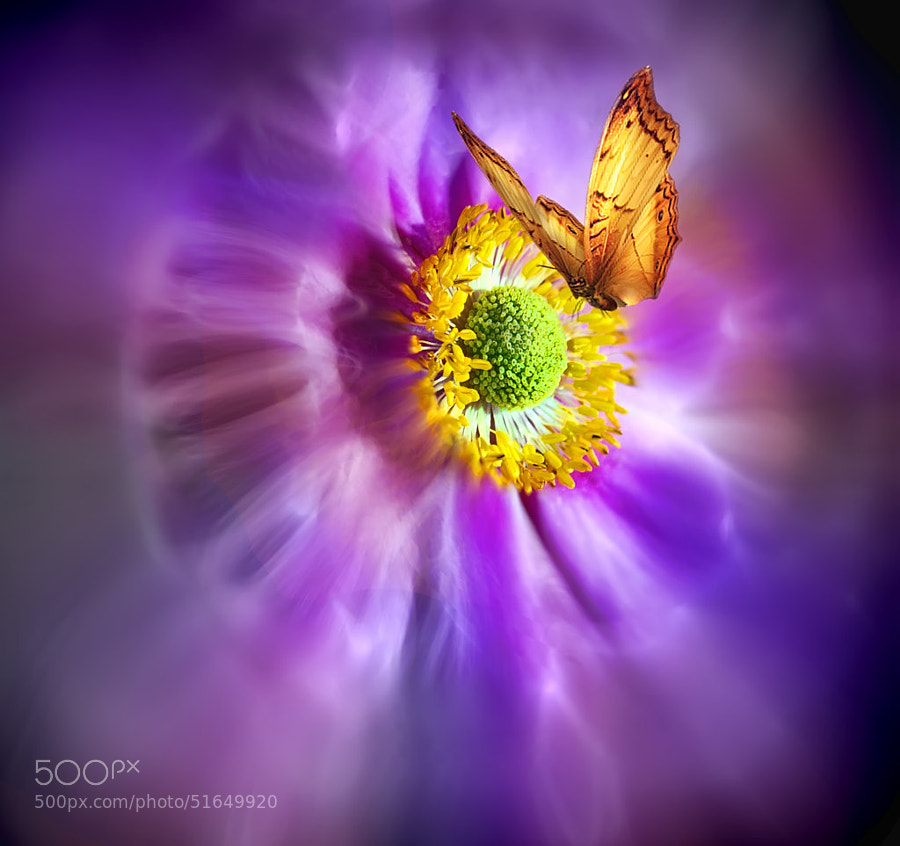
    Photograph ... by Alena ?erve?anská on 500px

    … by Alena ?erve?anská on 500px

    Photograph Satsang by Josep Sumalla on 500px

    Satsang by Josep Sumalla on 500px

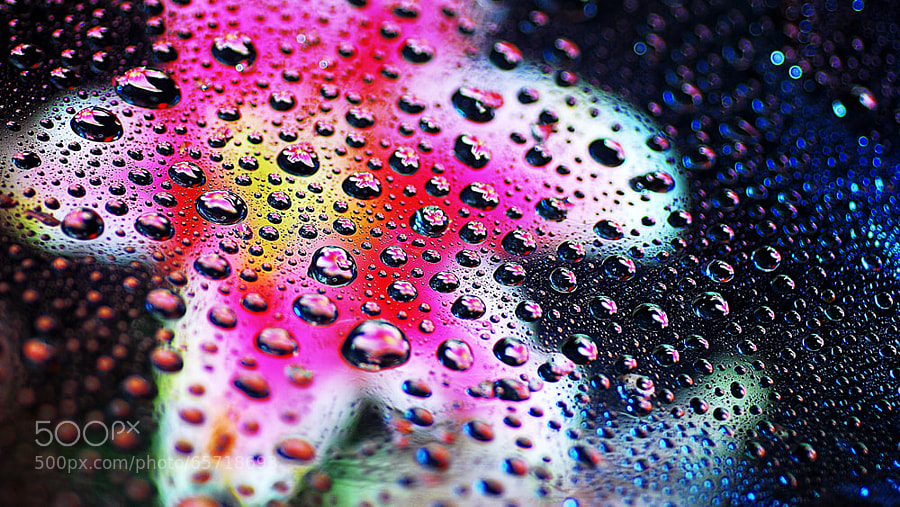
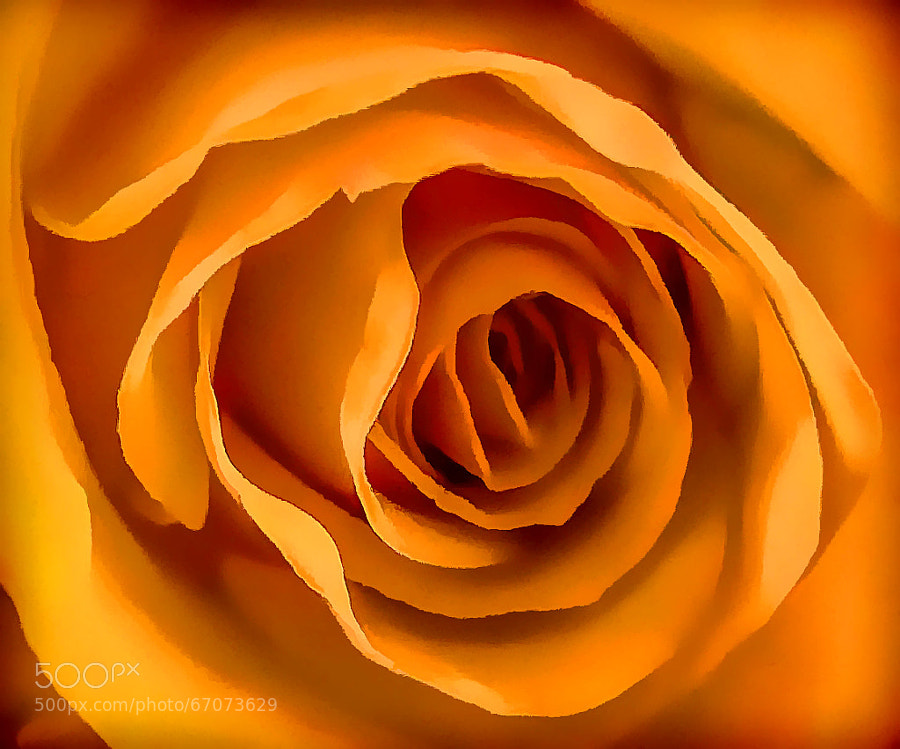
    Photograph Orange Rose Abstract by Chris KIELY Australia on 500px

    Orange Rose Abstract by Chris KIELY Australia on 500px

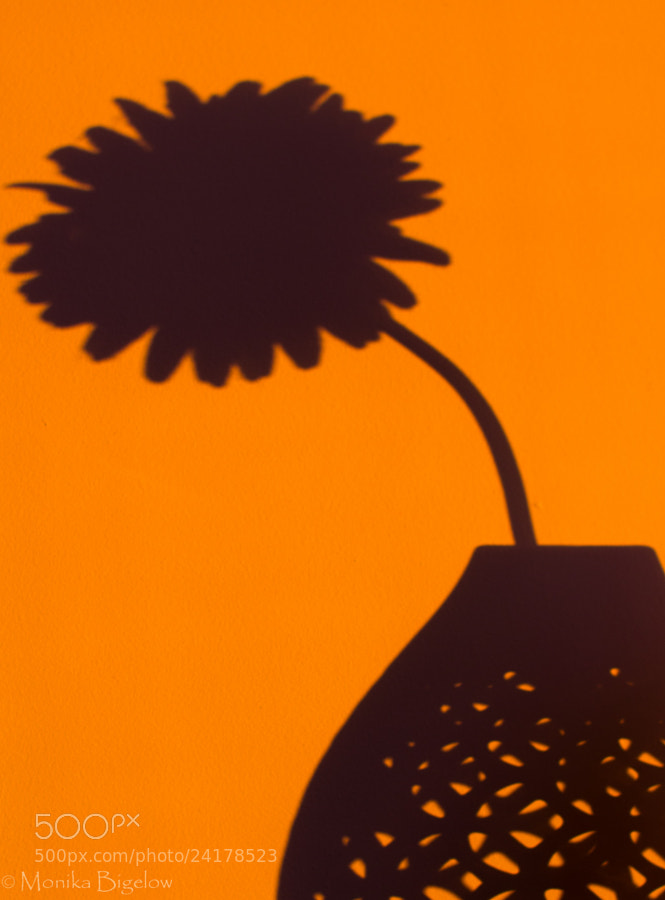
    Photograph 59/365   Shadows from the Morning Sun by Monika Bigelow on 500px

    59/365 Shadows from the Morning Sun by Monika Bigelow on 500px

    Photograph Mother's Day Flower by Kevin  Pepper on 500px

    Mother's Day Flower by Kevin Pepper on 500px

    Photograph Rot im Feld by Leo Pöcksteiner on 500px

    Rot im Feld by Leo Pöcksteiner on 500px

    Photograph Dandelion 2 by Margaret Morgan on 500px

    Dandelion 2 by Margaret Morgan on 500px

    Photograph * by Ayad Ashour on 500px

    * by Ayad Ashour on 500px

    Photograph * by Ayad Ashour on 500px

    * by Ayad Ashour on 500px

    Photograph Untitled by Ayad Ashour on 500px

    Untitled by Ayad Ashour on 500px

    Photograph Steel Blossoms by Jake Schwartzwald on 500px

    Steel Blossoms by Jake Schwartzwald on 500px

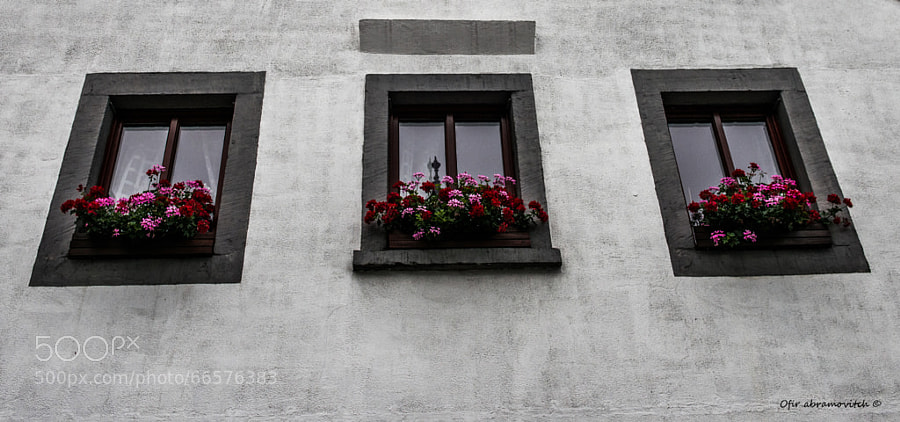
    Photograph Trio by Ofir Abramovitch on 500px

    Trio by Ofir Abramovitch on 500px

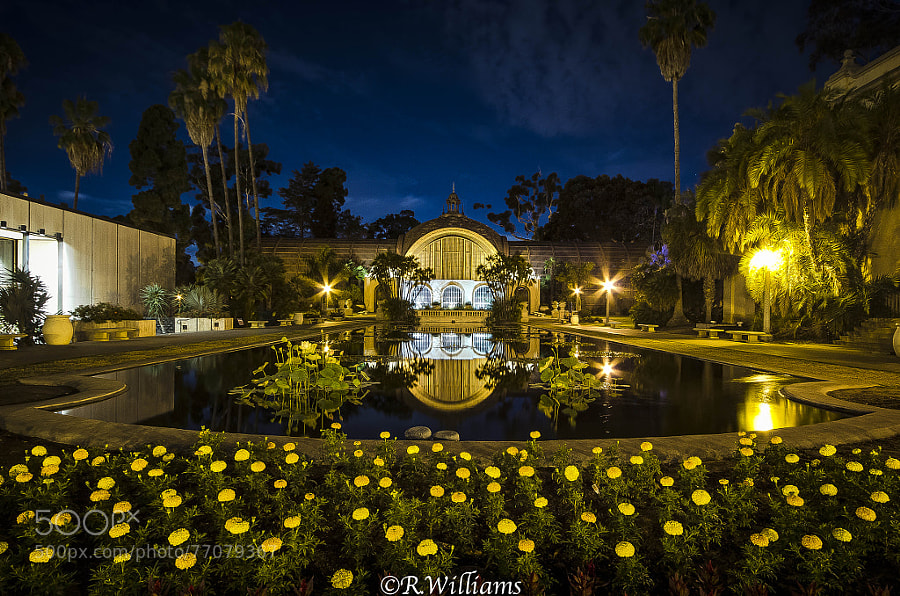
    Photograph The Lily Pond by Ron W on 500px

    The Lily Pond by Ron W on 500px

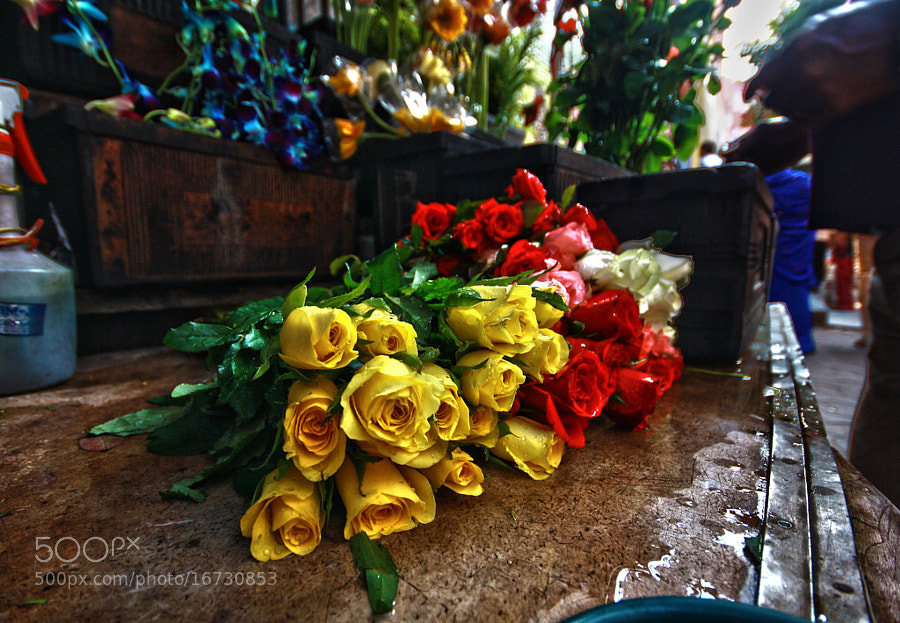
    Photograph Smell of Flowers  by Debabrata Chatterjee on 500px

    Smell of Flowers by Debabrata Chatterjee on 500px

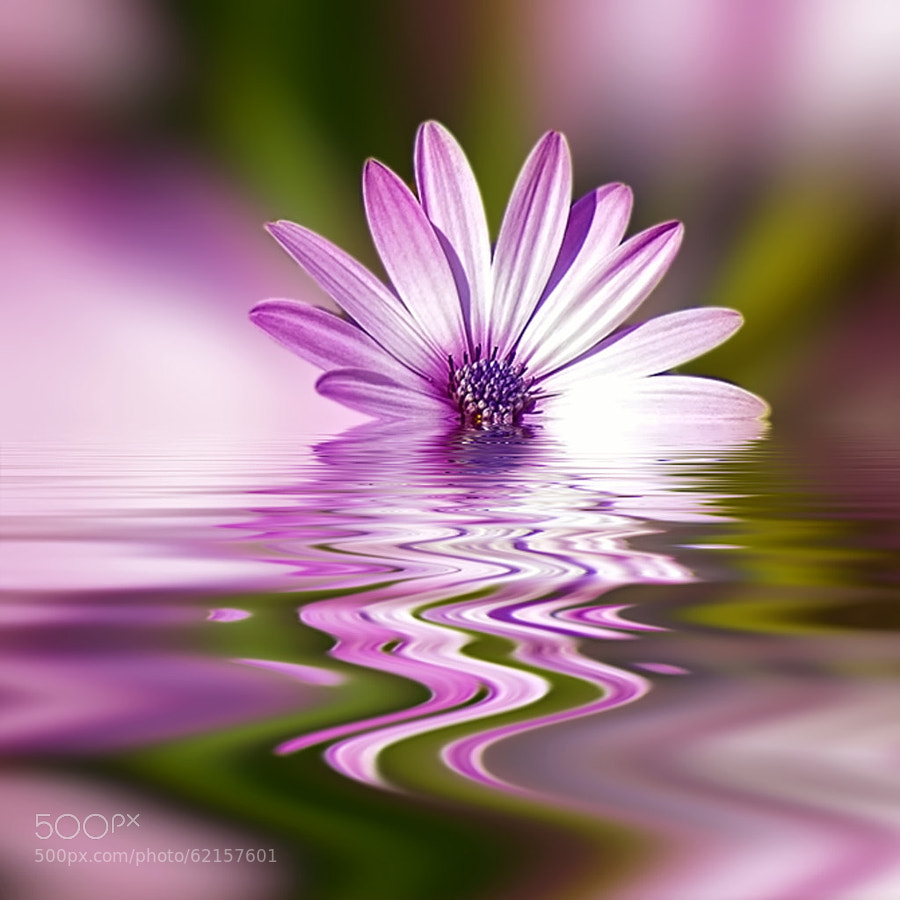
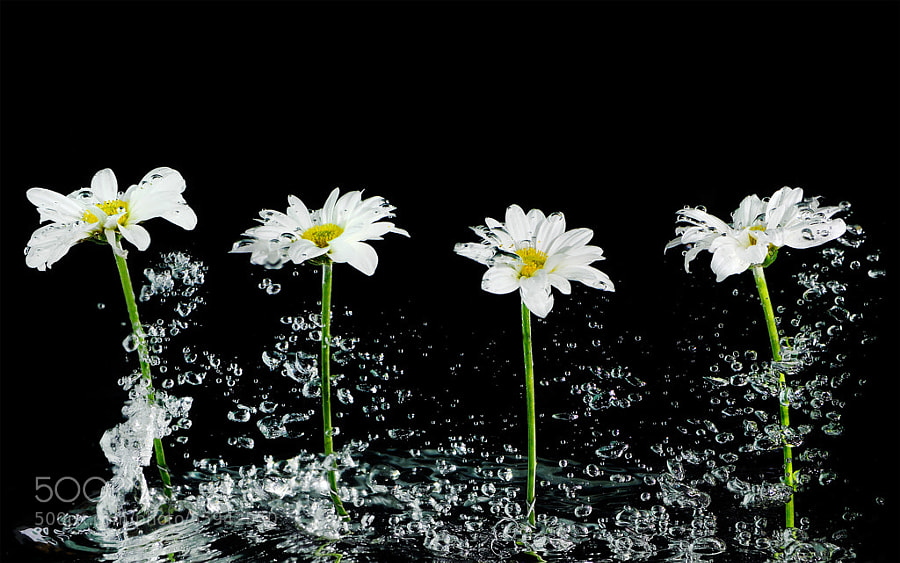
    Photograph Water daisy by chimkudo  on 500px

    Water daisy by chimkudo on 500px

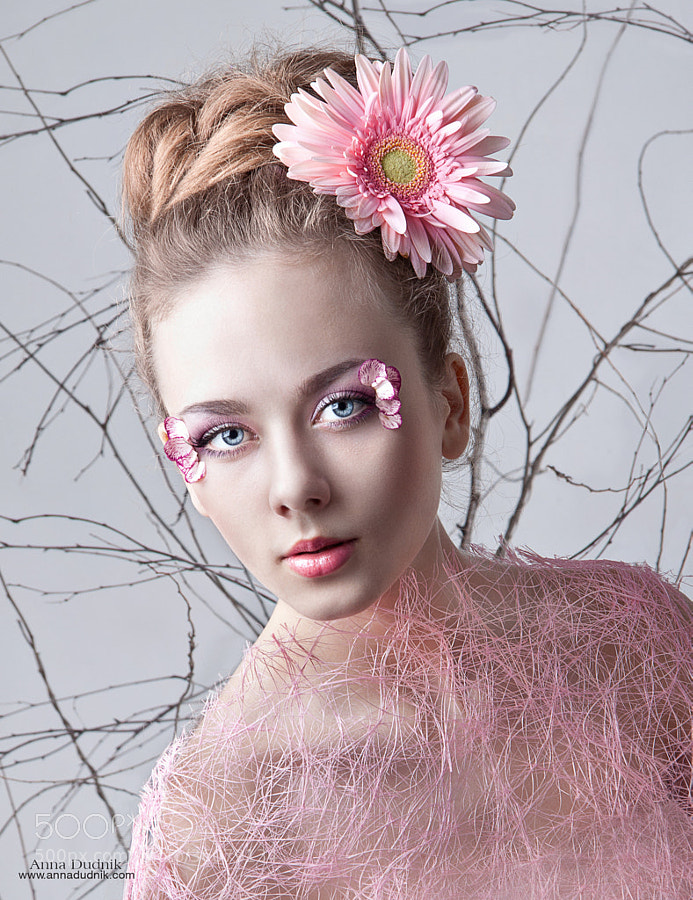
    Photograph *** by Anna Dudnik on 500px

    *** by Anna Dudnik on 500px

    Photograph Tori by Emily  Soto on 500px

    Tori by Emily Soto on 500px

    Photograph Alena Kasia - Orchid by Simon Fuller on 500px

    Alena Kasia – Orchid by Simon Fuller on 500px

    Photograph Beauty hiding by almalki abdullrahman on 500px

    Beauty hiding by almalki abdullrahman on 500px

    Photograph Bright Intentions by H. Becker on 500px

    Bright Intentions by H. Becker on 500px

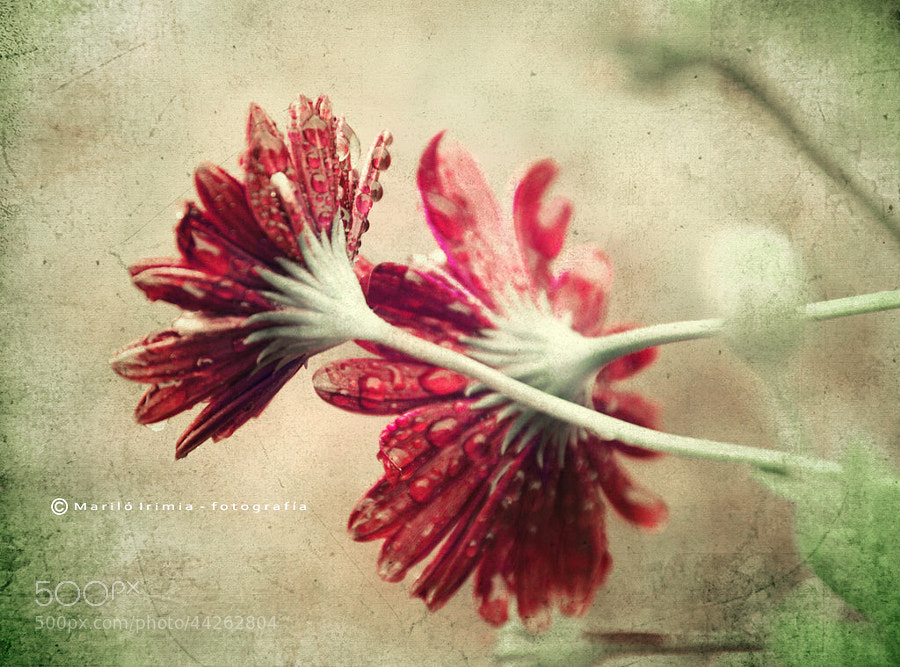
    Photograph vintage daisies by Mariló Irimia on 500px

    vintage daisies by Mariló Irimia on 500px

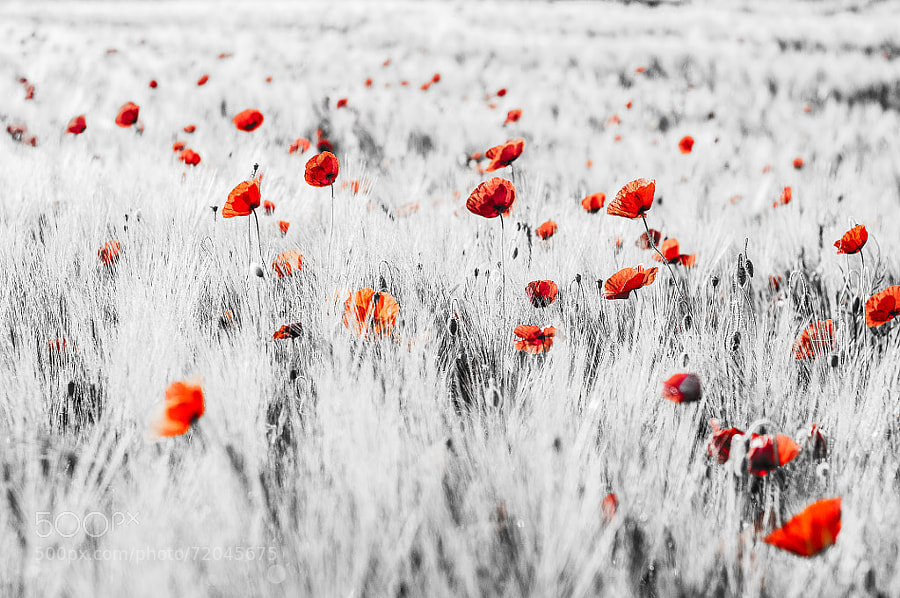
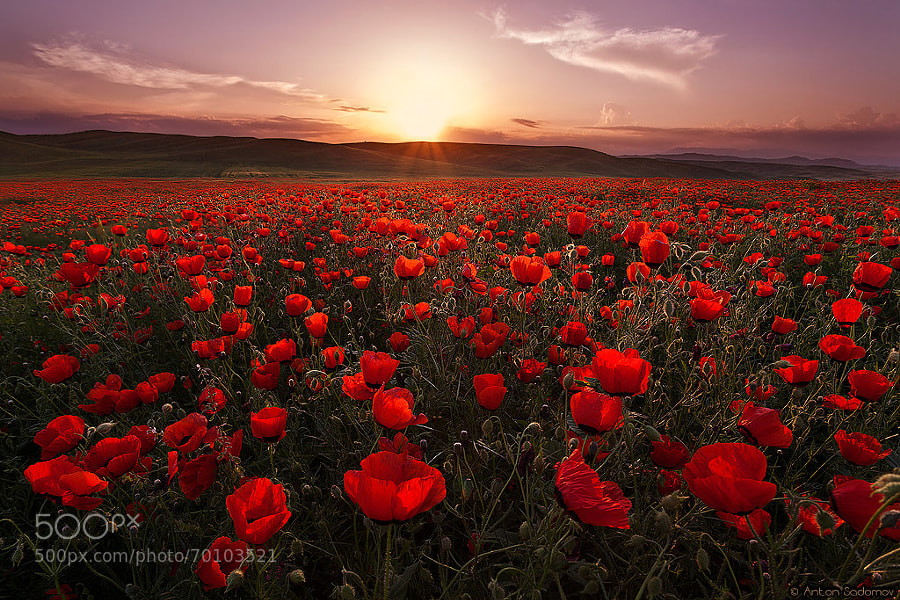
    Photograph poppy field by Anton Sadomov on 500px

    poppy field by Anton Sadomov on 500px

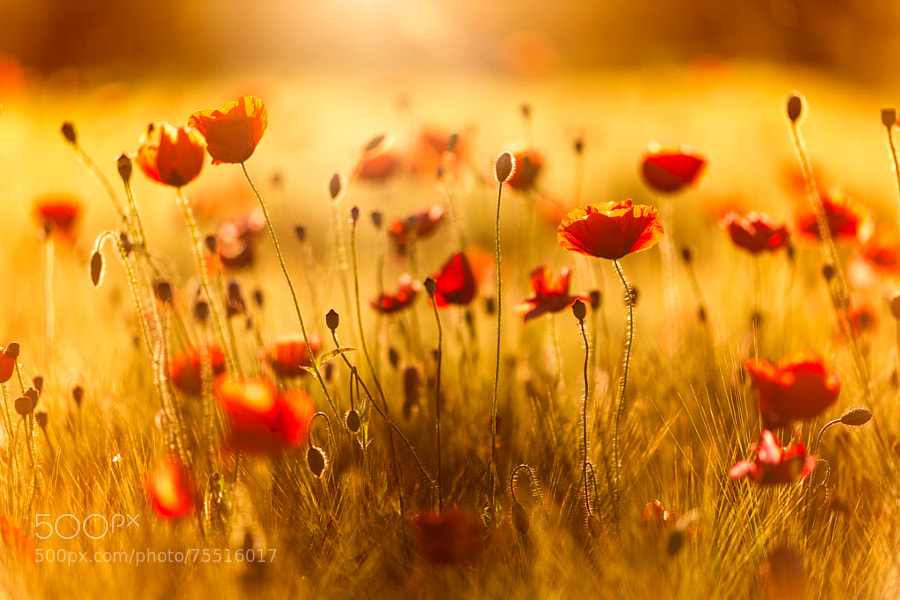
    Photograph summertime ... by Ernest Stierschneider on 500px

    summertime … by Ernest Stierschneider on 500px

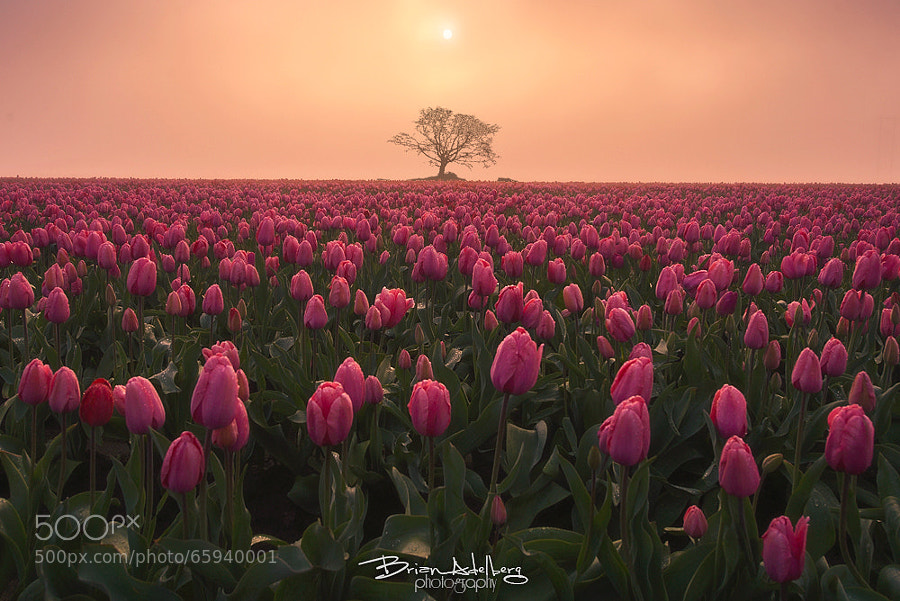
    Photograph Red Dawn. by Brian Adelberg on 500px

    Red Dawn. by Brian Adelberg on 500px

    Photograph Tulip Sniffer by Kaylee Greer on 500px

    Tulip Sniffer by Kaylee Greer on 500px

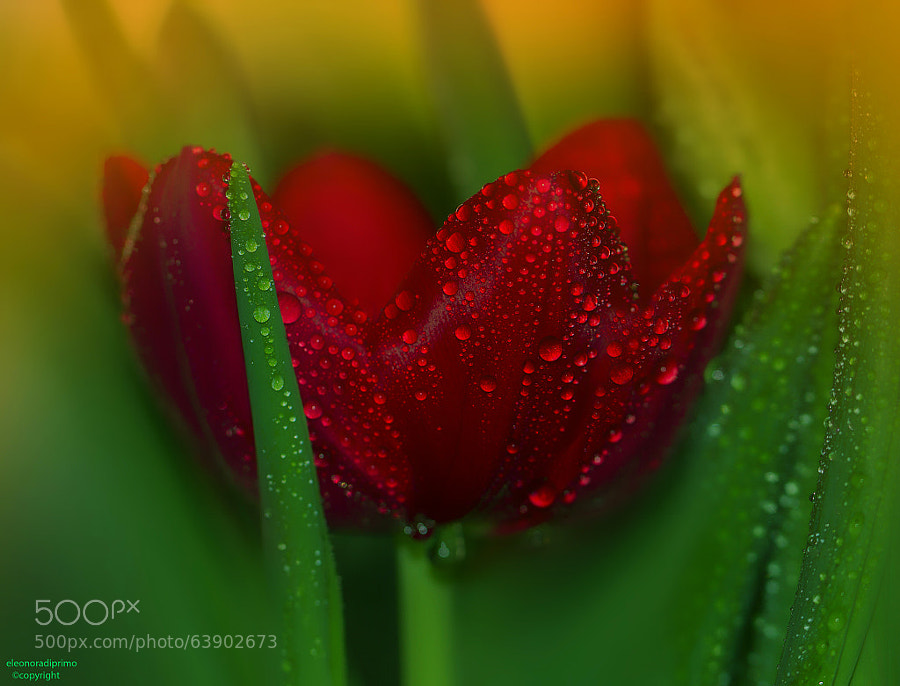
    Photograph In red... by Eleonora Di Primo on 500px

    In red… by Eleonora Di Primo on 500px

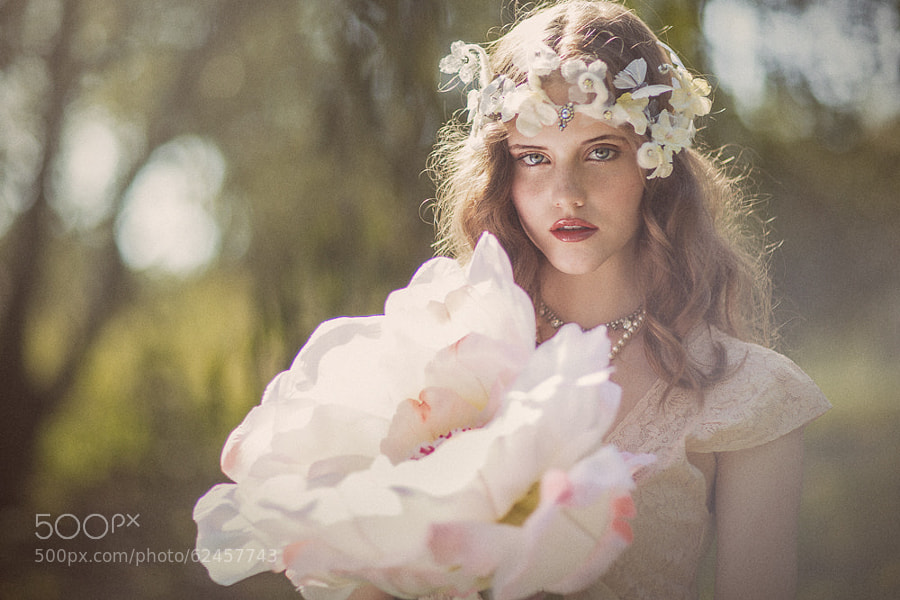
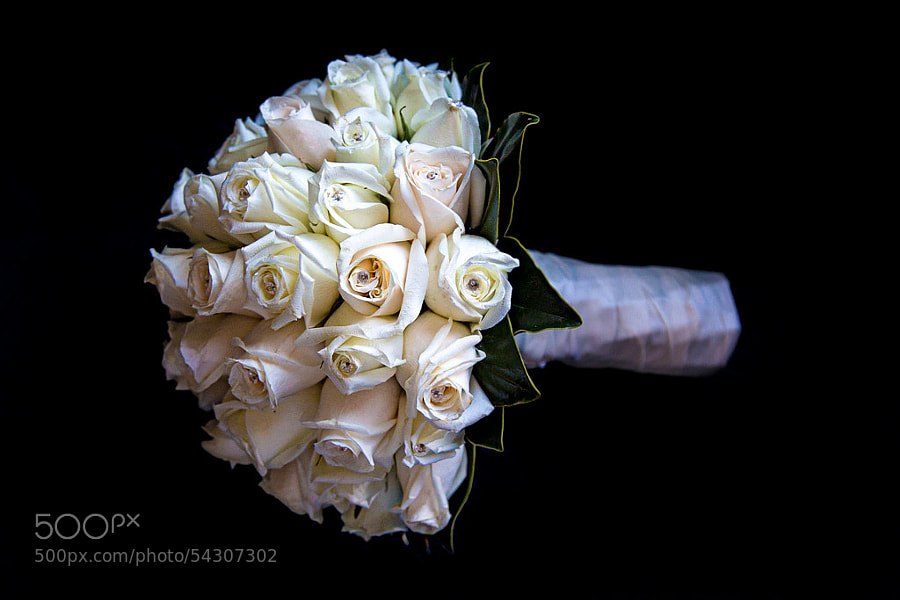
    Photograph Bridal Bouquet...... by Gina J. D. on 500px

    Bridal Bouquet…… by Gina J. D. on 500px

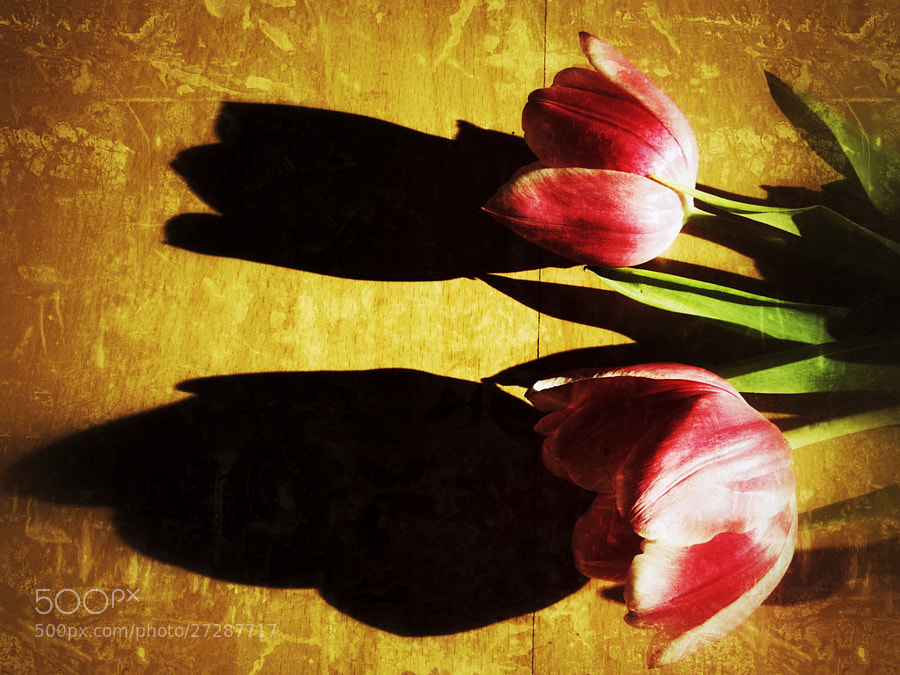
    Photograph shadows of tulips by Borni Merisoniom on 500px

    shadows of tulips by Borni Merisoniom on 500px

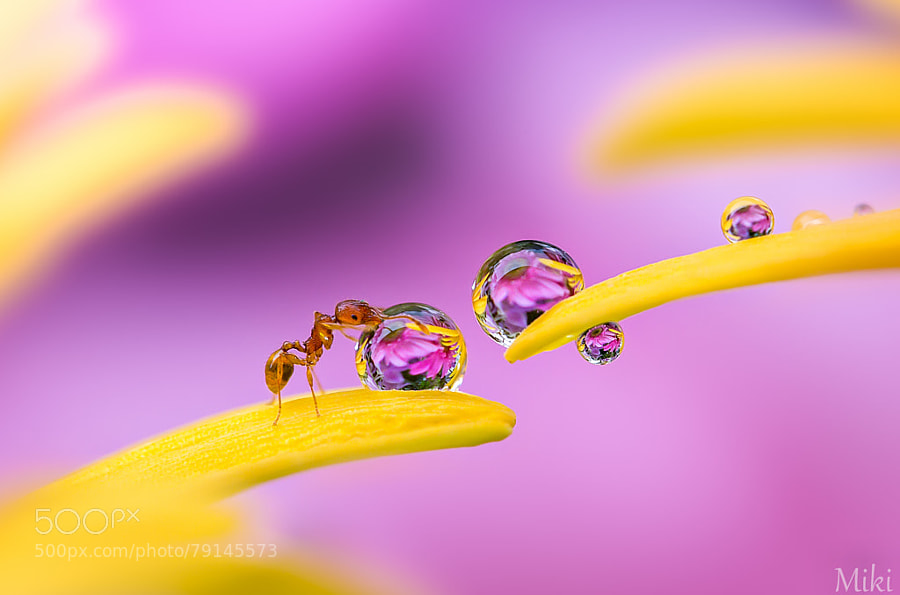
    Photograph A walk by Miki Asai on 500px

    A walk by Miki Asai on 500px

    Photograph Very Deep by Wave Faber on 500px

    Very Deep by Wave Faber on 500px

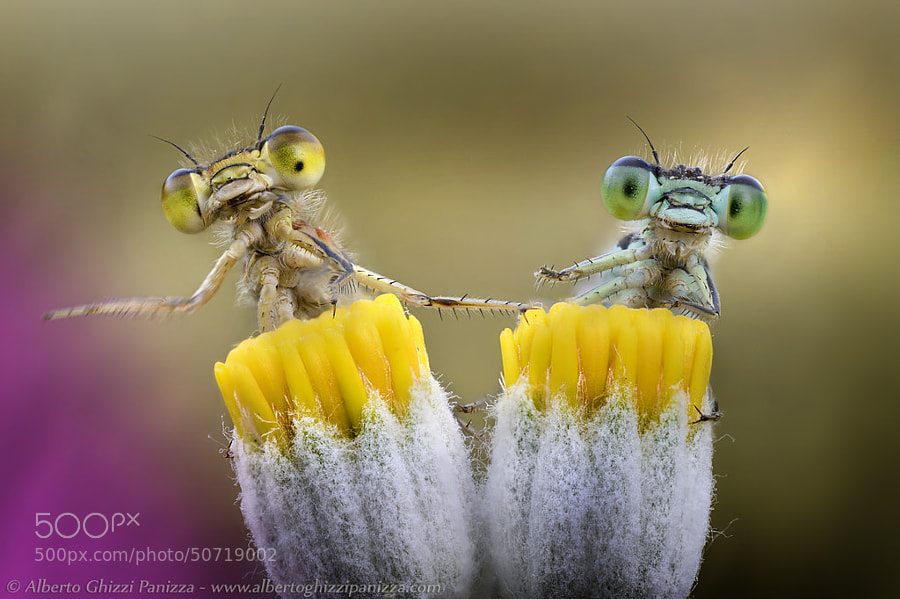
    Photograph We just wanna play drums! by Alberto Ghizzi Panizza on 500px

    We just wanna play drums! by Alberto Ghizzi Panizza on 500px

    Photograph Pollination by Cesar Castillo on 500px

    Pollination by Cesar Castillo on 500px

    Photograph small but beautiful by Eric Bonkhz on 500px

    small but beautiful by Eric Bonkhz on 500px

    The post A Collection of Cheery Flower Photos to Brighten Your Day by Darlene Hildebrandt appeared first on Digital Photography School.


    Digital Photography School

  • Step by Step how to Brighten the Walls in Your Indoor Photos

    “I swear, the walls were white!” you exclaim as you look through indoor photos taken from an earlier shoot, that now appear to have an annoying yellow tint over everything. Sound familiar? Don’t worry, you’re not crazy. This is a common frustration, photographers of all experience levels face due to what’s referred to as “color casting”. Color casting is simply the effect of light striking different surfaces and bouncing back other colors into your camera’s sensor. Though annoying, it’s also relatively unavoidable without careful calculation and additional equipment.

    Before.After2_.jpg

    Powerful photographs are created before, during, and after the click of your camera. Sometimes, especially when it comes to photographing wiggly, unpredictable children, you don’t exactly have time to calibrate with a gray card, adjust your camera settings, or take a test shot. If you’re not already bored by the thought of it, by the time you actually work through this process, the moment has passed, and you’re still fiddling with a camera instead of chasing after your little subject.

    Since some of the best natural shots occur in the comfort of your home, it’s important to make sure the walls surrounding you aren’t obstructing the emotion you could be catching with awkward color casts. Even though grasping skills like proper exposure, white balance settings, and other in-camera techniques are key to creating good photos, they are only pieces of the greater puzzle. Sometimes, it’s the things like communicating effectively with your subject, learning to naturally direct posing, and mastering basic post-processing tricks that truly take that in-camera image and reveal the emotion behind it. Luckily, correcting dingy-wall syndrome is a quick and easy way to improve your indoor shots. With just a few quick steps in Photoshop, you can restore brightness to your walls and subjects and drastically improve your shot.

    Before

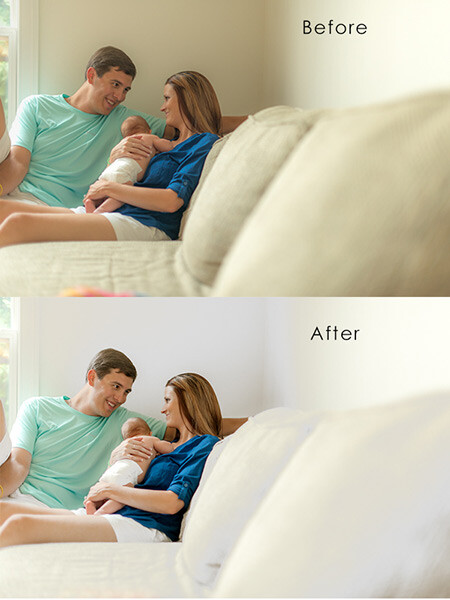
    Above is the image I started with. The walls were white and the couch was tan, but the color cast over the image makes everything appear dingy. This is what we’re working towards:

    After

    How to fix this – steps:

    Step one

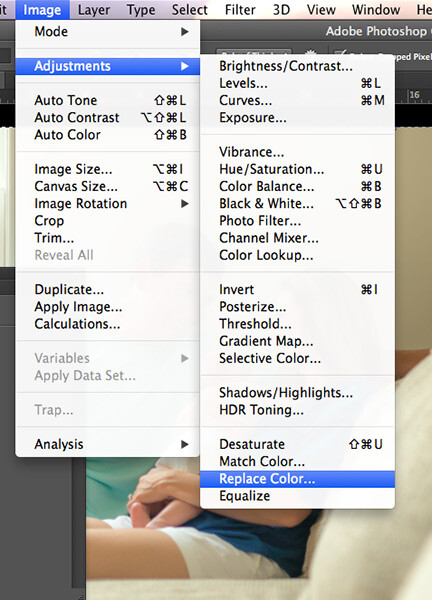
    Operating on a new layer, navigate to the ‘Replace Color’ tool by clicking on Image > Adjustments > Replace Color
    ReplaceColorSS

    Step two

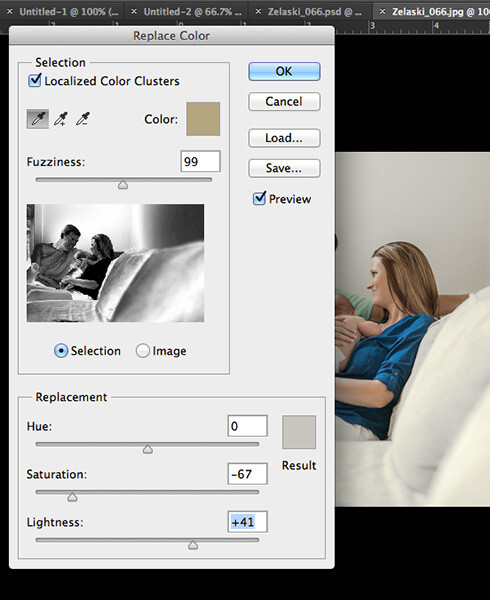
    A dialog box will pop up. Make sure the ‘Localized Colors’ box is checked and the ‘Eyedropper’ tool is selected. Sample a section of the wall from the original image you want to adjust. With the ‘selection’ option active, your preview shows what color will be affected by with adjustment in white. Play with the fuzziness slider until your preview shows the best selection. It’s okay if it picks up some colors from other parts of the image you don’t want to adjust; we’ll go back and fix that later.

    Option: You can also select just the portion of the image you want to change by using the Quick Select tool.

    Step three

    Slide the saturation bar to the left to decrease the color tones, but not too far that it creates noise (grain) from the contrast. Slide the ‘lightness’ bar to the right to adjust the brightness of your white, but again, not so much that it creates unusual contrast. Use your judgment based your particular photo to determine the levels that achieve the best result. Click ‘Ok”.
    ReplaceColorSS2

    Step four

    If your fuzziness picked up any samples from areas that you did not wish to change, like faces for example, simply select the ‘Eraser’ tool and paint over those areas to restore the original color. You can adjust the opacity of your eraser to control the amount of color you wish to restore as well. (You can also use a layer mask to do this)

    That’s it! Now you can make any other changes or adjustments to the image. This one simple fix makes a huge difference in the impact of your images and takes less than a minute to complete once you get the hang of it. Normally, “I’ll fix it in post-processing” is not a great motto to adopt as a photographer and of course, you should aim to do as much in camera as possible. But hey, life is spontaneous! This quick little trick is an easy way for you to truly enhance the natural beauty of your indoor images and you’ll never have to worry about missing the shot again because of your in-camera white balance.
    Before After

    The post Step by Step how to Brighten the Walls in Your Indoor Photos by Leah O’Connell appeared first on Digital Photography School.


    Digital Photography School

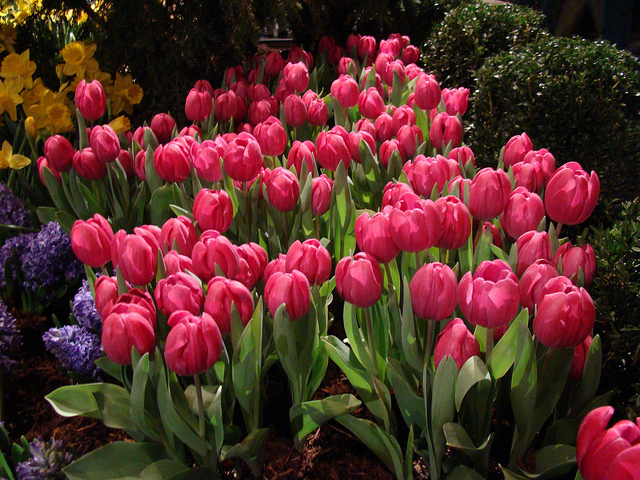
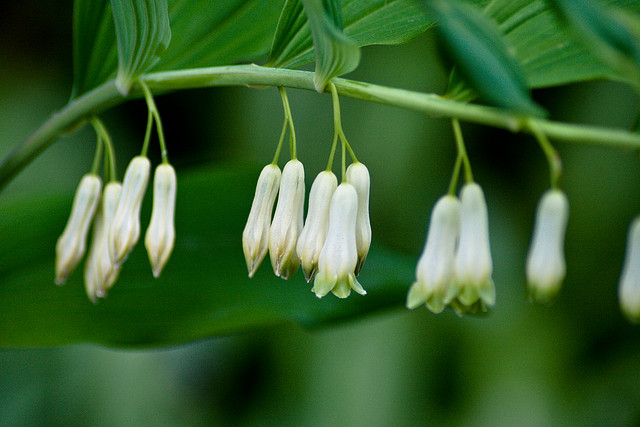
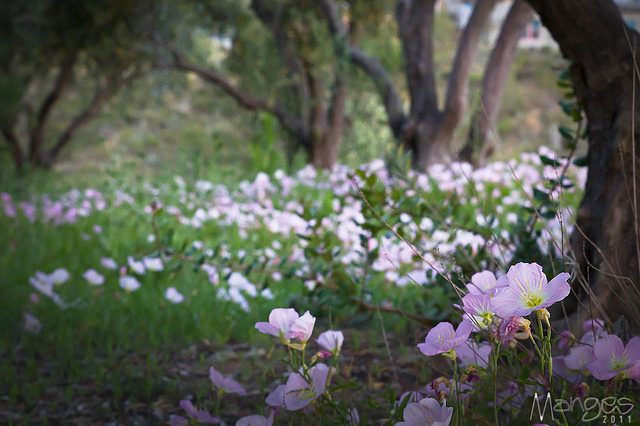
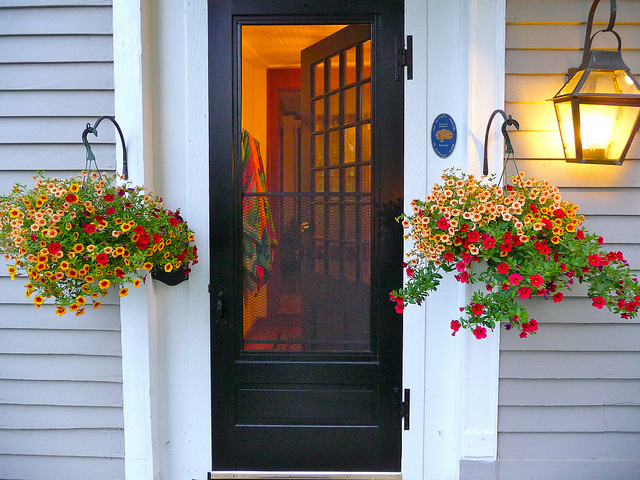
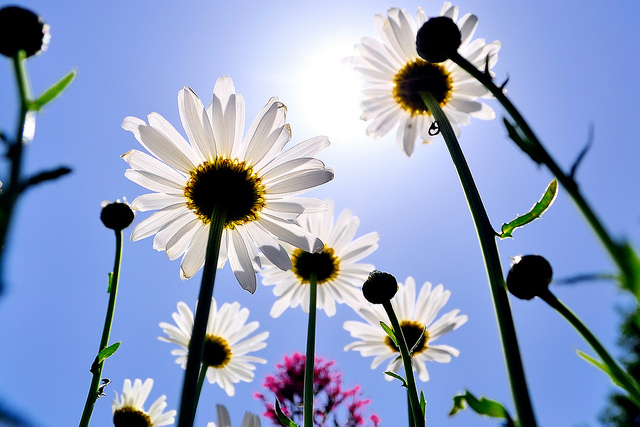
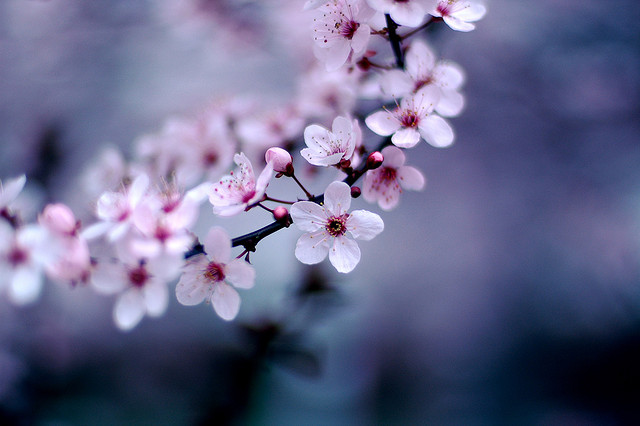
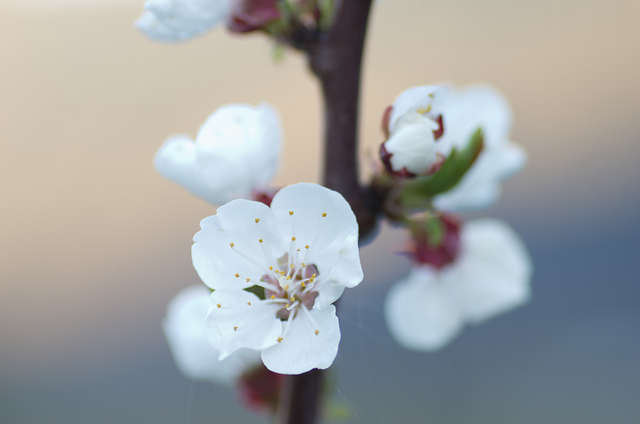
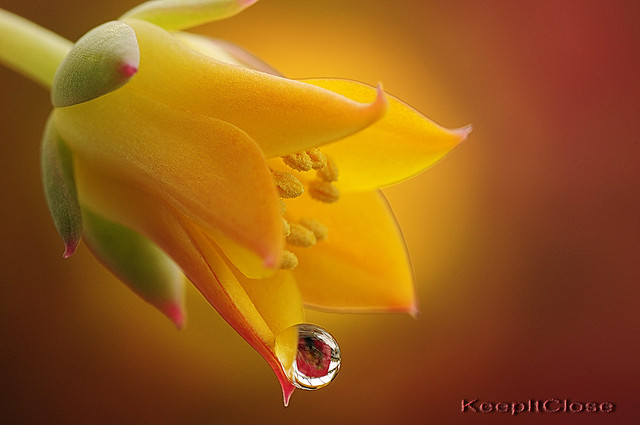
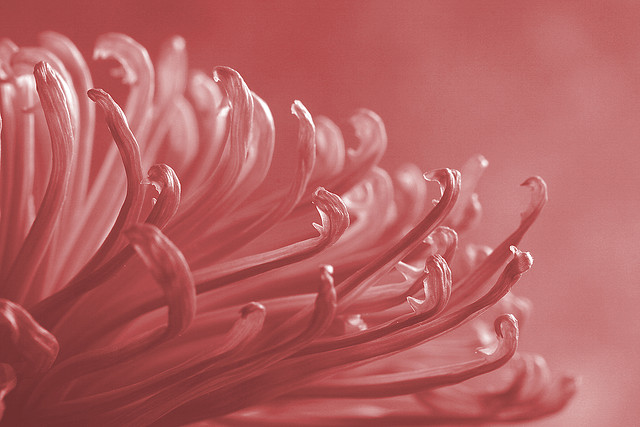
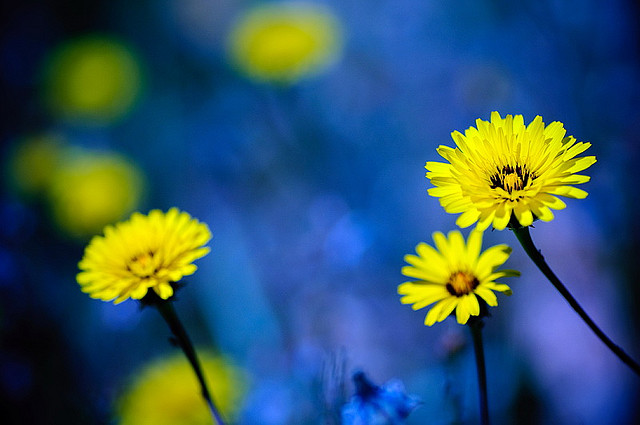
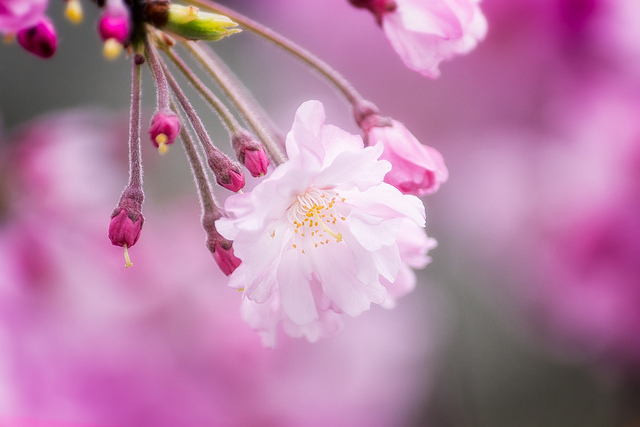
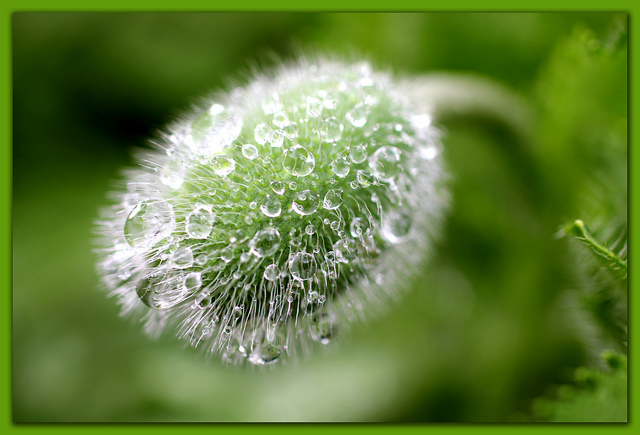
  • A Collection of Spring Flower Photos to Brighten your Weekend

    If you live in the northern part of the world hopefully you will start to see some signs of spring soon. I know where I live we still have some of the yucky cold white stuff but I got flowers for my birthday and they brightened my week, so I was inspired to do a collection of them to brighten yours!

    Even if you’re in the southern half of the world you can still enjoy pretty flowers and know they’ll be back soon. Can’t you just smell them?

    Enjoy!

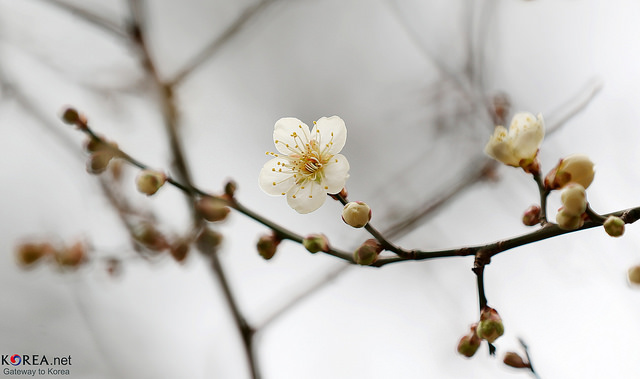
    By Republic of Korea

    By Tim Hamilton

    By Mike Mozart

    By Davide Simonetti

    By Ross Manges Photography

    By slack12

    By ZakVTA

    By Jeff Kubina

    By Maurice Perry

    By Mike Keeling

    By Xavier

    By Agustin Rafael Reyes

    By Steve Wall

    By Gwen Harlow

    By nutmeg66

    By Chris Gin

    By Brian Carson

    By MARCOS VASCONCELOS

    By casch52

    By Jose Maria Cuellar

    By David A. LaSpina

    By LadyDragonflyCC – >;<

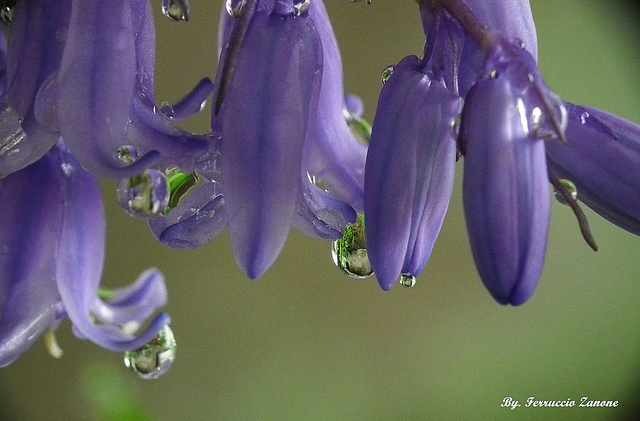
    By Ferruccio Zanone

    By Daniel Kulinski

    By mendhak

    By ruben alexander

    By aussiegall

    By George Thomas

    By Rachel

    By J Labrador

    By Jim Nix

    By kataaca

    By Cath in Dorset

    By Steve Corey

    By Lisa Plymell

    By keeva999


    The post A Collection of Spring Flower Photos to Brighten your Weekend by Darlene Hildebrandt appeared first on Digital Photography School.


    Digital Photography School

  • How To Brighten Eyes in Photoshop (Short)

    Very very very simple way to brighten a persons eyes in photoshop. Please rate, comment, AND SUBCRIBE!

  • Brighten Teeth in Photoshop!

    Happy with our training? Donate! tinyurl.com For more tutorials, head to www.tutcast.com – Brightening teeth in Photoshop! Music: Kevin MacLeod
    Video Rating: 4 / 5